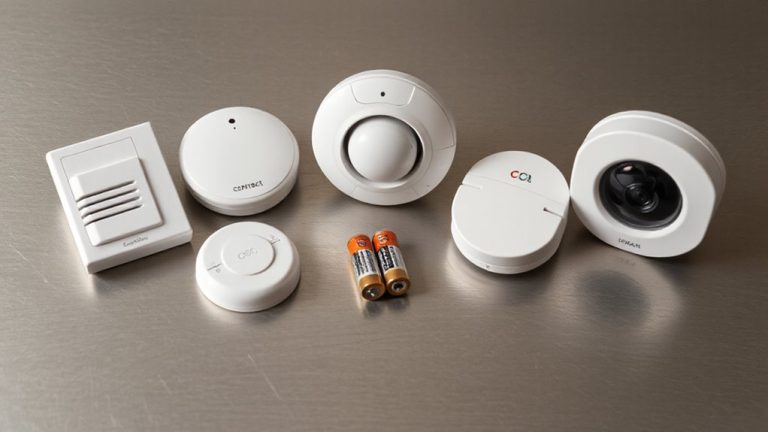
Entry Delay Times on Alarm Keypads: 30-180 Second Guide
You can set your alarm’s entry delay from 30 to 180 seconds, but 30–60 seconds works best for most families. Access system settings with your admin code, choose the delay time, and test it after setup. A 45-second delay often balances security and convenience. Longer times help households with kids, pets, or frequent visitors. Place keypads near entry points and adjust sensor sensitivity to avoid false alarms-fine-tuning these settings improves reliability. There’s more to optimizing your system for daily routines.
Notable Insights
- Set entry delay between 30 and 60 seconds for a balance of security and time to disarm upon entry.
- Access the alarm system with an admin code to adjust delay settings via the keypad menu.
- Test the delay after configuration to ensure it matches household entry patterns and routines.
- Extend delay time for homes with pets or multiple family members to prevent false alarms.
- Place keypads near entry points and maintain wireless signal strength for reliable system response.
What Is Entry Delay on an Alarm Keypad?
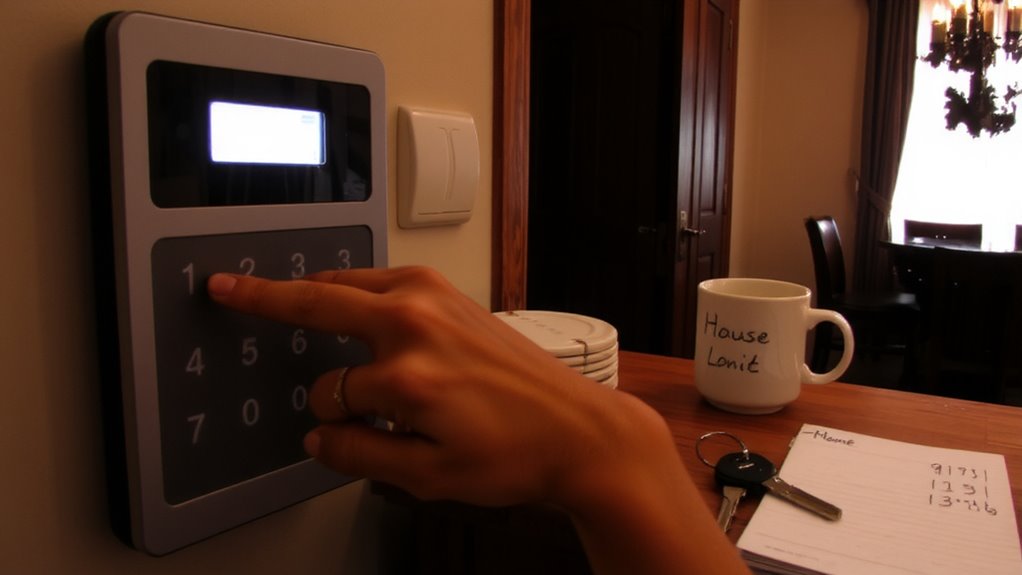
You’ve probably walked through your front door, set your bags down, and scrambled to enter your alarm code before the system goes off-thanks to entry delay, you have a set window to do exactly that. This feature gives you 30 to 60 seconds to disarm the system after triggering the perimeter sensors. Proper keypad placement near the main entry guarantees you can reach it quickly, reducing false alarms. If the keypad is too far, you might not beat the countdown. Entry delay works alongside alarm sensitivity settings; if those sensors are too sensitive, they may activate unnecessarily, shortening your effective entry time. Balancing sensitivity and smart keypad placement improves reliability. Most systems allow adjustment during setup, though changing it later may require professional help. Entry delay enhances convenience without sacrificing security-just make sure your layout supports it.
How to Set Entry Delay on Your Alarm Keypad
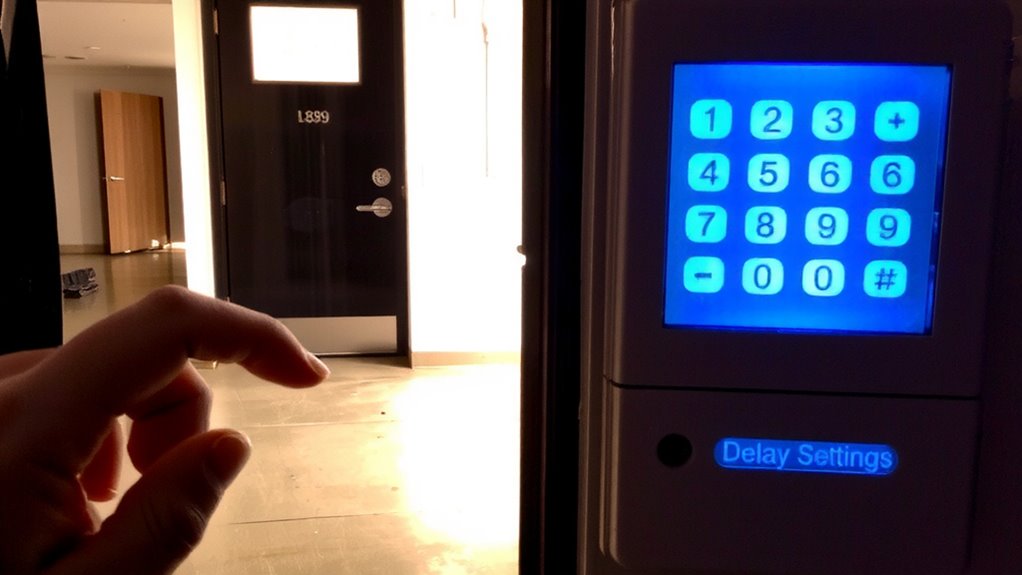
Timing is key when configuring entry delay on your alarm keypad. You’ll want to access your system’s settings to adjust delay settings based on your household’s needs. Start by entering the admin code, then navigate to the Arm mode options. From there, select entry delay and input your preferred time. Below is a quick reference for common configurations:
| Delay Time (Seconds) | Use Case | Pros |
|---|---|---|
| 30 | Quick entry, few obstacles | Short, efficient |
| 60 | Average home layout | Balanced safety and convenience |
| 90 | Larger homes, mobility needs | Extra time, reduced rush |
| 120 | Multiple entry points | Greater flexibility |
| 180 | Special circumstances | Maximum entry window |
Always test your delay settings after setup to guarantee they work as expected.
Best Entry Delay for Your Family’s Routine
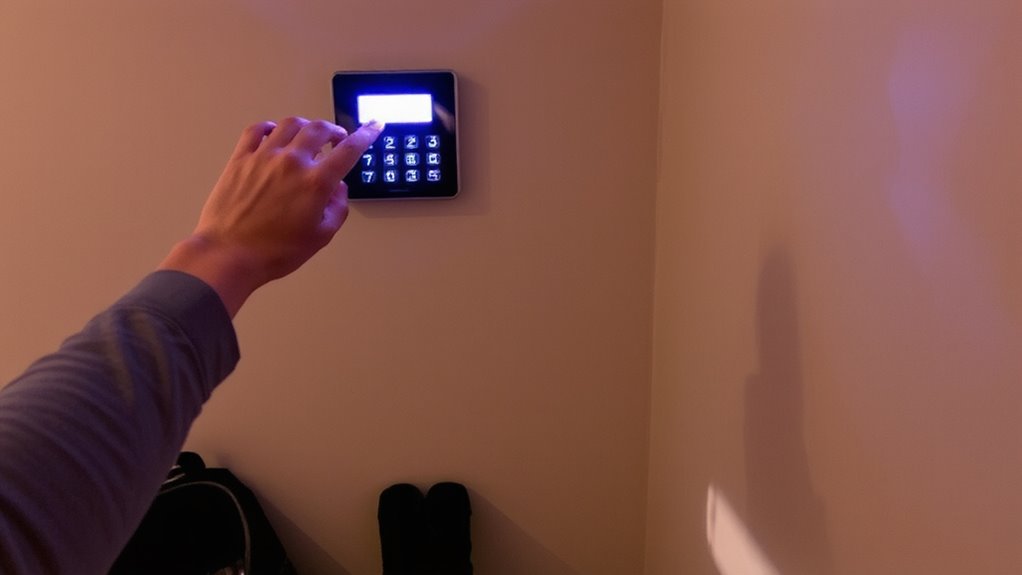
Now that you’ve adjusted the entry delay settings on your alarm keypad, the next step is choosing a delay time that aligns with your family’s daily routine. For most households, a 30- to 60-second delay works well, giving you enough time to enter and disarm the system without rushing. If your morning rush involves multiple people grabbing backpacks, lunches, and keys, a slightly longer delay can prevent accidental alarms. Similarly, during your bedtime routine, when everyone’s winding down, a consistent delay helps guarantee the alarm arms only after everyone is settled. Too short a delay causes frustration; too long increases risk. Consider how long it actually takes to get from the garage to the keypad-timing it once or twice gives real data. A 45-second delay often balances convenience and security best. For added protection, consider pairing your customized delay settings with one of the best household alarms recommended for reliable home security performance.
Fix Common Entry Delay Issues
Even if you’ve chosen a delay time that fits your household’s rhythm, you might still encounter issues like frequent false alarms or difficulty disarming in time. False alarms often stem from delayed entry or miscommunication among family members, so make certain everyone knows the countdown window. If you’re consistently triggering alerts, consider extending the delay by 10–15 seconds. Keypad malfunctions, like unresponsive buttons or blank screens, may disrupt disarming-check batteries regularly and clean the surface gently. For wireless keypads, poor signal strength can cause delays; repositioning the unit near the main panel often helps. Test your system weekly to catch issues early. Persistent keypad malfunctions may require a professional inspection or replacement. Keeping firmware updated prevents glitches and maintains peak function. A small investment in maintenance now avoids costly false alarm fees and security gaps later.
Security vs. Convenience: Find Your Balance
You’ve likely fine-tuned your entry delay settings and resolved common issues like false alarms or keypad responsiveness, but another layer deserves attention-balancing security and convenience. Shorter delays increase security by reducing entry windows for intruders, but they can frustrate household members with tight schedules. Longer delays improve convenience, especially for families with kids or pets, yet they slightly raise risk during real threats. Your user behavior shapes the ideal setting-do you often enter with groceries or juggle multiple people? System customization lets you adjust delays per keypad or user profile, offering flexibility. Consider starting with 30–45 seconds: a practical midpoint. Monitor usage for a week and adjust. Weigh real risks against daily friction. Data shows most break-ins occur in under a minute, so even brief delays matter. Prioritize safety without sacrificing practicality.
Train Kids and Guests to Disarm the Alarm Safely
How do you guarantee everyone who enters your home can disable the alarm without triggering a false alert? Start with consistent alarm education for kids and frequent guests. Teach them the correct disarm sequence using your keypad, and explain why rushing or guessing codes leads to problems. Conduct regular safety drills so they practice under calm conditions, reducing panic during real entries. Make sure everyone knows the difference between arming and disarming modes. Use simple, written instructions near the keypad as a backup. Children should understand not to share codes and to report lost access immediately. Guests should only know temporary or guest codes, if available. Training reduces errors, strengthens security, and secures your entry delay works as intended. Proper preparation means fewer false alarms and better overall home protection. Safety isn’t just about technology - it’s about practice, awareness, and clear communication. Many modern best security systems for apartments offer features like customizable entry delays and user-specific codes to enhance safety and convenience.
Entry Delay Times for Homes With Pets or Frequent Visitors
While standard entry delays typically last 30 to 60 seconds, homes with pets or frequent visitors often benefit from adjusting this window to match real-world traffic patterns. You should consider increasing the delay to 90 seconds if you have large pets, as it gives them time to move away from motion sensors, reducing false alarms linked to pet motion sensitivity. For homes with frequent guests, syncing the delay with typical visitor access timing guarantees smoother entry without rushing. Some systems offer dual delays-shorter for family, longer for guests-which adds flexibility. Check if your keypad allows user-specific settings, as this can enhance both convenience and security. Systems with pet-immune sensors cost more but perform better. Balance safety with practicality when choosing your timing, and test adjustments over a week to verify reliability. Top-rated systems like those in our best home alarm systems roundup often include customizable entry delays and advanced pet immunity features.
On a final note
You now know how entry delay works, how to set it, and how to balance security with convenience. Choose a delay time that fits your family’s routine-typically 30 to 60 seconds. Adjust for kids, pets, or frequent visitors. Test the system regularly, train everyone properly, and fix issues promptly. A well-configured entry delay boosts safety without sacrificing ease. Plan carefully for reliable, everyday protection.