Customizing Alert Notifications Based on Time of Day for Smarter Security Monitoring
You can cut nighttime alert fatigue by enabling silent monitoring from 11 p.m. to 6 a.m., letting your system log low-priority events like porch packages or tree motion without pinging your phone. Use time-based filters to classify alerts-high urgency triggers immediate notifications, while low-priority ones are suppressed or bundled. Platforms starting at $10/month offer customizable escalation paths and SOAR/SIEM-style automation, letting you review incidents efficiently each morning. Smarter alert rules mean fewer disruptions and better response when it matters. There’s a deeper layer to optimizing these settings that could refine your setup even further.
Notable Insights
- Enable silent monitoring at night to log non-urgent events without disturbing alerts.
- Use time-based filters to classify alerts by urgency and suppress low-priority notifications.
- Escalate critical off-hours alerts silently for discreet mobile or dashboard review.
- Bundle morning alerts by severity and type to streamline review and reduce clutter.
- Apply SOAR/SIEM automation to deliver alerts based on time, severity, and business hours.
Stop Waking Up for Low-Priority Alerts
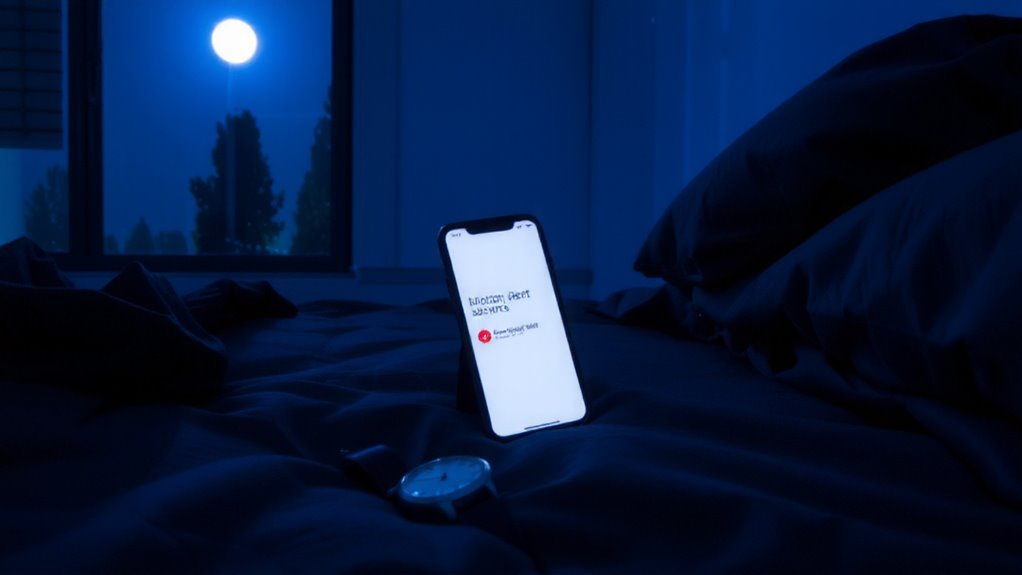
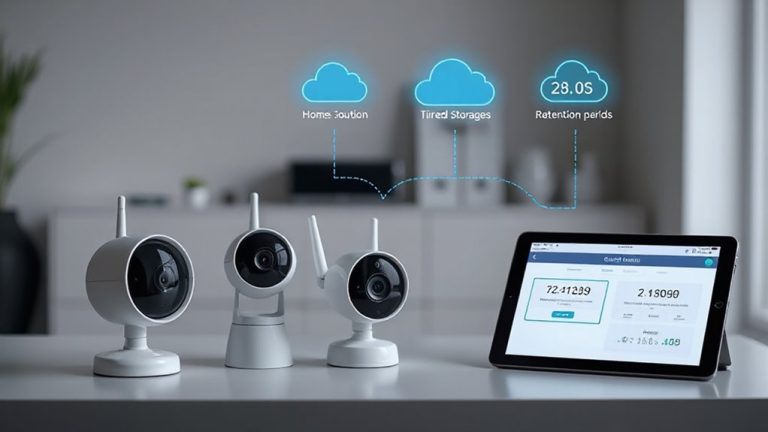
Why do you keep getting pings at 3 a.m. for a package left on the porch? Those low-priority alerts disrupt your sleep and reduce trust in your system. With smart notifications, you can filter non-urgent events like motion from trees or porch packages during nighttime hours. Instead of turning off alerts completely, activate silent monitoring to log activity without sound or phone pings. The system records footage and stores events, so you can review them in the morning. Most modern security apps let you customize these settings easily in a few taps. Pros include uninterrupted rest and reduced alert fatigue; the con is delayed awareness of minor events. Plan your setup by enabling silent monitoring from 11 p.m. to 6 a.m. or adjusting per your routine. Look for systems offering smart notifications with time-based automation to get the best balance of awareness and peace. A reliable option includes choosing from the best wireless security cameras that support advanced alert customization.
Classify Alerts by Time and Urgency
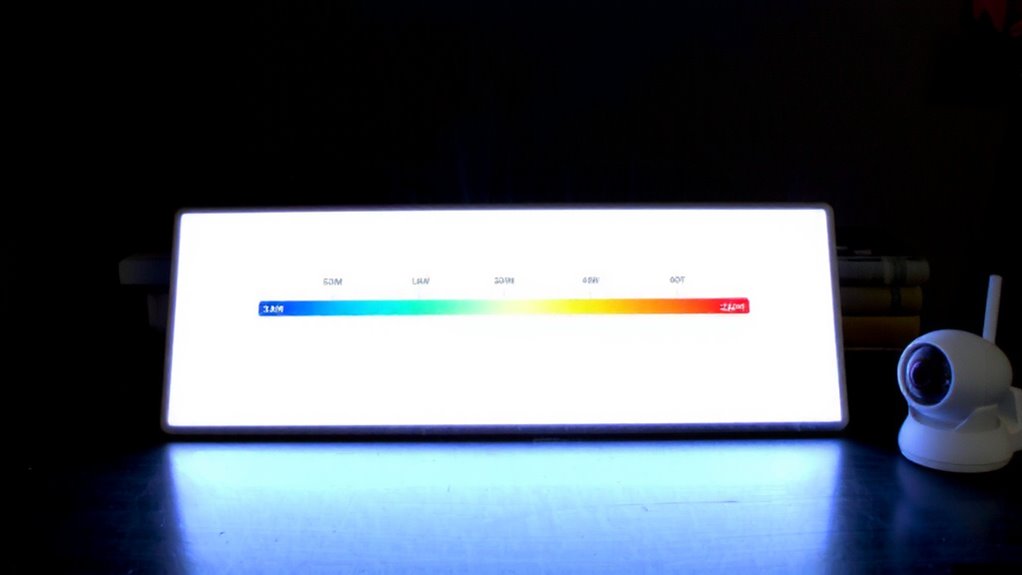
When you set your system to sort alerts by time and urgency, you gain better control over which notifications demand immediate attention and which can wait. Using alert timing and priority filtering helps you focus on real threats while reducing noise. High-priority alerts-like break-in attempts at night-trigger immediate notifications, while low-priority ones, such as a pet moving at noon, don’t. Systems with smart classification use data to assign urgency based on behavior patterns, location, and hour. This means you get alerts that match actual risk levels. Priority filtering also prevents overload, so you don’t miss critical events. Most platforms allow custom rules: you can set certain alerts to notify only during specific times. Setup is simple, though advanced features may require a subscription. Accurate classification improves response speed and system trust, making your monitoring more effective without added complexity.
Escalate Off-Hours Alerts Quietly

You’ve already set up your system to sort alerts by time and urgency, so now it’s time to refine how off-hours notifications are handled. For nighttime or non-business hours, use silent escalation to avoid waking household members unless absolutely necessary. This means critical alerts trigger muted notifications to your mobile device or security dashboard, allowing you to review them discreetly. Less urgent issues can undergo delayed triage, automatically queuing for review the next morning. This reduces fatigue and prevents unnecessary disruptions. Many smart security platforms offer customizable escalation paths-some starting at $10/month-with options to define response rules based on time. While silent escalation improves sleep quality, it requires reliable connectivity and self-discipline to check alerts promptly. Delayed triage works well for low-risk events like motion detected in safe zones. Together, these methods support smarter monitoring without sacrificing responsiveness.
Bundle Morning Alerts by Priority
After reviewing off-hours alerts in the morning, you’ll want to organize them by priority to make your routine more efficient. Use alert bundling to group similar notifications-like motion detection or door openings-so you’re not overwhelmed by repeated alerts. Morning prioritization means tackling high-severity issues first, such as security breaches, before reviewing lower-priority events like routine system checks. This approach saves time and reduces stress. Most modern systems support customizable alert settings, letting you assign severity levels and bundle alerts by type or time. The main benefit is quicker decision-making, though setup may require initial time investment. Check your system’s features-some offer automated rules, while others need manual configuration. A well-planned system improves response accuracy, guarantees critical issues aren’t missed, and supports consistent monitoring without fatigue.
Use SOAR or SIEM Tools With Time-Based Triggers
Though automated systems can handle many security tasks, you’ll still need to fine-tune how alerts are processed during critical times. Using SOAR or SIEM tools with time-based triggers lets you apply time based automation so alerts are only sent when they matter most. These tools help with alert filtering by reducing noise-low-priority events at night get logged, not pushed. During business hours, you can escalate responses automatically. For home security, this means fewer false alarms disrupting your sleep. Most SOAR and SIEM platforms support custom rules based on time, severity, or source. Setup requires planning: define time windows, assign alert levels, and test rules regularly. Some tools charge extra for advanced automation, so check pricing early. Overall, time based automation improves response accuracy without overloading you.
Rotate Alerts by Shift Without Overloading Teams
When security alerts come in around the clock, rotating them by shift guarantees teams stay alert without burnout. You can prevent alert fatigue by assigning alerts to active shifts, so no one team is overwhelmed. At shift handover, clearly pass ongoing incidents using standardized logs or automated summaries. This guarantees continuity and reduces missed threats. Automate alert routing so nighttime alerts go to night staff, and daytime ones to day teams. Most SOAR and SIEM tools support time-based rules, making rotation simple to set up. A well-planned schedule improves response times and keeps your team sharper. Avoid piling alerts on one group-this leads to alert fatigue and slower reactions. Rotate fairly, use handover checklists, and monitor workload weekly. Small adjustments cut response delays and protect your home network just as well as enterprise systems. Smart rotation is low-cost and high-impact.
On a final note
You can reduce alert fatigue by adjusting notifications based on time. Low-priority alerts at night should be silenced or rerouted, while urgent ones trigger immediate alerts. In the morning, group alerts by severity to streamline review. Tools like SOAR or SIEM support time-based rules, helping you respond faster. Balance team workloads by aligning alerts with shifts. Plan configurations carefully-improper settings may delay critical alerts. Test and adjust for your household’s routine.