Protecting Your Digital Footprint: Strategies to Combat Cyberstalking at Home
You might not realize it, but cyberstalking often starts at home with someone you know accessing your devices or accounts without permission. Protect yourself by using strong, unique passwords, limiting app permissions, and switching social media to private mode. Turn off location sharing for non-essential apps and review device logs regularly. Enable two-factor authentication and update smart home device firmware to prevent unauthorized access. If you suspect surveillance, save evidence and seek help-your next steps matter.
Notable Insights
- Secure home devices with strong, unique passwords and enable two-factor authentication to prevent unauthorized access.
- Limit location sharing by disabling GPS on non-essential apps and adjusting privacy settings on smartphones.
- Set social media accounts to private and restrict content visibility to trusted followers only.
- Regularly review app permissions and device logs to detect unauthorized monitoring or suspicious activity.
- Preserve evidence of cyberstalking and report it to authorities, seeking legal and emotional support when needed.
What Is Cyberstalking and How It Starts at Home?
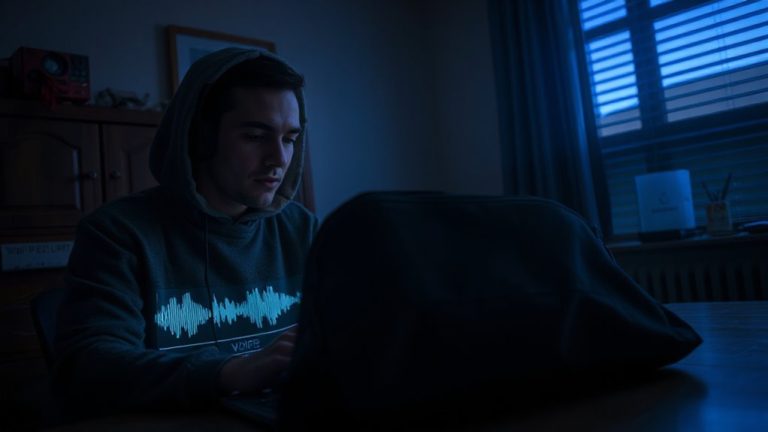
Have you ever wondered how someone might track your online activities without your knowledge? Cyberstalking often begins at home, where trusted individuals misuse access to your devices or network. Online surveillance can happen when someone you know monitors your browsing habits, messages, or location through shared accounts or installed software. Without clear digital boundaries, even family members might cross the line, turning routine tech access into invasive monitoring. This behavior often starts subtly-checking your phone “just once” or using your login for convenience. Over time, it becomes persistent, unauthorized tracking. You can prevent this by setting strong passwords, limiting device sharing, and reviewing privacy settings regularly. Enable two-factor authentication and use separate user profiles at home. While monitoring tools have legitimate uses, like parental controls, they require consent and transparency. Protecting your digital footprint means defining boundaries early and enforcing them consistently.
Spot the Signs You’re Being Cyberstalked Online
Why might you feel uneasy about your online activity being watched? If someone knows your online behavior too well-like quoting messages you didn’t publicize or showing up where you posted-you could be facing cyberstalking. Watch for signs: unfamiliar logins, messages referencing private content, or devices acting oddly, which may suggest hidden tracking. Cyberstalkers often gather data over time, using it to monitor routines or manipulate situations. They might not attack outright but instead create fear through repeated, unwanted attention. Unlike random hackers, they focus on controlling or intimidating you. Review device notifications, app permissions, and network connections regularly. Trust patterns over isolated events-consistent breaches in privacy are red flags. Spotting these signs early helps you take action before escalation. Stay alert, assess digital footprints, and document anything suspicious. Early detection improves response, keeping your home and online world safer.
Lock Down Your Facebook, Instagram, and TikTok Privacy
Spotting the signs of cyberstalking means recognizing when your digital boundaries are being crossed, and one of the most effective ways to protect yourself is by securing your social media accounts. You can limit profile visibility on Facebook, Instagram, and TikTok by switching to private mode, which restricts who sees your content. Adjust settings so only approved followers view your posts, reducing post exposure to strangers. On Instagram, use the “Close Friends” option for sensitive stories. Facebook lets you customize audience settings per post-choose “Only Me” or “Friends” instead of “Public.” TikTok allows you to hide your profile from searches and limit direct messages. These steps reduce the chance of unwanted attention. While private accounts may limit reach, the trade-off in safety is worth it. Regularly review privacy settings, as updates can reset defaults. You’re in control-use these tools consistently.
Turn Off Location Sharing on Your Phone and Apps
How often do you check where your phone thinks you are? Your device constantly tracks your location, and if left unchecked, it shares that data with apps and services. Review your location settings regularly-most phones let you disable GPS tracking entirely or limit it to certain times. Without strict app permissions, social media, weather, or ride-share apps might access your real-time location, even when unused. This creates digital breadcrumbs stalkers can follow. Go to your phone’s privacy menu and turn off location access for apps that don’t need it. You’ll reduce risk without sacrificing core functionality. Some apps require location for features, so evaluate each case carefully. Adjusting these settings takes minutes but greatly strengthens your home and personal security. Stay proactive-your location data is valuable, and controlling it starts with smart, informed choices.
Keep Stalkers Out of Your Smart Home Devices
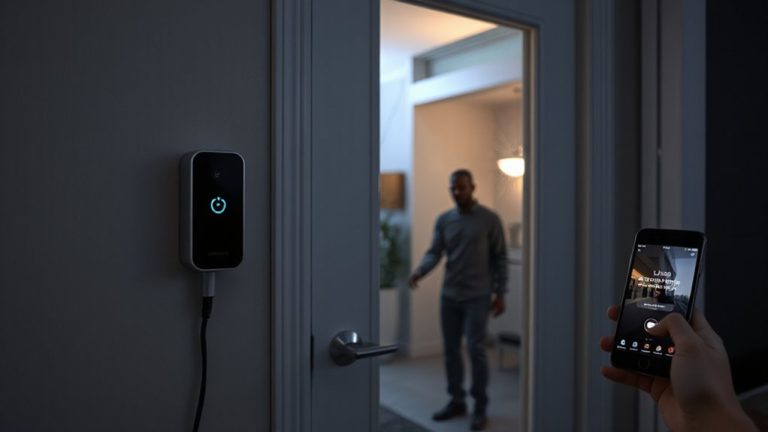
Could your front door be unsecured without you knowing? Many smart home devices, like cameras, locks, and voice assistants, can become targets for device hijacking if not properly secured. Hackers may exploit weak passwords or outdated firmware to gain control, enabling remote spying on your daily life. To protect yourself, always change default usernames and passwords, and use strong, unique ones for each device. Enable two-factor authentication where available. Regularly update software to patch security flaws. Avoid connecting devices to public Wi-Fi networks, which are more vulnerable. Consider purchasing models with built-in encryption and reputable security support. While convenient, always weigh the pros and cons of each device’s features against potential risks. Staying proactive reduces the chance of intrusion and keeps your private spaces truly private. Top models in the best smart home devices category often include advanced security features designed to prevent unauthorized access.
What to Do If You’re Being Cyberstalked?
You’re not imagining it if online interactions start feeling threatening or obsessive-cyberstalking is a real and documented issue, with the Cyberstalking Resource Center reporting that 7.5 million Americans experience stalking annually, nearly half of which involve digital contact. Save all evidence like messages, emails, and timestamps, as they’re essential for legal recourse. Contact law enforcement to file a report, especially if threats involve physical harm. Many states have laws specifically covering cyberstalking, so consult an attorney to explore protection orders or civil suits. Don’t handle it alone-seek emotional support from trusted friends, counselors, or organizations like the National Domestic Violence Hotline. They offer confidential guidance and can help you create a safety plan. While taking legal action, avoid engaging the stalker, as responses can escalate behavior. Documenting incidents and building a support network increases your safety and strengthens any formal case you pursue.
Adopt Daily Habits to Prevent Digital Tracking
Why does your phone seem to know where you’ll go before you decide? It’s because apps track your location, search history, and daily routines, often without clear consent. To protect yourself, adopt strong digital hygiene. Start by reviewing app permissions-disable location access for apps that don’t need it. Clear cookies and browsing history regularly on all devices. Use private browsing modes to limit data collection. Set automatic updates to guarantee security patches install promptly. Avoid clicking on unsolicited links, which could trigger tracking scripts. Limit smart device use in private areas like bedrooms. Rotate passwords every few months and use two-factor authentication. While some tracking is unavoidable, these habits reduce your exposure. They take little time and substantially strengthen your privacy. Practice them daily-consistency is key. Good digital hygiene isn’t complex, but it’s essential for long-term safety.
On a final note
You can reduce cyberstalking risks by tightening privacy on social media, disabling location tags, and securing smart home devices with strong passwords. Watch for signs like repeated unwanted contact or strange app behavior. Act fast if targeted-document evidence and report it. Small, consistent habits, like updating settings and reviewing app permissions, make a big difference. Stay alert, stay private, and take control of your digital safety now.