Understanding Different Types of Video Recording Options Available With Modern Cameras
You can adjust your camera’s resolution, frame rate, and compression to match your security needs. Use 1080p for balanced quality and storage, or 4K for extra detail. Aim for 30 FPS in high-motion areas. Choose H.265 compression to save space. Set white balance manually and use HDR for even lighting. LOG profiles help if you need detailed footage for review. Higher settings improve clarity but demand more storage and power. The right mix depends on your lighting, motion levels, and system capacity-your choices shape long-term performance. Adjusting these settings thoughtfully guarantees you get the most useful footage over time.
Notable Insights
- Adjust shutter speed based on lighting: faster in bright conditions, slower in low light to balance exposure and motion blur.
- Choose resolution wisely: 1080p suits most needs, while 4K offers detail at the cost of storage and bandwidth.
- Use 30 FPS for smooth motion in high-activity areas; 15 FPS may miss fast actions but saves storage.
- Apply HDR for real-time balanced lighting; use LOG profiles for greater editing flexibility in post-production.
- Prefer H.265 codec with 4:2:0 sampling to reduce file size by up to 50% without sacrificing visual quality.
What Camera Settings Should You Use for Your Project?
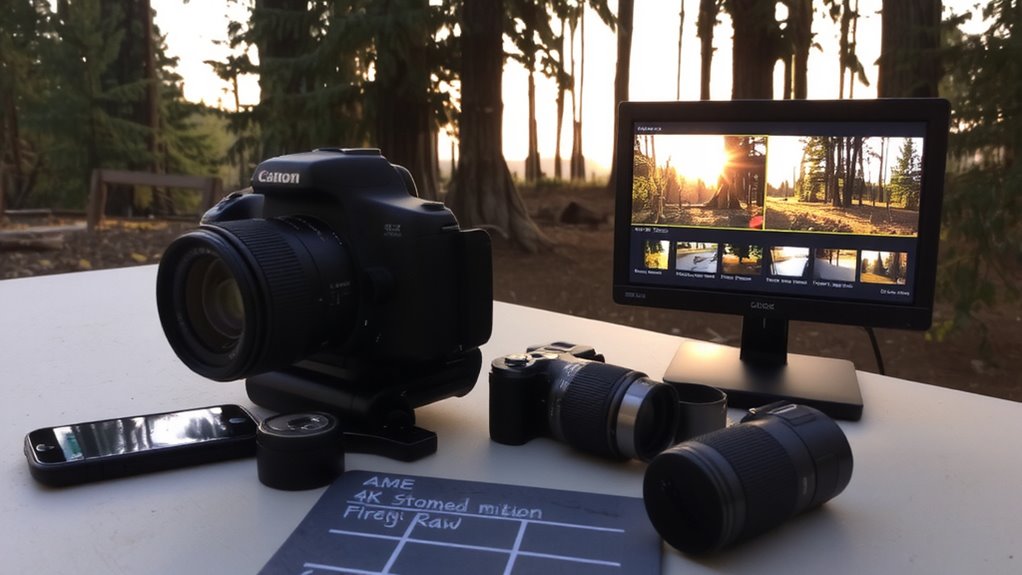
How do you decide which camera settings work best for your needs? You start by adjusting the shutter speed to match your environment’s lighting. A faster shutter speed, like 1/1000 sec, reduces motion blur in bright daylight, while slower speeds, like 1/30 sec, help in low light but may blur fast-moving objects. For consistent color accuracy, set the white balance manually-don’t rely on auto. Choose presets like “Daylight” or “Cloudy” depending on conditions, as incorrect white balance can make footage look too warm or too cool. These settings affect reliability in home security. Test both during setup to guarantee clear, usable footage. While auto settings are convenient, manual control gives better results over time. Plan adjustments based on time of day and lighting changes. Budget models may limit customization, so consider mid-range cameras for full control.
4K vs. 1080p: Which Resolution Fits Your Platform?
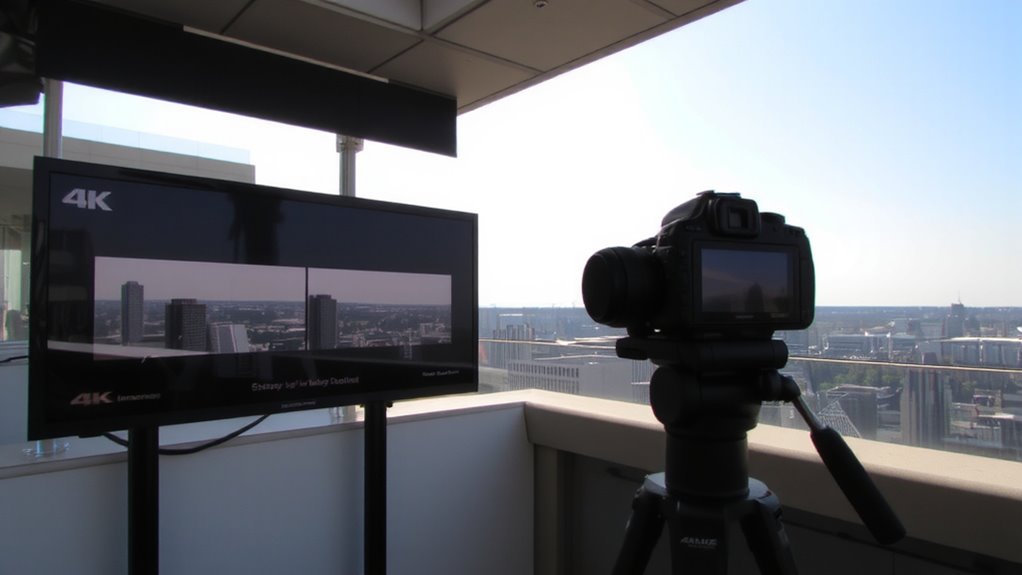
Why does resolution matter when choosing a security camera? Because it directly affects how clearly you’ll see important details-like faces or license plates. When comparing 1080p (Full HD) to 2K or 4K, the resolution comparison shows higher pixels mean sharper images. But more resolution isn’t always better. You need to take into account platform compatibility-does your recording device or app support it? 1080p works well for most home systems, offering clear video without overwhelming storage or bandwidth. 2K and 4K provide more detail but require stronger internet speeds and larger storage. They’re useful if you monitor large areas. For typical home use, 1080p is often sufficient and cost-effective. Higher resolutions can increase costs over time. Always match your camera’s resolution to your platform’s limits and your actual needs. For those seeking top-tier video quality, investing in one of the best 4K cameras can significantly enhance detail and clarity.
Frame Rate Choices: How FPS Affects Motion and Feel
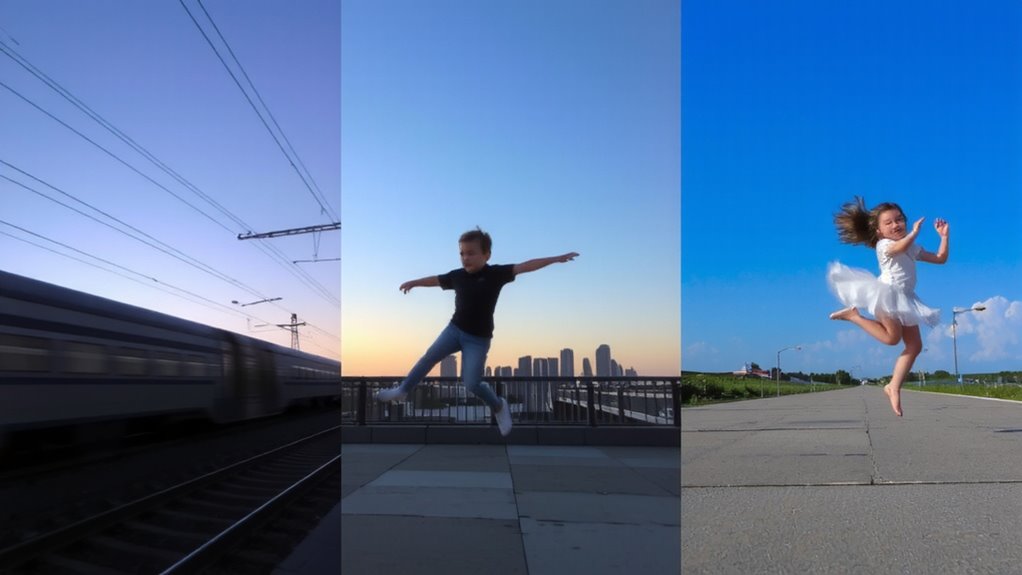
You’ve likely already considered resolution when picking a security camera, and just like pixel count affects image clarity, the number of frames per second (FPS) shapes how motion appears in your footage. Most cameras record at 15 to 30 FPS; 30 FPS captures smoother motion, reducing motion blur when people or vehicles move quickly. Lower frame rates, like 15 FPS, may miss quick actions and feel choppy, though they save storage space. For a cinematic look, some filmmakers use 24 FPS, but this can make fast activity harder to analyze in security settings. High-motion areas benefit from 30 FPS or higher, ensuring clarity and accurate playback. While higher FPS improves motion detail, it also increases file size and storage needs. Choose 30 FPS for busy entrances where detail matters, and 15 FPS for low-traffic zones to balance quality and efficiency.
LOG and HDR: When to Use Flat Profiles for More Dynamic Range
Dynamic range matters most when your security footage must capture both bright skies and deep shadows in the same scene. Using LOG profiles helps retain detail in highlights and lows, giving you more Dynamic Range to work with. HDR achieves a similar effect by combining multiple exposures seamlessly. Both let you see critical data in extreme lighting, but LOG files appear flat and desaturated. That’s normal-LOG is designed for post-production Color Grading, not real-time viewing. You’ll need software to restore contrast and color, which adds editing time. HDR, meanwhile, looks natural immediately. For 24/7 security use, HDR is often more practical. LOG shines when you plan to review and enhance footage later. Cameras with LOG support are usually more expensive. Choose based on your need for immediate clarity versus post-processing flexibility.
Codecs Explained: Balance Quality, Size, and Editing Ease
A codec is more than just a file format-it’s the engine behind how your security camera records, compresses, and stores video. You’ll want a codec that balances quality, file size, and editing ease. Modern codecs like H.264 and H.265 offer strong bitrate efficiency, meaning you get clear video without bloated files. H.265 cuts storage needs by up to 50% compared to H.264, which matters if you’re saving footage long-term. Color sampling affects detail too-4:2:0 is common and efficient, preserving enough color data for accurate images without overloading your system. Higher sampling like 4:2:2 gives better editing flexibility but requires more storage and processing power. For most home setups, H.265 with 4:2:0 sampling strikes the right balance. It saves space, maintains quality, and plays well with most software.
On a final note
You should choose settings based on your camera’s capabilities and your project’s needs. Use 4K for sharper detail, but 1080p saves storage and works well online. Higher frame rates like 60fps smooth out motion, while 24fps gives a cinematic look. LOG and HDR preserve detail in bright or dark scenes but need editing. Efficient codecs like H.264 balance quality and file size, making storage and playback easier.