How to Synchronize Security Alerts Across Family Members’ Devices
Start by choosing a central family security platform with strong encryption and cross-platform support for iOS and Android. Enable cross-device alerts through secure pairing and end-to-end encryption, then sync real-time notifications using services like Google Family Link or Apple Family Sharing. Customize alerts by age and device risk, and test the system monthly to guarantee fast, reliable delivery-adjust filters to reduce false alarms. Continuous review keeps your family’s digital safety sharp and effective.
Notable Insights
- Choose a central family security platform with cross-platform support for iOS and Android devices.
- Enable end-to-end encrypted device pairing to securely link all family members’ devices.
- Activate family-wide real-time notifications using services like Google Family Link or Apple Family Sharing.
- Customize alert settings based on age, device type, and risk level to balance security and usability.
- Test alert synchronization monthly by triggering alerts and verifying timely delivery across all devices.
Choose a Central Family Security Platform

A reliable security ecosystem starts with the right platform, and your choice here shapes how well alerts move between devices. You need one that supports device encryption to keep data safe as it travels across your network. Strong encryption guarantees only authorized devices can access sensitive information. Make sure the platform also includes robust parental controls, allowing you to set screen time limits, filter content, and monitor activity across all family devices. Look for cross-platform compatibility so iOS and Android users in your home stay protected equally. Paid plans often offer better encryption standards and more detailed parental controls than free versions. Check independent reviews and security certifications before deciding. A well-chosen platform lays the foundation for synchronized alerts, giving you consistent protection. Plan for long-term use-switching later can disrupt settings and weaken security. A smart home hub can centralize security alerts and streamline device communication across your household.
Enable Cross-Device Security Alerts on iOS and Android
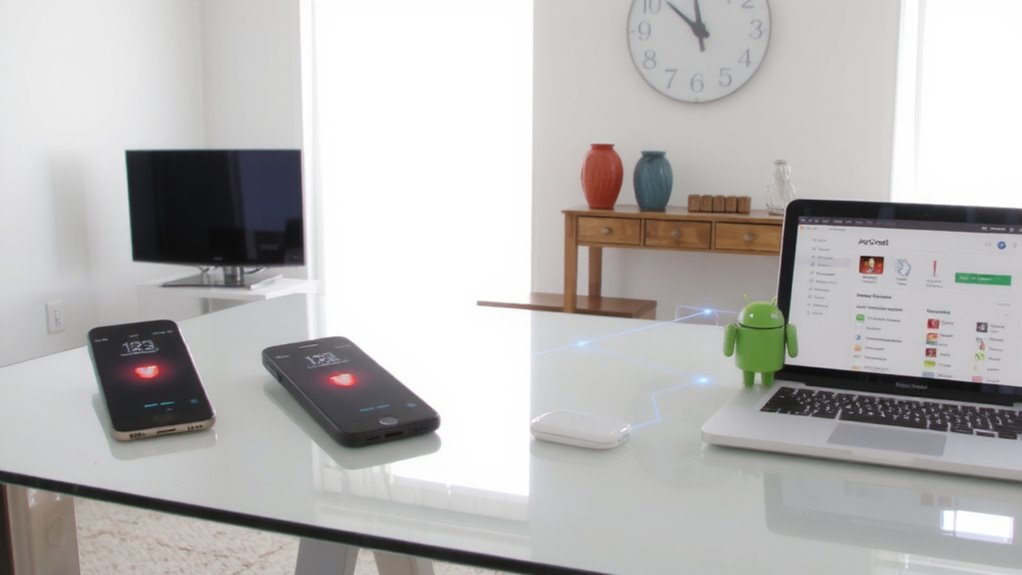
You’ve selected a solid family security platform with encryption and cross-platform support, so now it’s time to turn on alerts across your iOS and Android devices. Start with device pairing-open the app on each phone, follow the prompts to link them securely, and confirm each device recognizes the others. This guarantees alerts sync automatically, no matter the operating system. Enable alert filtering to reduce noise; customize settings so only critical threats-like unauthorized access or location changes-trigger notifications. Filtering helps avoid overload while keeping you informed. Most platforms use end-to-end encryption during device pairing, so data stays private. Check that two-factor authentication is active for added protection. While iOS and Android handle notifications slightly differently, consistent filtering rules across devices improve reliability. Review settings monthly to guarantee accuracy. This step strengthens awareness without compromising usability or speed. Consider integrating with top smart home devices for enhanced automation and real-time alert sharing across your household ecosystem.
Set Up Family-Wide Real-Time Notifications
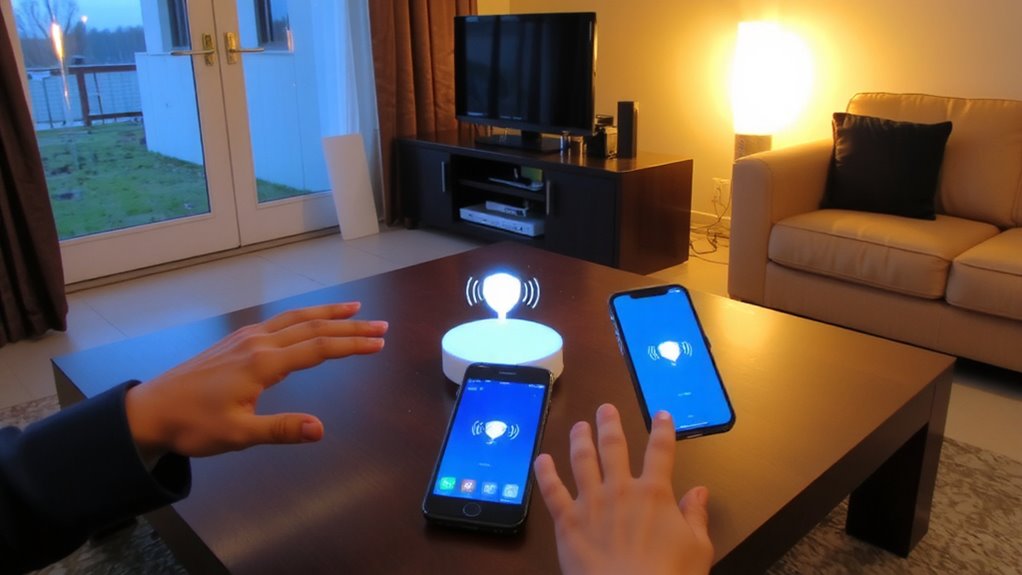
Why wait for a security event to escalate before your family knows about it? Setting up family-wide real-time notifications guarantees everyone stays informed instantly. With proper alert integration, any suspicious activity on one device triggers alerts across all family devices. This works through notification syncing services built into major platforms like Apple Family Sharing or Google Family Link. You’ll need to enable alerts in each person’s security app and confirm all devices are logged into the same family group. It’s reliable and simple, though success depends on consistent internet access. Most services offer this at no extra cost, but some advanced features may require a subscription. Plan to review settings monthly to guarantee nothing’s been disabled. Real-time updates mean faster responses, giving your family a stronger defense. Enable it today-your household’s security depends on timely information.
Customize Alerts by Age and Device Risk
Since not every family member faces the same online threats, tailoring alerts by age and device risk helps prioritize what each person needs to know. You can use age based filtering to adjust alert sensitivity-kids get warnings about inappropriate content, while adults see phishing or malware alerts. Risk level customization lets you set rules based on device type or usage; for example, a gaming console might have looser filters, while a tablet used for homework has stricter supervision. This guarantees relevant threats trigger alerts without overwhelming anyone. Most security apps support these settings through a central dashboard, making it easy to assign profiles per user. Keep in mind that overly strict filters may block legitimate sites, so balance is key. Proper setup reduces noise and increases response speed, guaranteeing each family member gets timely, appropriate warnings based on their digital habits and vulnerability level.
Respond to Threats as a Family Team
What good is an alert if no one acts on it? Responding to threats as a family team turns warnings into real protection. Everyone plays a role, which creates shared responsibility-parents, teens, even younger kids can help monitor devices and report suspicious activity. When one person sees an alert, they notify others so the whole household can respond quickly. This builds collective awareness, making it easier to spot patterns or repeat threats. Assign simple tasks: one person confirms the alert, another checks device safety, and someone documents what happened. Use a central chat or app so updates are shared immediately. Make sure everyone knows the plan before a crisis hits. Acting together improves response time and reduces panic. It’s not just about technology-it’s about teamwork.
Test Your Family’s Security Alert System Monthly
Regularly testing your family’s security alert system guarantees it works when you need it most. Running monthly emergency drills secures everyone knows how to respond, reducing confusion during real threats. Make response rehearsals a routine part of your family’s safety plan, just like fire drills.
| Week | Task |
|---|---|
| 1 | Trigger alert on one device, confirm all others receive it |
| 2 | Practice response roles: who checks doors, who calls for help |
| 3 | Review notification speed and volume settings |
These checks help identify weak spots-like delayed alerts or unreachable family members. Testing also builds confidence and improves reaction time. Be consistent: pick the same day each month. Use real-world conditions, like when devices are on silent or in different rooms. Response rehearsals should simulate urgency without panic. Over time, you’ll see improvements in coordination and alert reliability.
Update and Optimize Alerts Every Month
You’ll likely need to tweak your alert settings each month to keep your system running smoothly and effectively. Monthly reviews help you assess which alerts are useful and which cause alert fatigue, especially when too many non-critical notifications overload your family’s devices. You should disable redundant or low-priority alerts and prioritize ones tied to real security risks, like failed login attempts or unrecognized devices. Consider grouping notifications by severity or using smart filters to reduce distractions. Some security apps let you schedule digest summaries, which cuts down on interruptions while keeping you informed. Reassess user permissions too-make sure each family member only gets alerts relevant to their conflit or role. These small optimizations add up. Regular maintenance guarantees your system stays responsive and trusted. In short, a few minutes each month prevents burnout and keeps your digital household safer.
On a final note
You now have a reliable system to keep your family safer online. By using a central security platform, syncing alerts across iOS and Android, and customizing notifications by age and device, you guarantee timely, relevant warnings. Monthly testing and updates maintain effectiveness. Real-time teamwork helps respond quickly to threats. This structured, evidence-based approach reduces risks, adapts to changing needs, and supports consistent protection-all without complexity or excess cost.