How to Protect Security Camera Footage With Proper Backup Procedures
Store your security camera footage in the cloud for reliable backup, with automatic redundancy and encryption to protect against theft or hardware failure. Keep local copies on SD cards or NVRs for access during internet outages, though secure them physically. Use AES-256 encryption to safeguard data both at rest and in transit. Verify backups monthly and update firmware to fix vulnerabilities. Limit hacking risks with strong passwords, two-factor authentication, and tamper-proof setups-there’s more to contemplate for full protection.
Notable Insights
- Use cloud storage with encryption to automatically back up footage and protect against hardware loss or theft.
- Maintain local backups on SD cards or NVRs to ensure access during internet outages and avoid subscription costs.
- Enable AES-256 encryption for footage stored locally and in the cloud to prevent unauthorized access.
- Verify backups monthly by checking playback from different dates to confirm data integrity and completeness.
- Protect systems from hacking with strong passwords, two-factor authentication, and regular firmware updates.
Store Security Camera Footage in the Cloud
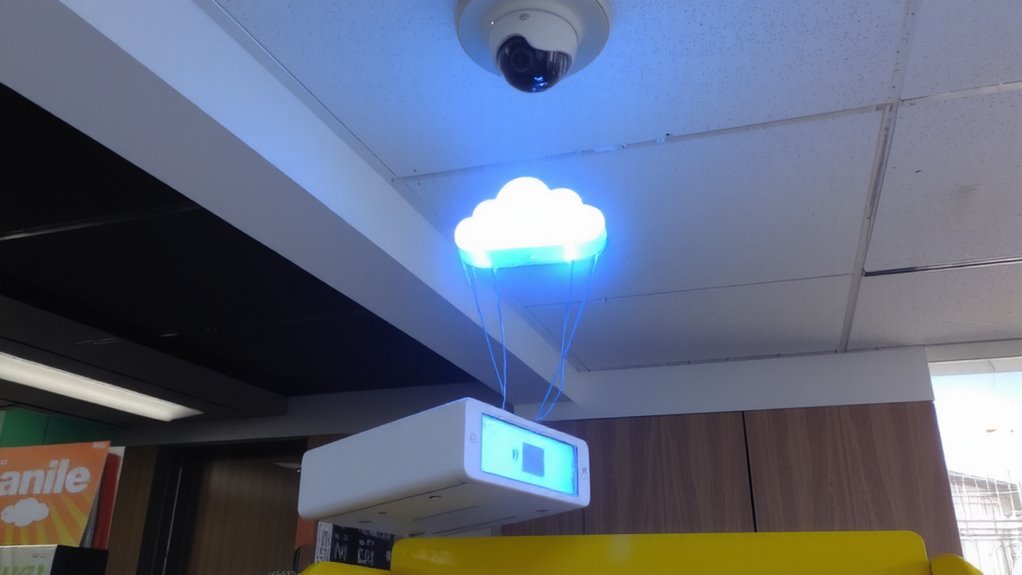
While storing footage locally can work for some setups, you’ll likely find cloud storage more reliable for long-term protection and remote access. With cloud redundancy, your data is automatically copied across multiple servers, reducing the risk of loss from hardware failure or theft. That means even if one server fails, your footage stays safe. You also get secure remote access, letting you view or download clips from anywhere using a smartphone or tablet. Most cloud plans offer encryption, so your videos stay private. Plans vary in price, often based on retention period and camera count, so check what fits your budget. Some providers include event-based recording storage, which saves space and cost. While uploading requires a stable internet connection, the trade-off in accessibility and security is usually worth it. Cloud storage isn’t perfect, but its reliability, redundancy, and remote access make it a strong choice for consistent backup.
Keep Local Copies of Camera Footage
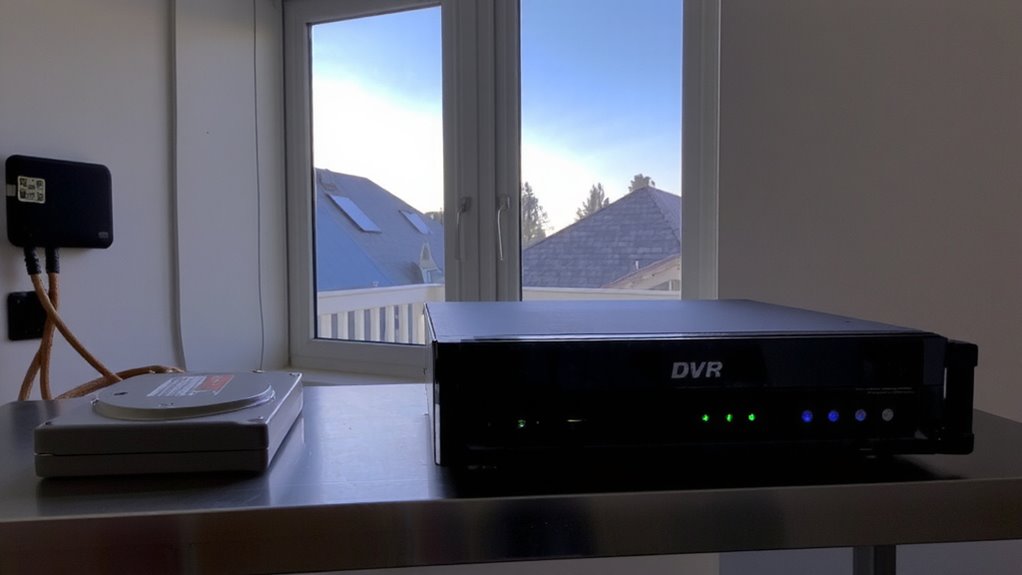
Even if you’re using cloud storage, keeping local copies of your camera footage adds an extra layer of protection and guarantees access even during internet outages. Local storage, such as SD cards or hard drives in NVRs, assures continuous recording without relying on bandwidth. It also reduces monthly costs since you’re not paying for cloud subscriptions. However, local storage requires strong physical security to prevent tampering or theft. Store your devices in locked enclosures, inside secure rooms, and monitor access points. While local copies offer fast retrieval and reliable performance, they’re vulnerable to fire, floods, or hardware failure-so combine them with cloud backups when possible. Choose high-quality drives rated for constant write cycles, and check system health regularly. Balancing local storage with physical security strengthens your overall defense and keeps footage available when you need it most. For reliable long-term recording, consider using a best DVR recorder that supports continuous, high-resolution video capture.
Lock Down Footage With Encryption
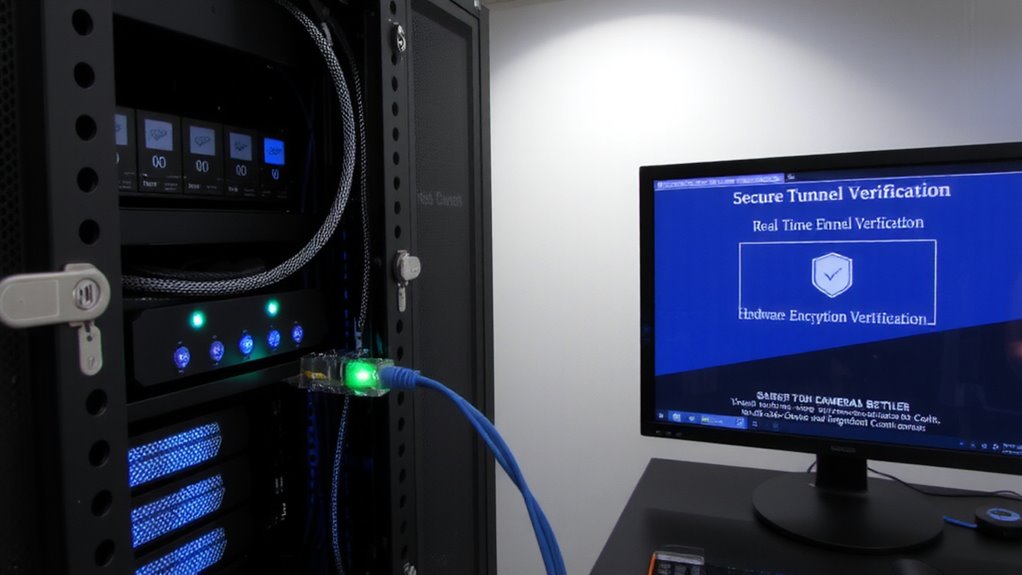
If your security cameras capture sensitive moments around your home, you’ll want to guarantee that footage can’t be accessed by unauthorized users-and encryption is the most effective way to protect it. By encrypting your video files, you make certain data integrity, meaning the recordings can’t be altered or corrupted without detection. Modern cameras and NVRs often support AES-256 encryption, which secures footage both at rest and during transmission. This also strengthens access control, allowing only authorized users with the correct credentials or keys to view or download clips. Without encryption, stored footage-even if kept locally-remains vulnerable to theft or tampering. While encrypted systems may cost slightly more and require more setup, the added security is worth it for sensitive environments. Always enable encryption if your system supports it, and store decryption keys securely. This simple step drastically reduces the risk of unauthorized access. For reliable local storage that supports secure encryption protocols, consider using a best NAS device with built-in security features.
Verify Backups Monthly and Update Firmware
You should verify your camera backups every month to guarantee they’re working correctly and store footage as expected. Regular backup verification confirms your system captures and retains video without gaps or corruption. Check playback from different dates and confirm files are accessible and clear. If backups fail, address storage or connection issues immediately. At the same time, install firmware updates for your cameras and recorder. Manufacturers release firmware updates to patch security flaws, improve performance, and add features. Outdated firmware can leave systems vulnerable or cause malfunctions. Most devices notify you of updates, or you can check the manufacturer’s website. Set a monthly reminder to complete both backup verification and firmware updates. This routine takes little time but greatly improves reliability. Consistent maintenance protects your investment and keeps your security system operating effectively over time. Top systems like those in the Top Wireless Camera Security Systems With DVR roundup often include automated backup and update features for added convenience.
Shield Security Camera Footage From Theft and Hacks
Because security camera footage can be a prime target for cybercriminals, protecting it from theft and hacks is just as important as recording it in the first place. You need strong access control-use complex passwords and two-factor authentication to limit who can view or manage your system. Avoid default login credentials, as they’re easy to guess. Store footage in encrypted cloud backups or on isolated local servers to reduce hacking risks. Physically secure your cameras and recording devices to prevent tampering; place them out of reach and use tamper-proof housings. Regularly check for unauthorized access attempts and update settings as needed. Wired systems are harder to disrupt than wireless ones, though they can cost more to install. Monitoring access logs helps detect suspicious activity early. With proper planning, you can balance security, cost, and convenience while minimizing vulnerabilities to both digital and physical threats.
On a final note
You should back up your security camera footage both locally and in the cloud for reliable access. Use encryption to protect files from hacks, and check backups monthly to confirm they work. Keep firmware updated to fix vulnerabilities. Cloud storage offers remote access but may have monthly fees, while local storage is a one-time cost but can be stolen. Combining both methods gives the best protection.