Indoor Cameras With Voice Assistant Integration for Hands-Free Monitoring
You can control indoor cameras hands-free using voice assistants like Alexa, Google, or Siri, with most models costing $80–$150 and working within 15 feet. Alexa supports the most brands, Google offers sharp voice accuracy, and Siri works best in Apple ecosystems. Look for 110-degree views, night vision, two-way audio, and encryption. Setup takes under 15 minutes with stable Wi-Fi. For privacy, use mute options and firmware updates. More details on top models and secure setup follow.
Notable Insights
- Choose indoor cameras compatible with Alexa, Google Assistant, or Siri for seamless voice control and hands-free monitoring.
- Ensure the camera has a built-in microphone and speaker to receive voice commands and enable two-way audio communication.
- Opt for models with motion detection and night vision up to 30 feet for reliable around-the-clock surveillance.
- Verify end-to-end encryption and local/cloud storage options to protect video data and maintain privacy.
- Set up the camera within 15 feet of common voice assistant devices for optimal command recognition and response accuracy.
How Voice Control Works in Indoor Cameras
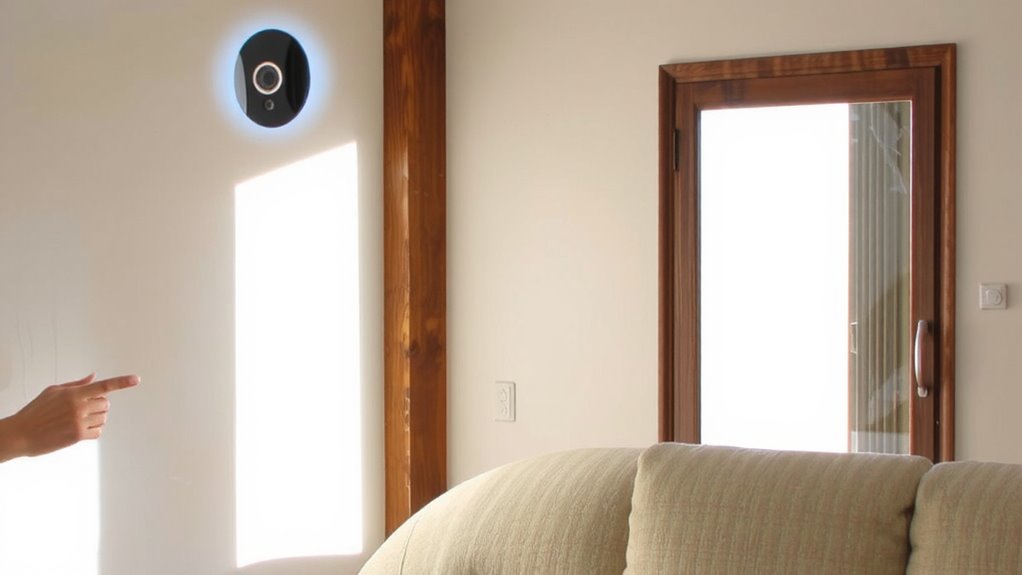
How does voice control actually function in indoor security cameras? You speak a command, and the device responds by performing a task, like showing a live feed or turning on recording. This works through voice recognition, which identifies your spoken words with accuracy, even in noisy environments. Once detected, command processing takes over, interpreting the instruction and activating the right camera function. These systems rely on built-in microphones and cloud-based algorithms to deliver fast, reliable responses. Most models require a connected smart hub or assistant to function. The technology works best when placed within 15 feet of the user. Initial setup usually takes under 10 minutes. Costs range from $80 to $150 per camera. Look for models with low latency and strong encryption for privacy. Top models offer seamless Alexa-compatible security cameras integration for enhanced voice control and smart home connectivity.
Alexa vs. Google vs. Siri: Best for Camera Commands?
Why does one voice assistant seem to work better than another when controlling indoor cameras? It comes down to camera compatibility and voice precision. Alexa supports the widest range of brands, making it a reliable choice. Google Assistant offers strong voice precision and natural language understanding. Siri is limited to Apple’s HomeKit ecosystem, restricting compatibility. For seamless integration with Home Assistant, consider selecting cameras from the list of best Home Assistant security cameras.
| Assistant | Camera Compatibility | Voice Precision |
|---|---|---|
| Alexa | Broad support | Good |
| Moderate support | Excellent | |
| Siri | HomeKit-only | Very Good |
For the most flexibility, go with Alexa or Google. If you’re deeply invested in Apple’s ecosystem, Siri delivers tight integration. Choose based on your existing devices and need for voice accuracy.
Must-Have Features in Voice-Integrated Cameras
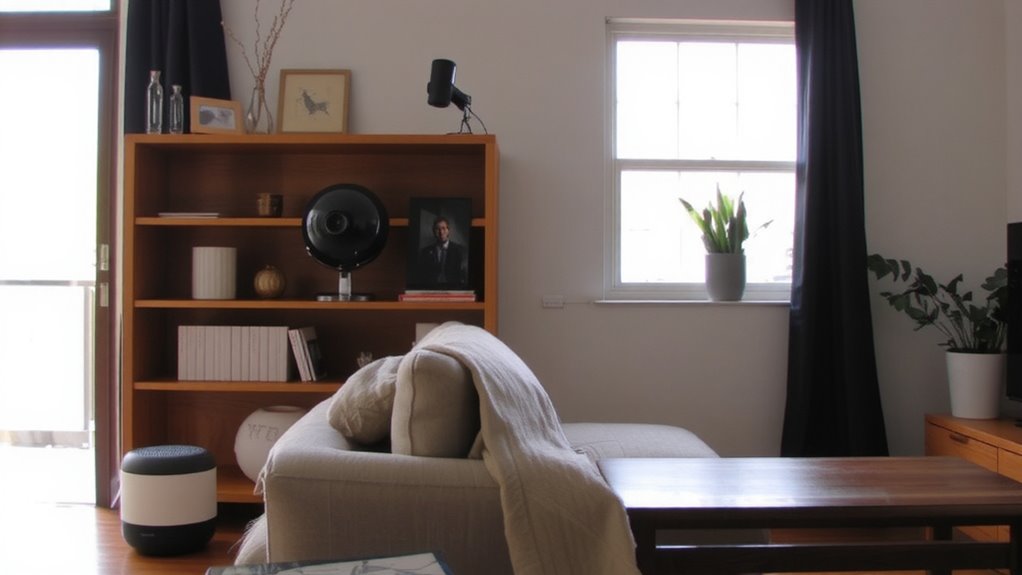
You’ve likely already picked a voice assistant based on compatibility and control accuracy, but now it’s time to focus on what the camera itself should offer. Look for reliable motion detection that minimizes false alerts, using advanced sensors to distinguish people from pets or shadows. This feature guarantees you’re only notified when it matters. Night vision is essential for 24/7 monitoring, providing clear black-and-white video in low light, typically up to 30 feet. Choose models with infrared lighting for consistent performance. A wide field of view, at least 110 degrees, lets you monitor more of a room. Audio two-way communication lets you respond through the camera using voice commands. Guarantee the camera encrypts video data and allows local storage or affordable cloud plans. These core features improve security, usability, and long-term value without requiring constant oversight. Top models also support best wireless indoor cameras with no subscription needed, offering full functionality without recurring fees.
How to Connect to Alexa, Google, or Siri
What separates a seamless smart home experience from a frustrated one? It’s device compatibility and setup simplicity. Connecting your indoor camera to Alexa, Google, or Siri doesn’t have to be complex-most modern systems guide you step by step. First, confirm your camera works with your preferred voice assistant. Then, use the corresponding app to link accounts and add the device.
| Assistant | Setup Time | Supported Cameras |
|---|---|---|
| Alexa | 5–10 min | Ring, Blink, Arlo |
| 7–12 min | Nest, TP-Link | |
| Siri | 10–15 min | HomeKit-enabled |
Follow in-app prompts, guarantee Wi-Fi stability, and name your camera clearly. Setup simplicity varies slightly, but all three platforms offer reliable integration. Proper device compatibility means you’ll avoid delays and enjoy hands-free monitoring without technical hiccups.
Keeping Your Home Private: Voice Camera Security
Now that your indoor camera is linked to Alexa, Google, or Siri, it’s time to focus on how well your system protects what matters most-your privacy. Data encryption is essential; make sure your camera uses end-to-end or AES encryption to keep video feeds secure from unauthorized access. Without it, hackers could intercept footage. Check the app’s privacy settings regularly-you can often disable voice recording storage, limit data sharing, and set access controls. Some systems let you mute the microphone or turn off the camera with a single command or tap. Always update firmware to patch security flaws. Avoid reusing passwords and enable two-factor authentication when available. While voice integration adds convenience, weak security undermines that benefit. Review manufacturer policies on data use, and choose brands transparent about storage and encryption. A smart camera should enhance safety, not create new risks.
Best Indoor Cameras With Voice Assistant Support
While convenience and automation are key benefits of smart home tech, choosing the right indoor camera with voice assistant support means prioritizing performance, compatibility, and security. You’ll want strong image quality, typically 1080p or higher, so you can clearly see faces and details. Look for models with reliable motion detection that minimizes false alerts from pets or shadows. Cameras like the Nest Cam Indoor and Arlo Essential integrate smoothly with Google Assistant and Alexa, letting you check feeds hands-free. They offer night vision, two-way talk, and encrypted storage. Some require a subscription for advanced features, so factor in long-term costs. Always confirm voice command privacy settings. With solid image quality and precise motion detection, these cameras give you dependable monitoring without unnecessary complexity. Choose based on your assistant ecosystem and security needs.
On a final note
You can control indoor cameras with voice assistants like Alexa, Google, or Siri for hands-free monitoring. Choose models with clear voice response, strong encryption, and two-way talk. Alexa and Google offer broader camera support than Siri. Setup is simple through apps, but always enable two-factor authentication. Look for cameras with local storage or end-to-end encryption to protect privacy. Test voice commands regularly to guarantee reliability.