Installing Surge Protection for Networked Doorbell Cameras Linked to Cloud-Based Smart Locks
You need surge protection for your networked doorbell and smart lock because voltage spikes from storms or grid issues can fry their sensitive electronics. Use a UL-listed protector with at least 1,00000 joules and Ethernet line protection-brands like Eaton or Tripp Lite offer strong warranties. Install it at the power source, check every few months, and replace every three years. Silent surges can degrade performance over time, so monitoring helps maintain system reliability. There’s more to contemplate when choosing the right model for your setup.
Notable Insights
- Install UL-listed surge protectors with at least 1,000 joules to safeguard networked doorbell cameras and smart locks.
- Ensure surge protectors include Ethernet protection to shield cloud-connected devices from data line surges.
- Hardwire the surge protector near the power entry point for reliable, permanent protection.
- Match voltage and PoE compatibility to avoid damaging low-voltage smart entry system components.
- Replace surge protectors every 3 years or if status indicators show damage or failure.
Why Smart Doorbells and Locks Need Surge Protection
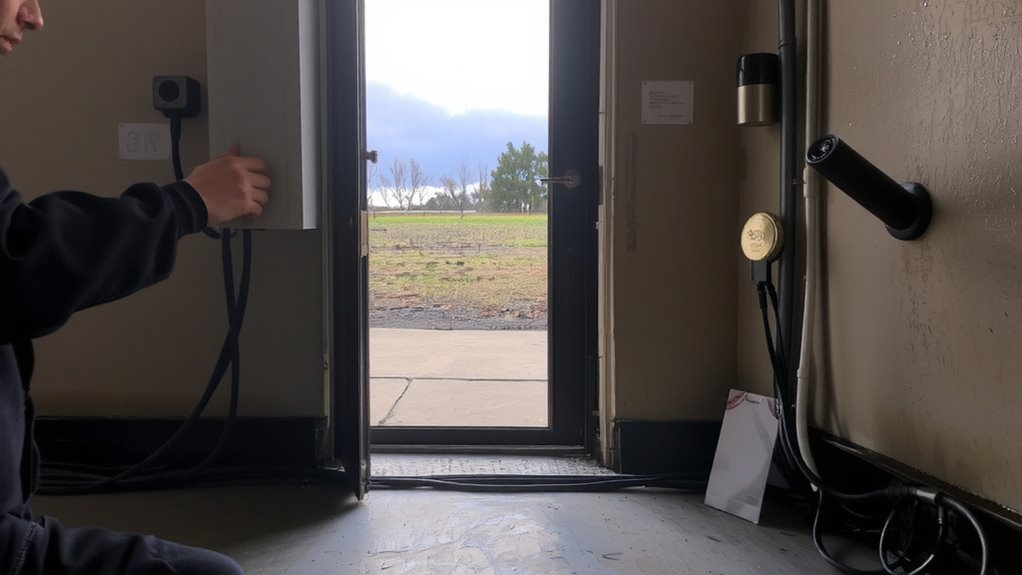
While smart doorbells and locks offer convenience and enhanced security, they’re also vulnerable to voltage spikes caused by lightning strikes or power grid fluctuations. These devices run on low voltage and rely on sensitive circuitry, making them prone to damage from even minor voltage fluctuations. When surges occur, components can fail silently, affecting performance or cutting connectivity. Wireless interference from nearby electronics or poor signal routing can worsen system instability, especially during electrical storms. Over time, repeated exposure weakens internal parts, shortening device lifespan. Surge protectors designed for low-voltage systems help stabilize input, reducing risks. Look for models with joule ratings above 400 and built-in protection for data lines. Though initial costs range $20–$50, they’re far less than replacing cloud-linked hardware. Installing one is a small step that markedly improves long-term reliability.
How Power Surges Damage Smart Entry Systems
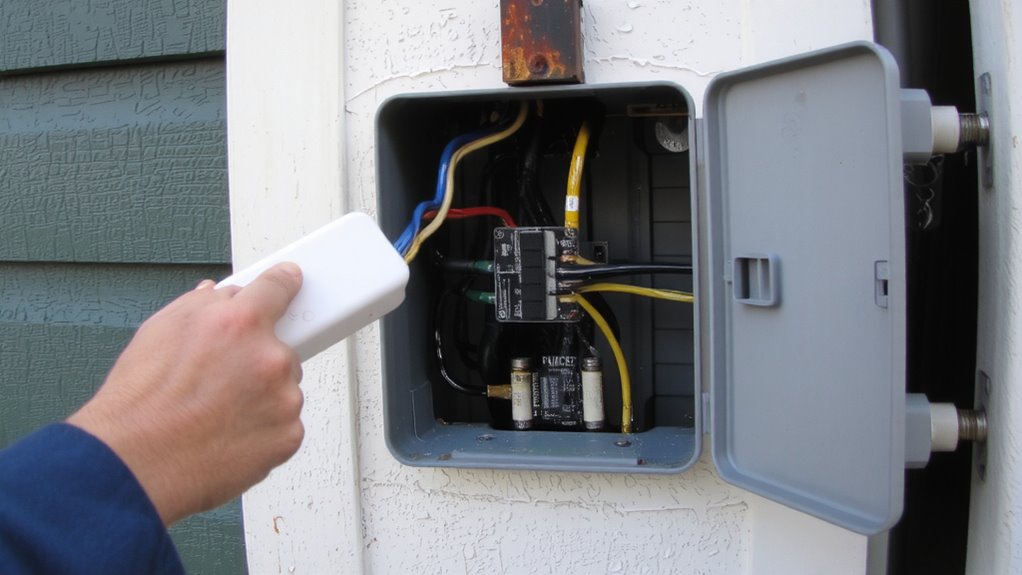
Power surges can quietly ruin smart entry systems by overwhelming delicate internal electronics with excess voltage. When voltage spikes hit, even briefly, they can fry circuits in your doorbell camera or smart lock, leading to permanent failure. You might not see the damage right away, but over time, repeated electrical interference wears down components, reducing lifespan and reliability. These surges often stem from lightning strikes, power outages, or appliance cycling in your home. Since smart entry systems rely on consistent power and data signals, any disruption weakens performance. Voltage spikes as low as 100 volts above normal can harm devices rated for just 12–24V DC. That’s why protecting against sudden surges matters-even small ones add up. Without protection, you risk costly replacements, security gaps, and loss of remote access. Over time, unprotected systems show higher failure rates, especially in areas with unstable power.
Best Surge Protectors for Doorbell Cameras and Smart Locks
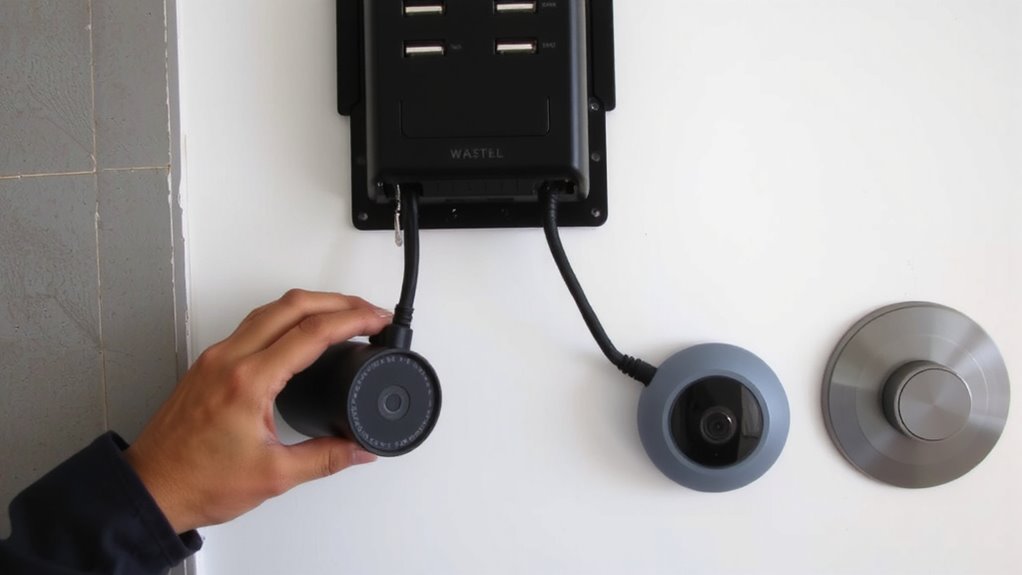
If you’re using smart doorbell cameras or smart locks, choosing the right surge protector can keep your system running reliably for years. Look for models with at least 1,000 joules of protection and low clamping voltage, which respond quickly to spikes. Brands like Eaton, Tripp Lite, and APC offer strong warranty coverage-some up to $100,000 in connected equipment protection-giving you long-term peace of mind. Guarantee brand compatibility by checking if the surge protector supports your doorbell’s voltage requirements, especially for low-voltage PoE systems. Units with Ethernet protection are critical since your devices connect to cloud-based locks through network lines. Avoid cheap power strips; they often lack adequate shielding. Instead, invest in a UL-listed protector with indicator lights to monitor status. Higher-end models cost more, but the added protection and warranty coverage justify the price for critical smart entry devices.
How to Install Surge Protection for Smart Entry Systems
Though installing surge protection for your smart entry system might seem technical, it’s a straightforward process if you follow the right steps. First, turn off power to the circuit at the breaker to guarantee safety. Identify the main power line feeding your doorbell camera and smart lock, then install a UL-listed surge protector near the entry point. Match the device’s wiring configurations to your system-typically line, load, and ground terminals-and secure all connections tightly. For advanced protection, choose models with built-in voltage monitoring to detect irregularities and prevent overloads. These units alert you to fluctuations that could damage sensitive electronics. Hardwired protectors offer the most reliability, though plug-in options work if your system uses a power adapter. While hardwiring takes more effort, it provides continuous protection with minimal maintenance, and costs between $50 and $150 depending on features.
When to Test and Replace Surge Protectors
How often should you check your surge protector to make sure it’s still safeguarding your smart doorbell system? Experts recommend inspecting it every three to six months. Most surge protectors last about 3 to 5 years, depending on local electrical conditions-this is the typical surge protector lifespan. Over time, internal components degrade, especially after absorbing multiple surges. You should also check for visual damage indicators like cracked casings, discoloration, or warning lights turned red.
| Checkpoint | Action |
|---|---|
| Every 6 months | Inspect for wear |
| Warning light on | Replace immediately |
| Frequent power spikes | Test performance |
| Physical damage | Check visual damage indicators |
| 3+ years old | Consider replacement |
If your smart lock or camera malfunctions after a storm, check the surge protector first. Replacement is fast and inexpensive compared to repairing connected devices.
On a final note
Your smart doorbell and lock rely on stable power, but surges can damage sensitive electronics over time. Using a UL-listed surge protector with at least 600 joules helps guard against voltage spikes from storms or grid issues. Plug your hub or router into it, not the doorbell itself, since most outdoor units have built-in protection. Check indicator lights yearly and replace units every 3–5 years, or after major surges. This small step boosts system reliability.