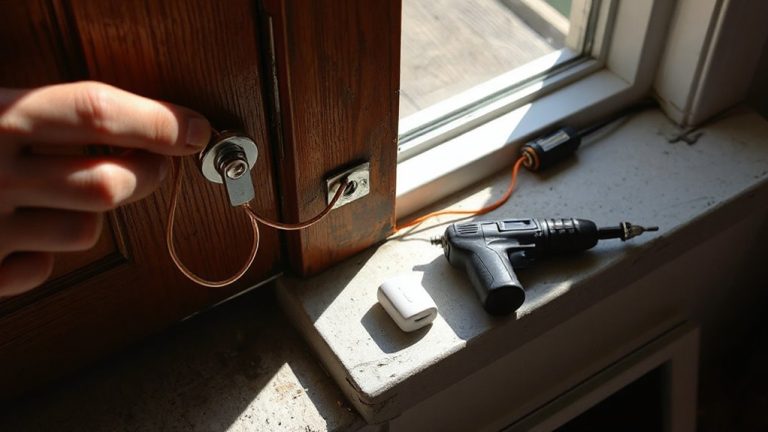
Implementing Battery Backup Systems for Critical Security Components
You need a battery backup to keep your security system running during outages, so cameras, alarms, and access controls stay active. Critical components like control panels and sensors rely on backup power, with most systems lasting 4–24 hours depending on load. Match battery capacity-measured in watt-hours-to your system’s power draw for reliable runtime, and choose units with surge protection and low-battery alerts. Test monthly and replace batteries every 3–5 years. Core planning guarantees uninterrupted protection when it matters most.
Notable Insights
- Power outages can disable security systems, making battery backup essential for continuous protection.
- Prioritize backup power for critical components like control panels, cameras, and access control systems.
- Calculate required runtime by dividing battery capacity in watt-hours by total system power consumption.
- Select backup units with sufficient capacity, high efficiency, and stable voltage for reliable performance.
- Test backup systems monthly and replace batteries every 3–5 years to ensure ongoing operation.
Why Your Security System Needs Battery Backup
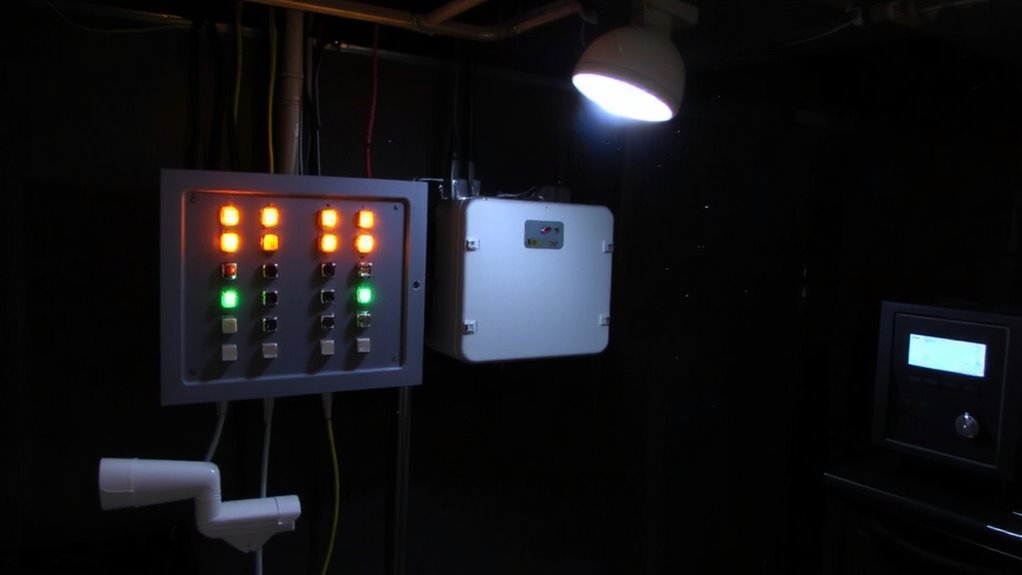
Even if your home security system works perfectly during the day, it’s at risk the moment the power goes out-something that happens more often than most people expect. A power failure can disable cameras, alarms, and sensors, leaving your home vulnerable. Without battery backup, your system can’t trigger an emergency response, even if it detects a break-in. Studies show homes without backup power are three times more likely to be targeted during outages. Most modern systems include built-in batteries that last 4–24 hours, depending on usage. While not all devices need backup, core components like control panels and communication hubs do. Battery backup guarantees continuous monitoring, maintains connectivity with monitoring services, and supports automated alerts. Though it adds upfront cost-typically $50 to $150- it’s a reliable safeguard. Always test your system monthly and replace batteries every 3–5 years for best performance.
Which Security Devices Require Backup Power
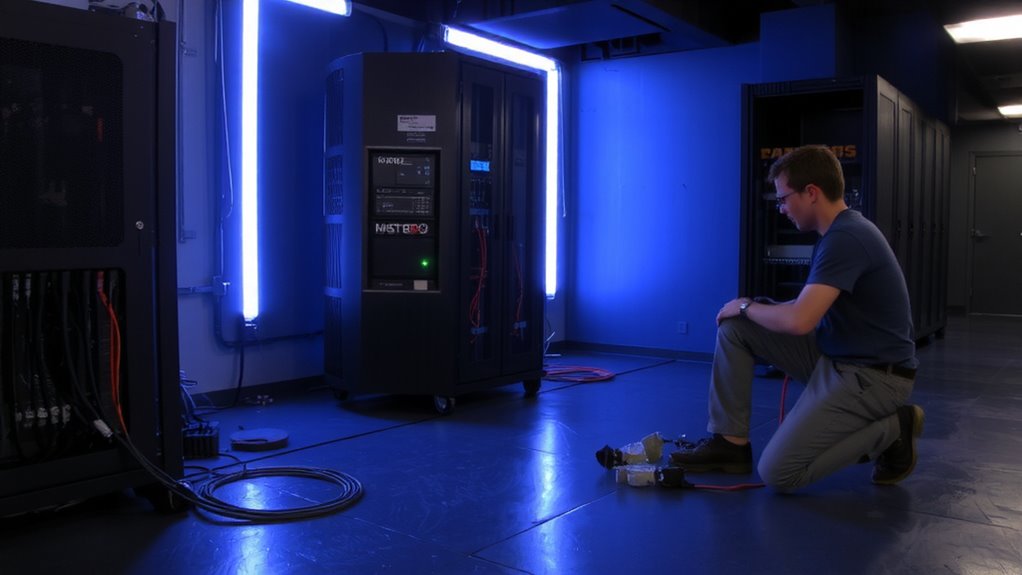
You already know a power outage can shut down your security system, but not every device needs backup to keep your home safe. Surveillance cameras are essential to maintain during outages-they provide real-time monitoring and record evidence, so they should always have battery support. Access control panels also require backup power to guarantee doors remain locked or unlocked as needed, especially in emergencies. Without power, you might lose entry or let unauthorized individuals in. Devices like motion sensors and door contacts typically draw little power and can run on the same backup as cameras and panels. However, high-power accessories like sirens or network routers may drain batteries quickly. Prioritize core security devices first, and check manufacturer specs to confirm power needs. Investing in backup for surveillance cameras and access control panels gives you consistent protection when the grid fails-making them top priorities.
Calculate How Long Your System Runs on Backup Power
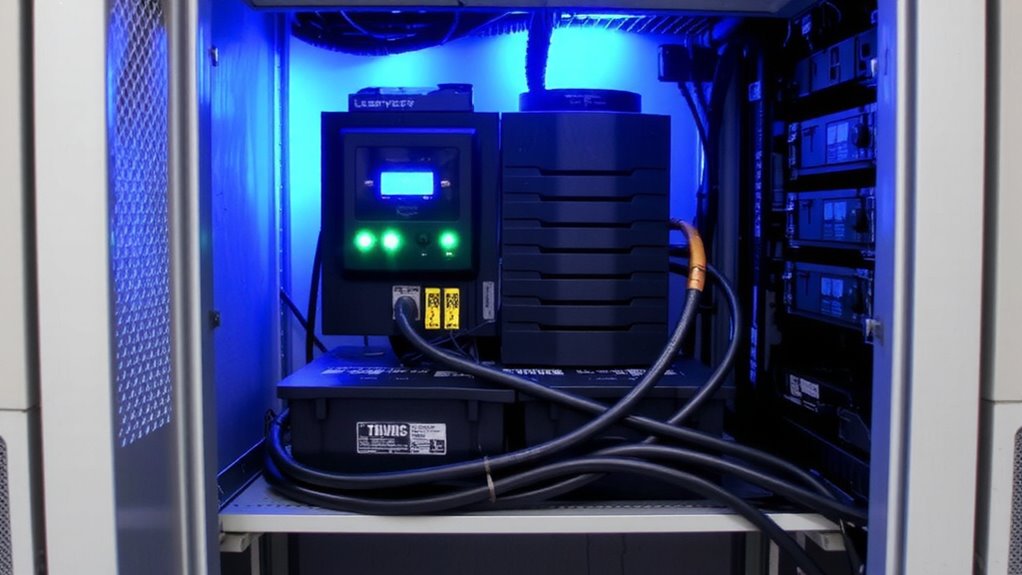
A single power outage could last hours or stretch into days, so knowing exactly how long your security system runs on backup is key to staying protected. You can figure this out by comparing your system’s power consumption to the battery capacity of your backup. Power consumption is how much energy your devices use per hour, usually listed in watts. Battery capacity, measured in watt-hours, tells you how much energy the battery can supply. Divide the battery capacity by the total power consumption of your system to estimate runtime. For example, a 300-watt-hour battery running a 30-watt system should last about 10 hours. Keep in mind that real-world conditions like temperature and battery age can reduce this. Always calculate worst-case scenarios so you won’t be left unprotected when the grid goes down.
Choose the Right Battery Backup for Your Setup
When selecting a battery backup for your security system, matching the battery’s capacity to your power needs is essential, since an undersized unit may fail during an extended outage. Battery capacity, measured in watt-hours, determines how long your system can run without grid power. Choose a unit that supports your calculated runtime needs, factoring in all connected devices. Prioritize power efficiency to minimize energy loss and extend uptime-efficient models convert more stored energy into usable power. Look for backup systems with high surge ratings and stable voltage output to protect sensitive electronics. Units with energy-saving modes improve power efficiency over time. While higher-capacity batteries cost more upfront, they deliver greater reliability. Check whether the system includes monitoring features, like low-battery alerts. Avoid cheap models with poor efficiency ratings, as they may not sustain operation during critical moments. Match capacity and efficiency to your load for a dependable setup.
Install and Test Your Battery Backup
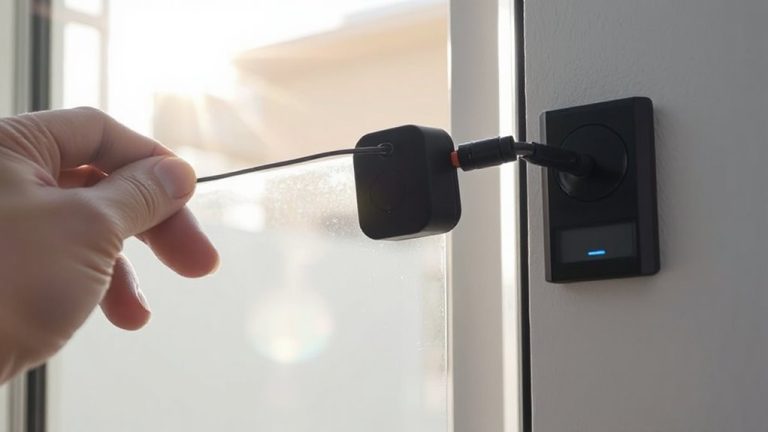
Proper installation and regular testing guarantee your battery backup performs when needed most. You should mount the unit close to your security components, ensuring clean, secure connections to avoid interruptions. Follow the manufacturer’s wiring guidelines precisely-this isn’t the time to guess. Once installed, simulate a power failover to confirm your system switches to battery seamlessly. Check that all critical devices stay online during the shift. For reliable system redundancy, consider pairing your battery backup with a secondary power source, like a generator or dual UPS setup. Test monthly under real-world conditions to verify runtime and performance. Keep a log of each test result so you can spot degradation early. A well-maintained battery typically lasts 3–5 years, but frequent outages may shorten its life. Budget for replacement cycles to maintain continuous protection.
Avoid These Common Battery Backup Mistakes
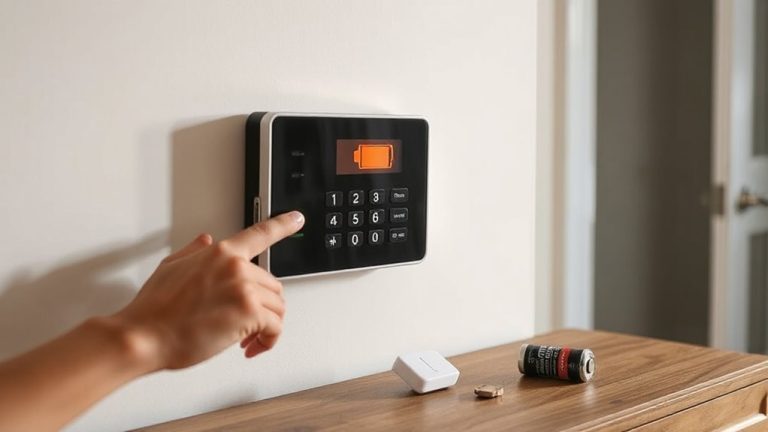
Though you might think a battery backup is set-and-forget, overlooking common errors can leave your security system vulnerable during outages. Improper placement-like installing units in damp or extremely hot areas-reduces battery life and efficiency. You should keep the system in a dry, temperature-controlled space to guarantee peak performance. Inadequate maintenance, such as neglecting to check charge levels or replace aging batteries, leads to unexpected failures. Test your system monthly and replace batteries every 3–5 years, or as the manufacturer recommends. Avoid overloading the unit with too many devices, which can trip circuits. Always verify compatibility between your security components and the backup system. These steps guarantee reliability when power fails. Proper setup and consistent care mean your security system stays active when it matters most.
On a final note
You need battery backup to keep critical security devices running during power outages. Always power your control panel, sensors, and cameras to maintain protection. Choose a UPS with enough capacity for at least 4–8 hours, based on your system’s draw. Install it correctly, test monthly, and replace batteries every 3–5 years. Avoid daisy-chaining or overloading circuits.