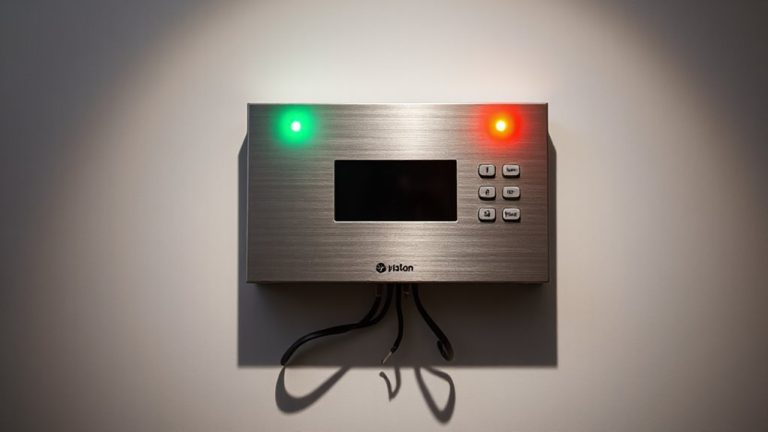
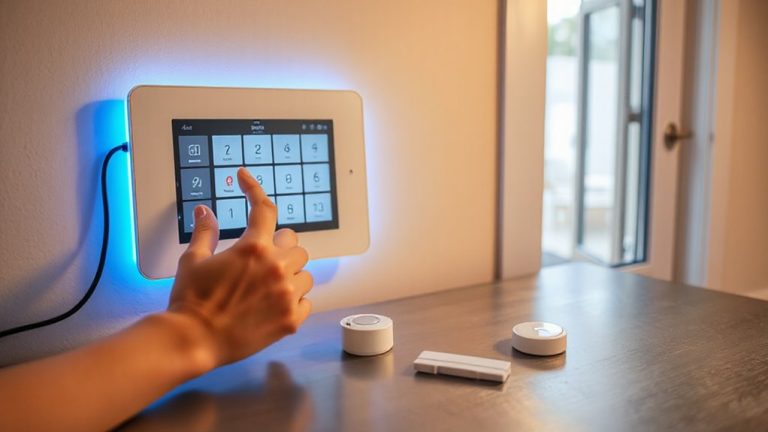
How to Use Motion Sensors to Monitor Elderly Family Members Living Alone
You can monitor elderly family members living alone by installing motion sensors in key areas like the bedroom, kitchen, and living room to track daily movement. These sensors learn normal activity patterns and send smartphone alerts if no motion is detected for 4–6 hours, which may signal a fall or emergency. Choose models designed for elder monitoring, with long battery life, privacy protections, and options to connect to emergency contacts. Some systems offer professional monitoring for $10–$30 monthly, enhancing response. You’ll discover how to set up alerts and respect privacy while keeping your loved one safe.
Notable Insights
- Choose motion sensors designed for elderly monitoring with activity tracking and privacy protections.
- Install sensors in high-traffic areas like bedrooms, kitchens, and living rooms for accurate movement detection.
- Set up alerts for prolonged inactivity, typically after 4–6 hours of no movement detected.
- Integrate sensors with smart lighting and emergency response systems to reduce fall risks and improve response times.
- Customize alert settings to avoid false alarms during normal sleep and respect personal privacy.
Prevent Falls With Motion Sensor Alerts
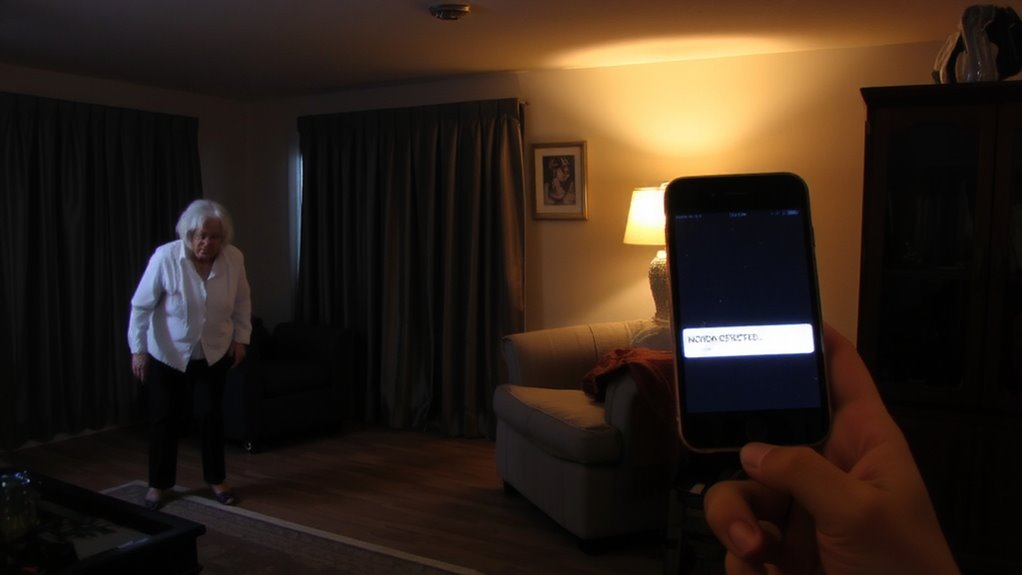
While falls are a leading cause of injury among older adults, installing motion sensors with alert systems can greatly reduce risks by detecting unusual inactivity or sudden movements. You can rely on fall detection technology to send immediate alerts when a potential fall occurs, ensuring faster response times. These sensors work silently in the background, using activity tracking to establish normal movement patterns. If the system notices prolonged stillness after motion, it triggers a notification to designated caregivers. Most models connect via Wi-Fi and integrate with smartphone apps, allowing remote monitoring. Installation is typically simple, with battery-powered options available. Initial costs range from $100 to $300, depending on features. While false alerts can happen, especially in low-traffic areas, placing sensors in key zones-like bedrooms and bathrooms-improves accuracy. Regular system checks help maintain reliable performance. For reliable options, consider checking the best motion sensor alarms based on expert testing and user reviews.
Choose Motion Sensors Made for Elderly Monitoring
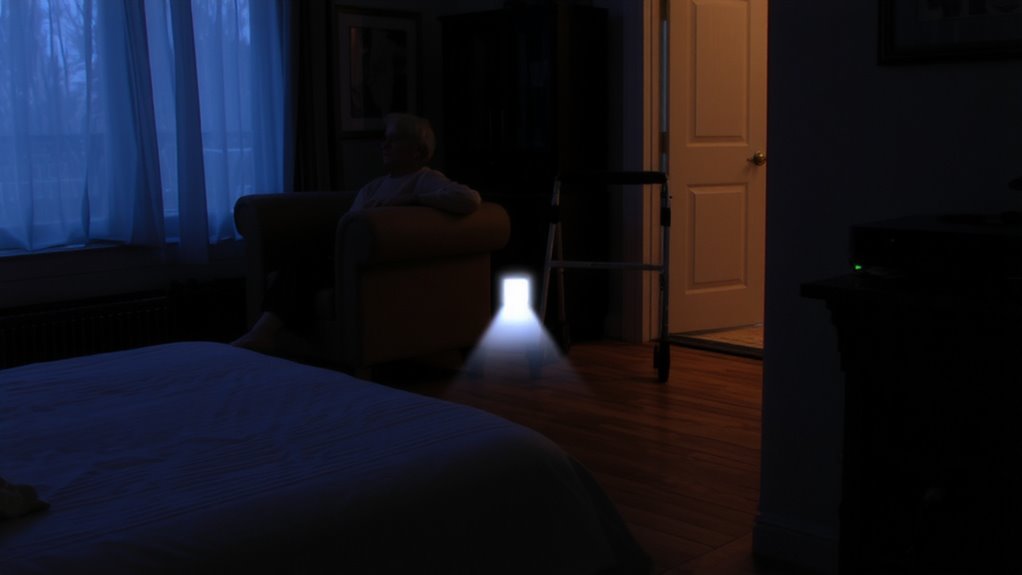
When selecting motion sensors for elderly monitoring, it’s important to choose models specifically designed for this purpose, as they offer features that better support health and safety. These sensors often include routine tracking, which learns daily movement patterns and alerts you to unusual inactivity. That’s essential for spotting potential health issues early. Many also integrate with smart lighting, automatically turning lights on or off to reduce fall risks at night. Look for sensors with long battery life, easy smartphone alerts, and privacy protections-no cameras unless needed. Models made for elderly care typically avoid false alarms and offer reliable wireless range. While they cost more than basic sensors, usually between $50 and $100 each, the added safety features justify the price. Always check compatibility with your home network and any existing smart home systems to guarantee smooth setup and consistent performance. For added security when traveling to visit elderly family, consider using a best travel safety pouch to safeguard important documents and valuables.
Install Sensors Where Seniors Move Most
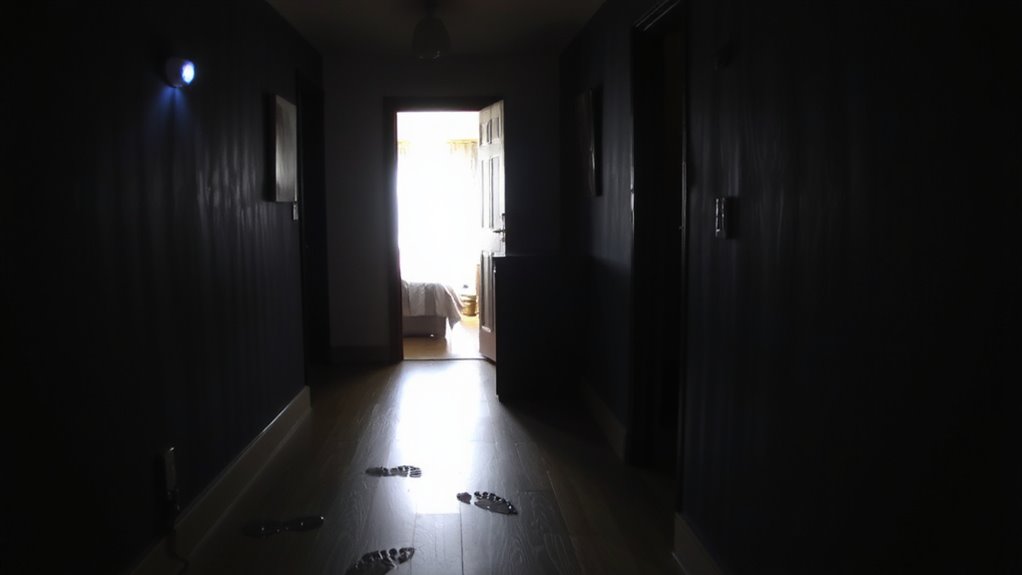
Most seniors spend about 80% of their time in just a few key areas, so you’ll want to install motion sensors where daily activity is most frequent-like the bedroom, bathroom, kitchen, and living room. Focus on monitoring living spaces where your loved one spends the majority of their day, as these areas give the clearest picture of their daily routines. Place a sensor near the bed to track morning wake-ups, in the bathroom for hygiene checks, and in the kitchen to see if meals are being prepared. Entryways and hallways can also help detect movement between rooms. Avoid low-traffic zones like guest rooms or storage areas to reduce false alerts. Proper placement guarantees accurate data without invading privacy. These insights help you understand normal activity patterns and support independent living with confidence. For optimal performance, choose a best motion sensor based on sensitivity and range suited for indoor monitoring.
Get Alerts When Movement Stops
If activity patterns change unexpectedly, your sensor system can notify you the moment movement stops for an unusual length of time-typically more than four to six hours-based on established daily routines. You’ll get an alert on your phone or email, letting you check in quickly. Good sensor placement is key: install sensors in common areas like the living room or hallway, but avoid spots like bathrooms to respect privacy. Proper placement also reduces false alarms caused by pets or environmental factors. Most systems let you customize alert timing, so you’re not notified unnecessarily during normal sleep hours. Look for models with adjustable sensitivity and Wi-Fi reliability to improve accuracy. Some cost under $100 per sensor, with no monthly fees. You’ll gain peace of mind knowing you’ll be informed if something seems off-without constant worry.
Monitor Without Spying: Keep Privacy Respected
You’ve set up alerts to catch unusual inactivity, but keeping an eye on a loved one shouldn’t mean sacrificing their dignity or privacy. Respect autonomy by placing sensors only in common areas like hallways or living rooms-never in bedrooms or bathrooms. Motion sensors detect movement patterns without audio or video, so you get data without intrusion. This balance helps maintain trust, showing your family member you value their independence. Discuss the system openly, explain how it works, and let them have control over when it’s active. Some systems allow users to disarm sensors temporarily, adding flexibility. Choose models with clear privacy policies and local data storage to reduce risks. Avoid Wi-Fi-connected cameras unless absolutely necessary. Monitoring isn’t about constant oversight-it’s about timely awareness. With thoughtful placement and honest communication, you can guarantee safety while respecting personal boundaries.
Connect to Emergency Help When No Motion Is Detected
When no movement is detected for an unusual length of time, it could signal a fall or medical emergency, so setting up your motion sensor system to alert emergency contacts automatically makes a critical difference. Your system should include an alert system that triggers after a preset period-typically 12 to 24 hours-depending on your loved one’s routine. Many systems offer integration with professional emergency response services, which can call the person first, then dispatch help if needed. This feature reduces false alarms and guarantees faster assistance. Look for sensors with reliable connectivity, battery backup, and clear status indicators. Some models cost under $100, while subscription-based services may add $10–$30 monthly. Weigh the pros-like peace of mind-against potential cons, such as delayed alerts during brief absences. A well-planned setup improves emergency response without constant monitoring.
Know What to Do When an Alert Comes In
What happens once an alert goes off? You need clear response protocols so you can act fast and avoid panic. First, check the sensor data-did movement stop, or is it a false alarm? Many systems let you review recent activity through an app, which helps confirm if something’s wrong. False alarms happen, often due to pets or tech glitches, so always verify before calling for help. If the alert seems real, follow your plan: call your loved one, contact a neighbor, or reach out to emergency services. Make sure everyone involved knows their role. Set up your system to send alerts to multiple people, so if one misses it, another can respond. Test your protocol monthly to keep it reliable. Planning reduces delays and keeps your family member safer.
On a final note
You can help keep your elderly loved one safe by using motion sensors to track movement patterns without invading privacy. These systems alert you if no activity is detected, which could signal a fall or health issue. Choose models designed for elderly monitoring, place them in key areas like hallways or bedrooms, and connect to emergency contacts. Setup is simple and costs between $50 and $150, offering peace of mind with reliable, non-intrusive monitoring.