Using Motion Sensors to Track Home Occupancy Patterns for Energy Efficiency
You’re wasting energy when lights and HVAC run in empty rooms, but motion sensors cut that waste by tracking real occupancy. Use PIR sensors in small spaces, wider ones in large rooms, and place them 6–8 feet high away from heat or sunlight. Paired with smart thermostats and lights, they reduce energy use by 20–30%. Avoid common mistakes like poor placement or wrong sensitivity settings. Systems cost $50–$150 per sensor and pay back fast through lower bills-find out how to optimize each room’s setup and save more.
Notable Insights
- Motion sensors detect occupancy patterns to automatically control lighting and HVAC, reducing energy waste in unused rooms.
- Install sensors in high-traffic areas like hallways and garages, avoiding heat sources and windows for accurate readings.
- Pair motion sensors with smart thermostats and lights to cut energy use by 10%–30% through synchronized automation.
- Use occupancy data analytics to identify low-usage rooms and adjust heating, cooling, and lighting accordingly.
- Choose the right sensor type and sensitivity for each room to prevent false triggers and ensure reliable energy savings.
Use Motion Sensors to Cut Home Energy Waste
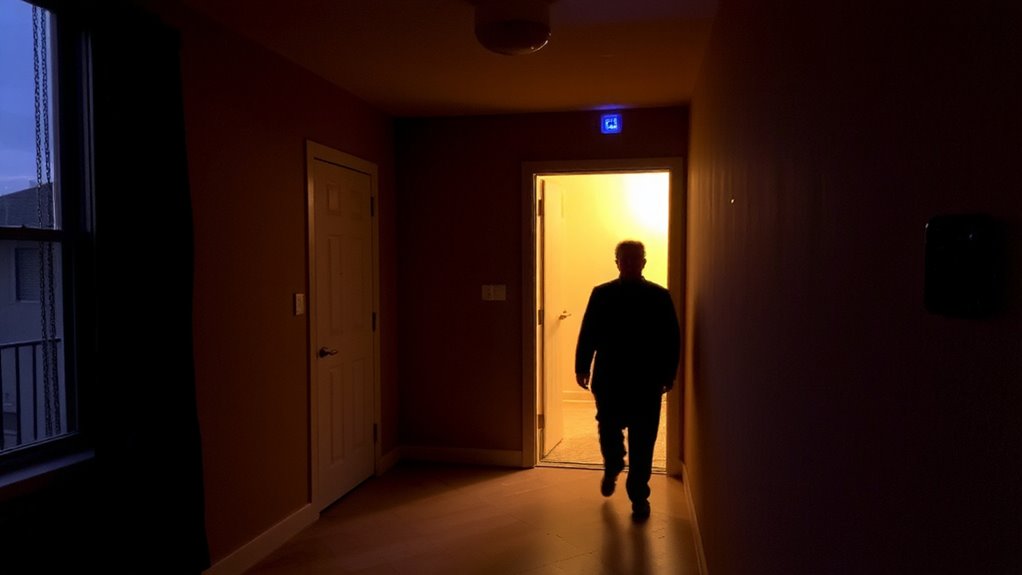
While you might not think about it daily, wasted energy from lights and appliances left running unnecessarily adds up over time, costing you money and increasing your environmental impact. Motion sensors help reduce this waste by automatically turning lights off when no movement is detected. Proper sensor placement is key-install them in high-traffic but often-forgotten areas like hallways, closets, or garages. Avoid placing them near heat sources or windows to prevent false readings. When paired with energy monitoring systems, sensors provide data on usage patterns, letting you identify peak times and adjust settings. Most systems use 20–30% less lighting energy, according to energy studies. Units range from $15 to $50 each, with smart models offering app alerts. While installation is usually simple, improper angles may reduce effectiveness. Consistent energy monitoring improves long-term savings. For reliable performance, consider one of the top motion sensor picks based on expert testing and user reviews.
Match Sensors to Room Size and Activity
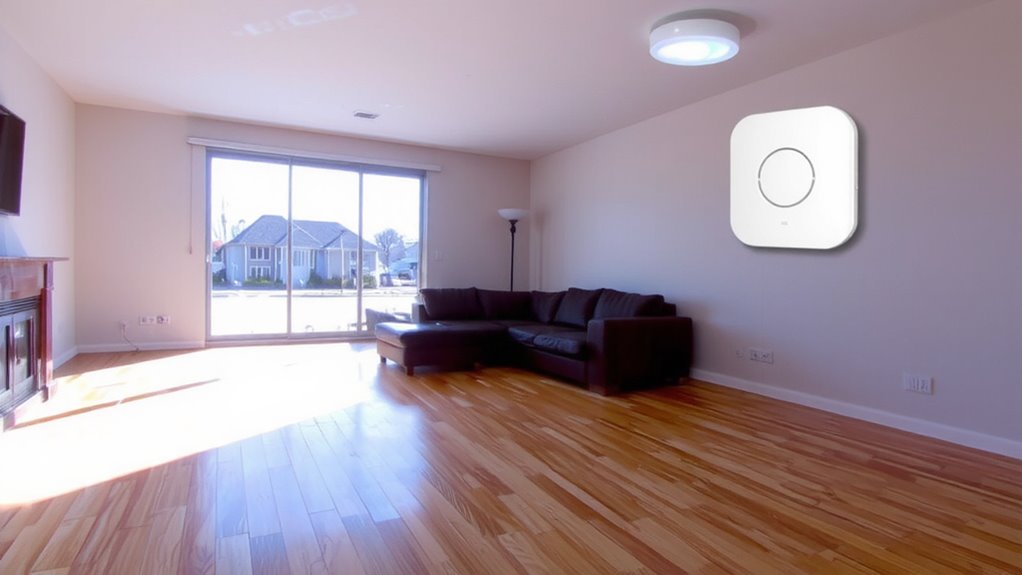
Choosing the right motion sensor isn’t a one-size-fits-all decision-your room’s size and how you use the space directly affect which model works best. For small rooms like bathrooms or offices, a basic passive infrared (PIR) sensor with narrow detection covers up to 10 feet and costs $15–$25. Larger areas like living rooms need wide-angle sensors, reaching 30 feet, often priced $30–$50. High-activity rooms, such as kitchens, benefit from sensors with accurate sensor calibration to reduce false triggers from appliances. Placement accuracy matters-mount sensors at 6–8 feet high, angled toward entry points, avoiding vents or direct sunlight. In low-traffic spaces like guest rooms, use adjustable sensitivity settings to avoid delays in detecting presence. Always check the sensor’s field of view and guarantee it matches your room’s layout. Proper matching improves efficiency without compromising comfort. For seamless integration with automation platforms, choose models from the best motion sensors for Home Assistant list to ensure compatibility and reliable performance.
Connect Sensors to Smart Thermostats and Lights
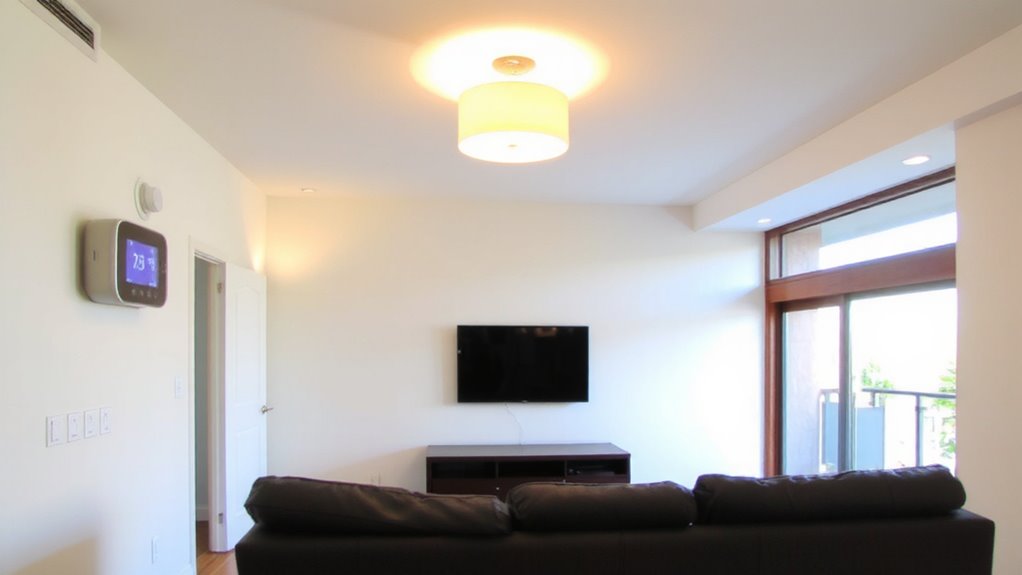
Since lighting and temperature control account for nearly 50% of home energy use, linking motion sensors to smart thermostats and lights can deliver measurable savings-often cutting utility costs by 10% to 30% annually, depending on household patterns. Proper sensor integration guarantees devices respond accurately to your movements. With device synchronization, lights turn off and thermostats adjust when rooms are empty. You’ll need compatible smart devices and a stable Wi-Fi connection. Here’s a quick comparison:
| Feature | Benefit |
|---|---|
| Automated lights | Reduces unnecessary electricity use |
| Smart thermostat sync | Lowers HVAC runtime |
| Real-time response | Improves comfort and efficiency |
| Remote access | Lets you adjust settings from anywhere |
Setup usually takes under an hour, and most systems pay for themselves within two years. Choose models with strong interoperability to avoid glitches.
Find Empty Rooms and Stop Wasting Energy
Motion sensors linked to smart thermostats and lights set the foundation for smarter energy use, but their real impact shows when you target wasted power in seldom-used rooms. You can use occupancy trends to spot which areas stay empty for hours or days, then adjust heating, cooling, and lighting accordingly. Usage analytics from your system reveal patterns over time-maybe the guest room rarely needs AC, or the basement lights stay on too long. These insights help you make data-driven decisions. For example, set schedules to reduce energy in low-traffic zones automatically. Most systems need a one-time setup and cost between $50 and $150 per sensor, but they quickly pay back through lower bills. While false triggers can happen, modern sensors filter them well. Review your usage analytics monthly to stay efficient. Empty rooms shouldn’t drain your resources-let the data guide smarter control. Top-rated systems often include best motion detectors for reliable performance across different home layouts.
Fix These 5 Motion Sensor Mistakes That Waste Energy
While motion sensors can cut energy use by shutting off lights and adjusting temps in unused rooms, installing them the wrong way might end up wasting more power than they save. You might place sensors where furniture or pets block detection, leading to lights staying on-poor sensor placement reduces accuracy. Mounting them near heat sources or windows causes false triggers, so avoid those spots. Calibration settings matter too: if sensitivity is too high, minor movements activate systems unnecessarily; too low, and the sensor misses occupancy. Set timers wisely-long delays keep lights or HVAC running after rooms are empty. Also, use the right sensor type for each room; bathrooms need quick response, while garages need wider coverage. Fixing these issues improves efficiency without extra cost. Proper setup means real savings, not wasted energy.
On a final note
You can cut energy waste by using motion sensors to track occupancy. Match sensor types to room size and activity for best results. Connect them to smart thermostats and lights so systems only run when someone’s present. Avoid common mistakes like poor placement or ignoring lighting needs. Proper setup saves energy over time, with most systems paying for themselves in under three years.