Linking Doorbell Cameras to Alarm Triggers for Instant Visual Verification of Threats
You cut false alarms by over 90% when you link your doorbell camera to your alarm system, thanks to instant video verification. Real-time clips let monitoring centers confirm threats before responding. Devices sync via Wi-Fi through shared hubs like Ring, Nest, or SimpliSafe, triggering alerts only for verified motion-like people, not trees. Set custom zones, adjust sensitivity, and use cloud storage for up to 180 days. Most systems cost $60–$120 yearly for full features, with local storage saving money but limiting access. Smart alerts and integration mean fewer mistakes and faster response-explore the top platforms to match your home’s needs.
Notable Insights
- Video verification reduces false alarms by over 90% by enabling real-time visual confirmation of alarm triggers.
- Doorbell cameras sync with alarm systems via Wi-Fi to initiate visual verification upon motion detection near entry points.
- Real-time alerts from integrated systems allow monitoring centers to assess threats using video clips instantly.
- Platforms like Ring, Nest, and SimpliSafe offer seamless camera-alarm integration with smart motion detection and two-way audio.
- Custom alerts and motion tagging help focus notifications on verified threats, improving response accuracy and reducing false positives.
Why Video Verification Stops False Alarms
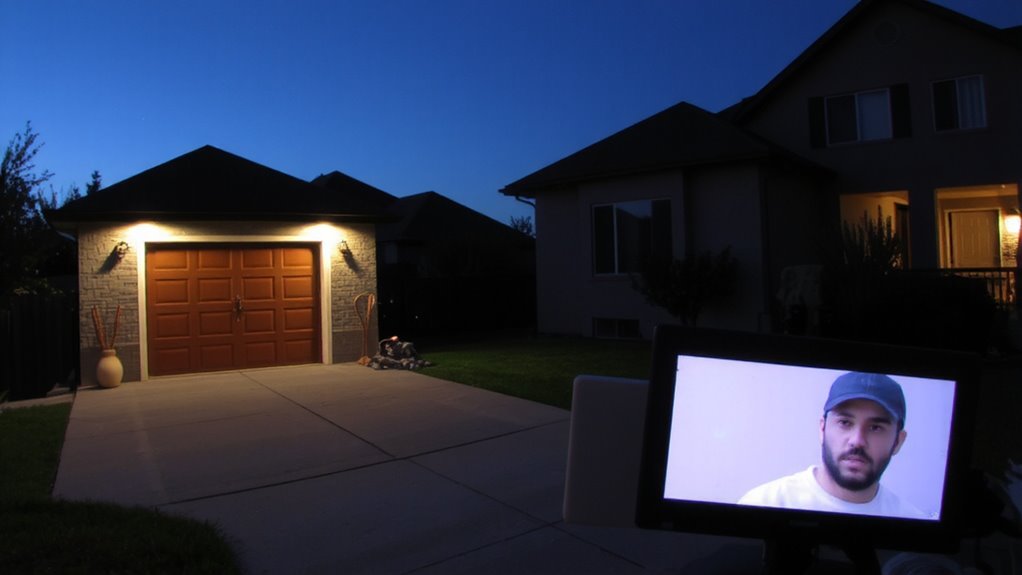
Many false alarms stem from sensor errors or routine motion triggers, but video verification cuts those incidents by over 90% according to industry studies. You’ll avoid unnecessary dispatches because visual confirmation lets monitoring centers see what triggered the alarm. Instead of reacting to false positives from a swaying tree or passing car, trained agents review video clips in real time. That means only verified threats prompt police or emergency responses. Most modern doorbell cameras support video verification, either through cloud services or local storage. Pros include reduced fines from false alarms and better peace of mind. A minor con is potential subscription costs, typically $3–$10 monthly. Systems with built-in verification often integrate smoothly with central monitoring, making activation simple. For best results, position your camera to cover key entry paths. You’ll get clear footage and reliable detection. Visual confirmation isn’t just helpful-it’s proven to stop false positives before they escalate. Top models like the best doorbell cameras offer advanced motion detection and seamless alarm integration for maximum security effectiveness.
How Doorbell Cameras Sync With Alarm Systems
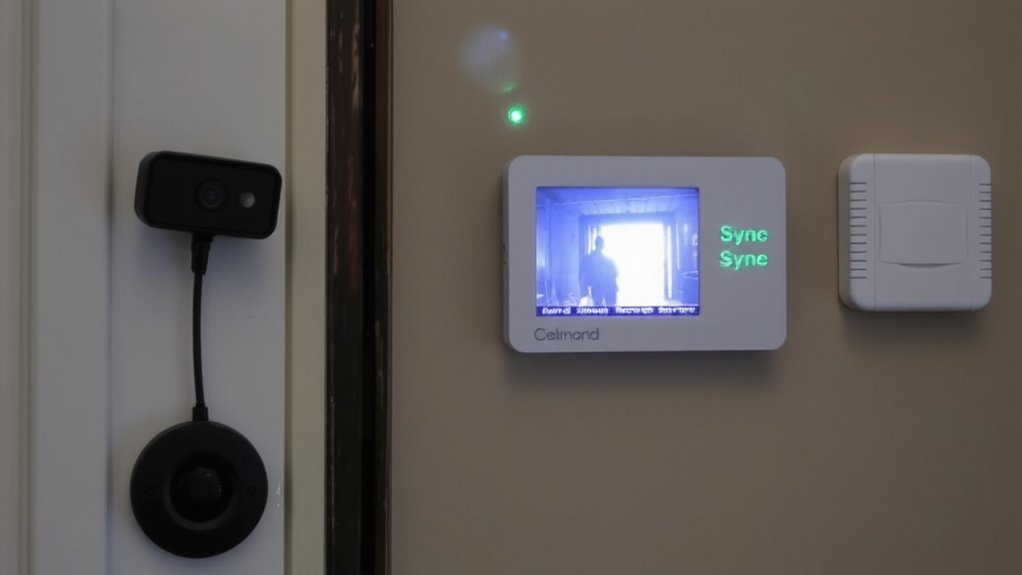
When your doorbell camera detects motion, it can trigger an alarm system if they’re properly synced, letting you respond quickly to potential threats. Motion detection is the key feature that activates this link, sending a signal from the camera to the alarm panel when movement occurs near your door. Many systems support audio integration, so you can hear and speak to visitors through the app while the alarm stays armed. This synchronization usually happens over Wi-Fi, using shared platforms or smart home hubs. For reliable performance, guarantee both devices are on the same network and updated regularly. Some setups may require a hub or extra configuration, but most modern systems simplify pairing. Delays in response are rare with strong connectivity, giving you near real-time alerts. Check compatibility before buying, as not all brands work together seamlessly. Apartment dwellers may benefit from Best Ring Cameras for Apartments due to their easy installation and seamless integration with smart home security systems.
Best Platforms for Camera and Alarm Integration
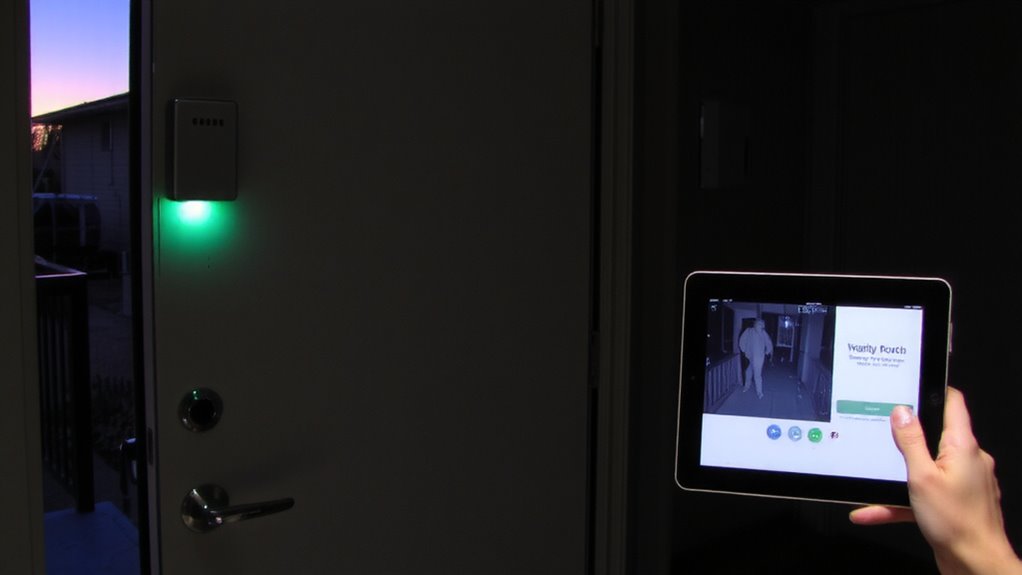
While not every security system works with all doorbell cameras, you’ll get the smoothest integration by choosing platforms designed to work together out of the box. These systems use reliable motion detection and support cloud storage for instant verification when alarms trigger. For businesses seeking scalable and high-resolution options, investing in best business surveillance cameras can enhance overall security beyond doorbell functionality. Here are top platforms that combine alarms and cameras seamlessly:
| Platform | Key Features |
|---|---|
| Ring Alarm + Ring Doorbell | Real-time alerts, cloud storage, advanced motion detection |
| Google Nest Secure + Nest Hello | Familiar interface, facial recognition, 24/7 cloud video |
| ADT + Google Nest | Professional monitoring, strong cloud storage options |
| SimpliSafe + SimpliCam | DIY setup, customizable motion zones, flexible cloud plans |
| Arlo Smart Home | AI motion detection, seamless alarm syncing, scalable cloud tiers |
Choose based on cloud storage needs, motion detection sensitivity, and monitoring preferences.
Set Up Real-Time Threat Alerts in 5 Steps
A well-configured alert system turns your doorbell camera and alarm into an active security partner, not just passive tools. First, link your devices through a compatible hub or app to enable real-time responses. Second, enable smart alerts so you only get notified for meaningful events, reducing false alarms from leaves or shadows. Third, turn on motion tagging-this labels activity types like person, package, or vehicle-for faster threat assessment. Fourth, adjust sensitivity settings to balance detection accuracy and alert frequency, especially in busy areas. Fifth, test the system by simulating approaches to confirm alerts arrive instantly on your phone or tablet. Most platforms deliver alerts in under 10 seconds with proper Wi-Fi. Use these steps to guarantee timely, precise notifications. Smart alerts and motion tagging together improve reliability, helping you respond faster with confidence.
Get Smarter Security With Custom Notifications and Footage
You’ve set up real-time alerts, so now take the next step by fine-tuning how you receive them and what happens after. Use custom alerts to specify when and how you’re notified-like only getting pings during certain hours or for specific zones. This reduces false alarms and keeps you focused on real threats. Pair this with smart footage retention settings to store videos longer when needed. Most systems keep clips for 30 days, but you can extend that with cloud plans or local storage. Review the table below to compare options:
| Feature | Cloud Storage | Local Storage |
|---|---|---|
| Custom alerts | Yes | Limited |
| Footage retention | Up to 180 days | Depends on device |
| Cost over 1 year | $60–$120 | $0–$50 |
| Access ease | Anywhere | On-site only |
| Data control | Provider-managed | User-managed |
On a final note
You reduce false alarms by linking your doorbell camera to your alarm system, since video confirms real threats. Systems like Ring, SimpliSafe, and Google Nest offer reliable integration, sending you instant alerts with video clips. Setup takes about five steps and works best with a strong Wi-Fi signal. Custom notifications help you respond faster. Expect to spend $150–$300 for equipment, with optional cloud storage costing $3–$10 monthly.