A Guide to Selecting the Most Appropriate CCTV Cameras Based on Your Living Space
You should start by securing ground-level entry points-70% of break-ins occur through doors and windows. Install outdoor cameras with weather resistance (IP66 or higher) and low-light capabilities near these zones. Use wired systems for reliability or wireless for flexibility, depending on your setup. Position cameras to cover blind spots but avoid pointing them at neighbors’ private areas. For cost efficiency, prioritize overlapping fields of view and motion alerts with adjustable sensitivity-you’ll find smart placement often reduces the number of cameras needed.
Notable Insights
- Focus surveillance on ground-floor entry points like doors and windows, which are common break-in targets.
- Choose weather-resistant outdoor cameras with IP66 rating for reliable performance in rain, glare, and low light.
- Use wired systems for stable, uninterrupted recording or wireless for flexible, DIY installation based on your needs.
- Position cameras to eliminate blind spots and avoid neighbor privacy zones while ensuring clear sightlines.
- Select cameras with infrared sensors and adjustable motion alerts to reduce false alarms and improve night visibility.
Identify Key Entry Points and High-Risk Areas
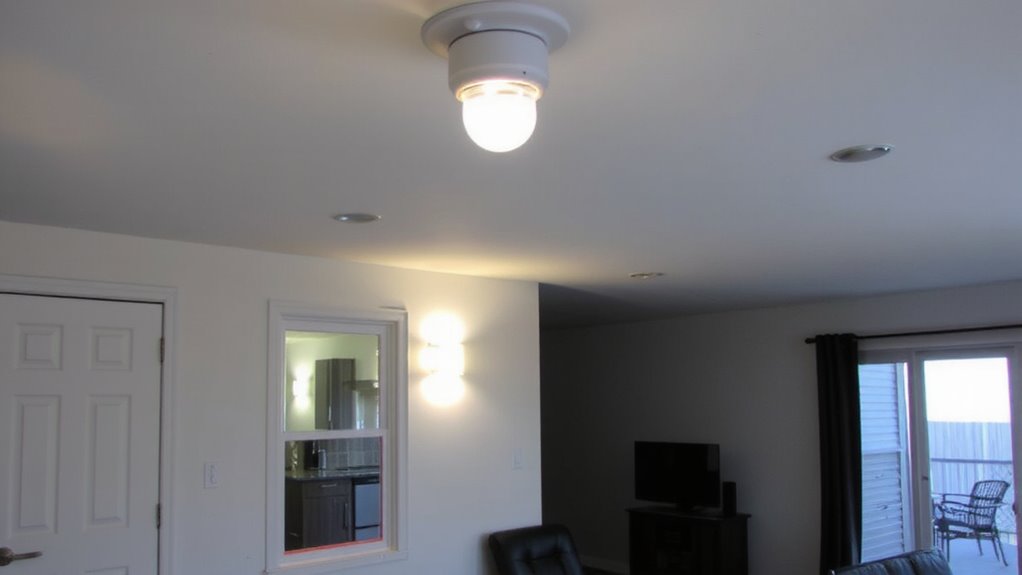
While every home has unique security needs, starting with a clear assessment of where threats are most likely to occur guarantees your system is both efficient and effective. You should prioritize monitoring entry doors and ground floors, as these are the most common access points for intruders. Statistics show over 70% of break-ins happen through ground-level openings, including doors and windows. Focus on securing all exterior entry doors, especially those at the front, back, and garage. Ground floors with sliding doors or accessible windows also need attention. Use durable sensors and reinforced frames. Cameras should have clear sightlines without blind spots. A well-planned layout reduces false alarms and increases detection accuracy. Plan early to avoid costly reinstallation. Document each point to guide equipment choices and placement later. For optimal visibility in all conditions, consider installing best outdoor security cameras.
Choose Indoor vs Outdoor Security Cameras
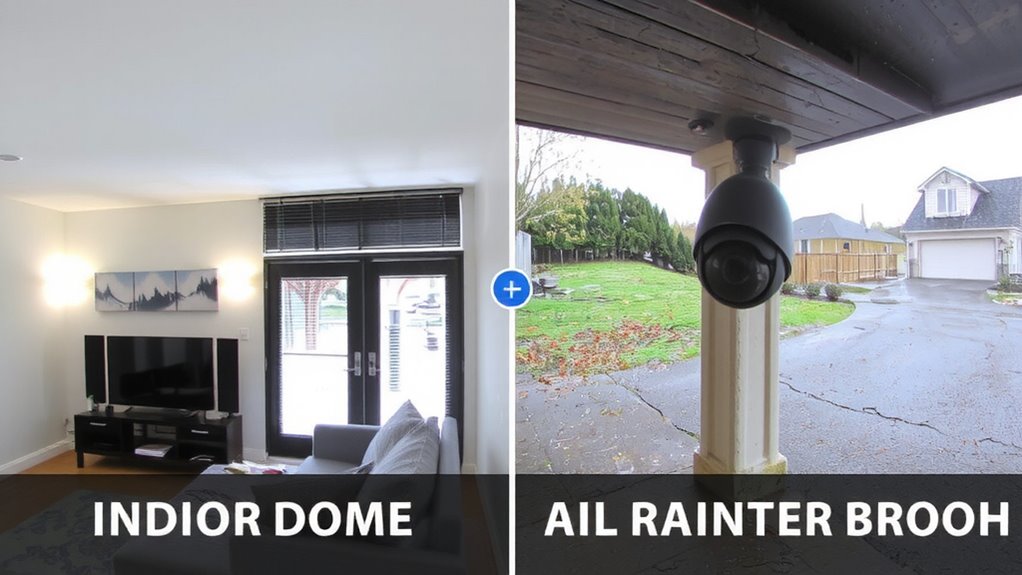
Since your home’s layout and security goals vary, deciding between indoor and outdoor cameras comes down to where you need coverage and what threats you’re most likely to face. Outdoor cameras must have weather resistance to endure rain, snow, and temperature swings, ensuring reliable operation year-round. They’re typically placed near entry points, driveways, or backyard access zones. These models often require a hardwired power source or weatherproof outlets, though some use batteries with routine maintenance needs. Indoor cameras don’t need weather resistance but should still offer clear video and reliable connectivity. Many run on standard power sources, making installation simpler and less costly. Choose outdoor-rated cameras for exterior use-don’t risk damaging indoor units. Consider wired setups for uninterrupted power, or battery-powered options for flexible placement, keeping in mind their maintenance demands. For reliable exterior coverage, consider investing in a best outdoor wired security camera system.
Pick Cameras for Low Light, Rain, and Glare
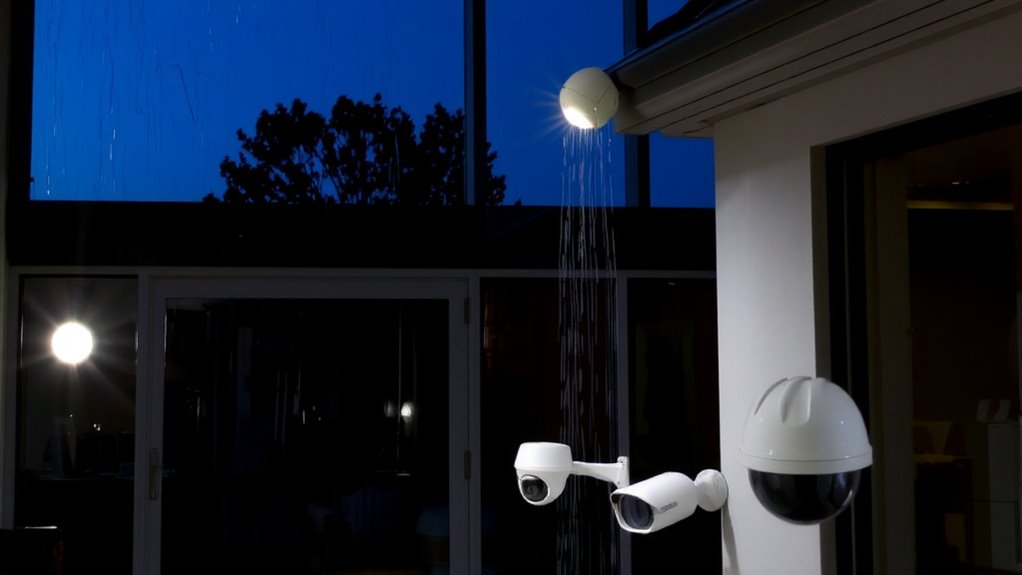
If you’re dealing with dimly lit areas or tricky weather conditions, picking a camera that performs well in low light, rain, and glare is key to reliable surveillance. Look for models with strong image quality in low lux ratings-below 0.1 lux means clear footage even at night. Infrared (IR) or starlight sensors help maintain visibility without extra lighting. For rain and humidity, check the IP rating: IP66 or higher guarantees solid weather resistance, protecting against heavy rain and dust. Avoid cameras with poor glare handling, as bright lights can wash out footage. Choose ones with wide dynamic range (WDR) or backlight compensation to balance light exposure. These features preserve image quality in mixed lighting, like sunlit driveways or porch lights. While higher-end models deliver better performance, mid-range options often offer sufficient protection for most homes. Always prioritize tested specs over marketing claims. For discreet monitoring in sensitive areas, consider models highlighted in the Best Hidden Cameras roundup, which balances stealth with reliable performance.
Decide: Wired or Wireless CCTV System
How do you choose between a wired and wireless CCTV system when both promise good security? Wired systems deliver stable video without signal interference, making them reliable for constant monitoring. They require professional installation and more upfront effort, but they offer consistent performance and aren’t affected by Wi-Fi outages. Wireless systems are easier to install and flexible in placement, appealing if you want to avoid drilling or complex setups. However, they depend on strong Wi-Fi and are more vulnerable to signal interference from walls or other devices. They also have higher power dependency since they typically rely on batteries or nearby outlets. Wired models usually need less maintenance and provide uninterrupted recording, while wireless ones may need frequent battery changes or recharging. Consider your home layout, internet strength, and willingness to maintain the system when deciding.
Enable Motion Alerts and Phone Notifications
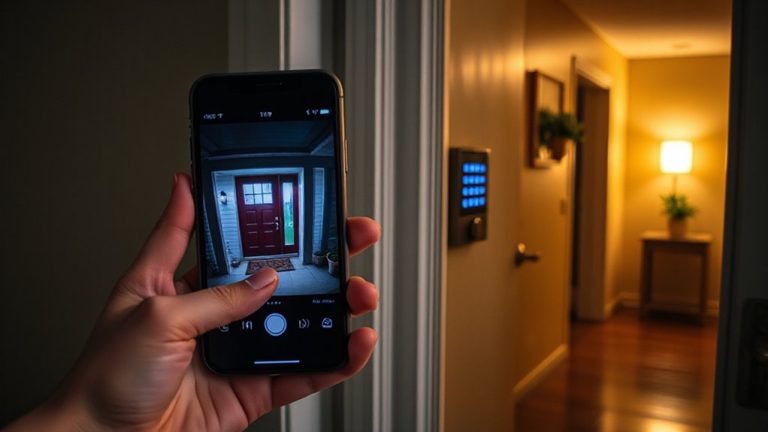
You’ve chosen between a wired and wireless system based on your home’s layout and your comfort with installation, and now it’s time to make your cameras work smarter. Enabling motion alerts guarantees you’re notified when activity occurs, helping you respond quickly. Adjust motion sensitivity to reduce false alarms from pets or passing cars-too high, and you’ll get overwhelmed; too low, and you might miss important events. Use notification customization to control which alerts reach your phone, sorting by camera, time of day, or motion size. Most apps let you schedule alerts, so you’re only notified when necessary. This feature works best with reliable Wi-Fi and consistent power. Test settings weekly to fine-tune accuracy. Proper setup improves response time without disrupting daily life, making your system more effective.
Avoid Blind Spots and Respect Privacy Zones
What good is a camera if it misses the action? Proper camera placement is key to eliminating gaps in surveillance. Use blind spot mapping to walk around your property and identify hidden zones-like corners, behind doors, or near shrubs-where people could go unseen. Position cameras to cover entry points, but avoid pointing them into neighbors’ homes or private areas like bedrooms and bathrooms to respect privacy.
| Area Type | Coverage Tip | Privacy Consideration |
|---|---|---|
| Front Yard | Elevate near entryways | Avoid street-facing glare |
| Backyard | Use wide-angle lenses | Don’t point at neighbor’s windows |
| Indoor | Corner ceiling mounts | Exclude bedrooms, bathrooms |
| Driveway | Angle toward access points | Limit recording during daytime |
Blind spot mapping guarantees full visibility while maintaining lawful, ethical use.
Maximize Coverage Without Breaking the Bank
Strategic placement guarantees you’re not missing activity in vulnerable areas while staying within legal and ethical boundaries. Proper camera placement reduces the number of units needed, boosting cost efficiency. Focus on entry points like doors and windows-these are common intrusion routes. Overlapping fields of view can create redundancy, so position cameras to minimize blind spots without duplication. A single wide-angle camera may cover more ground than two standard models, lowering upfront costs and simplifying maintenance. Consider adjustable mounts to fine-tune angles during installation. Power-over-Ethernet (PoE) models reduce wiring complexity and cut long-term energy use. Avoid placing cameras where they capture public sidewalks or neighbors’ property-this prevents privacy complaints and potential legal issues. Wireless systems offer easier setup but may require battery replacements or signal boosters. Investing time in planning pays off: fewer cameras in the right spots deliver full coverage at a lower price.
On a final note
You now know how to choose the right CCTV setup for your space. Focus on key entry points, pick indoor or outdoor models as needed, and guarantee cameras handle low light or weather. Wired systems offer reliability, while wireless provides easier installation. Enable motion alerts to stay informed. Position cameras carefully to avoid blind spots and respect privacy. Balance coverage and cost with smart planning.