The Benefits of Using Mobile Applications to Control Your Home Security System
You can arm or disarm your system remotely using a mobile app, giving you real-time control from anywhere. Live camera feeds let you monitor your home on demand, with 1080p video for clear detail. Instant alerts notify you of motion or entry, often with photo verification. Share access securely with family, set schedules, or revoke permissions instantly. Integrated smart home automation lets you control lights, locks, and thermostats in one place. Many systems cost $10–$30 monthly, use encrypted connections, and work on iOS or Android-features that adapt to your lifestyle while keeping security reliable. More details follow on optimizing each function.
Notable Insights
- Remotely arm or disarm your security system from anywhere using a smartphone with real-time confirmation alerts.
- Monitor live 1080p camera feeds on your mobile device to check entry points and key areas anytime.
- Receive instant push notifications with photo or video clips when motion or intrusions are detected.
- Grant, restrict, or revoke family and guest access with scheduled permissions and activity logging.
- Integrate with smart home devices for automated routines like locking doors and turning off lights.
Use Your Mobile App to Arm and Disarm Remotely
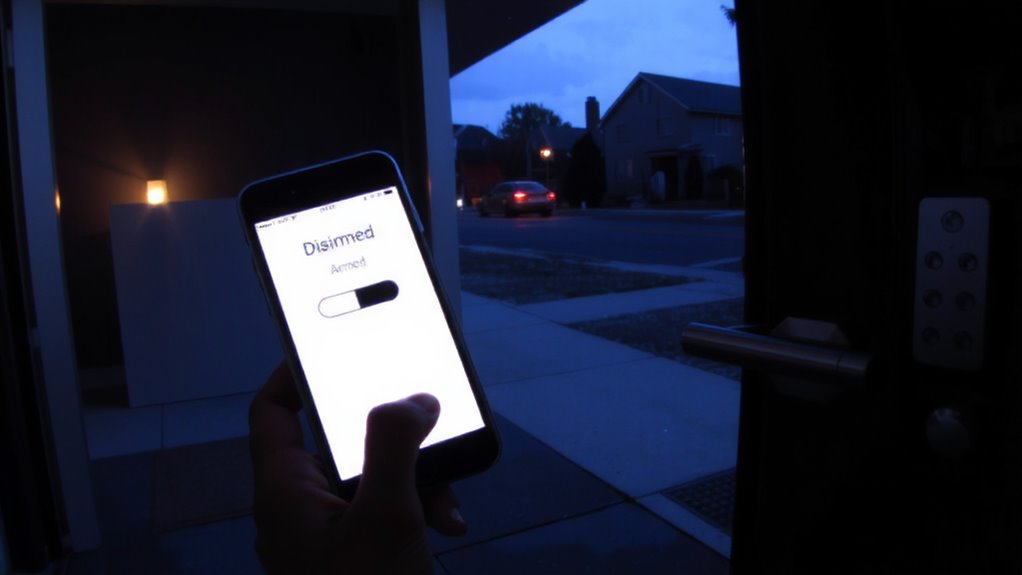
A mobile app that lets you arm and disarm your home security system remotely gives you control no matter where you are. With remote access, you can manage your system from work, vacation, or even just the grocery store. Real time control means changes take effect instantly, so if you forget to arm the system, you can fix it with a tap. Most apps send a confirmation once the system is armed or disarmed, giving you peace of mind. Setup is usually quick, and apps work on both iOS and Android. Look for systems with encrypted connections to keep your data safe. Some apps offer scheduling features, so the system arms automatically. Monthly fees may apply, depending on the provider. Overall, remote arming and disarming enhance convenience while maintaining strong security.
View Live Camera Feeds From Your Phone
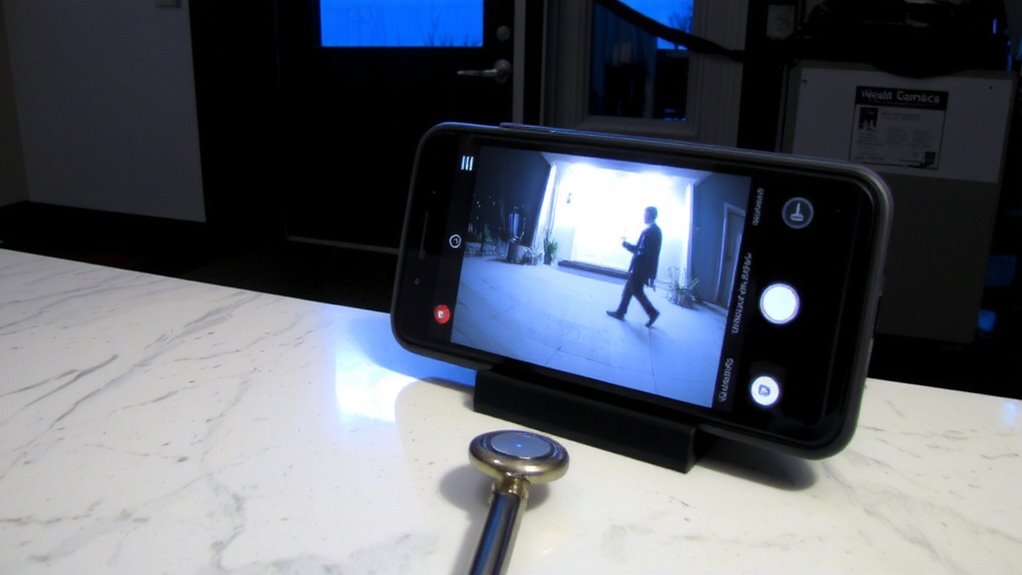
How would you feel if you could check on your home anytime, from anywhere? With your mobile app, you can view live camera feeds instantly, whether you’re at work or on vacation. Good camera placement guarantees you cover entry points and key areas, like the front door or garage. Poor placement can leave blind spots, so position cameras to maximize visibility. Video quality matters too-go for at least 1080p resolution so you can clearly see faces and details. Higher video quality uses more data and storage, so balance clarity with your internet plan and subscription limits. Most apps let you switch between cameras with a tap, giving you real-time awareness. Reliable connections and weather-resistant outdoor models improve performance. You don’t need advanced tech skills-just a smartphone and a secure Wi-Fi network. Proper setup makes remote monitoring straightforward and effective. Consider choosing one of the best home security cameras based on performance, ease of use, and integration with mobile apps.
Get Instant Alerts for Security Events
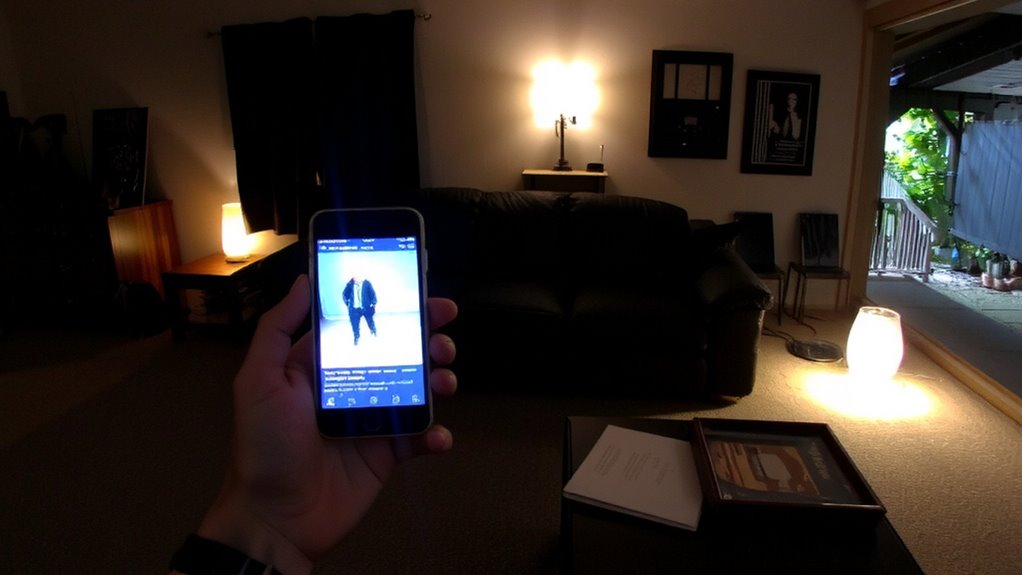
You’re already keeping an eye on your home with live camera feeds, but what happens when something suspicious occurs while you’re not watching? That’s where instant alerts come in. Modern security apps send push notifications the moment motion is detected or a door is opened, so you’re informed immediately. These alerts often include a photo or short video clip, helping you assess the situation quickly. You can also set custom rules, like getting alerts only during certain hours. If needed, you can contact authorities or notify trusted emergency contacts directly from the app. Push notifications reduce response time markedly, especially when you’re away. Most systems let you customize alert settings to avoid false alarms. Reliable internet and a charged phone are essential. Some services offer free alerts, while others require a subscription, typically $10–$30 monthly.
Let Family Access Your Security System
While managing your home security system alone can work, sharing access with family members often makes monitoring more effective and convenient. You can assign guest permissions to control who sees or adjusts settings, ensuring younger family members can’t disable alarms. With access scheduling, you set specific times when each person can view feeds or arm/disarm the system, which helps secure your home during known routines. Most apps let you revoke access instantly, adding flexibility. This feature works well for parents, teens, or caregivers arriving at different times. It’s also useful when guests visit, letting them enter temporarily without sharing your main login. Access logs show who did what and when, improving accountability. Check your app’s user limits and permissions levels before setting up. Not all plans include advanced controls, so review pricing tiers to avoid surprises.
Connect to Smart Home Devices for Automation
Modern home security apps go beyond monitoring by linking directly to your smart home ecosystem, allowing devices to work together seamlessly. With device integration, you can trigger lights, locks, and thermostats based on security events or schedules. Scene automation lets you create routines-like “Goodnight”-that arm your system, turn off lights, and lock doors all at once. This reduces effort and boosts consistency in home safety. Top smart home devices offer reliable connectivity and easy setup for enhanced automation.
| Feature | Benefit |
|---|---|
| Unified app control | Manage security and smart devices in one place |
| Scene automation | Save time with custom, automated routines |
| Device integration | Connect cameras, sensors, and smart gadgets |
| Scheduling | Automate actions based on time or triggers |
Planning for compatibility is key-check if your devices share the same protocol, like Zigbee or Wi-Fi. While setups vary in cost, most apps offer core automation for free.
Respond to Threats in Real Time
When a security event occurs, your app can notify you instantly, so you’re able to take action the moment something’s off. You can view live camera feeds to perform threat verification, ensuring it’s not a false alarm before responding. If a break-in is confirmed, you can trigger alarms, lock doors remotely, or alert authorities, improving your emergency response time markedly. Most apps let you customize alert types and response protocols based on the threat level. Systems with professional monitoring often include 24/7 support, though they may require a monthly fee. Self-monitored systems are cheaper but rely solely on your input. Either way, real-time notifications and quick access to controls mean you’re never out of the loop, even when you’re away. Responding quickly helps limit damage and increases the chance of stopping threats early. A reliable POE doorbell camera ensures consistent power and data connectivity for uninterrupted monitoring.
On a final note
You can control your home security system easily with a mobile app, giving you real-time access and peace of mind. You’ll arm or disarm the system remotely, view live camera feeds, and get instant alerts. Family members can have secure access, and integration with smart home devices allows automation. Respond quickly to threats, anytime, from anywhere. It’s reliable, data-driven, and fits most budgets. Planning guarantees the right choice.