Creating a Checklist for Regular Maintenance Tasks on Your Home Security Equipment
Test door sensors monthly to guarantee alarms trigger correctly and adjust alignment if needed. Update firmware every three months to patch security flaws. Clean camera lenses and reposition them for full coverage. Check battery backups and Wi-Fi strength quarterly, using extenders if needed. After renovations, update access controls and zones. A quick 5-minute checklist keeps your system reliable-there’s more to fine-tune for long-term protection.
Notable Insights
- Test all door sensors monthly to ensure alarms trigger correctly and sensors are properly aligned.
- Check for firmware updates every three months and install security patches promptly via the manufacturer’s app.
- Clean camera lenses every few months and reposition for optimal coverage, avoiding glare and blind spots.
- Verify backup battery health quarterly and ensure Wi-Fi signal strength remains above -70 dBm.
- Update access controls and motion zones after any home changes to maintain accurate security coverage.
Test Door Sensors and Alarms Monthly
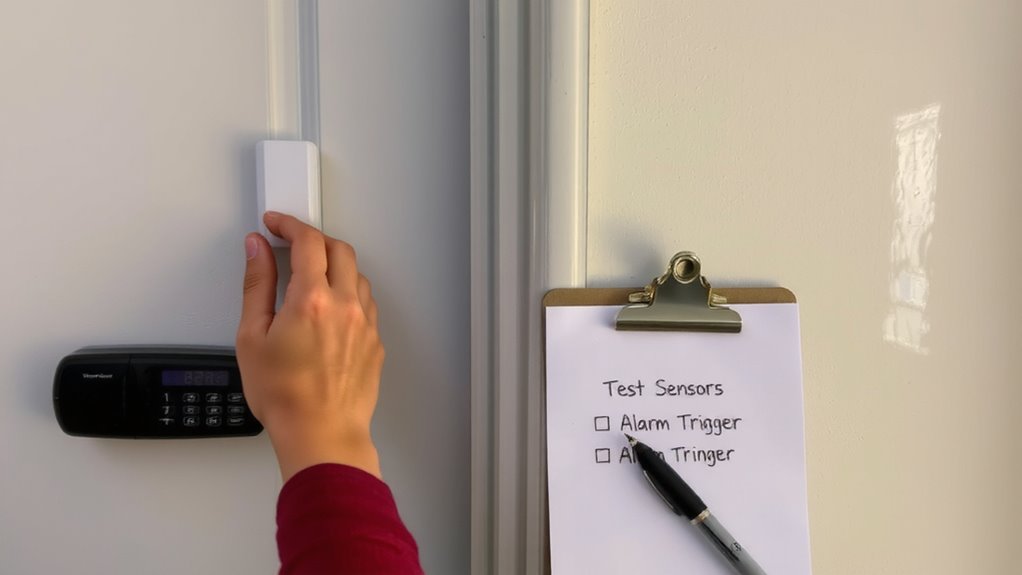
You should test your door sensors and alarms every month to guarantee they’re working correctly. Start by opening each monitored door to see if the system registers the change and triggers the alarm. Check sensor alignment-both parts must be level and within 1/8 inch of each other for reliable contact. Misalignment causes false alarms or missed detections. Adjust them gently if needed. Also, review alarm sensitivity settings; too high may trigger false alarms from vibrations, too low might miss a real threat. Most systems let you adjust this in the app or control panel. Testing monthly guarantees early detection of weak batteries or connection issues. It’s a quick task-five minutes per month-that maintains system integrity. No special tools are needed. Consistent testing supports long-term reliability. Include it in a written checklist to stay on schedule. For optimal performance, consider upgrading to best garage door alarm sensors if your current system lacks reliability or modern detection features.
Update Firmware to Fix Security Bugs
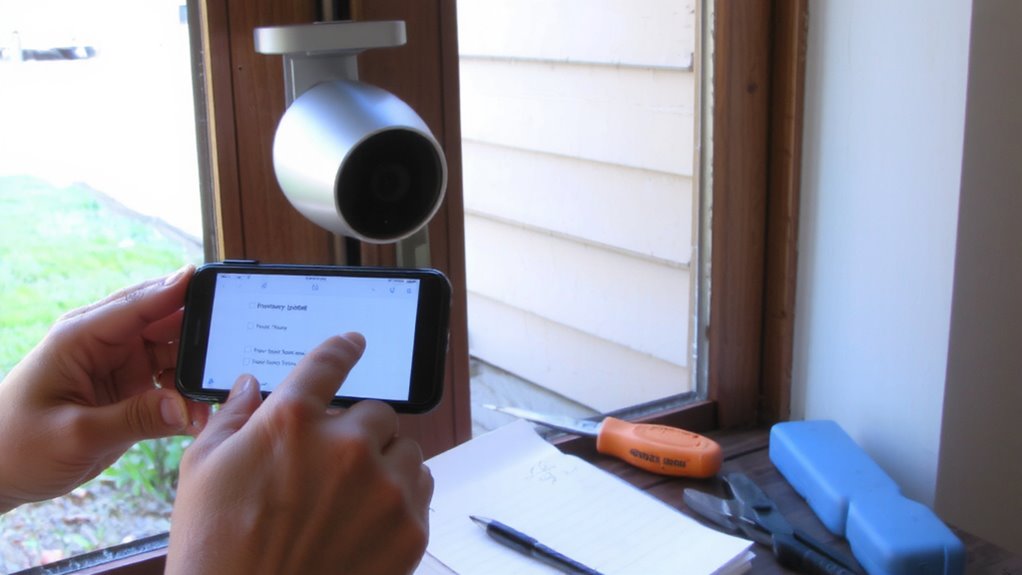
While firmware updates might seem like a minor detail, they’re essential for keeping your home security system protected against newly discovered vulnerabilities. Manufacturers regularly release security patches and vulnerability fixes to address flaws hackers could exploit. Ignoring these updates puts your system-and your home-at risk. Most modern devices notify you when updates are available, but it’s wise to manually check every few months via the manufacturer’s app or website.
| Task | Frequency |
|---|---|
| Check for firmware updates | Every 3 months |
| Install security patches | As soon as available |
| Confirm vulnerability fixes applied | After each update |
Set calendar reminders to stay on track. Delaying updates increases exposure to threats. Ensuring your system runs the latest firmware strengthens protection without extra cost. This step takes minutes but offers long-term digital security benefits.
Clean Lenses and Reposition Outdoor Cameras
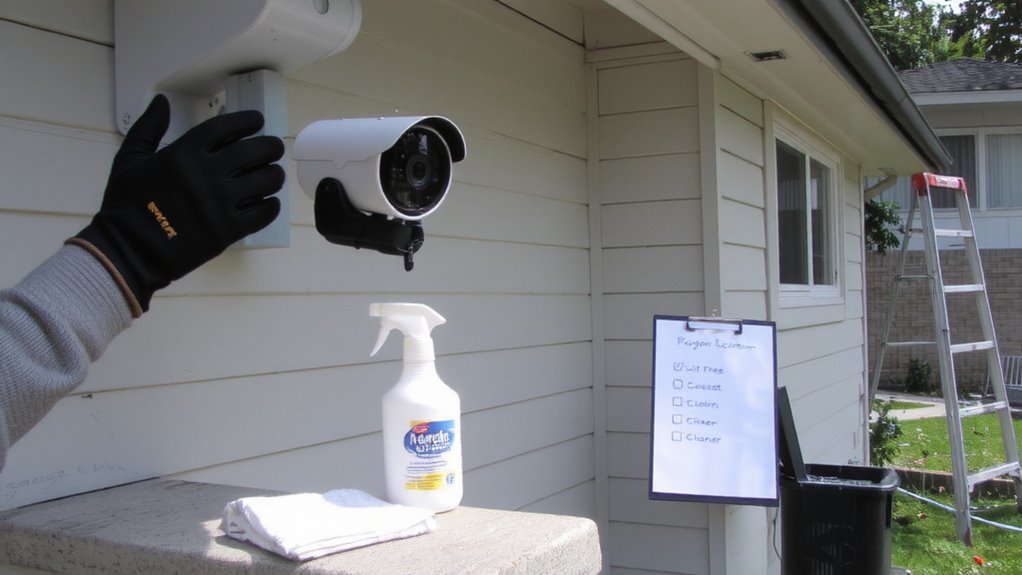
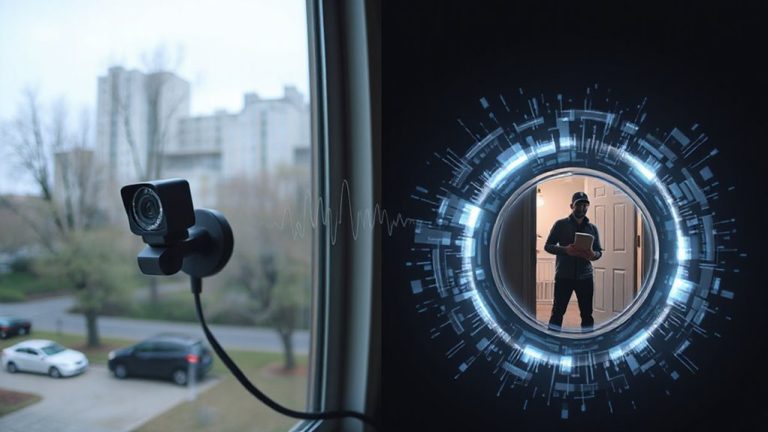
Dirt, dust, and weather buildup can seriously impact your outdoor 360-degree coverage. You should clean the lenses every few months using a microfiber cloth and lens-safe cleaner to guarantee clear footage. Debris removal around the camera housing prevents obstructions and potential damage from trapped moisture. Check camera angles regularly-over time, weather or accidental bumps can shift positioning, creating blind spots. Reposition the camera to maintain full coverage of entry points and high-traffic areas. Make sure the view includes walkways and doors without pointing directly into bright light, which can cause glare. Avoid angling too steeply downward, as this reduces effective monitoring range. Cleaning and adjusting your cameras takes just minutes but improves detection accuracy and video quality. This simple maintenance step boosts overall system effectiveness without added cost. A properly positioned camera ensures best home security cameras deliver optimal performance and reliable surveillance.
Verify Battery Backup and Wi-Fi Connection
How often do you check if your security system stays online during a blackout or Wi-Fi outage? Testing battery health and Wi-Fi signal strength guarantees your system remains functional when needed most. Weak battery health can lead to downtime, while poor signal strength disrupts camera feeds and alerts. Check backup batteries quarterly and replace them every 3–5 years. Use your router’s app to monitor Wi-Fi signal strength near each device-ideally, it should be above -70 dBm. For optimal performance with Ring cameras, consider using a WiFi extender for Ring.
| Device | Battery Health | Signal Strength |
|---|---|---|
| Entry Cam | Good (85%) | Strong (-62 dBm) |
| Garage Sensor | Low (30%) | Weak (-78 dBm) |
| Back Door Lock | Full (100%) | Good (-68 dBm) |
| Patio Camera | Fair (55%) | Fair (-71 dBm) |
| Front Doorbell | Good (80%) | Strong (-60 dBm) |
Address low scores promptly to maintain coverage.
Adjust Access and Zones After Moving or Renovating
If you’ve recently moved or made changes to your home layout, updating your security system’s access permissions and detection zones is essential to maintaining accurate protection. You need to adjust access control so only authorized people can enter specific areas, especially if you’ve added rooms or changed door placements. Outdated permissions might let someone access zones they shouldn’t, creating security gaps. Also, revise your zone configuration to match current room usage and sensor locations-this guarantees motion detectors and alarms respond correctly. For example, if a bedroom becomes a home office, update activity schedules and alerts accordingly. Most systems let you edit zones and access settings via an app or web portal, making updates simple. Always test the system afterward to confirm proper function. Regular reviews after any renovation help maintain strong, reliable security coverage tailored to your home’s current layout.
On a final note
You should test sensors and alarms monthly to guarantee they respond properly. Updating firmware fixes bugs and strengthens protection. Clean camera lenses regularly and adjust outdoor placements to maintain clear views. Check battery backups and Wi-Fi strength to avoid gaps in coverage. After moves or renovations, update access codes and zone settings so your system matches your home’s layout. These steps keep your security system reliable and effective.