Edge Storage Cameras: Privacy & Bandwidth Savings Explained
Edge storage keeps your video on the camera, usually via a microSD card, so footage stays off the cloud and out of third-party servers. This local setup boosts privacy and cuts bandwidth use since only motion-triggered clips upload. With AI detection, your camera ignores false alarms like passing cars, saving storage and reducing unnecessary data transfer. Most models support 32GB to 256GB cards, balancing 1080p or 4K quality with efficient space use-ideal for homes with limited internet. Stronger encryption and offline access mean safer, smoother operation even during outages. You’ll get how to pick the right model based on storage, resolution, and smart features next.
Notable Insights
- Edge storage keeps video data on the device, preventing exposure to cloud-based privacy risks.
- Local encryption in edge storage protects footage from unauthorized access on the memory card.
- By storing video locally, edge storage significantly reduces the need for constant cloud uploads.
- Only motion-triggered events are uploaded, minimizing bandwidth use and network strain.
- AI detection filters out false positives, reducing unnecessary recordings and optimizing storage and bandwidth.
What Is Edge Storage in Security Cameras?
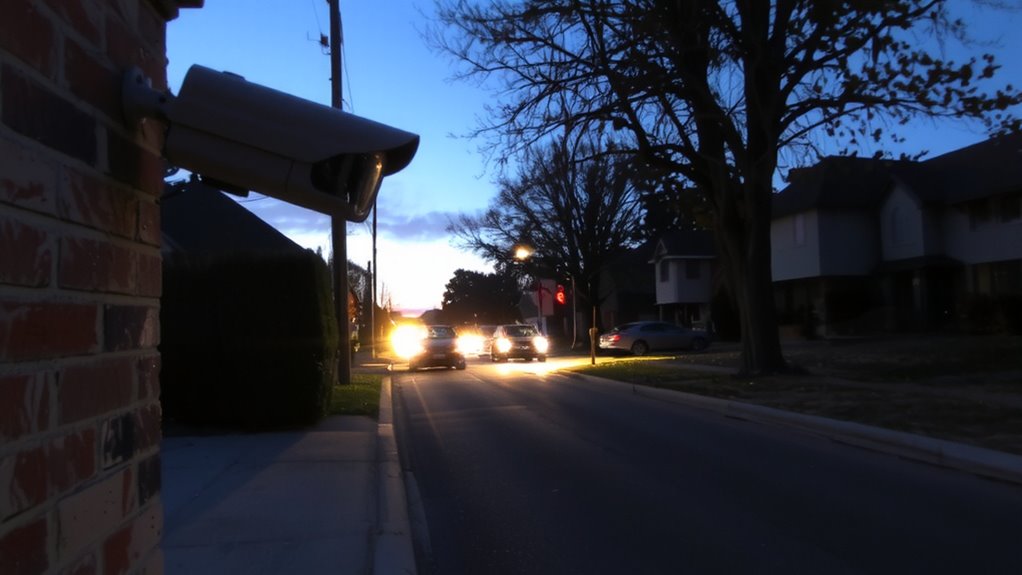
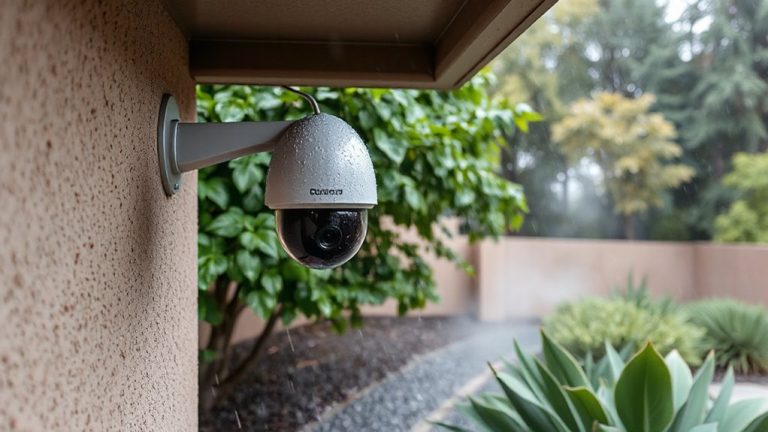
Think of edge storage as a camera’s built-in memory, keeping footage right where it’s recorded. You’re using local storage when your camera saves video directly to a microSD card or internal drive instead of sending it to the cloud. This is known as onboard recording, and it means your data stays on the device unless you choose to access it. Many security cameras support this feature, offering reliable backup even during internet outages. It reduces the need for constant bandwidth, making your network more efficient. Cameras with edge storage typically range from $80 to $150, often including a 32GB to 128GB card. While convenient, local storage limits retention time depending on card size and recording frequency. You’ll need to manage storage manually, deciding when to overwrite or review footage. Onboard recording works well for short-term needs and basic home setups, giving you direct control without monthly fees. For optimal performance, choose a microSD card with high endurance and reliable read/write speeds, such as those rated for 24/7 surveillance use.
Why Edge Storage Keeps Your Data Private
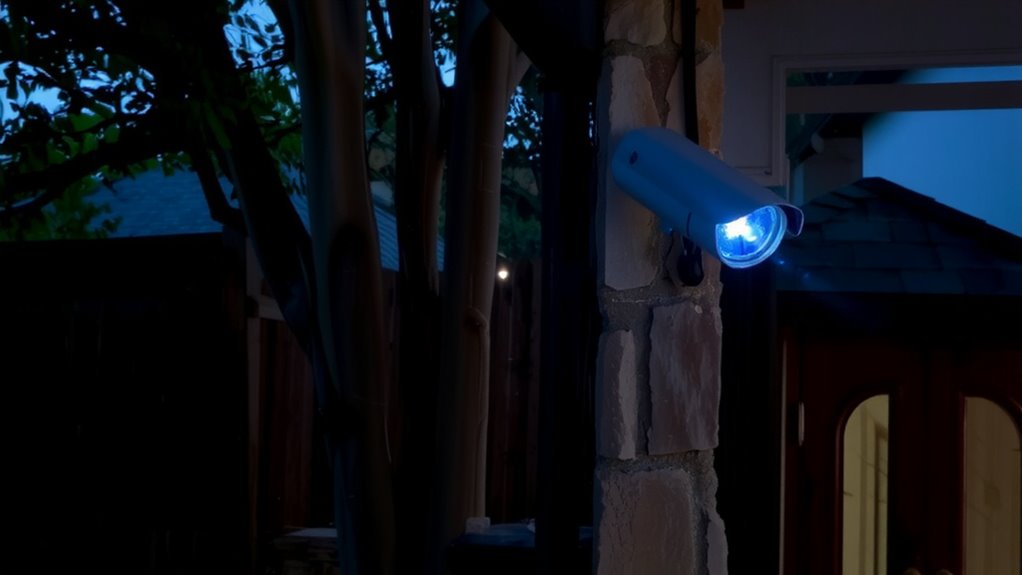
You keep your video data out of the cloud when you use edge storage, and that makes a real difference in protecting your privacy. Instead of sending footage over the internet, your camera stores it directly on a memory card or local device, limiting who can access it. This setup guarantees data isolation, meaning your videos aren’t mixed with others on shared servers, reducing the risk of breaches. Most edge storage cameras also use local encryption, so even if someone gets the physical storage card, they can’t view the footage without the right key. There’s no third-party cloud provider holding your data, which means fewer hands touching your information. While you’re responsible for managing storage, the trade-off is stronger control. For privacy-focused users, especially in homes or small businesses, edge storage offers a secure, straightforward way to safeguard sensitive video without relying on remote systems.
Does Edge Storage Save Internet Bandwidth?
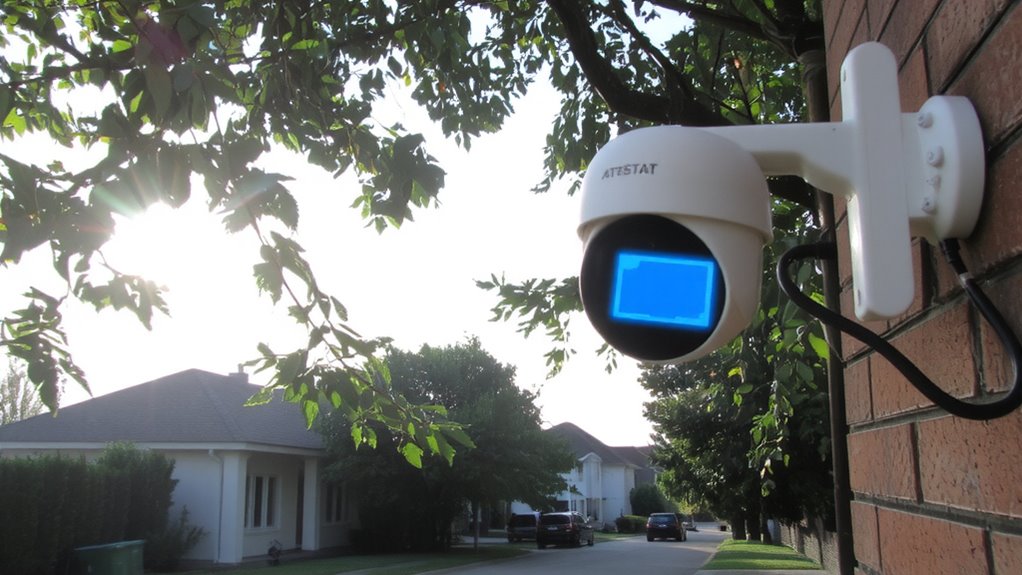
While cloud-based systems constantly upload footage over the internet, edge storage drastically reduces bandwidth use by keeping video data on local devices like SD cards or network recorders. You benefit from improved bandwidth efficiency since only important clips-like those triggered by motion-are sent to the cloud. Most edge-enabled cameras also use data compression to shrink file sizes without losing quality, so when footage does transmit, it takes up less of your internet capacity. This is especially helpful if you have multiple cameras or limited data plans. Over time, you’ll see fewer network slowdowns and avoid overage fees. While setup might require a one-time investment in storage hardware, ongoing costs drop by minimizing cloud subscriptions. Edge storage isn’t perfect-local devices can fill up or fail-but with regular maintenance, it offers a reliable, cost-effective way to manage video without overwhelming your network.
How AI Detection Reduces Wasted Footage
Smart cameras with AI detection cut down on unnecessary recordings by distinguishing between real threats and everyday motion. You get motion triggered recording, but only when it matters-like a person approaching your door, not a swaying tree. AI analyzes the scene in real time, using false positive filtering to ignore pets, shadows, or passing vehicles. This means less time sorting through useless clips and more focus on actual events. Studies show AI-equipped cameras reduce irrelevant footage by up to 80%, saving storage space and making reviews faster. Most systems let you customize sensitivity, so you control what gets recorded. While AI models vary in accuracy, higher-end models offer better object recognition. Look for cameras with on-device AI processing-it keeps data private and speeds up response. Though these models cost more upfront, they lower long-term storage and bandwidth needs.
Edge vs. Cloud Storage: Which Is Better?
How do you decide where your security camera footage should be stored? It comes down to your priorities: privacy, cost, or accessibility. Edge storage keeps data on the device, giving you control over data sovereignty and making it easier to meet compliance regulations. Cloud storage offers remote access but often requires ongoing fees and internet bandwidth.
| Feature | Edge Storage | Cloud Storage |
|---|---|---|
| Data Control | High | Medium |
| Bandwidth Use | Low | High |
| Compliance Risk | Lower | Higher |
| Access Location | On-site only | Anywhere with internet |
You’ll save on monthly costs with edge storage, and your data stays local. Cloud options are convenient but may raise concerns about data sovereignty. For strict compliance regulations, edge storage is often the safer choice. A Best Security DVRs setup combines the benefits of edge storage with reliable local footage management.
How to Choose a Camera With Edge Storage
What should you look for when picking a security camera that uses edge storage? Start by checking the storage capacity-many models support microSD cards up to 256GB, which can hold days or weeks of footage depending on usage. A higher video resolution, like 1080p or 4K, improves image clarity but also takes up more space, so balance resolution with available storage. Look for cameras that offer motion-triggered recording to save space and extend card life. Guarantee the camera has encryption and password protection to keep your data secure. Some models include alerts and local playback, adding convenience. Avoid cheap options with unreliable card slots. Test the setup process to confirm it’s user-friendly. Edge storage cuts bandwidth and boosts privacy, but only works well when the camera’s specs match your needs. Several top wireless indoor cameras offer robust edge storage without requiring a subscription.
On a final note
You get more privacy and lower bandwidth use with edge storage since footage stays on the camera or a local card. It reduces reliance on the cloud, cutting data risks and internet strain. AI detection helps save space by recording only real events. Choose edge storage for control and efficiency, but consider backup options. Weigh cost, storage limits, and setup needs before buying.