How to Set Up Automated Text Alerts for Door and Window Breaches
Choose smart door and window sensors that match your hub’s protocol, like Z-Wave or Zigbee, and power them with reliable batteries or wiring. Connect them to a compatible smart home hub, then use the app to pair and calibrate each sensor. Enable text alerts in the notification settings so you get instant updates when a breach occurs. Customize alerts by zone to identify exact entry points and reduce false alarms. Test regularly and maintain battery levels to guarantee consistent performance-your next steps reveal how to fine-tune alerts for maximum security.
Notable Insights
- Choose compatible contact or motion sensors that work with your smart home hub for detecting door and window breaches.
- Connect the sensors to a smart hub that supports Z-Wave, Zigbee, or Wi-Fi, depending on your system’s requirements.
- Use the hub’s mobile app to pair sensors and enable automated text alerts for real-time breach notifications.
- Customize alerts by labeling sensors and setting filters for specific entry points or active schedules like “away mode.”
- Test the system monthly by triggering sensors and confirming timely text alerts with accurate breach details.
Pick the Right Smart Door and Window Sensors
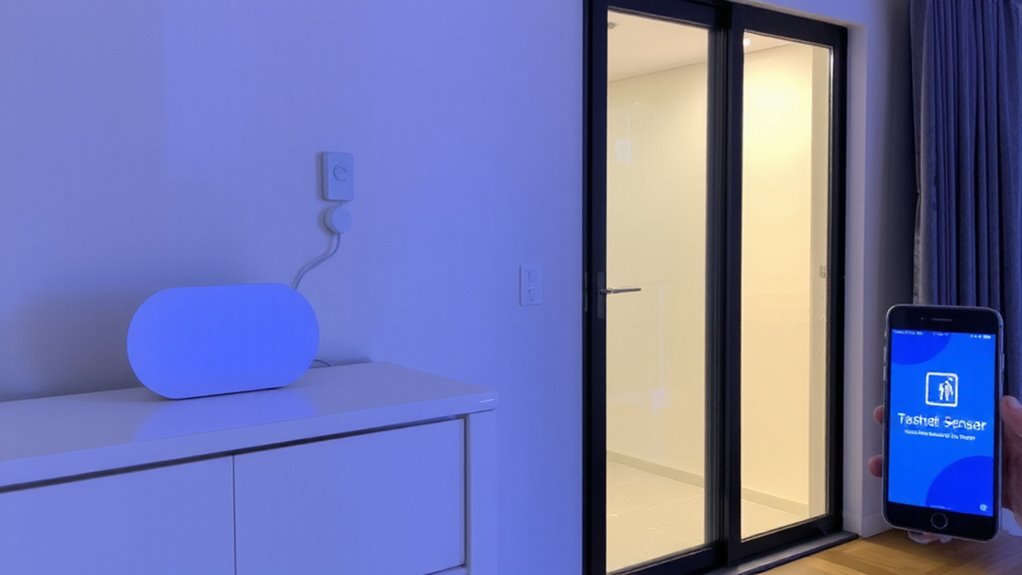
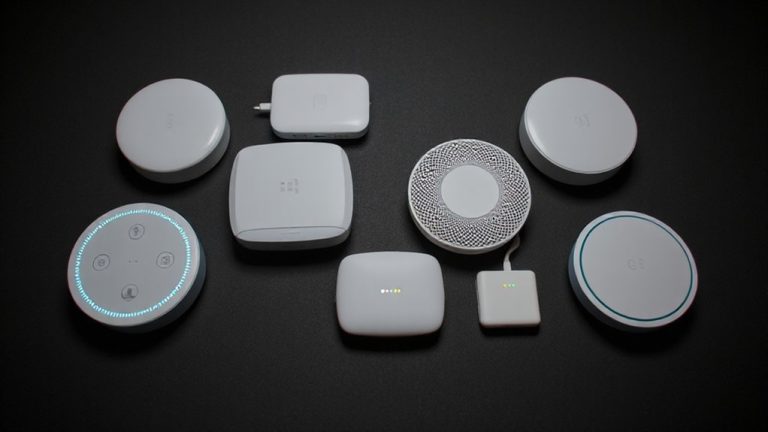
While choosing smart sensors might seem straightforward, picking the right ones for doors and windows can substantially impact your home’s security and response time. You’ll encounter two main sensor types: contact and motion-based. Contact sensors, the most common, use magnets to detect when a door or window opens. Motion-based sensors add extra detection but may increase false alerts. Before buying, perform compatibility checks with your existing security system or hub-some sensors only work with specific brands. Check power source too: battery-operated models are easier to install but need regular replacements. Wired sensors offer reliability but require professional setup. Plan for at least one sensor per entry point. Prices range from $15–$30 per unit. Prioritize tested reliability and low latency to guarantee timely alerts when breaches occur.
Connect Sensors to a Smart Home Hub
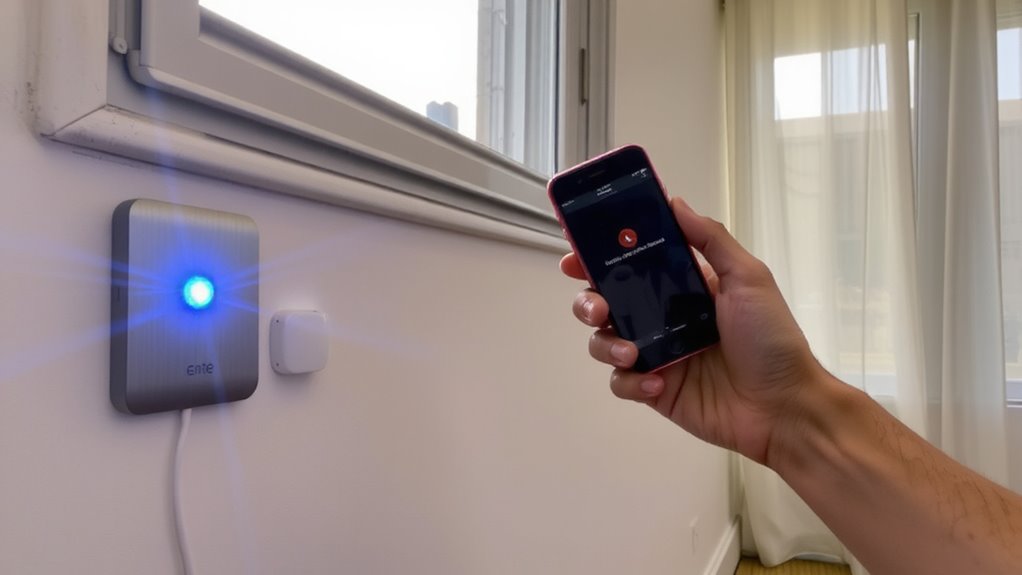
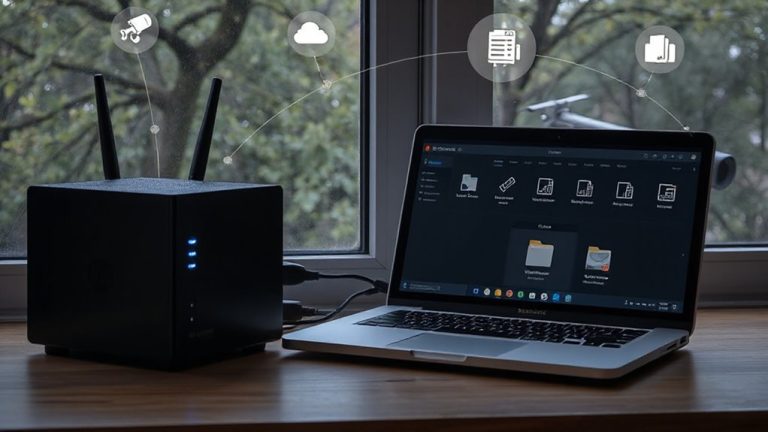
Once you’ve selected the right sensors, the next step is linking them to a smart home hub so they can send real-time alerts. Make sure your sensors are compatible with your hub-check hub compatibility before buying, since not all devices work together. Z-Wave, Zigbee, and Wi-Fi sensors each connect differently, and mixing brands can cause issues. After pairing, perform sensor calibration to guarantee accuracy; misaligned sensors may trigger false alerts or miss breaches. Follow the manufacturer’s setup guide to adjust sensitivity and alignment, especially for sliding doors or uneven frames. Most hubs walk you through the process using a mobile app, making it easy to test each connection. A stable hub reduces delays and boosts reliability, so place it centrally. Keep your system updated to maintain performance. Proper setup now guarantees consistent monitoring later. For optimal performance, choose a smart home hub that supports multiple communication protocols.
Turn On Automated Text Alerts
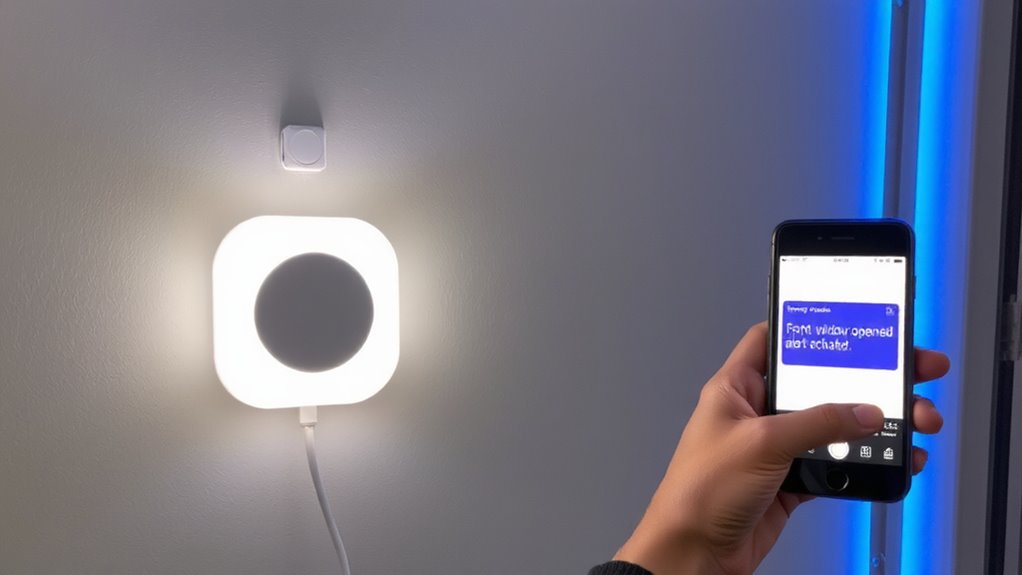
How do you make sure you’re notified the moment a door or window is opened? You turn on automated text alerts through your smart home hub. First, confirm sensor compatibility with your system-most modern hubs support common wireless sensors, but double-check before setup. Open the hub’s app, go to notifications, and enable text alerts. This lets you receive instant messages when a sensor detects movement. Use alert customization to choose when and how you’re notified. For example, you can set alerts only during certain hours or when you’re away. Some systems allow different contact numbers, so family members can also stay informed. Keep in mind carrier fees might apply for text messages. Setup usually takes less than five minutes. With alerts active, you gain real-time awareness, improving your home’s security response without extra effort. Many of the best home security systems are designed specifically for apartment dwellers and include easy-to-install sensors that integrate seamlessly with automated alert features.
Set Alerts for Specific Doors and Windows
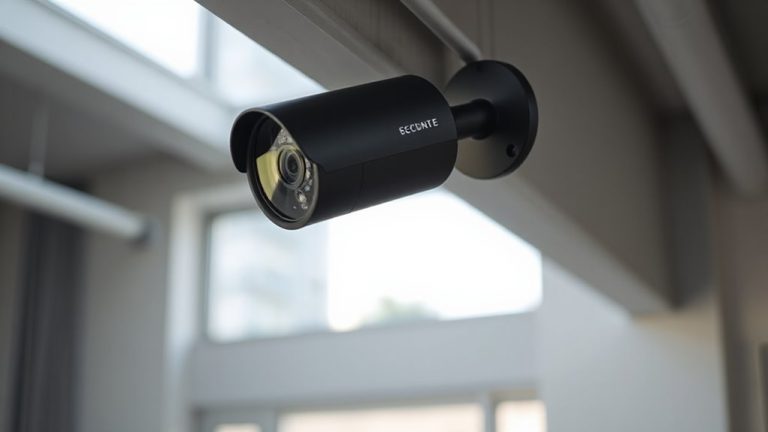
If you want to monitor only certain entry points, you can set alerts for specific doors and windows through your smart home app. This lets you create custom zones, so only activity in selected areas triggers a notification. For example, you might want alerts from your back door or basement window but not from your frequently used front door. Use alert filters to fine-tune which sensors activate alerts based on time, location, or sensor type. This reduces unnecessary messages and focuses your security response. Most systems allow you to label each sensor during setup, making it easier to identify breaches fast. Custom zones improve efficiency, especially in larger homes, by targeting high-risk or vulnerable access points. With precise alert filters, you maintain control without overwhelm. This feature is standard in mid-to-high-tier security systems, often requiring a subscription for full customization. Plan your sensor placement carefully for best results. A reliable option for integrating these sensors is using a best wireless surveillance camera system.
Test Your Breach Notification System
Though your sensors are installed and alerts configured, it’s essential to verify the system works as expected before relying on it for security. Test each door and window by triggering the sensor while monitoring your phone for the alert. Check that messages arrive promptly and include accurate details about the breached entry point. This test confirms system accuracy and helps identify hardware or connectivity issues. Repeat tests at different times of day to account for Wi-Fi strength fluctuations. Make sure your phone settings allow notifications, and guarantee the monitoring app is running smoothly in the background. Watch for false alarms during testing-these can occur due to sensor misalignment or environmental factors. A reliable system should consistently report real breaches without unnecessary alerts. Regular testing maintains performance, guaranteeing long-term trust in your home’s security setup.
Fix Issues and Keep Alerts Working
When you notice delayed alerts or sensors not responding during testing, start by checking the power source and signal strength, since weak batteries or poor Wi-Fi coverage are common causes of system failures. Perform regular battery replacement, even if the sensor seems to work, because aging batteries lose charge gradually and can cause intermittent issues. Check for signal interference from large metal objects, thick walls, or electronic devices like microwaves and cordless phones that disrupt wireless transmission. Move routers or sensors to improve line-of-sight, and consider using signal extenders if coverage is weak. Test your system monthly to catch problems early. Devices may appear functional but fail under real conditions. Use manufacturer apps to monitor signal quality and error logs. A stable connection and fresh power supply guarantee consistent alert delivery, which is essential for reliable home security. Stay proactive-small fixes prevent bigger failures later.
On a final note
You’ve set up smart sensors and linked them to alerts, so now you’ll get texts when doors or windows open. Test the system regularly to guarantee reliability, and check battery levels every few months. Use a hub with strong encryption to protect your data. Some systems cost more upfront but save money by preventing break-ins. Stick to trusted brands with good customer support to keep your home secure and alerts working.