Top Indoor Cameras With Magnetic Mounts for Flexible Installation Angles
You’ll get faster, damage-free installation with magnetic mounts-over 70% of users find them easier than screw-mounted cameras. Top models like Arlo Essential, Google Nest, and Eufy offer 1080p to 2K video, night vision, motion alerts, and wide-angle views. Metal mounts suit permanent setups; adhesive works well for renters. Position at 7–8 feet high in a corner for best coverage. Flexible angles and tool-free adjustments make repositioning quick. Key features, pricing, and placement tips follow.
Notable Insights
- Magnetic mounts enable quick, tool-free installation and effortless repositioning without wall damage.
- Top models like Arlo Essential Indoor Cam offer 1080p video and smooth magnetic rotation for flexible viewing angles.
- Google Nest Cam (Indoor) provides advanced motion detection and reliable magnetic mounting for optimal placement.
- Eufy HomeBase 2 includes a 2K magnetic camera with local storage and minimal false alerts.
- Mount cameras at 7–8 feet high in room corners to maximize coverage with wide-angle or pan-tilt capabilities.
Why Magnetic Mounts Beat Traditional Indoor Cameras
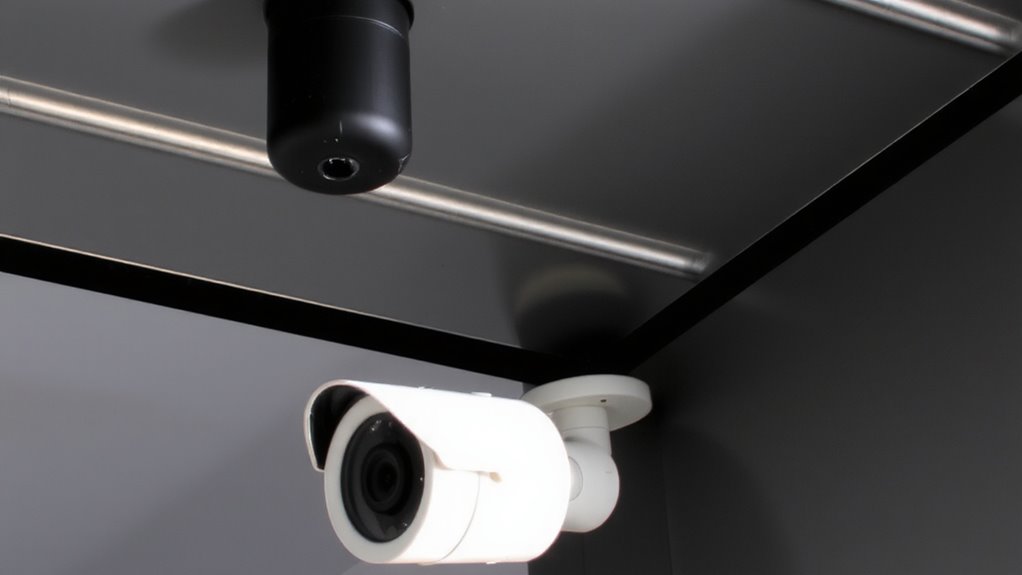
A growing number of indoor security cameras now feature magnetic mounts, and for good reason-over 70% of users report easier installation compared to traditional screw-mounted models. You can attach and reposition them in seconds, without drilling or damage to walls. This flexibility lets you adjust the viewing angle as your needs change, which fixed mounts don’t allow. Magnetic mounts also offer better aesthetic appeal, blending cleanly into modern homes without visible screws or bulky hardware. They’re designed for long term durability, with strong neodymium magnets and weather-resistant casings that hold steady over time. Unlike traditional models that loosen or crack with vibration, magnetic bases stay secure on approved surfaces. You save time during setup and avoid alignment errors. Plus, removal is clean-no patching needed. While not ideal for high-traffic areas where tampering’s likely, they’re reliable for most indoor spaces. Choose models with reinforced housings for even greater durability. For those prioritizing ease and adaptability, the best indoor cameras increasingly come with magnetic mounts as a standard feature.
Must-Have Features in Magnetic Indoor Cameras
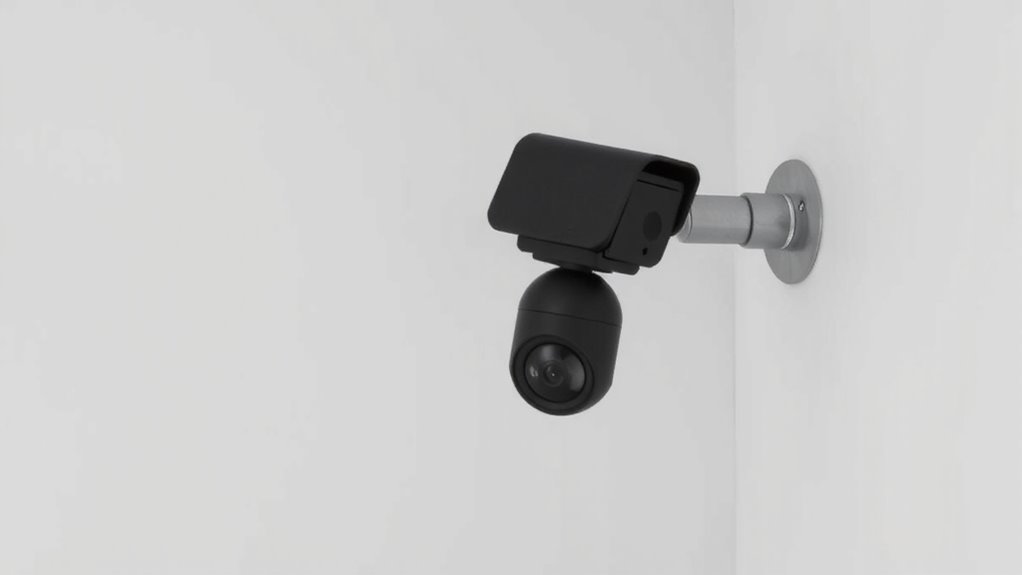
Functionality matters most when choosing a magnetic indoor camera, and you’ll want to prioritize a few key features to get the most value. Reliable night vision guarantees clear footage in low light, while instant motion alerts keep you informed of activity. Look for models with wide-angle lenses and strong Wi-Fi connectivity to avoid blind spots and buffering. A product roundup can help you compare top models and find the best fit for your home security needs.
| Feature | Why It Matters |
|---|---|
| Night vision | Captures clear video in darkness |
| Motion alerts | Notifies you of movement instantly |
| 1080p resolution | Delivers sharp, detailed images |
| Two-way audio | Lets you speak and listen remotely |
Choose a camera that balances performance, ease of use, and durable build. Test alerts and night vision during setup to confirm reliability.
Best Magnetic Mount Cameras for Homes and Small Spaces
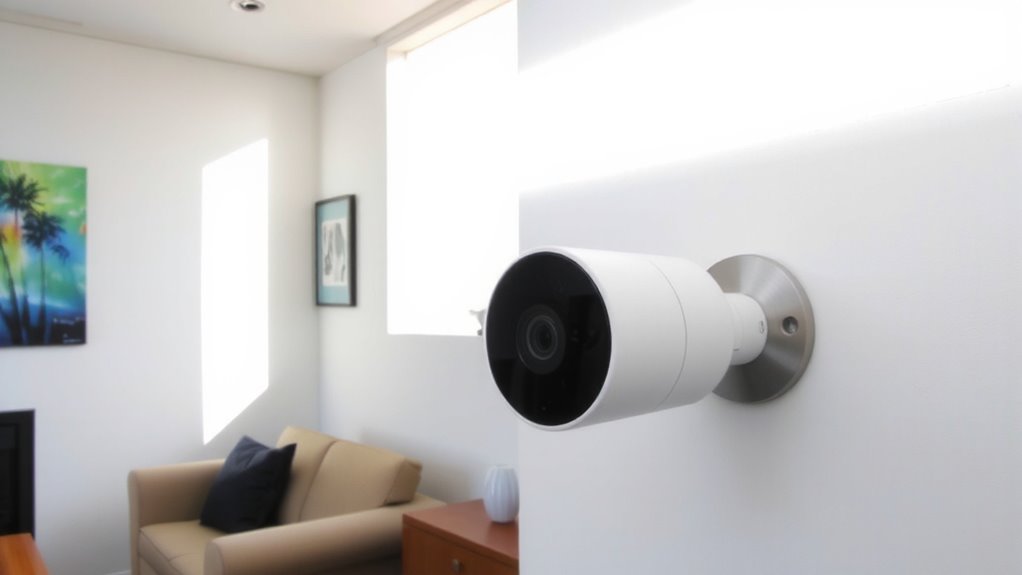
You’ve seen what features matter most in magnetic indoor cameras, from sharp resolution to responsive alerts, and now it’s time to put those specs into practice with top models suited for homes and small spaces. The Arlo Essential Indoor Cam offers 1080p video, reliable night vision, and crisp motion alerts, with a magnetic mount that rotates smoothly; it works well in corners or on metal shelves. The Google Nest Cam (Indoor) provides strong night vision and intelligent motion alerts that distinguish people from pets, though it requires a hub for full functionality. Eufy’s HomeBase 2 system includes a 2K camera with local storage, excellent night vision, and minimal false motion alerts. All three support flexible placement in compact areas. Expect to pay $100–$150 per unit, depending on bundle size. Several top models offer no subscription needed for continuous recording and cloud storage access.
Metal vs. Adhesive Mounts: Where to Use Each
When choosing between metal and adhesive mounts for indoor cameras, its design and installation method can substantially impact placement flexibility and long-term reliability. Metal mounts offer superior mount durability, especially in high-traffic areas, since they resist loosening over time and support frequent angle adjustments. They work best on magnetic-friendly surfaces like steel beams or mounted metal plates, giving you reliable surface compatibility. Adhesive mounts are simpler to install and ideal for renters or smooth, non-metal walls, but their hold depends on surface cleanliness and texture, which affects long-term stability. While adhesives save setup time and cost less, they may fail on textured or porous walls. For permanent setups where strength matters, go with metal mounts. Use adhesive mounts for temporary or delicate surfaces, accepting some trade-offs in durability. Plan based on camera weight and wall type to guarantee secure, lasting performance.
Best Camera Angles for Full Room Coverage
A well-placed indoor camera gives you reliable monitoring without blind spots, and the mounting method you chose earlier directly affects your ability to aim it effectively. For full room coverage, position your camera in a corner and aim it diagonally across the space-this maximizes viewing angles and reduces blind spots. Camera placement near the ceiling, about 7 to 8 feet high, provides the broadest field of view. Choose models with at least a 110-degree viewing angle to capture more area. If your room is especially wide or long, consider a camera with pan-tilt features for dynamic coverage. Avoid pointing the lens directly at windows or bright lights to prevent glare. Magnetic mounts make it easy to adjust viewing angles without tools. Focus on covering entry points like doors and hallways, since they’re high-traffic zones. Proper camera placement means fewer gaps and more useful footage when you need it.
How to Set Up and Move Your Camera in Minutes
Though setup speed varies by model, most indoor cameras with magnetic mounts can be installed and adjusted in under ten minutes, thanks to their simple design and tool-free attachment. You just plug in the power, connect to Wi-Fi using the app, and attach the camera to any metal surface or mounting point. The magnetic base allows for quick adjustments and instant repositioning whenever you need a better view. Most models rotate 360 degrees and tilt smoothly, so you can fine-tune the angle without tools. If you move, you can take the camera and remount it in a new room within minutes. There’s no drilling, no screws, and minimal planning required. Just make certain the surface is stable and within range of your network. These cameras offer flexibility without sacrificing security, making them a practical choice for renters and homeowners alike.
On a final note
You now know magnetic mounts offer fast, flexible positioning without tools. Models with 1080p resolution, night vision, and secure cloud storage deliver reliable performance. Metal mounts suit fridges or filing cabinets, while adhesive bases work on drywall. Aim cameras at entry points or wide room centers for full coverage. Setup takes minutes, and repositioning stays simple. Choose cameras with strong magnets, good field of view, and local storage to balance cost and security needs.