Using Encrypted Peer-to-Peer Communication for Private Camera Streaming
You keep full control with encrypted peer-to-peer camera streaming, as video travels directly from the device to your phone or tablet without cloud storage. End-to-end encryption guarantees only your authorized devices can access the feed, minimizing breach risks. Setup requires a compatible camera, strong Wi-Fi, and proper encryption settings. While it cuts costs and boosts privacy, performance depends on your home network. You’ll find how to optimize each step next.
Notable Insights
- Use end-to-end encryption to ensure only authorized devices can access camera streams.
- Choose P2P-compatible cameras that support secure, direct device-to-device connections.
- Pair devices via QR code or PIN to establish a trusted, encrypted link.
- Maintain a stable home network and prioritize wired connections to reduce latency.
- Regularly update camera firmware to patch vulnerabilities and enhance security.
Keep Camera Data Private With Encrypted P2P
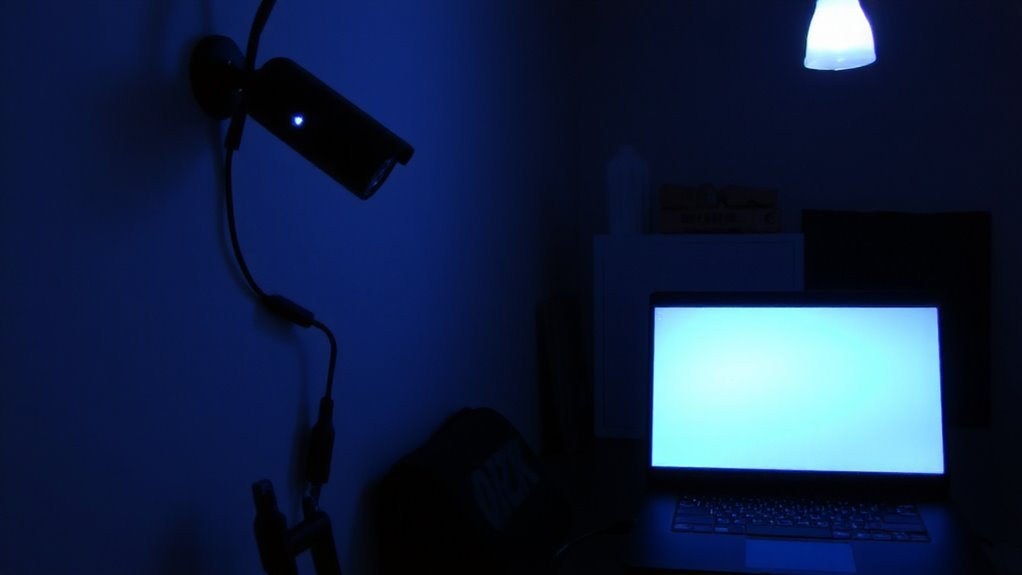
While most home security cameras rely on cloud storage, using encrypted peer-to-peer (P2P) streaming keeps your footage off third-party servers and under your control. You maintain data integrity because video feeds are encrypted end-to-end, meaning only your authorized devices can decode them. This reduces the risk of tampering or unauthorized access during transmission. With strong access control, you decide who can view or manage your camera, often through password protection and app-based authentication. Unlike cloud systems, there’s no centralized server storing your data, minimizing exposure to breaches. However, P2P can depend on your home network’s stability and may require port forwarding, which could complicate setup. Look for cameras with built-in encryption and regular firmware updates. These features help guarantee long-term security and compatibility. While upfront costs may be higher, you avoid monthly fees. Plan your budget accordingly.
See How Video Streams Directly: No Middleman Needed

When your camera sends video directly to your phone or tablet without routing through a third-party server, you’re getting a real-time feed with less delay and fewer security risks. This setup gives you real time viewing with direct access, meaning data travels straight from your camera to your device using peer-to-peer (P2P) connections. Since there’s no middleman, you avoid potential breaches on cloud servers and reduce lag. Direct access also means your video isn’t stored or cached elsewhere. You maintain control, improve speed, and guarantee privacy through encryption. Some systems may require port forwarding or strong local networks, which could complicate setup. However, once running, you get a reliable, private feed without monthly fees. For most home users, this method offers a secure, cost-effective way to monitor without relying on external infrastructure. Choose devices that support end-to-end encryption to fully benefit.
Best Tools for Private Live Camera Feeds
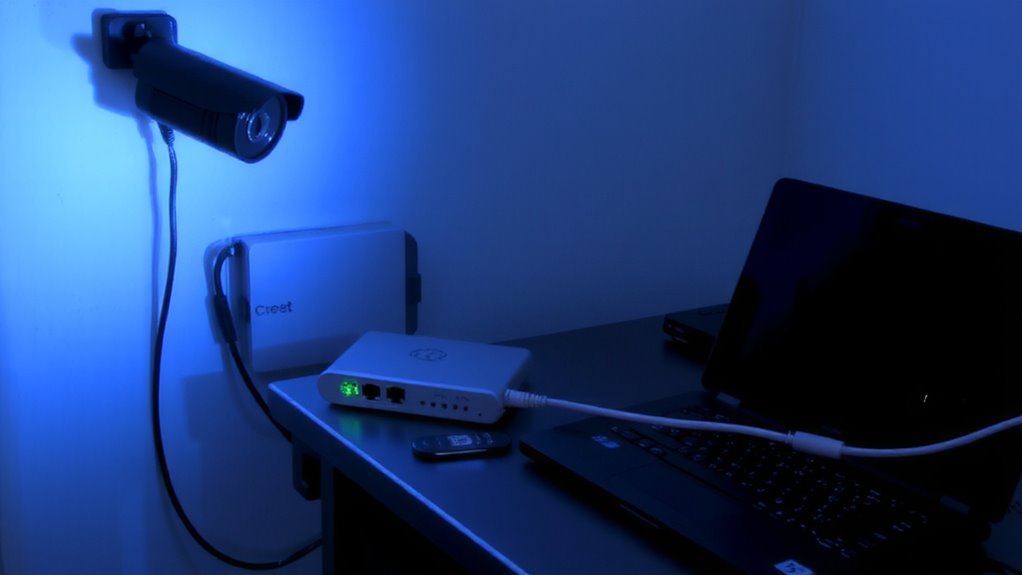
If you’re setting up a private live camera feed, choosing the right tools matters-because not all systems deliver the same level of security, ease of use, or performance. Look for cameras with built-in end-to-end encryption and peer-to-peer connectivity, like those from brands such as Reolink or Yi, which reduce third-party access. Proper camera placement affects both coverage and signal strength-position devices near the router initially to test network latency, then adjust for best viewing without lag. Wired setups offer lower latency than wireless, especially on crowded networks. Consider tools with local storage and two-factor authentication for added control. Some apps provide real-time bandwidth alerts to help manage stream quality. While higher-priced models often support sharper video and better encryption, mid-tier options can still deliver reliable privacy. Always check firmware updates and user permissions. For reliable options that support secure streaming, consider the best Reolink cameras.
Set Up Encrypted P2P Camera Streaming (Step-by-Step)
Since secure, real-time access to your camera feed depends on both encryption and direct connectivity, setting up encrypted peer-to-peer (P2P) streaming properly guarantees your video stays private and responsive. Start by selecting a P2P-compatible camera and downloading its official app. Enable encryption in the app settings-look for end-to-end or AES-256 options to guarantee strong protection. Use QR code scanning or a PIN for device pairing, which securely links your camera to your account. Position the camera to minimize signal interference, avoiding thick walls or large metal objects near the router. Confirm a stable 2.4 GHz or 5 GHz Wi-Fi connection, depending on your model. Test the live feed remotely to verify the P2P connection works without lag or disconnections. Reboot both devices if pairing fails, and check for firmware updates to patch security flaws.
Boost Speed Without Losing Security
You’ve got your encrypted P2P camera set up and the feed is secure, but now you’re noticing delays or choppy video during remote viewing. That’s where network optimization comes in-ensuring your router prioritizes camera traffic through QoS settings can make a big difference. Use a 5 GHz Wi-Fi band for faster data transfer and less interference, especially if your camera is close to the router. For wired setups, Ethernet reduces latency and boosts reliability. Firmware updates often include latency reduction improvements, so keep devices current. You might also limit the number of active streams or lower resolution slightly if bandwidth is tight, though modern P2P systems handle HD well under good conditions. These steps maintain encryption while improving speed, so you don’t sacrifice privacy for performance. Always test changes one at a time to see what works best in your environment. Models like the Ring Doorbell 2 offer optimized streaming performance with strong end-to-end security features.
Avoid These 5 P2P Streaming Mistakes
While strong encryption and peer-to-peer streaming provide solid privacy for your security camera, common missteps can undermine performance and safety. You might overlook insecure authentication, leaving your system vulnerable to unauthorized access-always use strong, unique passwords and two-factor options. Avoid outdated firmware, as outdated software can lead to data leaks through unpatched flaws. Don’t skip end-to-end encryption; without it, your video feed could be exposed during transmission. Also, relying solely on P2P without local storage risks losing footage during connection drops. In conclusion, using low-quality hardware may limit bandwidth and weaken security protections. Each mistake reduces reliability or invites breaches. Regular updates, secure sign-in methods, and verified devices help maintain performance and safety. Be mindful of setup choices, because even encrypted systems fail when basic protections are ignored. Prevention is easier than fixing data leaks later.
On a final note
You now have secure, direct control over your camera feed. Encrypted peer-to-peer streaming keeps your video private, with no third-party servers involved. It’s reliable and cost-effective, though setup may take patience. Choose tools with strong encryption and clear privacy policies. Test connections regularly and keep firmware updated. With the right planning, you gain real-time access without sacrificing security. This approach offers lasting value for home surveillance.