How to Integrate Emergency Medical Alerts With Intrusion Detection Systems
Start by choosing a smart home hub like Samsung SmartThings or Hubitat, which supports both medical alerts and intrusion detection. Connect compatible devices-fall-detecting wearables, waterproof pendants, and door sensors-that communicate via standardized protocols like Zigbee. Set up emergency alerts using Wi-Fi or cellular backup, with 24/7 monitoring for around $20–$40 monthly. Customize responses so falls alert medical services and break-ins trigger alarms. Encrypt medical data and test the system monthly. You’ll find further details on optimizing each step just ahead.
Notable Insights
- Use a unified smart home hub that supports both medical alerts and security devices for seamless integration.
- Ensure all medical and security devices are compatible with the hub’s ecosystem and communication protocols.
- Configure emergency alerts to automatically notify contacts or monitoring centers for both medical and intrusion events.
- Customize response protocols to distinguish between falls, break-ins, and false alarms for accurate emergency responses.
- Protect medical data with encryption, access controls, and HIPAA-compliant platforms to maintain privacy and security.
Start With a Clear Purpose: Link Health and Security
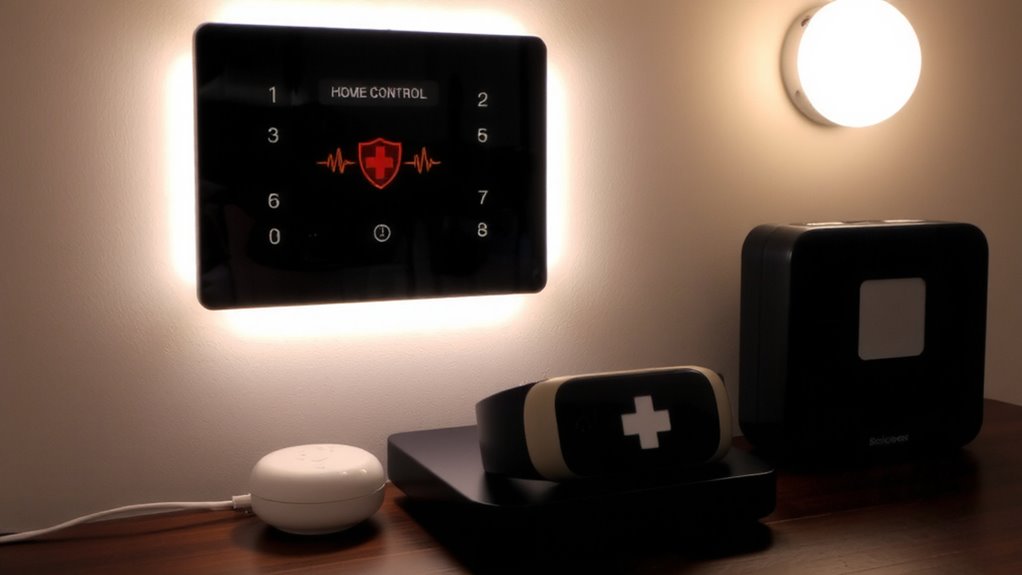
While emergency medical alerts and home security systems have traditionally operated separately, combining them makes sense when you consider how closely health and safety are linked. You’re not just protecting your home-you’re protecting its occupants. Health monitoring devices can detect falls, irregular heartbeats, or sudden inactivity, triggering alerts that can be routed through your security system. When both systems share a network, you improve response times and accuracy. System compatibility is essential; not all devices talk to each other seamlessly. Look for systems using standardized protocols like Zigbee or Z-Wave. A unified setup may cost more upfront-typically $300 to $60在玩家中-but reduces long-term complexity. Make sure your chosen platform supports both emergency alerts and intrusion detection without requiring multiple hubs. Planning now saves time and money later.
Choose a Smart Home Hub That Supports Both Systems
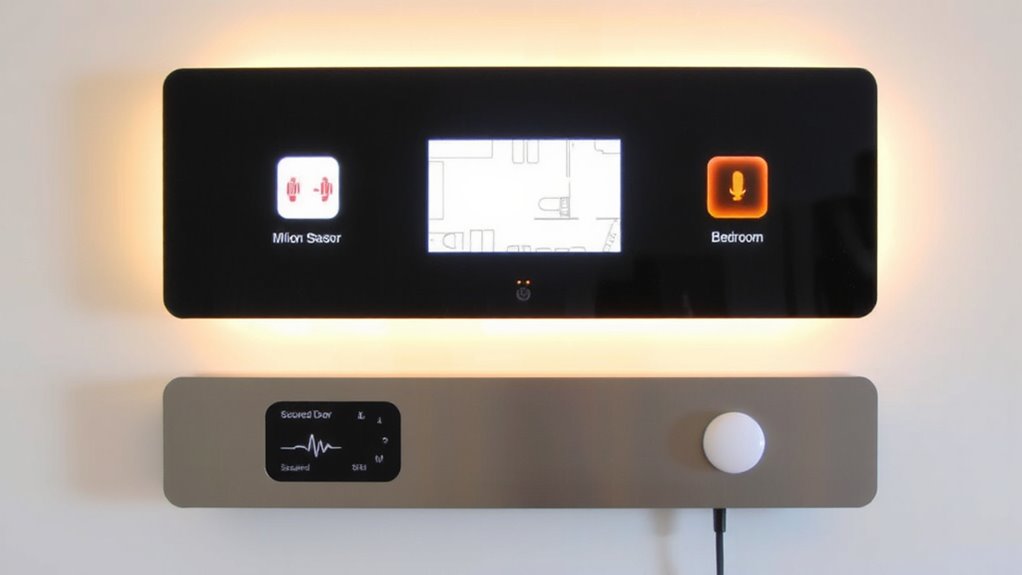
You’ve already seen how linking health and security systems improves response times and simplifies monitoring, so now it’s time to pick the right foundation: a smart home hub that supports both emergency medical alerts and intrusion detection. You need strong device compatibility to guarantee your medical sensors and security gear communicate smoothly. Not all hubs work with every device, so check manufacturer lists before buying. Look for hub scalability too-if you add more sensors later, your system should handle the load without slowing down. Hubs like Samsung SmartThings or Hubitat offer broad support and room to grow. They cost $70–$150, but the investment pays off in reliability. Avoid cheaper models with limited integrations. A good hub keeps everything connected, reduces false alarms, and guarantees alerts reach emergency services fast. Choosing wisely now saves time, money, and stress later. Top smart home devices often include hubs with robust integration capabilities, such as smart home hub options reviewed in buying guides.
Pick Medical and Security Devices That Work Together
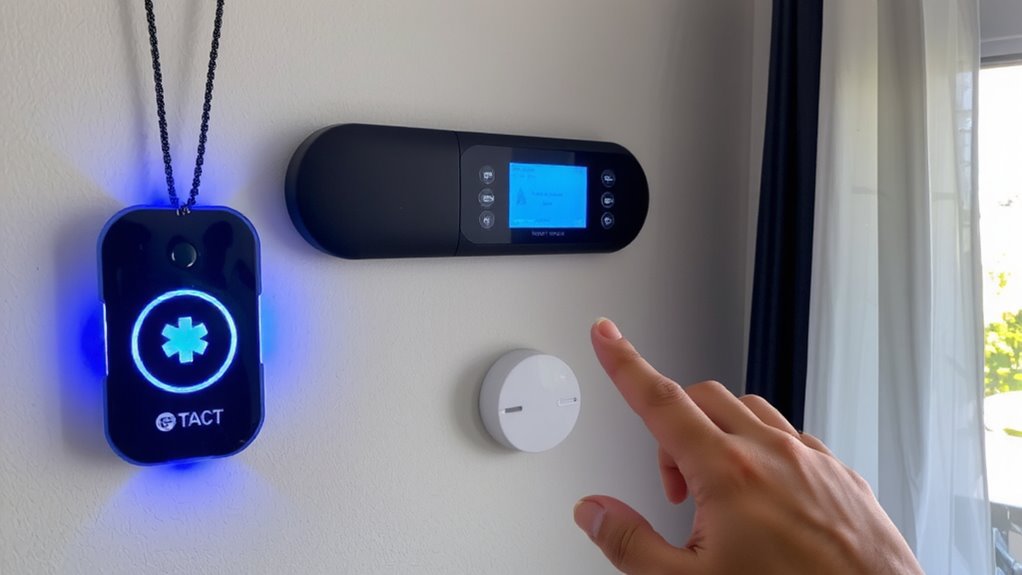
Since seamless integration starts with compatible hardware, focus on medical alert devices and security components designed to work within the same ecosystem as your chosen hub. Device compatibility guarantees real-time communication between systems, reducing response delays. Prioritize products with verified interoperability and strong system scalability so you can add sensors or medical wearables later without replacing core components. Here’s a quick comparison:
| Device Type | Key Feature |
|---|---|
| Medical Pendant | Waterproof, two-way communication |
| Door Sensor | Instant intrusion alerts |
| Wearable Watch | Fall detection, GPS tracking |
| Smart Hub | Supports 50+ devices, expandable |
Choosing integrated devices now saves time and money. Always check manufacturer specs for compatibility and scalability before buying.
Set Up Emergency Alerts for Medical and Intrusion Events
What happens when a medical emergency or break-in occurs while you’re alone at home? You need immediate help, and that’s where integrated emergency alerts come in. By linking medical alert systems with intrusion detection, you activate the same response network for both crises. These systems follow set emergency protocols, automatically notifying monitoring centers or key contacts. Response coordination improves because one platform manages both threats, reducing delays. Most systems send alerts via cellular or Wi-Fi, so they work even if lines are cut. Set them to trigger audio, visual, and mobile notifications. Choose a system with 24/7 professional monitoring-some charge monthly fees, typically $20–$40. Test alerts monthly. Guarantee battery backups are in place. Good integration means faster help, clearer communication, and better outcomes when every second counts.
Tailor Responses for Falls, Break-Ins, and False Alarms
How should your system respond when a fall triggers an alarm versus an actual break-in? You need clear response protocols to handle each incident appropriately. With accurate incident classification, your system can distinguish medical emergencies from security threats. For falls, the system should alert emergency contacts and medical services immediately, minimizing response time. For break-ins, it should trigger loud alarms, notify law enforcement, and lock down access points. False alarms, often caused by system errors or pets, require a grace period and verification steps to avoid unnecessary calls. Customizing alerts based on incident classification guarantees the right response every time. Invest in smart sensors that reduce false triggers. Good response protocols balance speed and accuracy, protecting both safety and privacy without overwhelming emergency services. Plan carefully to match your needs and budget.
Test Your Integrated System After Setup
Once your sensors are calibrated to distinguish falls from break-ins and your alerts are properly routed, you’ll want to verify everything works as intended. Testing guarantees system reliability under real-world conditions. Start by simulating a fall: trigger the medical alert and confirm emergency contacts are notified promptly. Next, mimic an intrusion to check that alarms activate and signals reach monitoring services. Include all users in these drills-user training is essential so everyone knows how to respond and reset the system. Test monthly to catch sensor drift or connectivity issues early. Consider using test logs to track response times and fix weak spots. A well-tested setup reduces false alarms and boosts confidence. Remember, even the best hardware fails without regular validation. Schedule tests during low-traffic times, and make sure batteries, Wi-Fi, and backup power are performing. Regular checks aren’t just smart-they’re critical for long-term performance.
Keep Medical Data Secure in Smart Security Systems
A secure smart security system protects more than your home-it safeguards your medical data just as rigorously. You must guarantee your system uses strong data encryption to protect sensitive health info during transmission and storage. Without it, unauthorized users could intercept or access alerts tied to medical emergencies. Pair encryption with strict access control so only authorized family members or caregivers can view or manage medical data. Most modern systems let you set user permissions, limiting who sees what. Choose platforms compliant with privacy standards like HIPAA if possible. Avoid sharing more medical detail than necessary. Systems with local processing offer better privacy than cloud-dependent ones. Regularly update firmware to patch vulnerabilities. While encrypted systems may cost slightly more, the added protection is worth it. Always review a device’s security features before buying-your health data depends on it.
On a final note
You can link emergency medical alerts with intrusion detection by using a compatible smart hub that supports both. Pick devices that share protocols like Z-Wave or Wi-Fi. Set custom alerts for falls or break-ins, and disable false alarms with motion sensors. Test the system monthly. Keep medical data encrypted and stored privately. Integration improves response times, but check subscription costs and device compatibility first.