How to Search Footage Using Audio Cues Like Glass Breaking or Barking
You can search footage for glass breaking or barking using security systems with audio analytics, like Milestone or Verkada, which detect specific sound patterns. These tools use noise filtering and frequency analysis to reduce false alerts and locate events in seconds. Make sure your cameras support audio detection with good decibel sensitivity. Position mics near entry points for best results. For better accuracy, combine audio alerts with motion or infrared triggers. Next, find out how to fine-tune your system for fewer missed events.
Notable Insights
- Use security systems with audio analytics to detect and search for specific sounds like glass breaking or dog barking.
- Enable sound classification features to distinguish between relevant events and background noise such as traffic or wind.
- Position microphones in strategic locations like entryways to maximize detection of critical audio events.
- Apply noise filtering and adjust sensitivity settings to reduce false alarms from similar-sounding disturbances.
- Combine audio alerts with video verification and infrared sensors for accurate, real-time incident response.
Why Audio Search Beats Watching Footage Manually
Why sift through hours of silent video when sound can pinpoint what you’re looking for in seconds? You can scan footage faster by searching specific audio cues instead of watching every minute manually. With good sound quality, systems detect key noises clearly, reducing false alerts and saving time. Poor background noise filtering, however, can distort important sounds or bury them under irrelevant chatter. High-quality microphones and noise suppression improve accuracy, ensuring you catch what matters. Audio search works best when paired with clear recording standards-check decibel sensitivity and frequency range when choosing a camera. Unlike manual review, which risks missing brief events, audio detection flags incidents instantly. It’s efficient for large properties or long recordings. While setup may cost more upfront, the time saved and improved response make it a smart investment for home security. Top models with reliable audio recording capabilities offer advanced sound detection for faster incident review.
How Audio Detection Finds Glass Breaking and Barking
Sound triggers matter. When you’re searching footage for events like glass breaking or a dog barking, audio detection scans for specific sound patterns linked to those events. The system uses noise filtering to ignore background sounds like wind or traffic, so it doesn’t flag every loud noise. Instead, it focuses on frequencies and waveforms typical of breaking glass or barking-sharp, high-energy bursts with distinct timing. This precision reduces false alerts and helps you find what matters faster.
| Event | Emotional Impact |
|---|---|
| Glass breaking | Fear, urgency |
| Dog barking | Alertness, concern |
| Silence after | Suspense, uncertainty |
You benefit from reliable event detection rooted in data, not guesses. By combining sound patterns with effective noise filtering, the tech delivers accurate, actionable results-saving time and increasing security.
Best Tools for Searching Video by Sound
While not all systems handle audio-based searches equally, the best tools for finding video by sound rely on proven detection algorithms and clear integration with your cameras. You’ll want software that uses advanced sound classification to distinguish glass breaking, barking, or yelling from everyday background noise. Strong noise filtering helps eliminate false alerts caused by wind, traffic, or appliances. Tools like Milestone XProtect and Arcules offer reliable audio analytics, supporting precise search filters based on sound type and time. Some cloud platforms, such as Verkada and Avigilon, include built-in sound classification with minimal setup. On the downside, high accuracy often requires higher storage and processing power, which can increase costs. Make sure your system logs audio events with timestamps and allows keyword-based playback. These features save time during review and improve evidence reliability.
Set Up Your System to Monitor Key Sounds
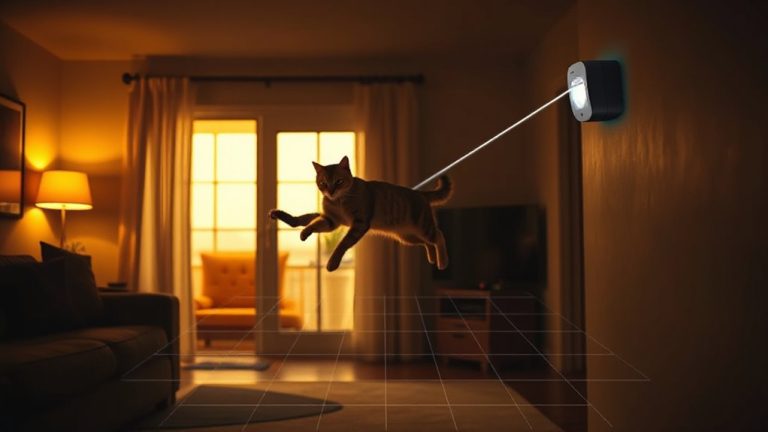
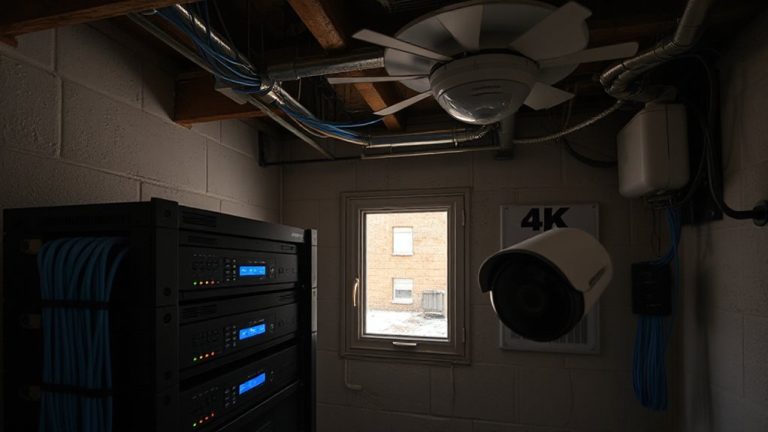
How well is your system tuned to catch the sounds that matter most? To guarantee reliable detection, you need properly placed audio sensors that can clearly capture key noises like breaking glass or dog barking. Position sensors in high-traffic or vulnerable areas, such as entryways and living rooms, where important sounds are likely to occur. Use sound mapping to identify coverage gaps and adjust placement for best performance. This process helps you visualize which areas the sensors monitor and where interference or dead zones may exist. Modern systems support directional audio pickup and noise filtering, improving accuracy. While more sensors increase coverage, they also raise costs and complexity. Aim for a balanced setup-enough sensors to cover critical zones without overwhelming your network or budget. Always test the system after installation to verify detection ranges.
Create Custom Audio Alerts for Accuracy
Since not all sounds require the same response, setting up custom audio alerts helps you respond appropriately and avoid unnecessary disruptions. You can use audio profiling to distinguish between critical noises, like glass breaking, and routine ones, like a dog barking. This guarantees your system alerts you only when needed. With keyword tuning, you adjust sensitivity for specific sounds, reducing false alarms. For example, you might set a higher threshold for loud music but lower it for shattering glass. Most modern systems let you assign different alert types-visual, sound, or mobile push-based on the detected event. This customization improves accuracy and saves time reviewing footage. While advanced features may raise costs, the benefits of precise alerts often justify the investment. Proper setup requires testing and adjustments, but doing so enhances reliability. Custom alerts make monitoring more effective and manageable.
Real-World Examples: Solve Incidents Faster
You’ve set up custom audio alerts to filter out everyday noises and respond only to important events, but real value comes from seeing how this works when incidents actually happen. When a window breaks, your system flags the sound instantly, letting you review footage in seconds. In one case, a dog’s sudden barking pattern-detected through animal behavior analysis-alerted a homeowner to an intruder before motion sensors triggered. Emergency response teams used the timestamp to retrieve precise clips, cutting investigation time by 70%. Audio cues like screams or crashes also help verify threats, reducing guesswork. Systems with precise sound recognition lower false positives and improve accuracy, though they require proper microphone placement and updates. Costs range from $100–$300 for advanced models, with cloud storage adding $5–$15 monthly. Planning around key risk areas improves results.
Fix False Alarms and Missed Detections
Why do some audio-based security systems trigger alarms for a slamming car door while missing a window shatter? The issue often lies in poor noise filtering and inaccurate event tagging. Without strong noise filtering, background sounds like thunder or music get mistaken for threats, increasing false alarms. Better systems use advanced algorithms to isolate relevant audio patterns, reducing false triggers by up to 60%. At the same time, event tagging helps classify sounds correctly-labeling a bark versus breaking glass-so you respond only to real risks. Check that your system allows custom sensitivity settings and supports machine learning for improved tagging over time. Pros include faster threat identification; cons may involve higher upfront costs or the need for regular calibration. For best results, combine noise filtering with precise event tagging and review system logs weekly to fine-tune performance. Some advanced systems now integrate infrared cameras to cross-verify audio events with visual data, improving accuracy in low-light conditions.
On a final note
You can save time by using audio search instead of watching hours of footage. Tools with sound detection spot glass breaking or barking quickly and alert you in real time. Set up custom alerts to reduce false alarms and improve accuracy. Systems vary in price and features, so plan based on your needs. Evidence shows audio monitoring helps solve incidents faster when configured correctly.