Creating Custom Zoning in Alarm Panels for Independent Room Monitoring
You can set up custom zones in your alarm panel to monitor rooms independently, with most systems supporting 8 to 32 zones for precise control. Assign sensors by room, name zones like “Kitchen” or “Front Door” for clear alerts, and adjust settings per sensor type to reduce false alarms. Use partial arming to secure only part of your home, ideal when you’re inside. Proper zoning improves response speed and system reliability-each room’s activity stays isolated. Smart planning here pays off in flexibility and security. There’s more to examine for best setup.
Notable Insights
- Assign each room to a dedicated alarm zone for precise, independent monitoring.
- Label zones with descriptive names like “Kitchen” or “Front Door” for instant alert identification.
- Group sensors by room to ensure accurate detection and response to localized events.
- Adjust sensor sensitivity per room to minimize false alarms from environmental factors.
- Use partial arming and zone bypassing to secure occupied areas while monitoring unoccupied ones.
Assign Custom Zones to Each Room
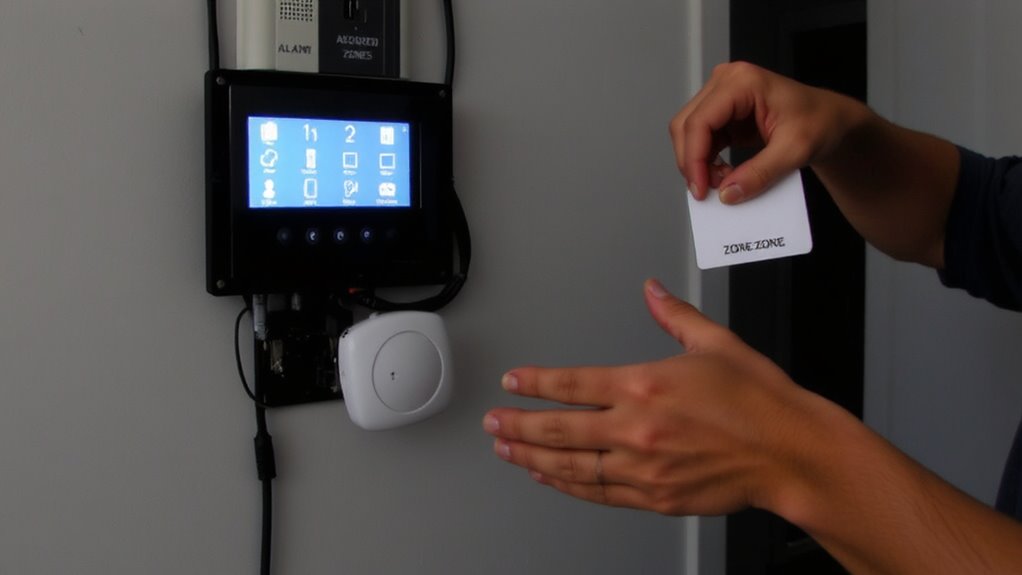
Each room in your home should have a dedicated zone in your alarm system, making it easier to monitor activity with precision. You achieve this through zone mapping, which assigns specific areas to distinct alarm zones. By using sensor grouping, you link detectors like door contacts or motion sensors to their corresponding zone, ensuring accurate alerts. For example, your living room sensors should be in a different group than those in the bedroom. This setup improves response accuracy and simplifies troubleshooting. Most modern panels support 8 to 32 zones, depending on the model and cost. Higher zone counts offer more control but may raise installation complexity and price. Plan your layout in advance, matching each room’s risk level and usage pattern. Proper zone mapping and sensor grouping are foundational to effective home security, enabling efficient monitoring and faster identification of potential threats.
Name Zones for Instant Alert Identification
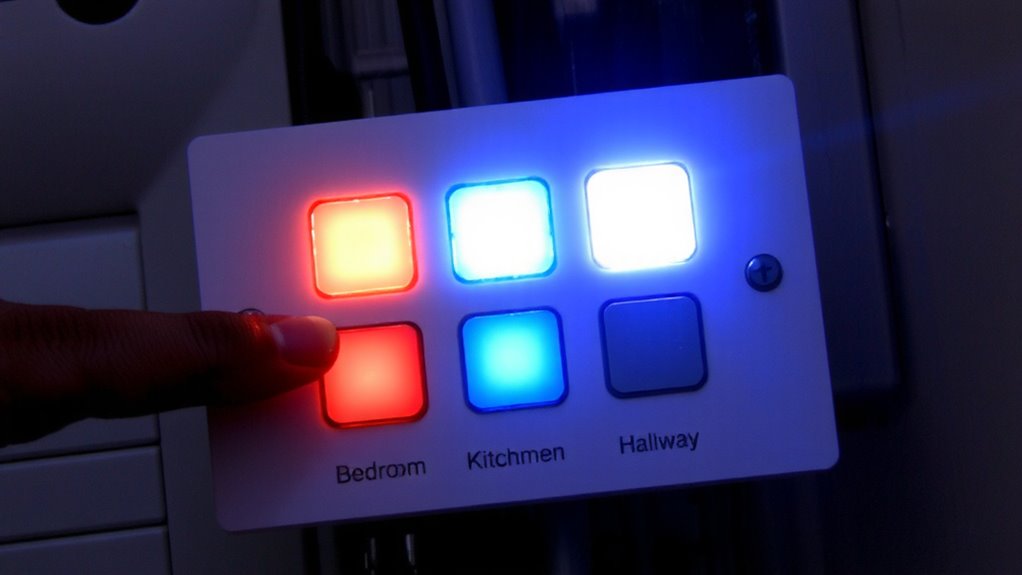
Now that you’ve assigned sensors to specific rooms, the next step is giving each zone a clear, recognizable name. Proper zone labeling lets you identify intrusions instantly, reducing confusion during alerts. Effective alert mapping guarantees your system communicates exactly where an event occurred. Use descriptive names like “Front Door” or “Master Bedroom” instead of generic numbers. This small step greatly improves response time and system usability. Consider the examples below for consistent naming:
| Zone Name | Location | Purpose |
|---|---|---|
| Front Door | Entry | Detect entry attempts |
| Living Room | Main floor | Monitor activity |
| Garage Entry | Side access | Alert on garage breaches |
| Back Patio | Outdoor area | Cover rear perimeter |
| Upstairs Hall | Second floor | Protect sleeping areas |
Clear zone labeling supports accurate alert mapping, making your security system more reliable and easier to manage daily.
Customize Settings by Sensor Type
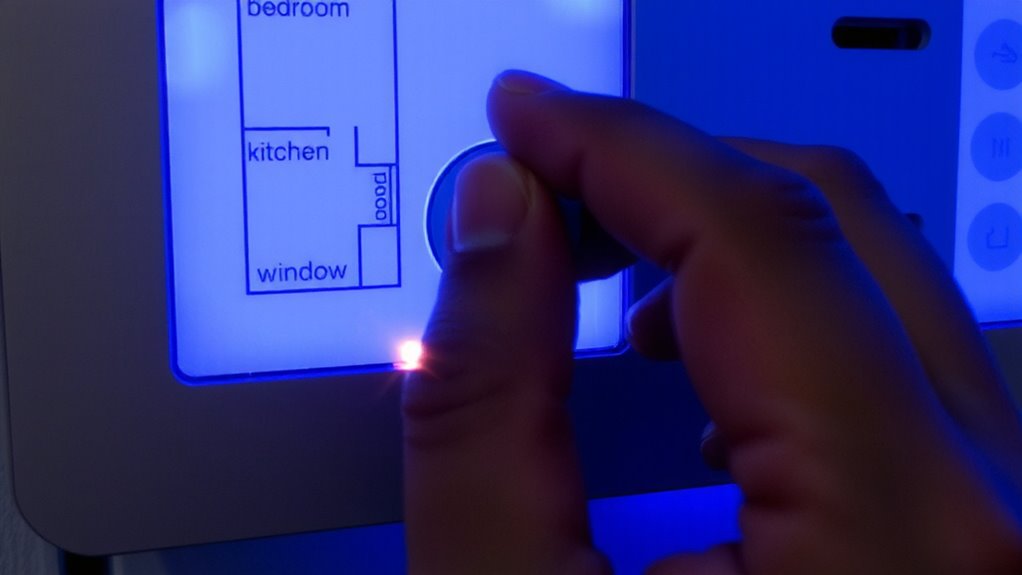
Since sensor types vary in purpose and placement, customizing their settings guarantees accurate detection and minimizes false alarms. You’ll need to adjust detection sensitivity based on the environment-like lowering it for pets in living areas or raising it in high-risk zones like basements. Motion sensors near windows might pick up sunlight or passing cars, so proper sensor calibration helps avoid false triggers. Door and window contacts usually need less sensitivity but require regular testing. Glass break sensors depend heavily on correct placement and calibration to detect real threats without reacting to loud TV sounds or clinking dishes. Infrared sensors benefit from adjusted timing delays to prevent alerts when family moves briefly. You’ll save time and increase reliability by tailoring each sensor’s behavior. Consistent calibration and sensitivity settings make your system smarter and more dependable over time. For enhanced control, consider integrating best motion sensors for lights that offer adjustable settings and optimal detection ranges.
Arm One Area Without Triggering the Whole System
How do you keep part of your home secure without setting off alarms elsewhere? With partial arming and zone bypassing, you can activate specific zones while leaving others inactive. This is ideal when someone’s home but you still want to monitor areas like exterior doors. Most modern alarm panels support this through customizable arming modes. Top home alarm systems offer advanced zoning features that integrate seamlessly with smart home platforms.
| Feature | Pros | Cons |
|---|---|---|
| Partial Arming | Saves energy, increases convenience | Requires correct setup to avoid gaps |
| Zone Bypassing | Flexible for occupied rooms | Mistakes may leave areas unprotected |
| Custom Schedules | Matches daily routines | Needs regular updates |
| Remote Control | Adjust settings from anywhere | Dependent on internet connection |
Use these features to match your lifestyle while maintaining control. Always verify settings before arming.
Improve Security With Room-Level Monitoring
What if you could know exactly which room a sensor trigger came from? With room-level monitoring, you can. Custom zoning gives you room isolation, so alerts are tied to specific areas instead of the entire house. That means if a window in the basement opens, you’ll know precisely where to check-no guesswork. You can even enable silent monitoring to detect movement without setting off alarms, perfect for homes with kids or pets. This approach improves response time and reduces false alerts. Pros include better control and tailored security; the main con is slightly higher setup complexity. Most modern alarm panels support this, with costs varying by system. Plan zones based on usage-bedrooms, offices, or storage rooms. With room-level monitoring, you’re not just securing a home, you’re securing each space wisely and efficiently.
On a final note
You can strengthen home security by setting up custom zones in your alarm panel for each room. Naming zones helps identify alerts quickly, while tailored sensor settings improve accuracy. You’ll be able to arm one area without affecting others, adding flexibility. Room-level monitoring offers better control and faster response, though it may require extra sensors and setup time. Plan the layout carefully and budget for added hardware.