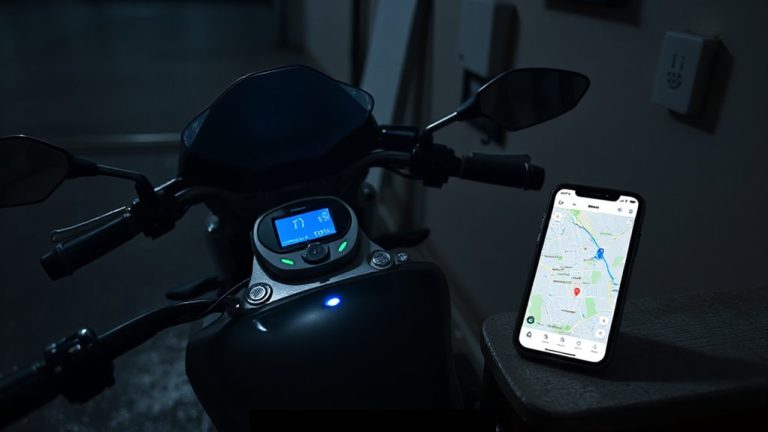
How to Secure Side and Basement Entry Doors With Smart Access Control
Secure your side and basement doors by installing weather-resistant smart locks made of reinforced zinc or stainless steel, guaranteeing they match your door’s thickness. Choose keyless models with encryption, tamper alerts, and Wi-Fi or Bluetooth connectivity for remote access and real-time alerts. Integrate them with your home security system to automate arming and open notifications. Battery life lasts 6–12 months, with quality models costing $150–$250. Planning for maintenance and compatibility guarantees reliable, long-term protection. Smart features like scheduled access and two-factor authentication offer extra control and peace of mind.
Notable Insights
- Install smart locks made of reinforced zinc or stainless steel to resist tampering and weather damage.
- Use Wi-Fi-enabled keyless entry systems for remote access and real-time lock status monitoring.
- Integrate smart locks with your home security system to automate alarms and door monitoring.
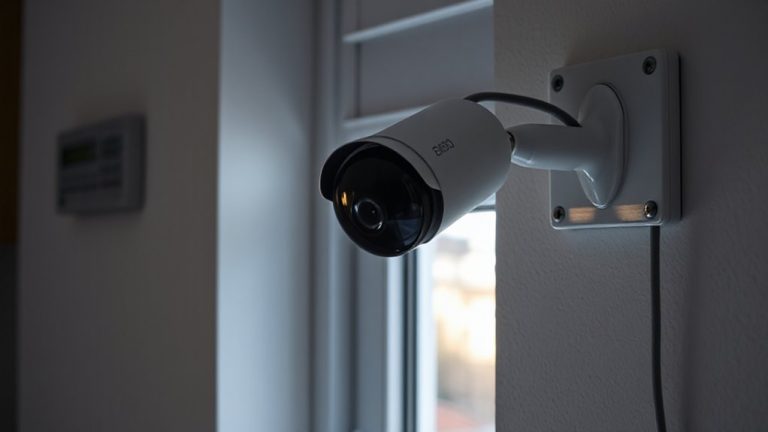
- Add motion-activated lighting and cameras to eliminate blind spots around side and basement doors.
- Choose retrofit smart lock models that install quickly and support encryption and tamper alerts.
Why Side and Basement Doors Are Security Weak Spots
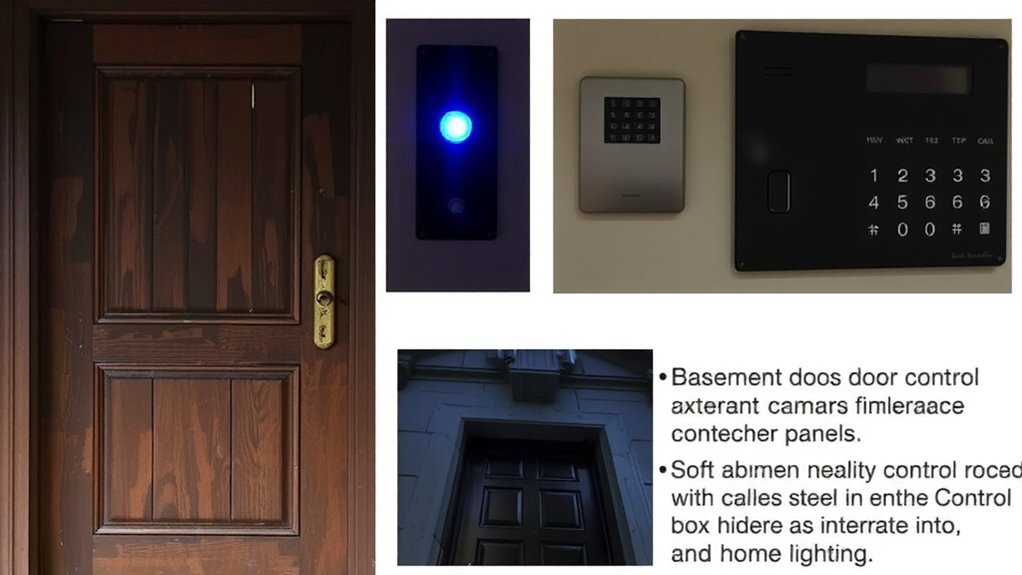
While main entry doors often get the most attention, side and basement doors can be just as vulnerable-if not more so-because they’re usually less visible and easier to access unnoticed. These entry points often fall into blind spots, making them prime targets since surveillance cameras or passersby are less likely to detect suspicious activity. Without adequate lighting or monitoring, intruders can work undisturbed. Plus, side and basement doors are more prone to moisture damage due to ground contact or poor drainage, which weakens frames and compromises lock mechanisms over time. This structural wear can make forced entry easier. You should inspect these doors regularly for warping, rust, or seal deterioration. Addressing these issues early improves both durability and security. Pairing physical maintenance with smart access control provides layered protection, reducing risks associated with location and environmental exposure. Upgrading to a high-security best door locks model further enhances resistance against tampering and forced entry.
Choose the Right Smart Lock for Your Entry Point
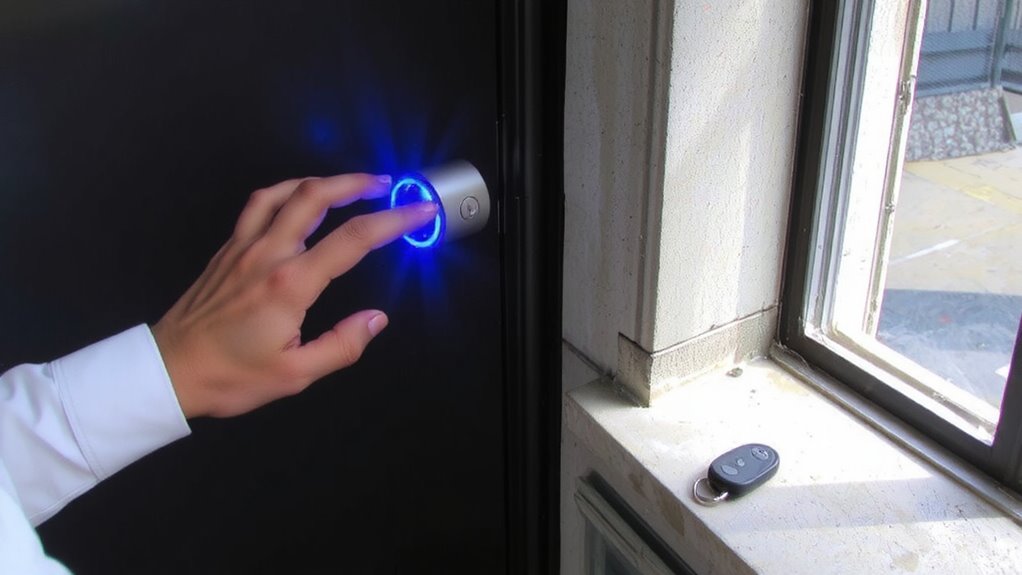
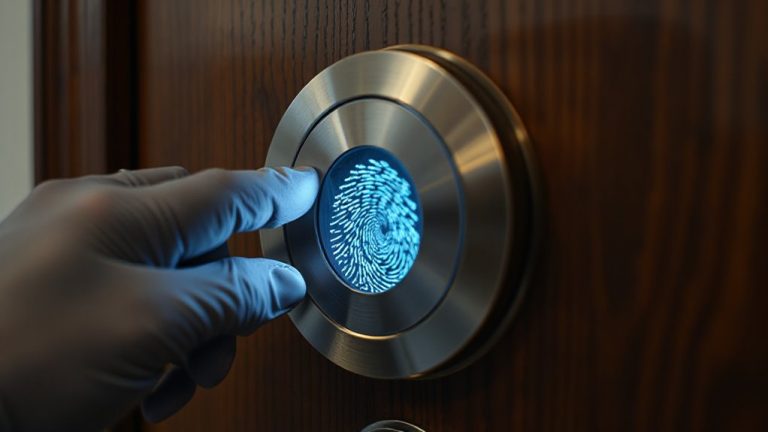
Side and basement doors may be out of sight, but they shouldn’t be out of mind when securing your home. Choosing the right smart lock means balancing material durability and installation complexity. Look for locks made of reinforced zinc or stainless steel-they resist tampering and weather better than plastic. Check your door’s thickness and existing hardware; some smart locks fit standard doors easily, while others require drilling or adapters, increasing installation complexity. Battery-powered models are common, but consider how often you want to replace them. Wi-Fi-enabled locks offer remote access but may cost more and raise connectivity concerns. Opt for models with encryption and reputable brand support. Always read installation guides before buying. A durable, properly installed smart lock improves security without unnecessary hassle. Plan for both upfront cost and long-term maintenance. For trusted options, check out the top smart lock picks based on performance and reliability.
Add Keyless Entry Without Replacing Your Door
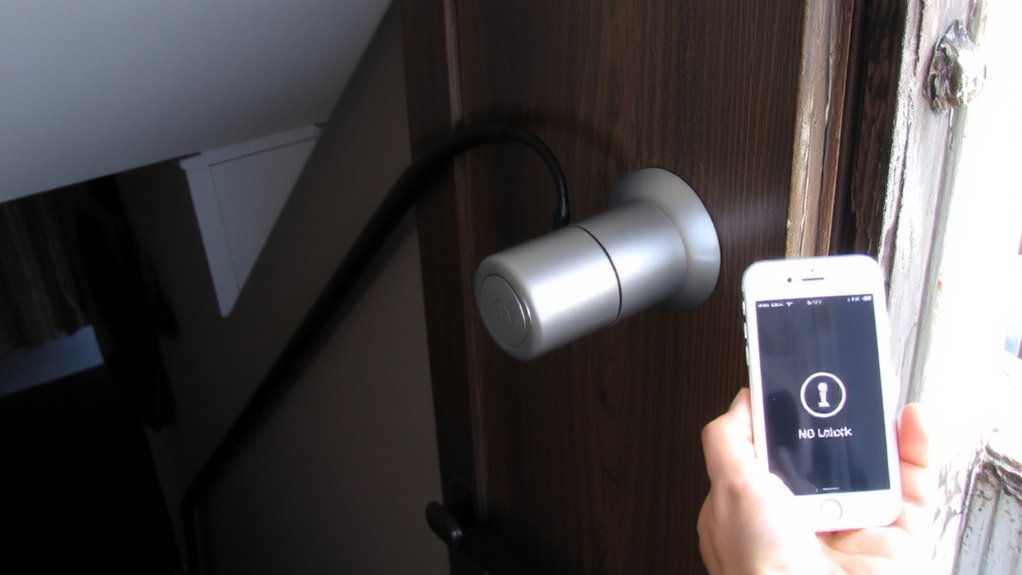
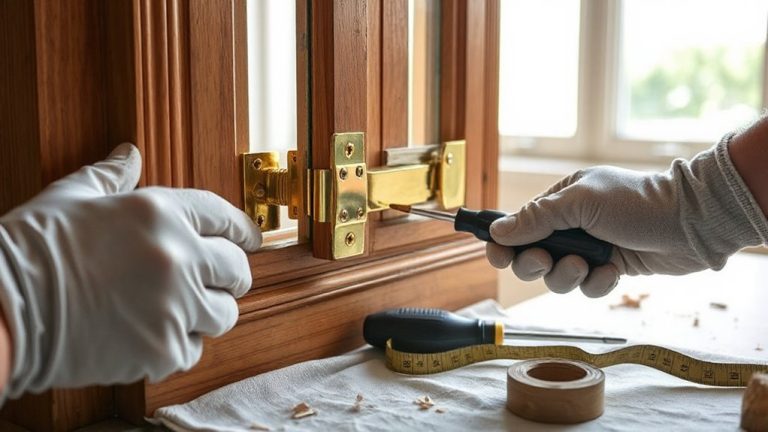
You can upgrade your home’s security with keyless entry without swapping out the entire door. Many smart upgrades fit your existing hardware, making installation simple and cost-effective. Retrofit options like smart lock cylinders, keypad deadbolts, and motorized lock attachments work with standard doors and don’t require major modifications. Most models install in under 30 minutes using basic tools. Look for ones that support encryption and tamper alerts for stronger protection. Popular choices use Bluetooth or Wi-Fi and work with voice assistants. Prices range from $80 to $250, depending on features like auto-locking or activity logs. Battery life usually lasts 6–12 months. While retrofit units preserve your door’s integrity, some may lack the durability of full replacements. Check compatibility with your door’s thickness and lock type before buying. Smart upgrades give modern access control without the hassle or expense of door replacement. Top models include Z-Wave smart locks for seamless home automation integration.
Link Your Lock to Home Security
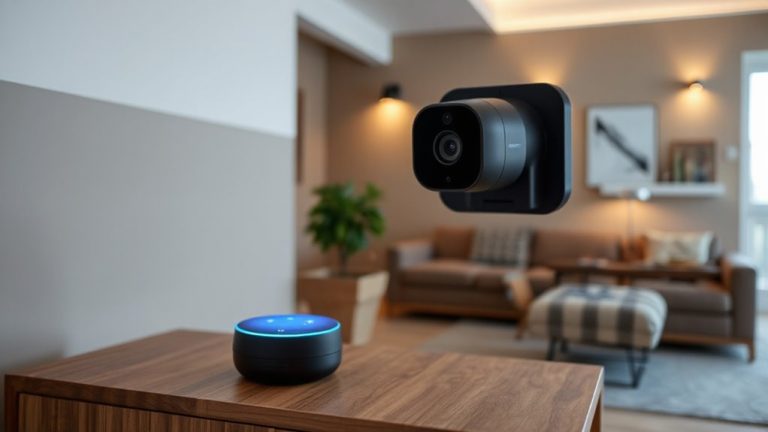
Once you’ve upgraded to a smart lock, the next step is connecting it to your home security system for coordinated protection. Door integration allows your lock to communicate with other smart devices, so when you lock the door, your system knows it’s secure. Alarm syncing means the alarm arms automatically when the door locks, or triggers if the door opens unexpectedly. Most modern systems support this through hubs like Zigbee or Z-Wave. You’ll need compatible devices, so check manufacturer specifications before buying. A well-integrated setup reduces false alarms and improves response time. Some systems even let you set routines-like locking all doors and arming the alarm with one command. While installation is usually DIY, professional help guarantees reliable performance. Expect to spend $50–$150 for hubs or adapters. Proper setup pays off in fewer security gaps and smoother operation across your smart home.
Get Instant Alerts and Remote Control
While staying connected to your home from anywhere, smart locks give you instant alerts and remote access through your smartphone or tablet. You’ll receive real time notifications whenever someone locks or opens your side or basement door, so you always know who’s coming and going. This feature helps you act quickly if an unexpected entry occurs. With remote opening, you can let in trusted visitors even when you’re not home-great for letting family in early or allowing a repair person access. Most systems work over Wi-Fi and send alerts within seconds. Check for models with encryption and two-factor authentication to keep your data secure. Choose a lock with a reliable app, consistent connectivity, and low battery alerts. These features typically come standard, with most quality smart locks priced between $150 and $250.
Schedule Access for Family and Workers
Smart locks do more than send alerts and allow remote access-they also support custom access schedules, giving you precise control over who enters your home and when. With access scheduling, you can set specific days and times when family members or workers can enter, such as a cleaner on Tuesdays from 9 a.m. to 11 a.m. This feature reduces the risk of unauthorized entry while maintaining convenience. You assign user permissions to each person, ensuring they only have access when needed. Most systems let you adjust or revoke permissions anytime through a mobile app. Some smart locks log entry times, offering useful data for monitoring activity. While scheduling enhances security, always use strong passwords and enable two-factor authentication. Entry codes should be unique per user to improve tracking. Initial setup may take a few minutes, but the ongoing control makes it a practical upgrade for securing side and basement doors.
On a final note
You’ve secured your front door, but side and basement entries often get overlooked. Smart locks offer keyless access and real-time alerts, boosting security without replacing your door. Choose models with encryption and auto-lock features. Link them to your home system for remote control and monitoring. Schedule guest access and get entry logs. Plan for power needs and Wi-Fi range. At $100–$250 per lock, it’s a practical upgrade backed by data on break-in patterns.