How to Safeguard Biometric Data Stored Locally on Standalone Fingerprint Door Locks
Your fingerprint data is stored as an encrypted digital template on the lock’s secure chip, not as an image, so it can’t be reverse-engineered. Choose a lock with AES-256 encryption and spoof detection to block fake fingerprints. Keep admin access limited and protected with a strong PIN. Delete old prints regularly and update firmware to patch vulnerabilities. Tamper alarms and audit logs add extra protection-there’s more to optimize your setup effectively.
Notable Insights
- Store biometric data locally on secure chips like secure elements or TPMs to prevent cloud-based breaches.
- Use locks with AES-256 encryption to protect stored fingerprint templates from unauthorized extraction.
- Enable spoof detection features that analyze live skin properties to block fake fingerprint attacks.
- Regularly audit and remove outdated fingerprints every 3–6 months to reduce security risks and improve accuracy.
- Keep firmware updated to patch vulnerabilities and maintain protection against emerging security threats.
How Fingerprint Locks Store Your Biometric Data
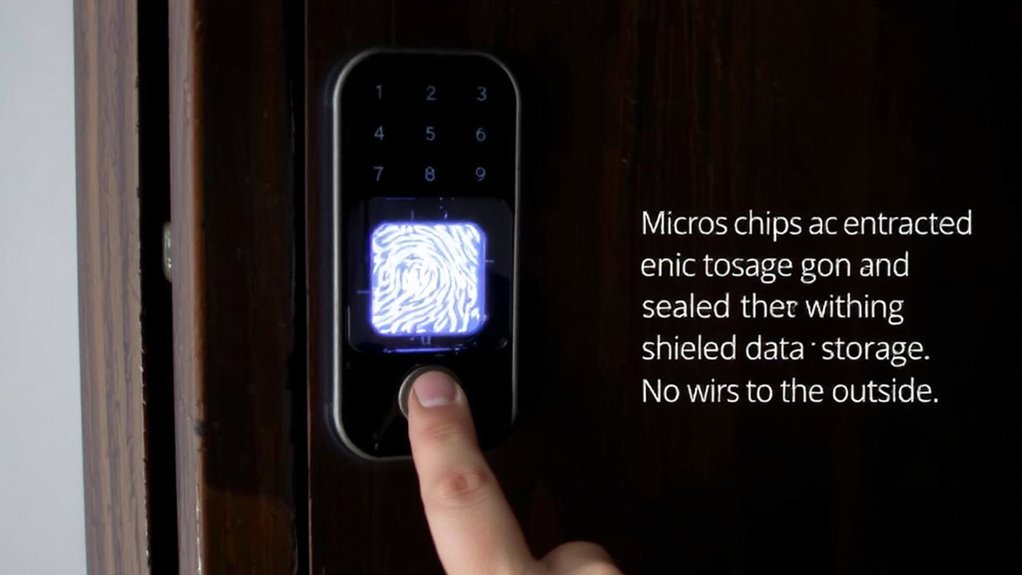
Biometric data on fingerprint door locks isn’t stored as an actual image of your finger. Instead, the sensor captures key details, like ridge endings and bifurcations, and converts them into a digital data format. This mathematical representation is unique to your print but can’t be reverse-engineered into a visible image. The storage location is typically within the lock’s onboard secure chip, not in the cloud, which reduces exposure to remote breaches. Keeping data locally means you maintain control, though physical access to the device could pose risks if tampered with. Most models use encrypted storage to protect this data format from unauthorized extraction. Always check whether the manufacturer specifies secure element chips or trusted platform modules. These features improve protection. For best results, pick locks with clear, transparent policies on data handling. Pricing varies, but reliable models start around $100.
Pick a Lock With Encryption & Spoof Protection
You’ve seen how fingerprint data is turned into secure digital codes and stored locally on your lock’s chip, but that’s only part of the protection puzzle. Biometric encryption guarantees your data stays unreadable, even if someone physically accesses the chip. This built-in encryption scrambles the digital template so it can’t be reverse-engineered. Equally important is spoof detection, which guards against fake fingerprints made from gelatin, tape, or lifted prints. Advanced sensors analyze skin texture, blood flow, or electrical conductivity to confirm a live finger is present. Look for locks with ISO-compliant spoof detection and strong encryption standards like AES-256. These features reduce false accepts and boost confidence. While models with top-tier biometric encryption and spoof detection cost more, usually $150–$300, they’re worth it for reliable, everyday security. Always check independent test ratings before buying.
Lock Down Admin Access
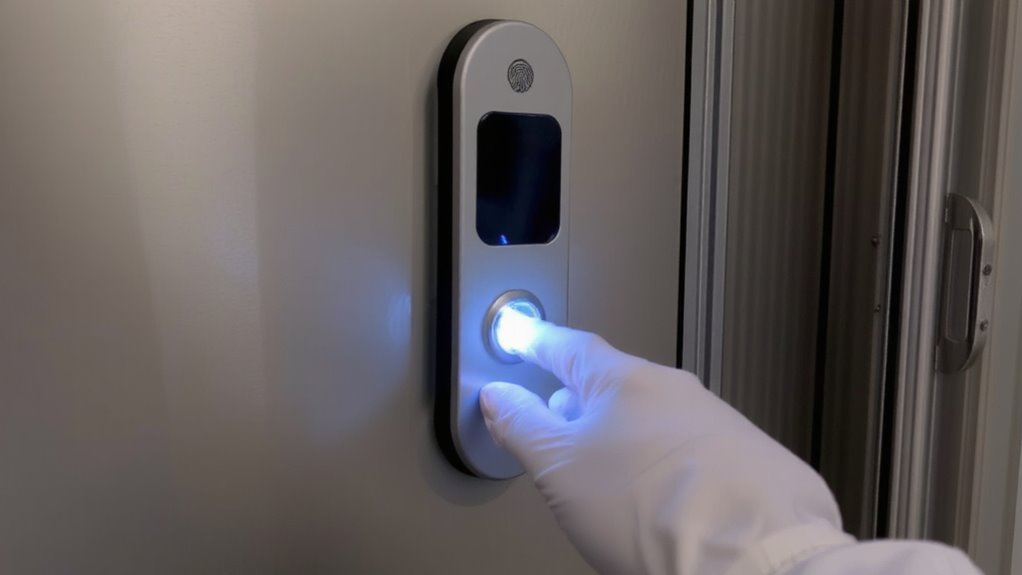
Even though your fingerprint door lock is secure by design, failing to lock down admin access can open a backdoor for unauthorized control. You should assign admin privileges only to trusted users, since those with admin rights can add or delete fingerprints and change settings. Most locks allow just one admin, so protect that access carefully. Use a strong master PIN if your model supports it, and avoid sharing admin credentials. Access control is stronger when you limit who can approve changes. Some models show activity logs, helping you track who made adjustments. If your lock lets you set secondary admins, review those users regularly. Cheap models may lack granular access control, so spending a bit more could improve security. Always set up your lock following the manual’s guidance to guarantee admin features are properly configured.
Audit and Remove Old Fingerprints
Since fingerprints can accumulate over time and some may no longer be valid, it’s wise to regularly audit the users stored in your lock’s system. Fingerprint decay can reduce scan accuracy, especially if a user’s print changes due to aging or injury. Combine that with normal user turnover-like guests moving out or staff leaving-and outdated entries become a security risk. Most standalone locks let you review and delete fingerprints through the admin menu. Check every 3–6 months, depending on how often access changes. Look for models that display last-usage dates, making outdated entries easier to spot. Removing old prints keeps response times fast and minimizes false rejections. It also limits exposure if someone gains physical access to the device. This simple habit strengthens security without extra cost. Always recheck permissions after deletions to guarantee active users still have access. Routine audits are a small step with measurable benefits for long-term reliability and control. A key consideration is choosing a lock designed with robust internal security, such as those featured in top front door lock rankings, to ensure stored biometric data remains protected.
Keep Hackers From Tampering With the Lock
While biometric locks offer convenience, they can be vulnerable to digital tampering if not properly secured. You should protect your lock from both physical tampering and signal jamming to guarantee reliability. Physical tampering happens when someone tries to disassemble or damage the device, so choose a model with tamper alarms and tough casings that resist drilling or prying. Look for locks certified to resist forced entry-these often include shields and anti-peep features. Signal jamming can block communication between components, especially in smart-enabled models, so pick locks with built-in jamming detection that alert you to interference. Install the lock in a visible, well-lit area to deter intruders. Avoid installing near metal surfaces that could distort signals. Consider models with audit trails to log tamper attempts. Although more secure options may cost extra, they offer measurable peace of mind. Some top best smart locks also integrate encrypted local storage to prevent unauthorized access to biometric templates.
Patch Your Lock’s Firmware Regularly
You should regularly update your lock’s firmware because manufacturers often release patches to fix security flaws and improve performance. Firmware updates address vulnerabilities that hackers could exploit, especially as new attack methods emerge. These security patches are critical for protecting the biometric data stored locally on your device. Most modern locks notify you when an update is available, either through a mobile app or a prompt on the lock itself. Check for updates every few months if automatic alerts aren’t enabled. Skipping updates may leave your lock exposed to known weaknesses. While updates are generally safe, guarantee the lock remains powered during installation to avoid malfunctions. Some models require a smartphone connection, so keep the companion app updated too. Firmware updates take only minutes but greatly enhance long-term security. Make patching a routine part of your lock’s maintenance, just like changing batteries.
Plan for Lockouts Without Compromising Security
What happens when your fingerprint isn’t recognized or the battery dies-will you be locked out? You need a reliable plan. Always enable fallback authentication methods like PIN codes or physical keys so you can still enter during failures. These options keep you secure without relying solely on biometrics. Choose locks with built-in emergency access, such as a 9-volt battery terminal to power the system temporarily. Some models include override keyholes, but these can be vulnerable if not protected. Make sure your emergency access method doesn’t weaken overall security. Test fallbacks regularly to confirm they work. Store backup keys in a secure, accessible spot, and share access details only with trusted household members. Planning avoids panic and maintains protection, even when tech fails. Balance convenience and safety with smart preparation. Top models often include advanced features like best digital locks for enhanced reliability and user confidence.
On a final note
You should protect your fingerprint lock’s biometric data by choosing models with strong encryption and anti-spoofing features. Limit admin access, remove old fingerprints regularly, and guarantee firmware stays updated. Physical tamper resistance matters, so pick a durable, certified lock. Plan for lockouts with backup keys or codes, not weaker security. These steps, backed by security testing, keep your home safe without overcomplicating access.