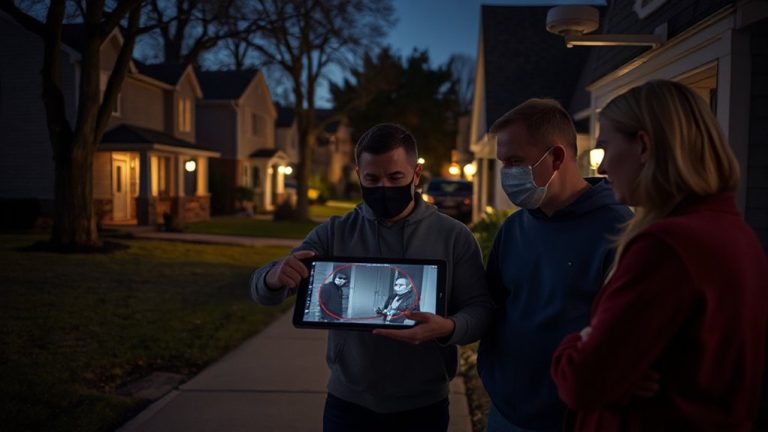
PTZ Camera Positioning at Angled Entry Points: Height & Zoom Guide
Position your PTZ camera 8 to 12 feet high, angled diagonally toward the approach to reduce distortion and avoid overhead blind spots. Use pan, tilt, and zoom to track movement across angled paths, replacing multiple fixed cameras. Set presets from approach to entry, pair with motion tracking, and use 10x optical zoom for facial detail. Test in varying light and fine-tune positioning-there’s more to optimizing coverage than placement alone.
Notable Insights
- Mount PTZ cameras 8–12 feet high to optimize coverage and facial clarity at angled entry points.
- Position cameras diagonally to the approach path to minimize visual distortion and capture better angles.
- Use optical zoom of at least 10x to capture facial details as subjects move toward the entry point.
- Set presets to transition smoothly from wide approach views to focused entry-level monitoring.
- Enable motion tracking and detection zones to automatically follow subjects and trigger alerts.
Why Angled Entries Create Blind Spots for Fixed Cameras
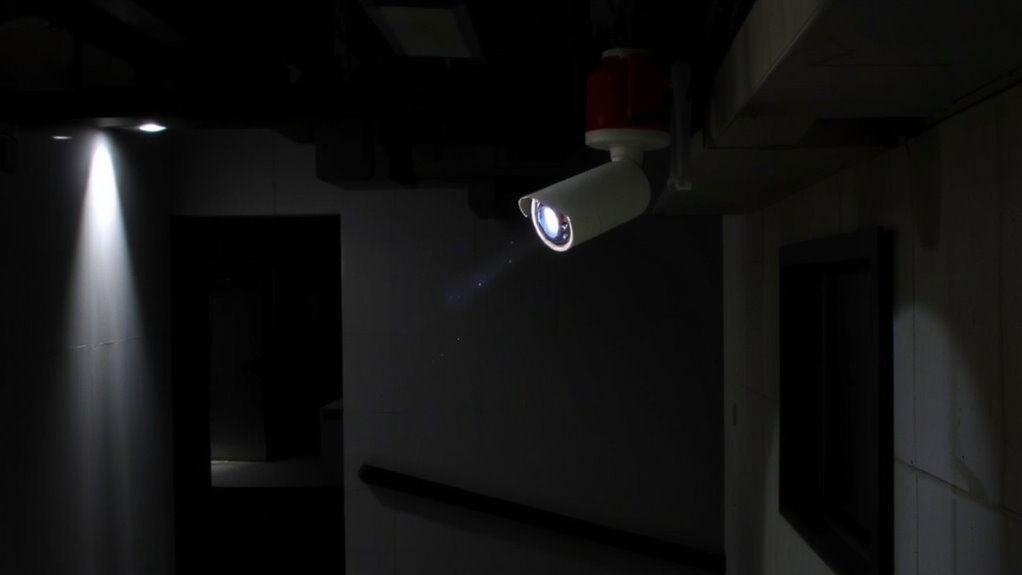
Blind spots are the weak links in any security setup, and angled entries are their favorite hiding spot. You might not realize it, but fixed cameras struggle here because they can’t adjust to shifting sightlines. When positioned at an angle, the field of view gets distorted, leaving gaps where intruders can move unseen. Lighting angles worsen the issue-shadows or glares can obscure faces and critical details, especially at night. Motion streaking also becomes a problem; fast movement across an angled plane appears blurred, making identification nearly impossible. You’ll get incomplete footage, lowering the camera’s effectiveness. These blind spots aren’t just minor flaws-they’re predictable vulnerabilities. To compensate, you’d need multiple fixed units, increasing cost and complexity. That approach eats up storage space and makes monitoring harder, without guaranteeing full coverage. Simply put, fixed cameras aren’t built for angled entry challenges, and no amount of tweaking fixes their static nature.
How PTZ Cameras Solve Dynamic Surveillance Challenges
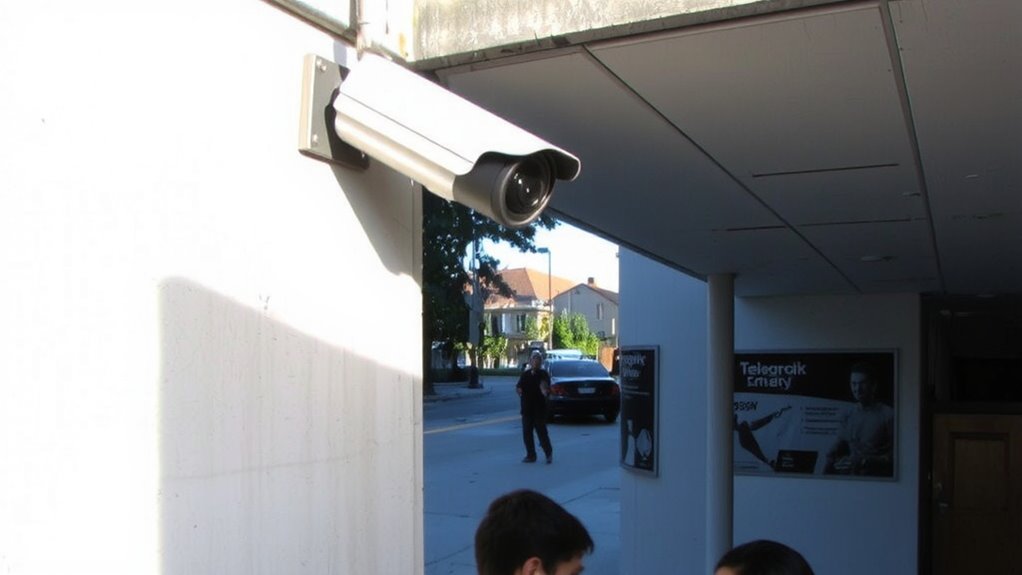
While fixed cameras can’t adapt once installed, PTZ (pan-tilt-zoom) cameras give you real-time control to monitor changing conditions at angled entries. You can manually or automatically reposition them to track movement, zoom in on license plates, or follow individuals across uneven approaches. Their wide dynamic range handles harsh lighting contrasts, like bright skies against dark shadows, so you get clear footage. In dim conditions, their low light performance ensures usable video without switching to grainy black-and-white. These features make PTZ cameras ideal for dynamic areas where activity changes rapidly. They cover more ground than fixed models, reducing the total number you need. However, they cost more and may require additional setup for maximum efficiency. For best results, combine PTZ units with fixed cameras to balance coverage and detail. Some of the most reliable options for integrating PTZ functionality into modern security setups are among the best wireless security cameras for 2025.
Where to Mount Your PTZ Camera for Full Approach View
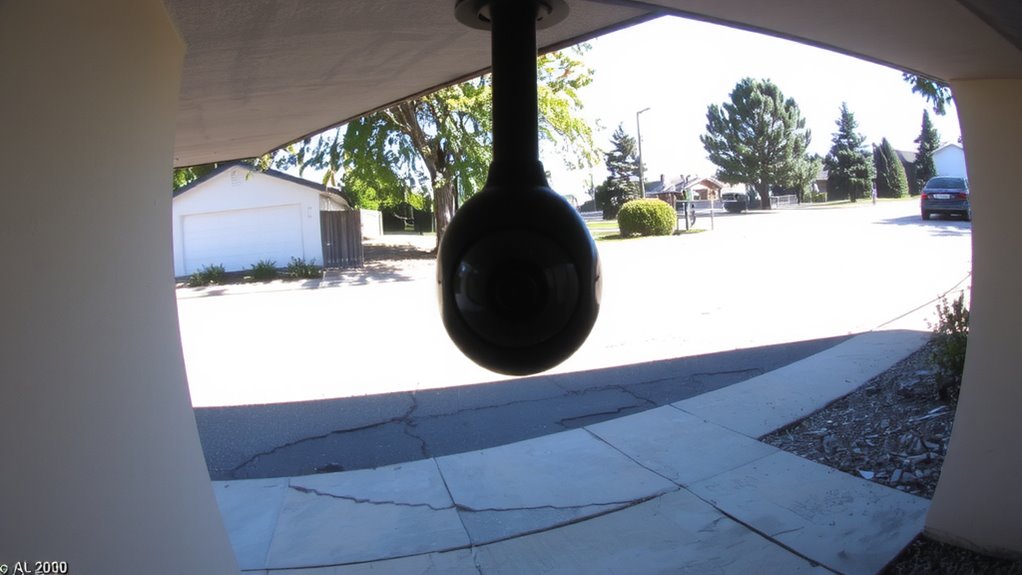
To capture every detail of an angled approach, you’ll want to position your PTZ camera high enough to eliminate blind spots but not so high that facial features or license plates become too small to identify. Aim for a mounting height between 8 and 12 feet, which balances coverage and image clarity. Choose camera angles that face the approach path diagonally, letting you track movement naturally while minimizing lens distortion. Avoid placing the camera directly above the entry, as steep downward angles can warp faces and license plates. Instead, angle it slightly downward with a clear line of sight across the approach zone. This setup guarantees accurate identification and smoother PTZ tracking. Test different positions during daylight to assess image quality, then fine-tune for low-light performance. Proper placement now prevents blind spots later. For optimal performance, consider models with high-resolution sensors and weather-resistant builds, such as those highlighted in our best outdoor security cameras guide.
Set PTZ Presets to Track Movement From Approach to Entry
You’ve positioned your PTZ camera to cover the approach path with a clear, angled view and ideal height, so now it’s time to make that coverage active and responsive. Set presets to guide the camera from the far end of the approach to the entry point, ensuring smooth, logical shifts. Use motion tracking to trigger the camera to follow movement automatically, reducing blind spots. Pair this with facial recognition at the entry zone to identify individuals reliably. Most systems let you assign specific behaviors to each preset-like activating detection zones or sending alerts. Test your presets regularly to confirm alignment with real-world movement patterns. While motion tracking improves responsiveness, lighting and speed affect facial recognition accuracy. High-end models offer better analytics but cost more. Plan your budget around needed features, not just hardware. Well-configured presets save time and improve security effectiveness.
Zoom Smarter: Get Facial Details Without Losing Context
How do you capture a clear face shot without missing the bigger picture? Use smart zoom control to balance detail and scene awareness. Start with a wide-angle view to monitor the full entry path, then smoothly zoom in as someone approaches. This keeps context intact while sharpening facial features for better facial recognition. Don’t zoom too fast or too late-timing matters. A gradual zoom lets the system track movement and capture usable images without losing background activity. Cameras with optical zoom outperform digital zoom, so choose at least 10x optical for clear close-ups. Test your setup in varying light, since shadows can reduce facial recognition accuracy. Adjust zoom presets based on distance and height of the camera. Proper zoom control means you get both identity and action-critical for home security. Plan for camera placement and lighting to make the most of every frame.
On a final note
You’ll cover blind spots effectively by positioning PTZ cameras at angled entries. These cameras track motion from approach to entry using smart presets, giving you both wide context and zoomed detail when needed. Mount yours high and centered for full coverage, and set zoom levels to capture faces without losing sight of the surroundings. PTZ models cost more than fixed ones, but their flexibility and active tracking offer better evidence and deterrence over time.