Test Your Alarm’s Central Monitoring Connection: 5 Steps
Turn on test mode in your alarm system to safely check communication with the central station. Call your provider first-give your account details and say you’re testing. Use the keypad or app to send a test signal, then confirm they received it. If the test fails, check connections, restart the system, or contact support. Most issues are caught early with regular testing-knowing what happens next helps guarantee your system stays reliable.
Notable Insights
- Activate test mode on your alarm system to safely simulate signals without triggering real emergency responses.
- Notify your monitoring provider in advance to flag your account and ensure they expect test signals.
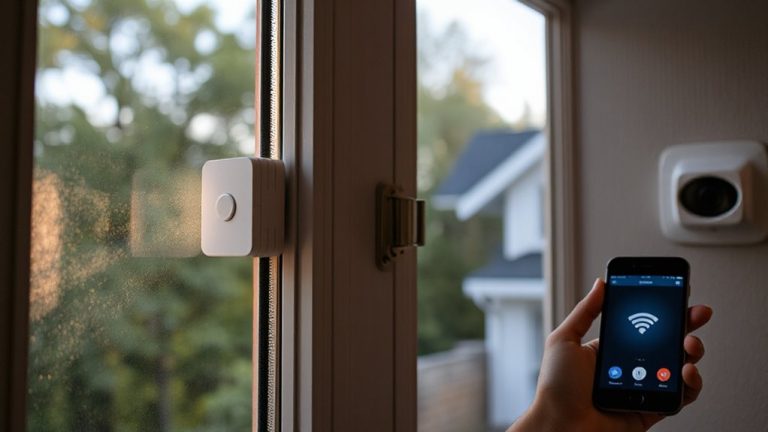
- Use the keypad or mobile app to initiate a test alarm, confirming real-time communication with the central station.
- Verify the central station received the test signal by checking system logs or contacting your provider directly.
- If the test fails, check network connections, restart the system, and contact support to diagnose communication issues.
Activate Test Mode on Your Security System
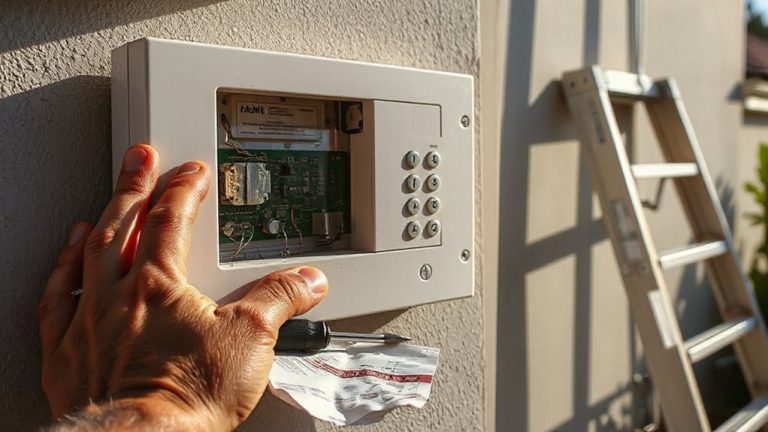
How do you make sure your alarm system communicates properly without triggering a false emergency response? Activate test mode before running any checks. This setting allows the system to simulate alarms while telling the monitoring center not to dispatch emergency services. You can usually enable test mode through your security panel or mobile app. It’s essential for safe system arming and sensor calibration. During test mode, trigger sensors one at a time to verify communication with the central station. Most providers confirm receipt of test signals within minutes. Check your system’s log to guarantee all devices are responding correctly. Regular testing-once a month-improves reliability. While test mode prevents false alarms, remember it doesn’t check live emergency response times. Keep test durations short to avoid missing real events. This method supports accurate sensor calibration and guarantees your arming routines work as designed.
Call Your Provider Before Testing: Here’s What to Say
After you’ve activated test mode on your security system, the next step is reaching out to your monitoring provider before running any tests. Call their customer service line and clearly state you’re about to test your system’s connection. Provide your account number and address so they can flag your account, preventing false alarms. Say something like, “I’m in test mode and will be checking my signal with the central station-please confirm you’re expecting the test.” This guarantees technical support logs the activity. Most providers require this step to maintain accurate monitoring records. Skipping this call risks alerting emergency services unnecessarily. Confirm how long the test window lasts, and note any instructions. Good customer service will guide you without delay. Taking these steps protects your system’s integrity and keeps your monitoring active and accurate. A reliable best home alarm systems choice often includes professional monitoring with clear testing protocols.
Trigger a Test Alarm Without False Alerts
Why risk a false alarm when you can test your system safely and effectively? Most systems let you initiate a test signal without alerting authorities, minimizing false alarm fines and confusion. Always use your provider’s designated test mode to reduce system latency and guarantee accurate diagnosis. Consider the method, timing, and precautions to keep testing secure and efficient. Top-rated systems often include features designed for easy diagnostics, such as best household alarms with built-in test protocols.
| Method | Pros | Cons |
|---|---|---|
| Keypad test mode | Prevents false alarm, instant feedback | Requires user access |
| App-triggered test | Remote access, logs results | Dependent on internet |
| Sensor simulation | Tests real detection | Risk of false alarm if not pre-authorized |
Schedule tests during business hours, avoid peak network usage to reduce system latency, and confirm internal alerts activate before sending signals. Never simulate break-ins without enabling test mode.
Verify the Central Station Got the Signal
Could your alarm system be sending signals no one’s receiving? After triggering your test alarm, you must confirm the central station actually got it. Don’t assume the system works-it needs signal verification. That means checking whether your alarm panel sent a message and the monitoring center logged it. Call your provider or check your app to see if they received the test signal. This step guarantees communication integrity between your system and their servers. A strong connection means faster emergency response when it counts. Many companies send automatic confirmations, but not all do. Ask your provider about this feature. Reliable signal verification reduces false alarms and strengthens trust in your setup. Always document test dates and outcomes. Doing so helps spot patterns if failures occur later. It’s a small step with big benefits for security.
What to Do If the Test Fails?
What happens if your test signal doesn’t go through? Don’t panic-first, check your internet or phone connection, as a communication delay might be temporary. Restart your system and try the test again. If it still fails, there could be a system failure in the control panel, transmitter, or cellular module. Contact your monitoring company to verify if they received any partial signals or error codes. They can help diagnose if the problem is on their end or yours. Write down the failure time and what you observed. Consider scheduling a technician visit, especially if this isn’t the first issue. Regular testing helps catch problems early. Upgrade to dual-path communication if possible-it uses both cellular and internet, reducing failure risk. Keep your service plan current to guarantee fast support and avoid lapses in protection.
On a final note
You should test your alarm system’s connection every few months to guarantee it works. Always activate test mode and call your provider first to avoid false alarms. After triggering the test signal, confirm the central station received it. If not, check your system’s settings or contact support. Regular testing helps maintain reliability, gives peace of mind, and guarantees quick emergency responses when needed.