Integrating Door and Window Sensors With Smart Locks for Layered Home Security
You can strengthen home security by pairing door and window sensors with smart locks for automated, layered protection. When a sensor detects an opening, it can trigger your smart lock to engage or send you an alert, especially if the system is armed. Choose models using Z-Wave, Zigbee, or Matter for reliable, low-latency communication. Proper installation prevents false alarms from misalignment or vibration. Systems start around $200, with added costs for hubs or professional setup. Look for strong encryption, remote access, and hub compatibility. You’ll also want automation features like turning on lights during unauthorized access, and regular firmware updates to maintain security. There are key mistakes to avoid when setting this up-knowing them improves your system’s reliability.
Notable Insights
- Combine door/window sensors with smart locks to create a layered security system that detects and responds to unauthorized access.
- Use Z-Wave, Zigbee, or Matter-compatible devices to ensure reliable communication between sensors and smart locks.
- Automate smart locks to engage or send alerts when sensors detect openings, especially when the system is armed.
- Prevent false alarms by precisely aligning sensors and mounting them on stable, non-vibrating surfaces.
- Regularly test system responses and update firmware to maintain integration reliability and security performance.
How Sensors and Smart Locks Build Layered Home Security
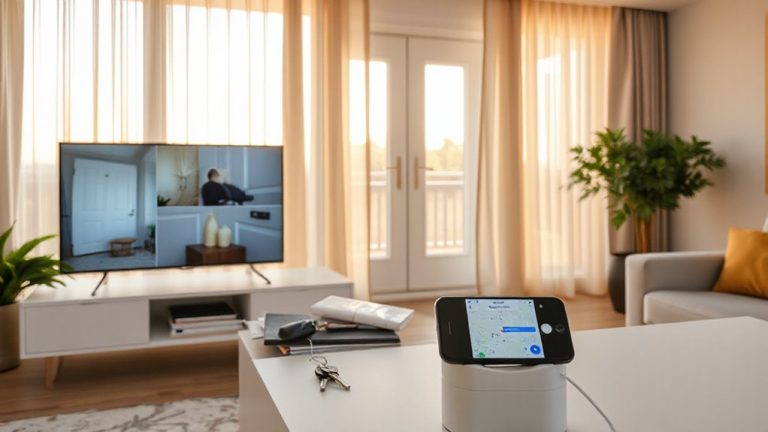
While no single device can fully secure a home, combining door and window sensors with smart locks creates a layered defense that markedly improves overall security. You reduce vulnerability by monitoring entry points and controlling access. Sensors detect openings, while smart locks let you lock and access remotely, often with audit trails. However, false alarms can occur from improper installation or environmental factors, so follow manufacturer guidelines closely. Signal interference might disrupt communication between devices, especially in homes with thick walls or competing wireless networks. Use devices on different frequency bands or add signal repeaters to minimize this risk. Look for systems with encryption and regular firmware updates. Most setups start around $200, with professional installation adding cost. Plan sensor placement thoughtfully, focusing on ground-level and less visible entry points for best results.
When a Door or Window Opens: How Sensors Trigger Smart Locks?
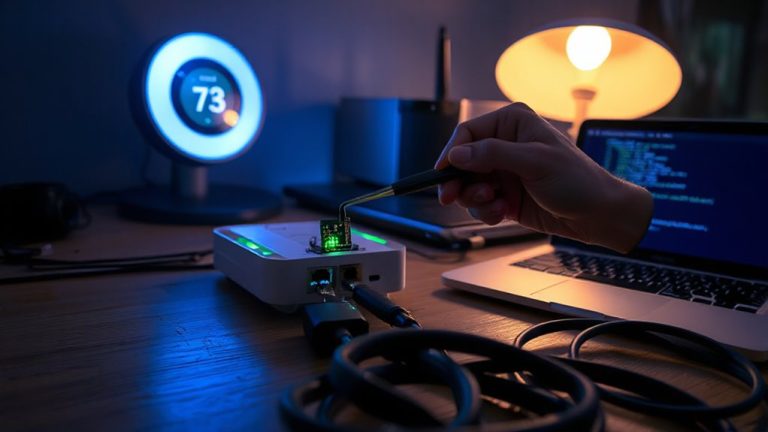
You already know combining door and window sensors with smart locks strengthens your home’s security by adding multiple layers of protection. When a door or window opens, the sensor detects the change and sends a signal to your smart lock and hub. If the system isn’t disarmed, the smart lock can automatically engage or alert you. This response depends on proper setup and integration through a reliable platform. Signal latency, though usually minimal, can delay actions by a few seconds-especially with Wi-Fi or congested networks-so using hubs with Z-Wave or Zigbee helps. False alarms may occur if sensors are misaligned or placed near vibrating surfaces, so install them carefully. Regular testing guarantees both sensors and locks respond correctly. Choosing devices with low latency and strong compatibility reduces errors and improves system reliability, giving you consistent, real-time feedback when entry points open unexpectedly.
Best Smart Locks for Sensor Integration in 2024
Smart locks that pair seamlessly with door and window sensors offer stronger, automated home security. You’ll want models that follow common compatibility standards like Zigbee, Z-Wave, or Matter, so they work reliably with a range of sensors. Brands like August, Yale, and Schlage integrate well within larger smart home ecosystems such as Apple Home, Google Home, and Amazon Alexa, giving you better control. These brand ecosystems help you automate actions-for instance, locking the door when a window sensor detects opening. Look for models with strong encryption and remote access, but check subscription needs for cloud features. Some locks require a compatible hub, which adds to upfront costs. Overall, prioritize interoperability and check sensor pairing specs before buying. Spending more now on a compatible system saves time and hassle later, ensuring smoother, layered protection across your home. Top models like the Yale Assure Lock 2 offer excellent Z-Wave integration for reliable sensor connectivity.
A Step-by-Step Guide to Connecting Sensors and Smart Locks
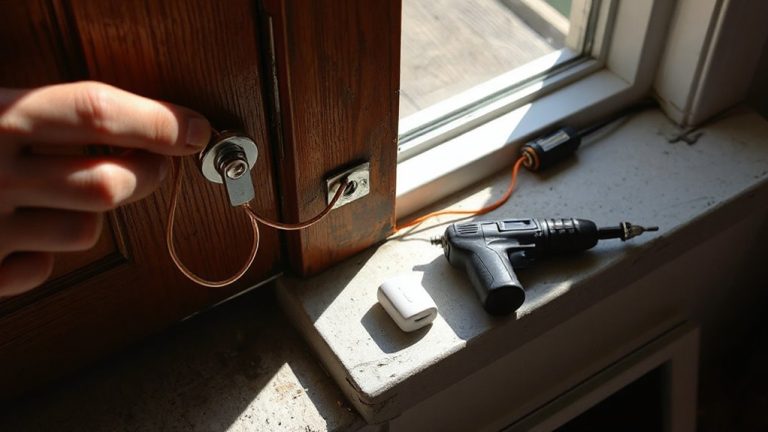
When setting up door and window sensors with smart locks, starting with compatible devices guarantees everything works smoothly from day one, so check that both the lock and sensors support the same protocol-like Z-Wave, Zigbee, or Matter-before purchasing. Install the smart lock first using the manufacturer’s instructions, then pair it with your home hub. Next, mount sensors on doors and windows, ensuring proper alignment to reduce false alarms. Test each sensor to confirm communication with the lock and system.
| Feature | Pros | Cons |
|---|---|---|
| Z-Wave | Long range, low interference | Requires hub |
| Zigbee | Mesh networking | Moderate setup complexity |
| Matter | Future-proof, unified control | Limited device options |
| Battery Life | Lasts 1–3 years | Weak signals if low |
| False Alarms | Minimized with calibration | Can trigger from misalignment |
Automate Lights and Alerts Using Sensor and Smart Lock Triggers
While smart home integration offers convenience and security, automating lights and alerts through sensor and smart lock triggers can greatly enhance both safety and efficiency. When a door or window sensor detects an opening, it can trigger lights to turn on, deterring intruders and alerting you. Pairing motion detection with smart locks adds another layer-lights activate only when movement follows unauthorized access. You can also set up alerts sent directly to your phone, giving real-time updates. Use voice commands to check lock status or turn on lights remotely, adding control without extra effort. Automation rules are customizable: for example, lights turn on at night if a door opens but stay off during the day. Most systems work with platforms like Alexa or Google Assistant. Setup requires compatible devices and a stable Wi-Fi connection. Initial costs range from $150–$300, depending on scale and brand. Adding a smart garage door opener can extend this automated security to your garage, integrating it with existing sensors and alerts for whole-home protection.
7 Sensor-Smart Lock Integration Mistakes to Avoid
A common oversight in setting up sensor-smart lock systems is mismatched device compatibility, which can lead to failed automation or unreliable alerts. Always verify that your sensors and smart locks work within the same ecosystem or hub platform. Poor placement of sensors-like installing them too far from the lock or on warped frames-can prevent accurate status detection and trigger false alarms. Mount sensors squarely and test alignment regularly. Signal interference from thick walls, metal doors, or nearby electronics may weaken communication between devices, so position them to minimize obstructions. Use Zigbee or Z-Wave extenders if needed. Test system response weekly, and update firmware monthly. Budget for compatible devices upfront-skimping could cost more in replacements. Plan your layout before installing to avoid costly rework.
On a final note
You strengthen home security by pairing door and window sensors with smart locks, creating layered protection. When a sensor detects an opening, it can trigger your smart lock to respond, boosting both monitoring and deterrence. Choose models with reliable integration, like those using Z-Wave or Home Connect. Avoid common setup errors, such as poor placement or skipping software updates. Automation, like turning on lights during breaches, adds safety. Plan for costs between $100 and $300, depending on your system’s scale.