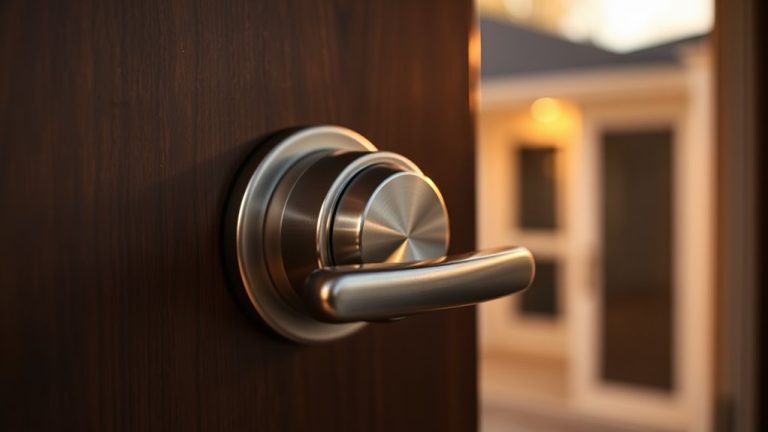
Motorized Smart Locks That Stop Forced Entry ($200-$300)
You can prevent tampering by choosing motorized smart locks with strong encryption, automatic firmware updates, and tamper detection. Look for models that send real-time alerts for slamming, unusual motor clicks, or forced entry attempts via Wi-Fi or Zigbee. Reinforced bolts and motor resistance help block physical attacks. Many reliable options cost $200–$300 and include professional installation. Enabling two-factor authentication and reviewing access logs monthly boosts security. There’s more to reflect on for long-term protection.
Notable Insights
- Use anti-forced entry smart locks with motor resistance to automatically counteract prying or twisting attempts.
- Enable slam detection and motor noise alerts to identify physical tampering through sudden impacts or unusual sounds.
- Install reinforced strike plates and hardened steel bolts to increase lock durability against physical attacks.
- Activate real-time intrusion alerts via Wi-Fi or Zigbee for instant notifications of suspicious access attempts.
- Regularly update firmware and enable multi-factor authentication to prevent digital vulnerabilities that could aid tampering.
Why Hackers Target Motorized Smart Locks
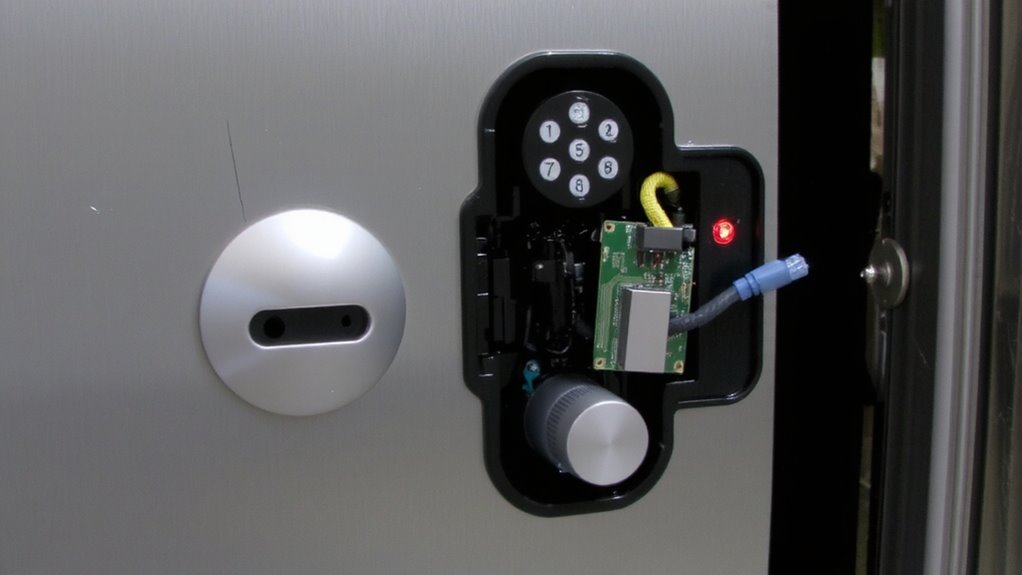
While smart locks offer convenience and modern security features, they also present attractive targets for hackers due to their connectivity and reliance on software. You might not realize it, but these devices can allow remote access if compromised. Hackers often use vulnerability exploitation to find weaknesses in firmware or communication protocols. Once they identify a flaw, they can gain unauthorized control, sometimes without ever touching the lock. Motorized models are especially at risk because they rely on electronic components to operate. You should choose models with regular security updates and strong encryption. Look for brands that offer two-factor authentication and disable unused remote access features. Though convenient, always weigh the pros and cons of connectivity. A compromised lock could cost more than it saves-investing in secure models upfront reduces long-term risk.
Spot Forced Entry: Watch for Slamming and Motor Clicks
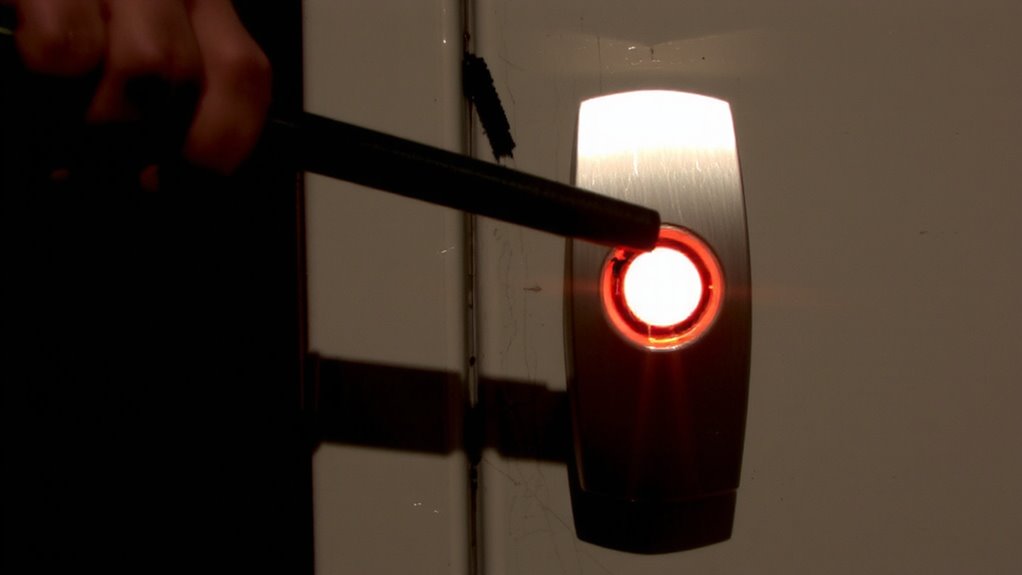
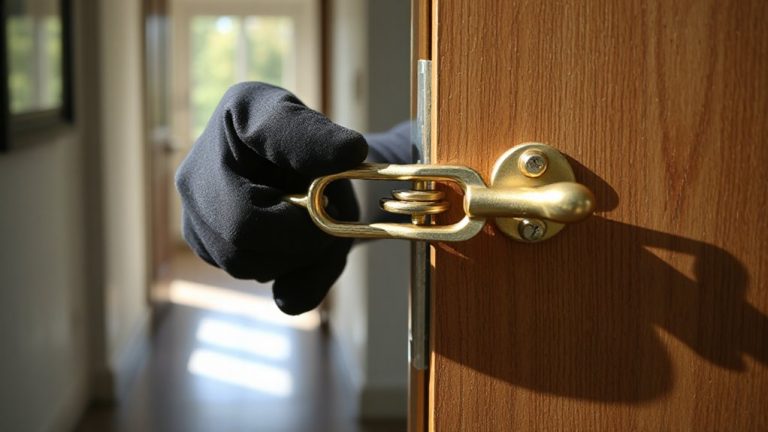
If you hear sudden slamming or repeated clicking near your smart lock, it could signal someone trying to force entry. Pay attention-these sounds may point to active tampering. Slam detection systems monitor door vibrations, alerting you to impact events. Unusual motor noise, like grinding or rapid clicking, might mean someone’s manipulating the lock’s mechanism. These cues help you respond before a breach occurs. Investing in one of the best door locks for security can significantly reduce the risk of forced entry.
| Alert Type | What It Means | What You Should Do |
|---|---|---|
| Slam detection | Door endured impact | Check video, verify entry |
| Motor noise | Internal mechanism stressed | Inspect lock, review logs |
| Repeated clicks | Possible manual manipulation | Activate alarm, notify security |
Integrating these alerts into your security routine strengthens awareness. While not all noises mean danger, consistent patterns warrant investigation. Make sure your system logs events and supports real-time notifications. That way, you stay informed without overreacting.
Block Attacks With Anti-Forced Entry Smart Locks
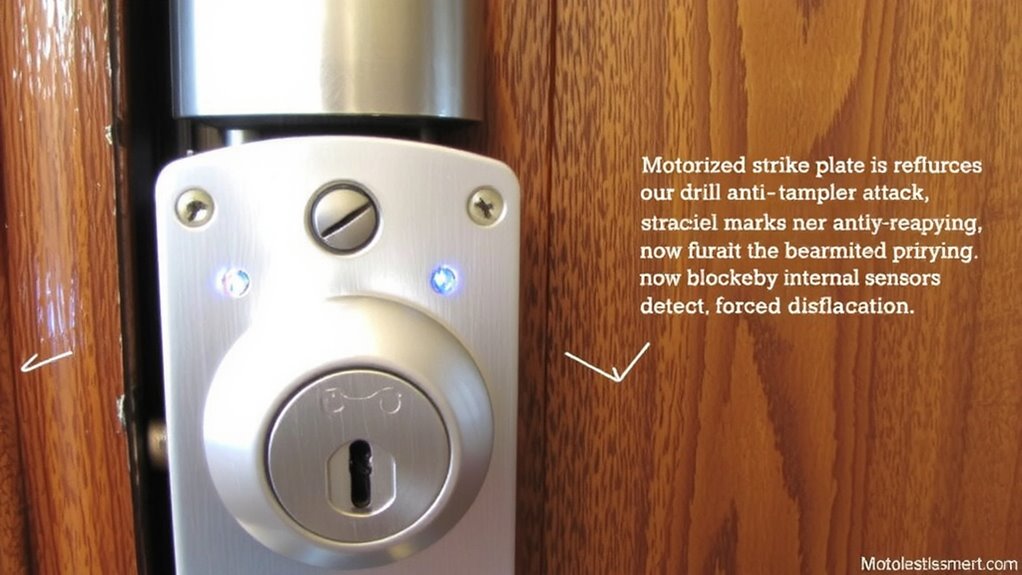
You’ve already learned how to spot signs of tampering through unusual sounds and impact alerts, but catching an attack in progress isn’t the only line of defense-stopping it before it succeeds matters just as much. Anti-forced entry smart locks use motor resistance to fight physical attacks by automatically applying counter-pressure when someone tries to pry or twist the lock. This resistance slows or stops intruders, giving you more time for authorities to respond. These locks also enhance tamper detection by sensing unusual force patterns, not just digital breaches. Look for models with reinforced strike plates and hardened steel bolts, which work with motor resistance to boost durability. While more expensive than basic models, they offer measurable protection gains. A good choice costs between $200 and $300, often including warranties. Plan installation carefully-professional help guarantees peak performance. Top models like the best smart locks combine advanced encryption with physical resilience for comprehensive security.
Get Alerts When Someone Tries to Break In
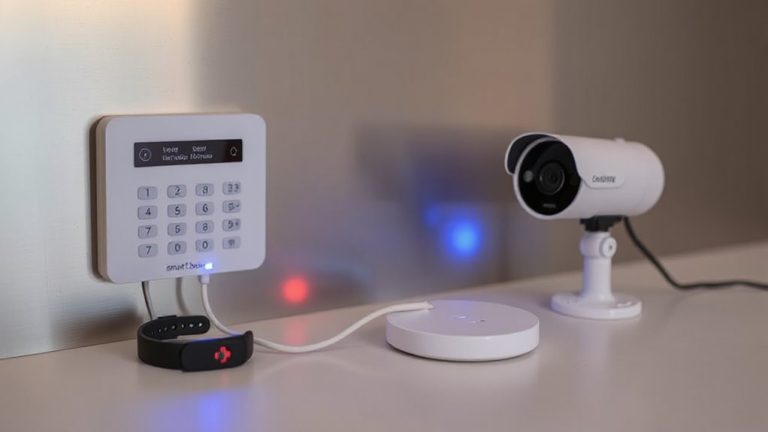
A smart lock that sends real-time alerts when someone tries to break in gives you immediate awareness of potential threats. You’ll get real time notifications on your phone or tablet the moment the system detects unusual activity, like repeated access attempts or physical tampering. These alerts are powered by advanced intrusion detection sensors built into the lock. When triggered, they log the event and notify you instantly, so you can respond quickly-whether by checking security cameras, contacting a neighbor, or alerting authorities. Most systems integrate with home security apps, allowing you to monitor access history and device status remotely. Look for models with reliable connectivity, such as Wi-Fi or Zigbee, to guarantee consistent alerts. While some locks require a hub for full features, others offer standalone options. Expect to pay $100–$250 for strong intrusion detection and dependable real time notifications. Top models like the best smart locks combine robust security features with seamless smart home integration.
Stop Future Break-Ins: Secure Your Smart Lock Now
Smart locks with real-time alerts help you respond to break-in attempts as they happen, but stopping future intrusions means taking proactive steps now. Keep your device secure by enabling automatic firmware updates and strong user authentication. These features protect against known vulnerabilities and unauthorized access. Review the table below to compare key security actions:
| Action | Benefit | Consideration |
|---|---|---|
| Enable firmware updates | Patches security flaws | May require brief downtime |
| Set multi-factor authentication | Adds login protection | Slightly longer access time |
| Audit user access logs | Tracks who enters and when | Requires regular review |
Firmware updates guarantee your lock runs the latest, most secure software, while strong user authentication helps block unauthorized users. Schedule monthly checks to verify settings and update access permissions. Simple habits like these drastically reduce the risk of future break-ins. You don’t need expensive upgrades - just consistent, informed use.
On a final note
You can reduce break-in risks by choosing smart locks with anti-tamper sensors and real-time alerts. Look for models that detect unusual motor activity or physical force, sending notifications to your phone. Strong encryption and regular updates boost security. While more advanced locks cost more, they offer better protection. Install them correctly and test monthly. These steps, backed by security research, help keep your home safer without overcomplicating your routine.