Integrating Smart Gate Openers With Mobile Alerts for Real-Time Access Monitoring
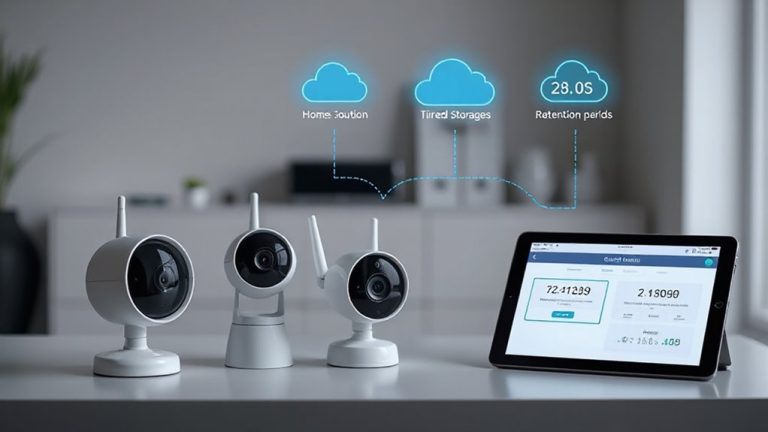
You get instant mobile alerts when someone approaches your smart gate, with most systems delivering notifications within 10 seconds. These alerts use Wi-Fi, cellular, or hybrid connections for reliable coverage, and integrate with apps to show live camera feeds or trigger two-way audio. You can customize alerts by time or user, reduce false alarms with motion detection, and sync with home security systems. Strong encryption keeps data secure, and systems typically cost $150–$300, with professional installation adding $100–$200. Setup requires app download, network pairing, and permission settings. Features like voice control and custom schedules improve convenience, while regular firmware updates maintain performance. Connectivity issues often stem from weak signals, but can be resolved with repositioning or cloud logging. More details on optimizing each component follow.
Notable Insights
- Connect smart gate openers to mobile apps via Wi-Fi, Bluetooth, or cellular for real-time access alerts.
- Enable instant notifications when motion or entry is detected at the gate using sensor integration.
- Use secure encryption and firmware updates to protect alert systems from unauthorized access.
- Customize alert triggers by time, user identity, or access type to reduce false notifications.
- Integrate with smart home hubs or security systems for unified monitoring and automated responses.
Why Mobile Alerts Are Essential for Smart Gate Security
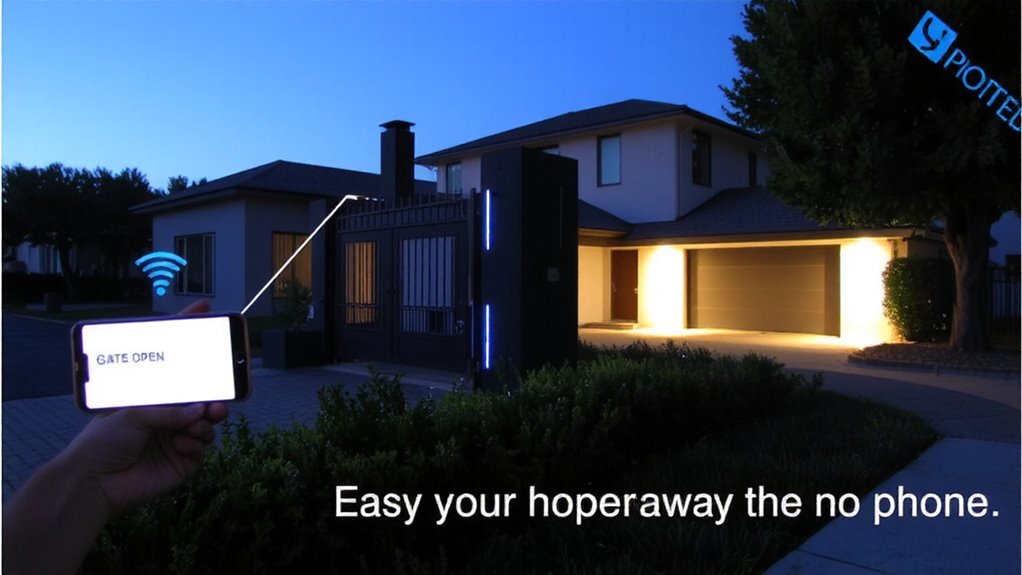
What if you could know instantly when someone approaches your gate, even when you’re miles away? Mobile alerts make this possible, offering enhanced safety through real-time notifications. You receive immediate updates the moment someone triggers the gate sensor, letting you monitor activity without being onsite. This feature supports remote verification, allowing you to view live camera feeds or two-way audio through your smartphone before granting access. With mobile alerts, you can distinguish between a delivery, visitor, or potential threat, reducing false alarms and improving response time. Most modern systems operate on secure networks, guaranteeing reliable delivery of alerts. While basic models start around $200, advanced packages with integrated cameras and AI detection range up to $600. Installation is typically DIY-friendly, though professional setup guarantees peak performance. Mobile alerts shouldn’t replace physical security, but they’re a critical layer in a complete, proactive strategy.
How Smart Gate Openers Connect to Your Phone
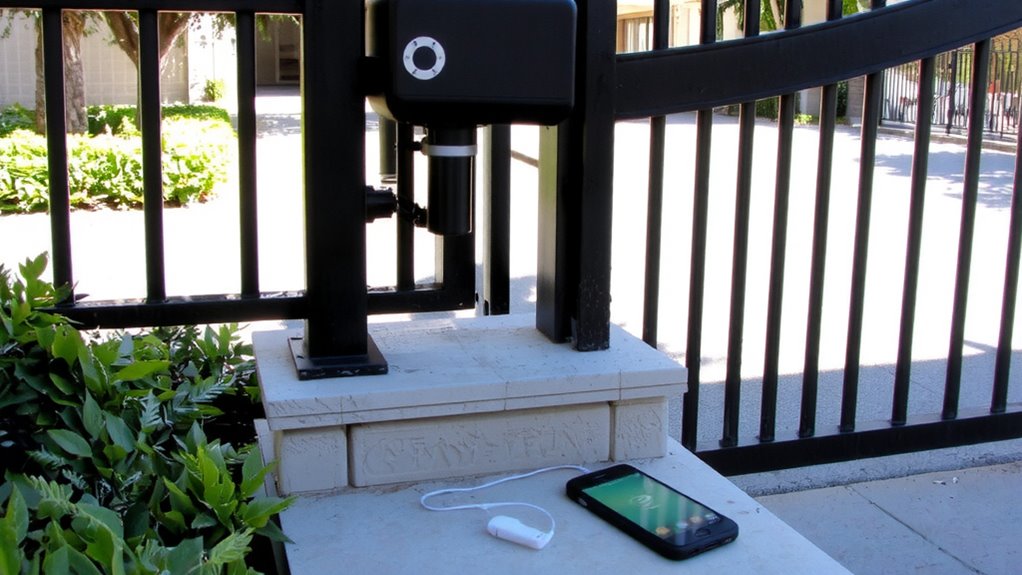
You get real-time updates from your smart gate opener because it connects directly to your phone using wireless technology like Wi-Fi, cellular networks, or dedicated radio frequencies. Setup usually involves Bluetooth pairing for initial device recognition, followed by Wi-Fi configuration to enable remote access. This guarantees you stay connected whether you’re in the driveway or across town. A smart gate opener system can integrate with best smart garage door openers for enhanced home automation and security. Below is a quick comparison of common connection methods:
| Connection Type | Range | Setup Ease |
|---|---|---|
| Bluetooth | Short (30 ft) | Easy, no Wi-Fi |
| Wi-Fi | Full property | Requires password |
| Cellular | Long-range | Subscription |
| Radio Frequency | Medium | Pre-paired |
| Hybrid Systems | All areas | Moderate setup |
Bluetooth pairing simplifies activation, while Wi-Fi configuration supports consistent monitoring. Choose based on distance, reliability needs, and internet availability.
Set Up Mobile Notifications for Your Gate
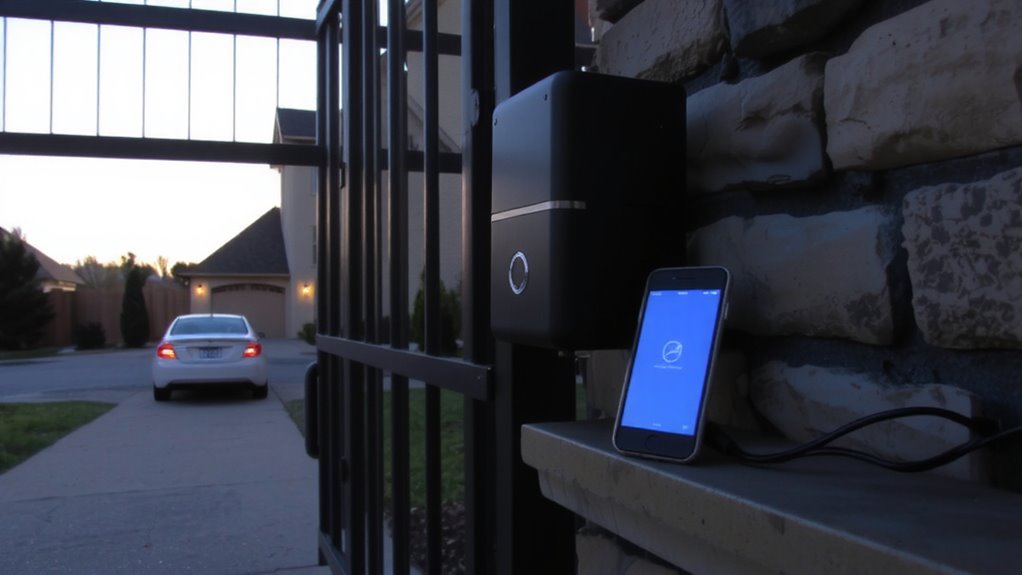
How do you make sure you’re always aware of gate activity, even when you’re not at home? Setting up mobile notifications for your smart gate opener gives you real-time updates on every open or close event. Start by downloading the manufacturer’s app and linking it to your gate controller via Wi-Fi or Bluetooth. You’ll assign user permissions to control who can access the gate and receive alerts-ideal for family or staff. Use alert customization to set specific triggers, like notifications only during certain hours or when unknown users operate the gate. Some systems let you adjust sound, vibration, or push notification settings per user. Confirm your phone’s notification permissions are enabled for the app to avoid delays. Proper setup means you’ll get timely, accurate alerts, improving security without unnecessary interruptions. Test the system after configuration to confirm reliability.
Best Features in Smart Gate Alert Systems
While basic alerts notify you when your gate opens or closes, the best smart gate alert systems go further by offering customizable, intelligent features that enhance both convenience and security. You’ll want systems with motion detection that distinguish between people, vehicles, and animals to reduce false alarms. Voice commands let you control gate access hands-free using smart assistants like Alexa or Google. Below are key features to evaluate:
| Feature | Benefit |
|---|---|
| Motion Detection | Reduces false alerts by identifying movement type |
| Voice Commands | Enables hands-free, remote operation |
| Custom Schedules | Automates alerts during specific times |
These systems typically cost $150–$300, with professional installation adding $100–$200. Choose models with strong encryption and regular firmware updates to guarantee long-term security.
Tailor Alerts for Family Members
Modern smart gate systems do more than notify a single user-they’re designed to keep every household member informed in ways that match their needs. You can customize alerts so each person receives updates relevant to their schedule or responsibilities. For example, you might set custom tones for different family members, helping them instantly recognize who’s coming or going. Parents often use distinct sounds for kids versus service personnel. You can also grant access logs visibility to selected users, letting them review entry times and dates. This helps track routines without sharing full system control. Most platforms let you assign notification preferences per user, improving response and awareness. Though extra users may require a subscription tier, the cost is often minimal. Planning which alerts go to whom guarantees clarity and prevents overload. Tailored notifications improve coordination, making access monitoring practical for everyone in the household.
Integrate Your Smart Gate With Home Security
Since your smart gate serves as the first line of defense for your property, linking it to your home security system strengthens monitoring and response. Gate integration lets your gate communicate with security cameras, alarms, and motion sensors, so you get real-time alerts if someone enters or triggers a sensor. Security syncing guarantees all devices log events in one dashboard, making it easier to review activity. Most smart hubs support this via Wi-Fi or Z-Wave, but check compatibility before buying. Integrated systems may cost more upfront-typically $150 to $400 extra-but they reduce blind spots. A synced gate means your indoor alarm can trigger if the gate opens unexpectedly. While setup takes time, the payoff is unified control. Always enable encryption and strong passwords to protect access. With proper planning, you boost both convenience and safety across your entire home network. This approach is reliable, data-backed, and practical for long-term security.
Fix Common Smart Gate Alert Issues
Why aren’t you getting alerts when your smart gate opens? You might be facing connectivity issues or incorrect app settings. First, check your gate opener’s Wi-Fi or cellular signal strength-weak connections cause notification delays. Make sure your mobile app permissions allow notifications and that your device isn’t silencing them. False alarms often stem from motion sensor misconfigurations or environmental triggers like wind or animals. Adjust sensitivity settings or reposition sensors to reduce them. Confirm your gate’s firmware is up to date, as updates fix bugs affecting alert reliability. If you’re using third-party integrations, verify they’re properly synced. Some systems offer cloud logging to review alert history and detect patterns in delays or false alarms. Choosing a system with push and email alerts reduces missed notifications. Plan for a stable network and routine maintenance to keep alerts reliable.
On a final note
You can strengthen home security by linking your smart gate opener to mobile alerts, giving you instant updates on gate activity. Systems with real-time notifications, user-specific access, and integration with security cameras offer clear benefits. Setup is usually straightforward, but check compatibility and internet strength. While alerts improve awareness, false triggers can occur. Choose models with customizable settings and reliable customer support to balance cost, convenience, and protection for long-term security.