Security Features for Second Homes and Vacation Properties
You can secure your second home with encrypted remote access, letting you view live HD footage from anywhere using strong passwords and two-factor authentication. Real-time alerts notify you instantly of motion near doors or windows, while smart lighting and automated curtains simulate occupancy on a schedule. Cloud storage ($3–$10/month) keeps recordings safe, and 24/7 monitoring adds reliability with cellular backup. Systems range from $200–$500 upfront, with optional professional plans. Smart integration boosts deterrence, especially when combined with motion-sensing lights and app-controlled routines that adapt when you’re away for long stretches. More details follow on optimizing each layer.
Notable Insights
- Use secure remote access with end-to-end video encryption and multi-factor authentication to protect against unauthorized entry.
- Enable real-time monitoring via HD cameras with motion detection and cloud storage for immediate threat identification.
- Install smart lighting that simulates occupancy using schedules and motion activation to deter potential intruders.
- Set up real-time break-in alerts with door/window sensors and mobile notifications for instant incident response.
- Automate occupancy simulation with timed curtains, lights, and appliances to convincingly mimic activity during extended absences.
Secure Remote Access for Your Second Home
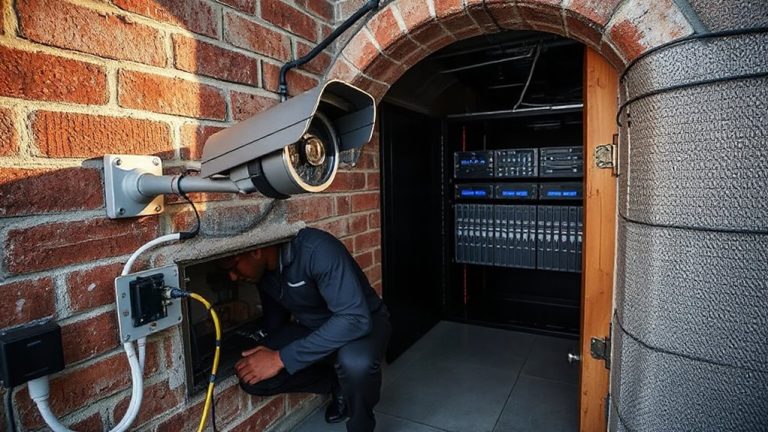
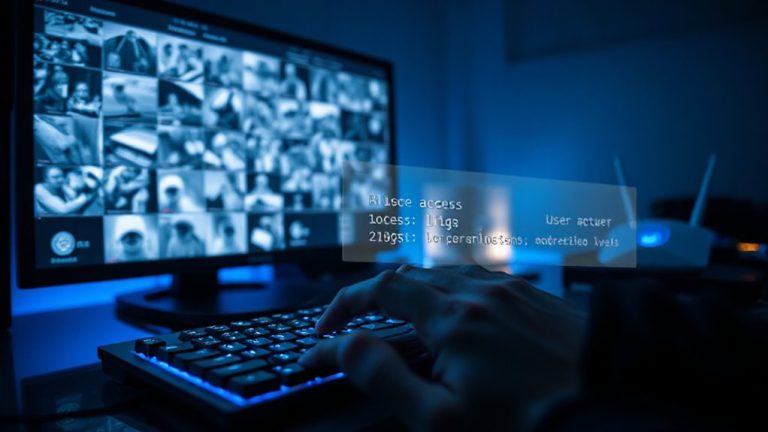
How can you keep an eye on your second home when you’re miles away? Secure remote access gives you control, but only if it’s built on strong safeguards. You need video encryption to protect footage from being intercepted during transmission. Without it, hackers could view or steal sensitive recordings. User authentication is just as critical-requiring strong passwords, two-factor login, and unique accounts guarantees only authorized people access your system. Many systems now use bank-grade encryption and require re-verification after periods of inactivity. Opt for platforms that regularly update security protocols and support multi-user permissions. While advanced features may cost more upfront, they reduce long-term risks. Avoid systems with known vulnerabilities or lack of encryption standards. Always verify that both video encryption and user authentication are active by default-not optional settings. These measures are essential, not extras. Top-rated systems offer secure remote viewing with end-to-end encryption and mobile app integration.
Watch Your Property in Real Time
You’ve set up secure remote access with encryption and strong login controls, so now it’s time to make the most of that connection by monitoring your second home in real time. Using live streaming, you can check your property from anywhere, anytime, through a smartphone or tablet. High-definition cameras give you clear visuals, helping you spot issues early. Pair live streaming with motion tracking, and you’ll get alerts when movement is detected, even in low light. Motion tracking focuses on activity, reducing false alarms from things like passing cars. Many systems store footage in the cloud, with plans starting around $3–$10 per month. Some cameras offer local storage, which can save costs but may be less secure. For best results, place cameras at entry points and use models with wide-angle views. Real-time monitoring increases oversight, giving you reliable insight into what’s happening when you’re away. Top systems include models from the best wireless security cameras for home use, offering reliable performance and easy installation.
Stop Intruders With Smart Lighting
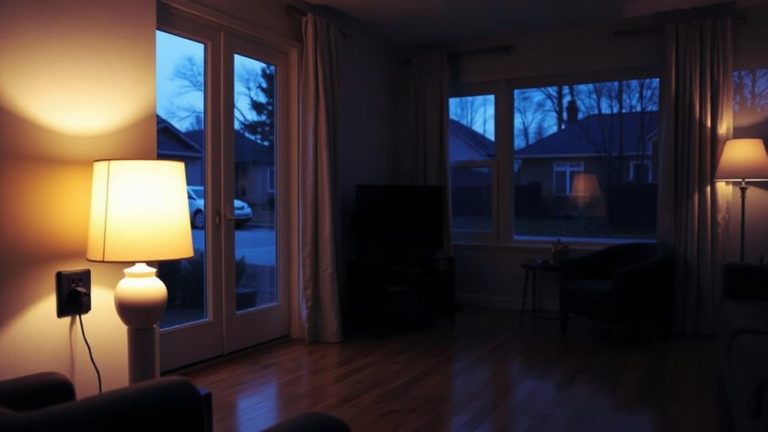
While criminals often target unlit or dark properties, smart lighting can deter intruders by creating the impression of occupancy, even when you’re miles away. You can use light scheduling to turn lights on and off at set times, mimicking your usual routine. This consistency makes it harder for intruders to spot patterns or identify when the home is empty. Pair this with motion activation, and lights respond instantly to movement, startling potential intruders and drawing attention. Most smart lighting systems work with apps, so you can adjust settings remotely. Setup is simple and costs between $50 and $200, depending on the number of fixtures. Some systems integrate with security cameras or alarms. While they require Wi-Fi and occasional maintenance, the benefits outweigh the risks. Smart lights are an affordable, effective layer of protection for your second home. For reliable performance, consider installing one of the best wireless motion sensor lights designed for outdoor use.
Receive Real-Time Break-In Alerts
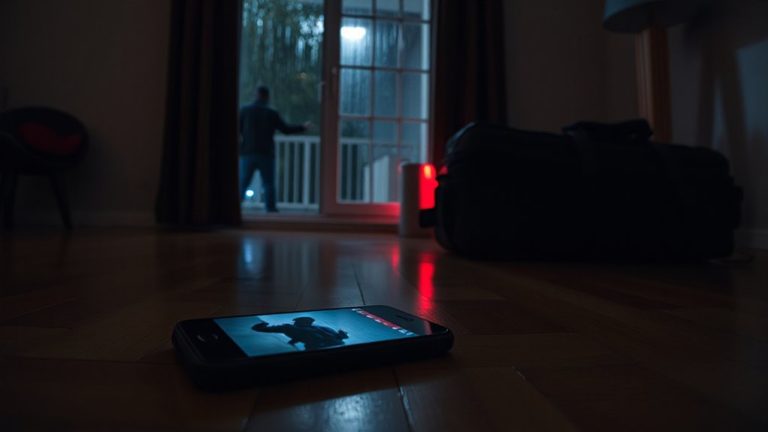
Smart lighting helps make your second home appear occupied, but knowing when something’s off requires more than simulated activity-it demands immediate notification. With motion sensors and alarm systems, you’ll get real-time break-in alerts sent straight to your phone. These systems detect unusual movement or forced entry and trigger instant warnings, letting you respond quickly. Most modern alarm systems connect to mobile apps, so you can view alerts, check camera feeds, or contact authorities remotely. Motion sensors work best when placed near entry points like doors and windows. They’re reliable but can occasionally false-alert from pets or debris-adjust sensitivity to reduce errors. Quality systems cost $200–$500 upfront, with some requiring a monthly monitoring fee of $20–$40. Look for models with 24/7 monitoring and cellular backup. Choosing a system with both motion sensors and professional alarm monitoring gives the best protection, helping safeguard your property even when you’re miles away.
Make Your Home Look Lived-In Automatically
How do you keep your second home from looking like an easy target when you’re not there? Use automatic curtains and simulated routines to create the appearance of occupancy. Automatic curtains open and close at scheduled times, mimicking daily activity near windows. Paired with smart lighting and appliances, they support simulated routines that follow your typical schedule. These systems can run for days or weeks, making it hard for outsiders to tell the home is empty. Most setups cost $100–$300 and work with existing Wi-Fi. While reliable, power outages can interrupt operations, so consider a backup. Choose systems with randomization features to avoid predictable patterns. Simulated routines are most effective when combined with timers, security cameras, and motion sensors. You’ll deter casual intruders by making your property seem active and monitored, even when you’re miles away.
On a final note
You can protect your second home by using smart security tools that work even when you’re away. Real-time cameras, remote access, and motion-activated lights help deter intruders. Timed lighting and automated routines make your property look occupied. You’ll get alerts if something’s wrong, so you can act fast. These systems cost more upfront but reduce long-term risks. Plan your setup based on your property’s layout and local crime data.