Setting Up an Intercom System to Complement Your Home’s Access Control Solutions
You’ll need to map your existing wiring and access points to choose a compatible intercom-wired models offer reliability, while wireless ones allow DIY setup but depend on strong Wi-Fi. Pick a 1080p system with night vision and verify smart lock compatibility via Z-Wave, Zigbee, or Wi-Fi. Connect it to your phone for remote access, enable end-to-end encryption, and test sync regularly. Plan for firmware updates and maintenance every 3–6 months to keep the system running smoothly-key details follow.
Notable Insights
- Map existing wiring and entry points to ensure intercom compatibility with current access control infrastructure.
- Choose an intercom with 1080p video and night vision for reliable visitor identification in all conditions.
- Verify intercom and smart lock compatibility using shared protocols like Z-Wave, Zigbee, or Wi-Fi.
- Enable remote access via a secure smartphone app with end-to-end encryption for real-time visitor interaction.
- Test system sync, maintain components regularly, and plan for firmware updates to future-proof integration.
Map Your Current Access Control System
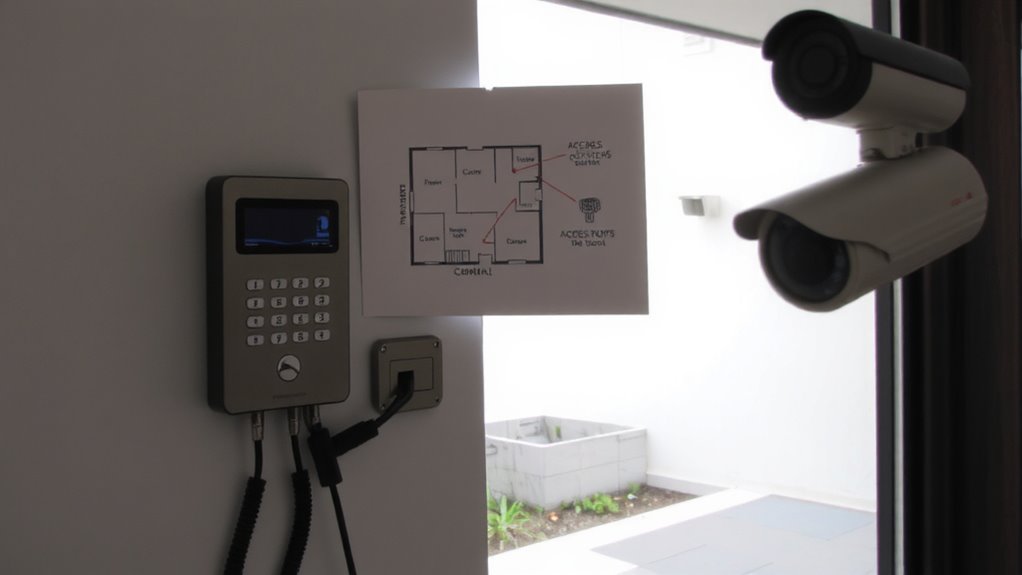
Where do you even begin when evaluating your current access control setup? Start by mapping every entry point and existing device tied to security. You’ll need to assess your wiring layout, as outdated or disorganized cabling can limit intercom compatibility and reduce signal strength. Trace where wires run between doors, panels, and control units, noting any gaps or interference risks. Check for exposed cables or junctions that may degrade performance over time. Use a signal meter to test wireless components, guaranteeing consistent signal strength across the property, especially in basements or thick-walled areas. Poor signal strength could mean dead zones or delayed responses. Document everything clearly, including wire types, distances, and power sources. This audit helps determine necessary upgrades, prevents costly rework, and guarantees your intercom will sync smoothly with your current system. Planning now saves time and improves reliability later.
Choose the Right Intercom for Your Home
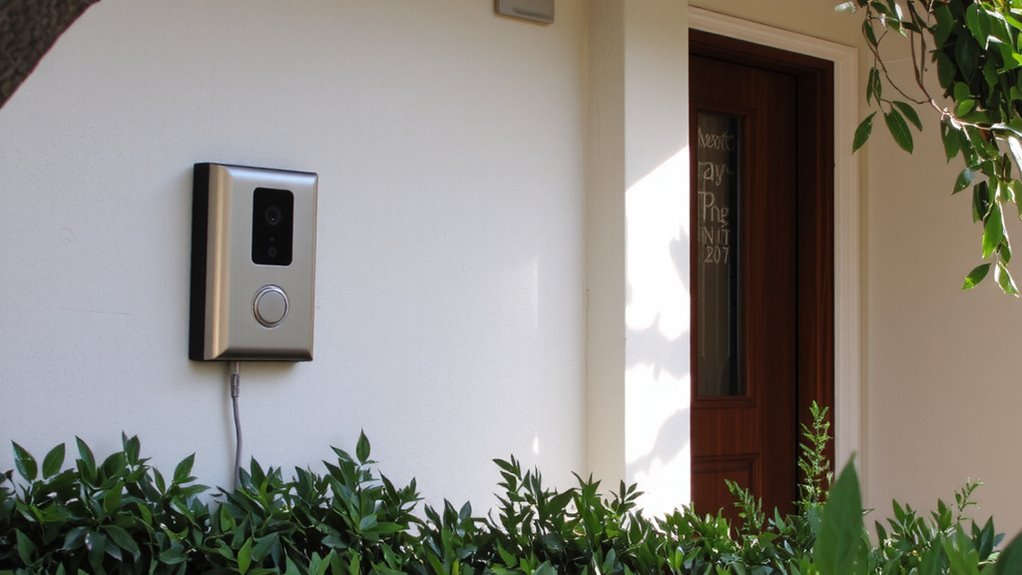
Now that you’ve mapped your existing access control system and understand the layout of entry points, wiring, and signal coverage, you’re ready to pick an intercom that fits your home’s specific needs. Focus on video quality first-1080p resolution is standard and provides clear identification, while night vision guarantees visibility in low light. Poor video quality can hinder security, so don’t sacrifice this for cost. Consider installation complexity: wired models offer reliability but may require professional setup, especially if retrofitting involves wall drilling or long cable runs. Wireless systems are easier to install and support DIY setup, though they depend on strong Wi-Fi and may face interference. Battery-powered models reduce wiring concerns but need regular charging. Evaluate each option based on your technical comfort, home layout, and long-term maintenance willingness. Choose one that balances performance with realistic installation effort.
Check Intercom Compatibility With Smart Locks
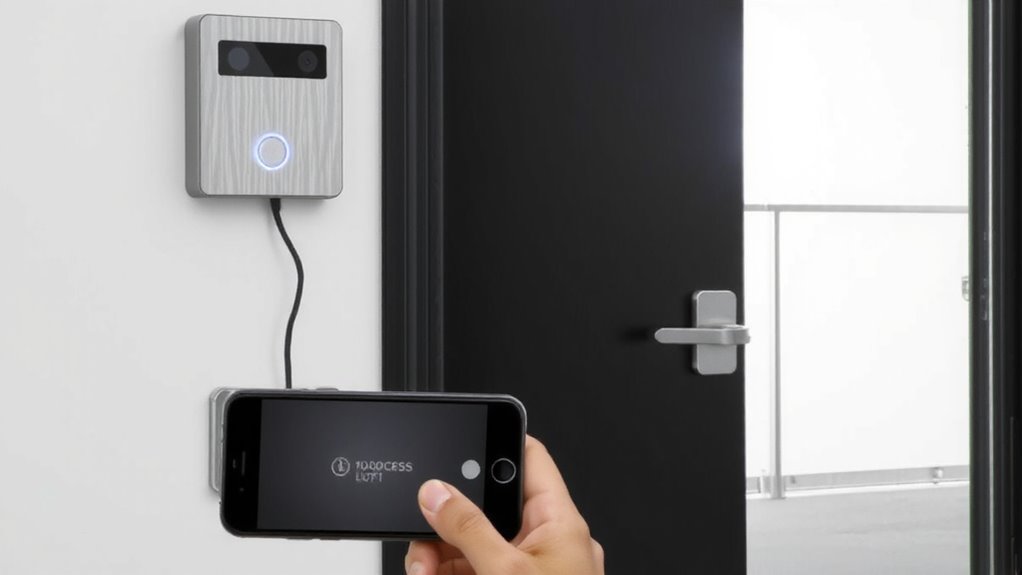
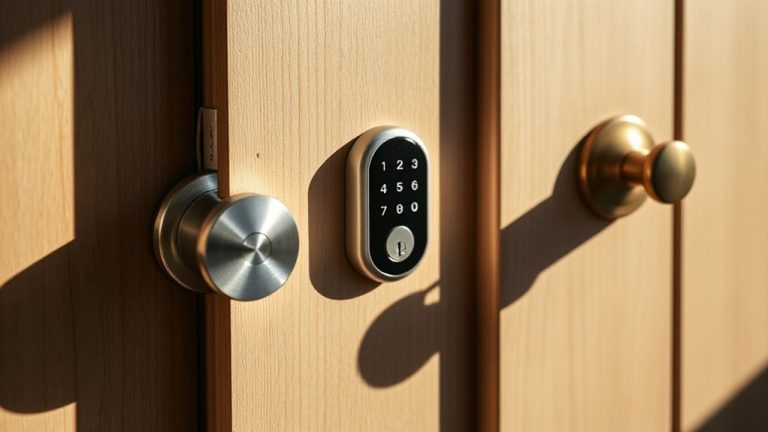
An intercom system that works with your smart lock can streamline access control and boost convenience, but not all models are designed to communicate with every lock. You’ll need to verify compatibility between your chosen intercom and existing smart lock brand, as systems like August, Schlage, and Yale have specific requirements. Check for shared connectivity protocols such as Z-Wave, Zigbee, or Wi-Fi to guarantee seamless integration. Models with voice recognition allow hands-free operation, letting you open the door securely using voice commands. Also, look for systems that maintain visitor logs, giving you a recorded history of entries, timestamps, and communication. These logs enhance security by providing accountability. Integrated systems often cost more, but the added functionality is worth it for seamless automation. Always consult product specs and user manuals to confirm compatibility before purchasing. Top Z-Wave smart locks offer reliable performance and are often recommended for their interoperability with home automation systems, making Top Z-Wave Smart Locks a key consideration when building a secure, integrated access solution.
Connect the Intercom to Your Phone
How often do you miss a delivery or guest because you weren’t near the front door? Connecting your intercom to your phone solves this with remote access and video calling. Most modern intercoms pair with smartphone apps via Wi-Fi, letting you see and speak to visitors from anywhere. This means you can answer the door even on vacation. Look for models with HD video calling quality and end-to-end encryption for security. Compatibility with iOS and Android is standard, but confirm app features before buying. Remote access uses data or Wi-Fi, so high usage may affect your monthly bill. Setup usually takes under 15 minutes through guided app prompts. Some systems require a hub, adding $50–$100 to the cost. Reliable remote access depends on stable home internet, so test it after installation. For enhanced entry monitoring, consider pairing your intercom with one of the best doorbell cameras.
Set Up Automatic Unlocking Rules for Trusted Visitors
If you want to streamline access for people you trust, setting up automatic opening rules can save time while maintaining security. You can use visitor authentication to verify identities before granting entry, ensuring only approved individuals gain access. By combining this with access scheduling, you set specific days and times when certain visitors-like family or dog walkers-can enter automatically. Most modern systems let you define these rules through a mobile app, making it easy to manage permissions remotely. Automatic access works best when integrated with reliable intercoms and secure locks. While convenient, always review logs regularly to spot any unusual activity. Consider using temporary schedules for service providers, which expire after a set period. This method reduces hassle without compromising safety, as long as you update access lists when needed. For optimal performance, pair your intercom with one of the best smart locks recommended for seamless integration and enhanced access control.
Test and Fix Intercom-Access Control Sync
While your intercom and access control system may seem to work fine at first glance, testing the sync between them guarantees reliable, real-time communication whenever someone rings the door or triggers an opening. Check audio feedback on all devices to confirm clarity and volume. Verify wiring integrity by inspecting connections and using a multimeter if needed. Delays or failures often stem from loose wires or mismatched voltage.
| Issue | Solution |
|---|---|
| No audio feedback | Inspect speaker wiring and power supply |
| Door won’t open after approval | Confirm wiring integrity between relays and locks |
| Delayed response | Test network latency or signal strength |
| Intermittent sync | Replace damaged cables or connectors |
Fix problems immediately to maintain secure, seamless access. Test all entry points and make certain every linked device responds correctly.
Maintain and Upgrade Your System Over Time
You’ve confirmed your intercom and access control system sync properly, but ongoing performance depends on consistent upkeep and smart updates over time. Schedule routine maintenance checks every three to six months to guarantee cameras, microphones, and wireless signals remain functional. Clean outdoor units, verify firmware is current, and test battery backups to prevent failures. Address wear and tear early to avoid costlier repairs. For long-term reliability, consider future proofing upgrades like adding smart home compatibility or expanding camera coverage. These improvements help your system adapt to new security needs. While upgrades may require upfront costs, they enhance functionality and system lifespan. Plan updates around technological advancements or home expansions. With regular attention and thoughtful enhancements, your system stays effective, efficient, and aligned with evolving home access standards.
On a final note
You’ve now linked your intercom with access control, improving security and convenience. Check compatibility, especially with smart locks, and test connections often. Set automatic release rules only for trusted contacts to stay safe. Regular updates and system checks keep performance reliable. A well-planned setup pays off-invest in quality hardware and plan wiring or Wi-Fi needs early. This system grows with your needs, so review features annually.