How to Integrate Magnetic Contact Sensors With Smart Home Hubs Like Alexa and Google Home
You can integrate magnetic contact sensors with smart home hubs like Alexa or Google Home by selecting wireless, compatible sensors that use Zigbee or Z-Wave. Pair them via your hub’s app, keeping the sensor and magnet within 1/4 inch. They send instant alerts when doors or windows open. Most run on long-lasting batteries and cost $15–$30. Setup is simple, and automation expands their use. You’ll find even more ways to enhance home security with the right configuration.
Notable Insights
- Choose wireless magnetic sensors compatible with Alexa or Google Home for seamless smart hub integration.
- Pair sensors via the hub app by enabling pairing mode and following on-screen setup instructions.
- Align sensor and magnet within 1/4 inch to ensure reliable contact detection and proper functioning.
- Place sensors within 30 feet of the hub or use signal repeaters to avoid connectivity issues.
- Automate responses like lights or alerts through the app using custom rules based on sensor triggers.
Why Magnetic Contact Sensors Boost Smart Home Security
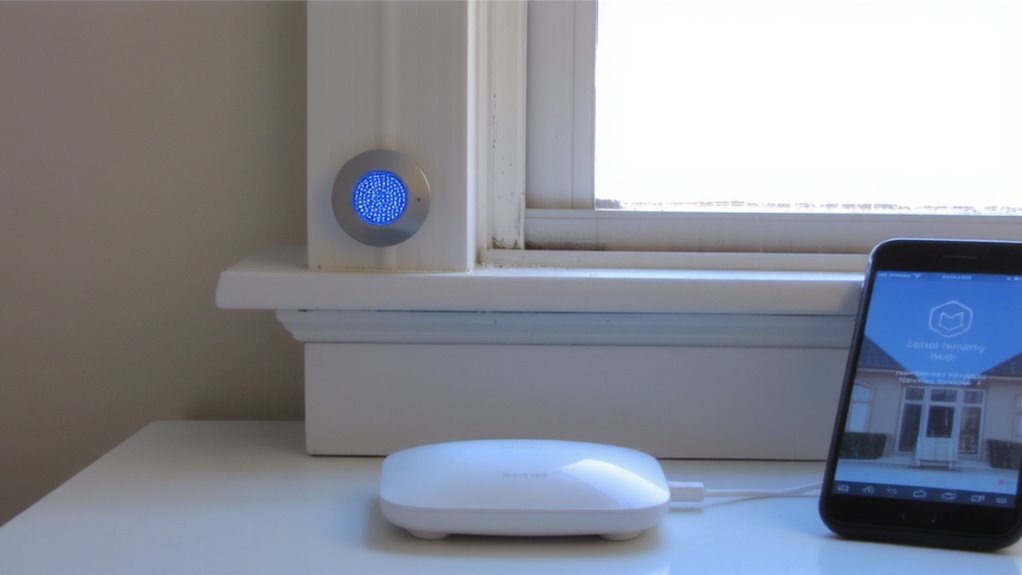
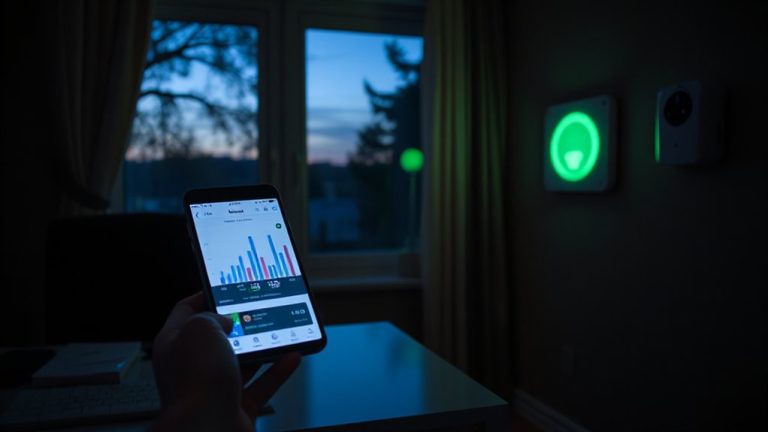
A magnetic contact sensor adds a reliable layer of protection to your smart home by detecting when doors or windows open or close. You get instant alerts through your hub if a protected entry point is breached, making intruder detection fast and efficient. Because these sensors support real time monitoring, you can check the status of your home from anywhere using your smartphone or tablet. Most models use wireless communication, so installation is simple and doesn’t require rewiring. They typically run on batteries lasting 2–5 years, depending on usage. A key benefit is integration with systems like Alexa or Google Home, enabling automated routines-like turning on lights if a door opens at night. While false alarms can occur if sensors are misaligned, proper placement reduces this risk. At $15–$30 per unit, they’re a cost-effective upgrade. Overall, they provide measurable improvements in home security with minimal maintenance. For those using Home Assistant, pairing with the best motion sensors for home automation enhances whole-home sensing and response. The Best Motion Sensors for Home Assistant offer seamless compatibility and advanced detection features.
Choose the Right Sensors for Your Doors and Windows
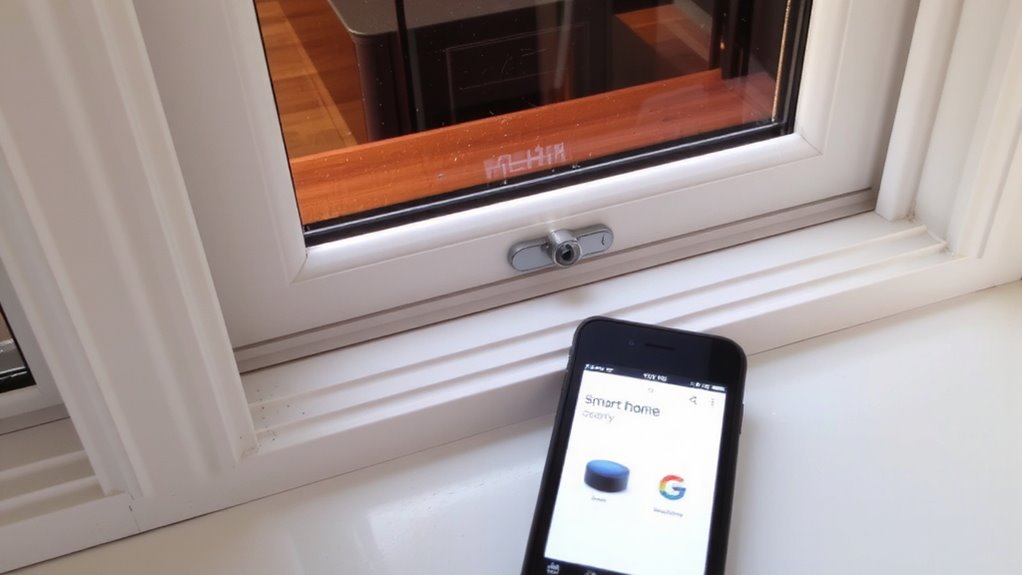
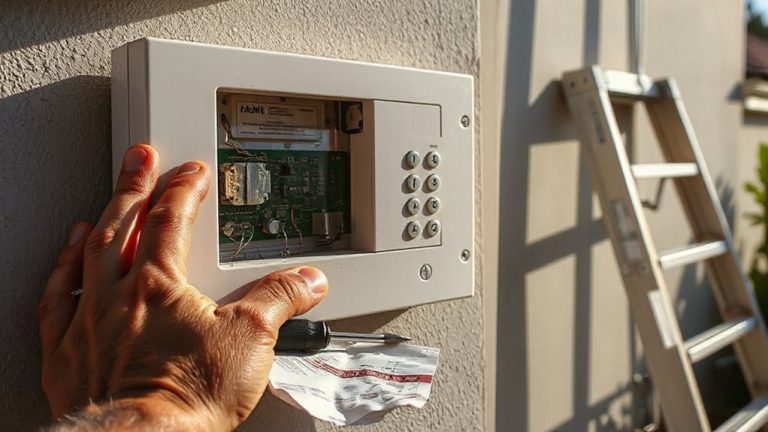
Ever wonder what makes one sensor better than another for your specific doors or windows? It comes down to matching Sensor types and Installation methods to your home’s design. Surface-mounted sensors are easy to install but visible, while recessed ones offer a clean look but require drilling. Here’s a quick comparison:
| Sensor Type | Installation Method | Best For |
|---|---|---|
| Surface-mounted | Adhesive or screws | Renters, quick setup |
| Recessed | Built into frame | Permanent installs |
| Wireless | Peel-and-stick | Most smart hubs |
| Hardwired | Professional wiring | Custom security systems |
Choose wireless if you want flexibility, or hardwired for reliability. Match the sensor to your door or window material-especially with metal or thick frames. Always check compatibility with your hubs later.
Connect Sensors to Your Smart Home Hub
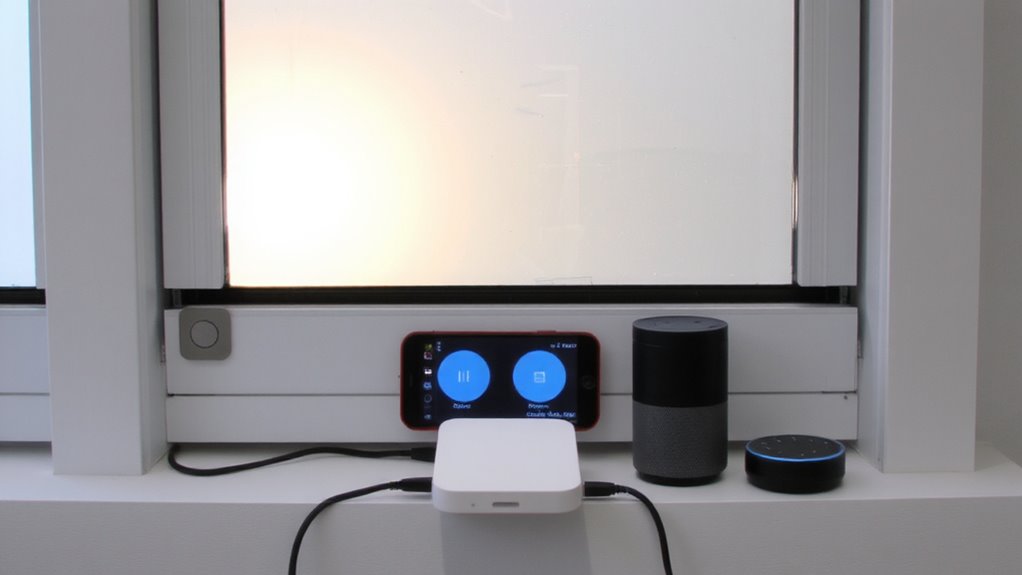
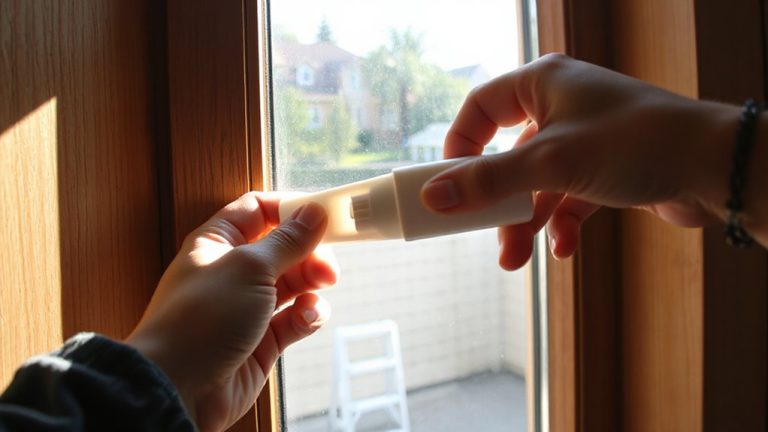
Once you’ve selected the right sensors, connecting them to your smart home hub is the next step in building a reliable security system. Start by placing the sensor and magnet within 1/4 inch of each other on the door or window frame, guaranteeing alignment. Most hubs, like Alexa or Google Home, guide setup through their app-just put the sensor in pairing mode and follow the prompts. Proper sensor calibration is essential; misaligned units may fail to detect openings or trigger false alerts. Avoid metal surfaces or thick materials that cause signal interference, weakening the wireless connection. Keep sensors within 30 feet of the hub when possible, or use a signal repeater for larger homes. Test each device after installation to confirm it registers correctly. This setup guarantees consistent performance, accurate status updates, and seamless integration with your smart home network.
Test and Fix Sensor Connection Issues
After setting up your sensors and linking them to the hub, you’ll want to check for reliable communication between each device and the system. Test each sensor by opening and closing doors or windows while monitoring the hub’s app for real-time updates. If a sensor doesn’t respond, first verify its battery level and physical alignment. Poor sensor calibration-where the magnet and sensor aren’t properly aligned-can prevent accurate readings. Reposition them within the recommended distance, usually 1/4 to 1/2 inch. Signal interference from thick walls, metal framing, or other wireless devices may also disrupt communication. Try relocating the hub or using signal repeaters to improve coverage. Most systems allow signal strength testing within the app, so use that data to diagnose weak links. Retest after adjustments. Persistent issues might require replacing the sensor or upgrading to a more robust network protocol like Zigbee or Z-Wave.
Enable Alexa and Google Home Voice Alerts
How can you get immediate alerts when a door or window opens, even if you’re not looking at your phone? Enable voice alerts through Alexa or Google Home for real-time sound notifications. These alerts let you respond quickly, whether you’re in another room or busy with chores. You can customize the message and volume, ensuring it’s clear but not overwhelming. A key part of a reliable setup is choosing high-quality smart home devices that integrate seamlessly with your ecosystem. Below is a comparison to help you choose:
| Feature | Alexa Voice Alerts | Google Home Sound Notifications |
|---|---|---|
| Customizable Phrases | Yes | Limited |
| Response Speed | <2 seconds | <2.5 seconds |
| Multi-Room Support | Yes | Yes |
| Setup Complexity | Low | Low |
Voice alerts work best when integrated with reliable sensors. Use sound notifications as a first-warning layer. This setup enhances awareness without requiring screens. Always test alert volume in each room for effectiveness.
Automate Lights and Alarms With Your Smart Hub
Why leave your home’s security response to chance when your smart hub can act automatically? You can link magnetic contact sensors to trigger lights or alarms the moment a door opens unexpectedly. Pair this with motion detection to confirm movement before activating responses, reducing false alerts. If a window opens at night, your hub can turn on hallway lights and sound an alarm, making intruders think twice. You can also use temperature monitoring to detect sudden drops-say, from a broken window-and trigger heating or alerts. Most smart hubs support rule-based automation, letting you customize actions by time, sensor type, or device group. Setup is usually app-based and takes under 20 minutes. While some systems require a hub (like $50–$130 models), many offer reliable integration with Alexa or Google Home at no extra cost. For seamless compatibility, consider choosing one of the best smart home hubs based on your existing ecosystem and automation needs.
Create Routines for Night, Vacation, and Family Safety
Though you might think of smart home security as just preventing break-ins, it’s equally valuable for managing everyday safety and convenience through well-designed routines. With proper sensor placement and routine customization, you can automate responses for nighttime, vacations, or family safety. For example, doors and windows can trigger alerts or lighting changes when opened during restricted times. Below are common routines and their benefits:
| Routine | Trigger | Action |
|---|---|---|
| Night Mode | Bedtime command or time | Lock doors, turn off lights |
| Vacation Mode | Manual activation | Monitor all sensors, notify on entry |
| Kids Home | Back door opens after 3 PM | Send family alert |
| Emergency | Window opened at night | Sound alarm, flash lights |
| Custom Guest | Front door opens | Adjust thermostat, open access for guest |
Use routine customization to match your household’s habits and enhance security.
On a final note
You’ve strengthened your home security by integrating magnetic contact sensors with Alexa or Google Home. These sensors reliably detect door and window openings, triggering alerts and automations. Setup is simple, with most systems offering wireless installation and hub compatibility. While upfront costs vary, the investment improves safety and convenience. Test regularly, guarantee strong hub connectivity, and customize routines to fit your household’s needs for best results.