Troubleshooting Common Issues With Pet-Immune Motion Detectors
Your pet-immune motion detector may still trigger false alarms because electromagnetic interference from appliances or unshielded wiring disrupts sensor signals. Mount it 2.5 to 4 feet high, away from heat sources, drafts, or sunlight that can mimic motion. Guarantee tight mounting and correct wiring to keep pet immunity active. Adjust sensitivity based on your pet’s size-up to 40 or 80 lbs-and test with dual-stage sensing models for better accuracy. Advanced units with shielding and self-diagnostics offer stronger reliability, so consider upgrades if issues persist.
Notable Insights
- Check for electrical interference from appliances or unshielded wiring that can disrupt sensor signals.
- Mount sensors between 2.5 and 4 feet high to optimize pet immunity based on your pet’s size.
- Update firmware regularly to fix glitches and improve motion detection accuracy.
- Avoid placing detectors near heat sources, sunlight, or drafts that mimic motion or body heat.
- Calibrate sensitivity settings to ignore pets while still detecting human-sized intruders.
Why Your Pet-Immune Motion Detector Sets Off False Alarms
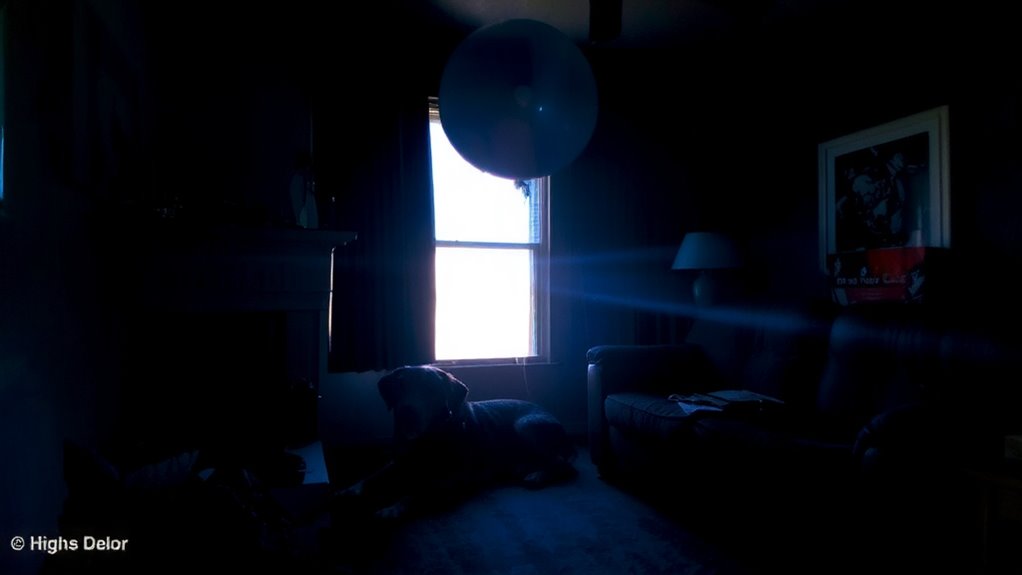
Why does your pet-immune motion detector still trigger false alarms despite being designed to ignore pets? Electrical interference from nearby appliances or unshielded wiring can disrupt sensor signals, causing unintended triggers. You might not realize how much nearby fluorescent lights or microwaves affect performance. Firmware glitches also play a role-older or unpatched versions may misread motion patterns, failing to distinguish between pets and people. These aren’t design flaws but technical issues that need addressing. Updating firmware regularly helps maintain accuracy. Check your manufacturer’s app or website for updates. While pet immunity works well under ideal conditions, environmental and software factors reduce reliability. Consider detectors with strong electromagnetic shielding and automatic self-diagnostics. Investing in models with over-the-air updates reduces long-term issues. These features improve stability and lower false alarms, saving you time and stress.
Place Sensors Correctly to Ignore Cats and Dogs
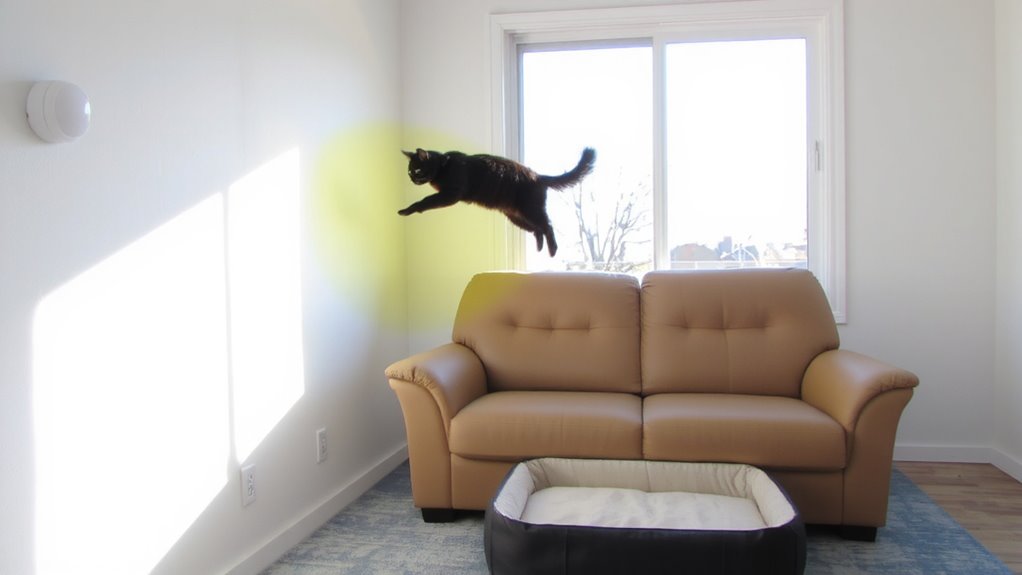
Proper sensor placement is essential for ensuring your pet-immune motion detector reliably ignores cats and dogs. Mounting height and angle matter-most manufacturers recommend installing sensors 2.5 to 4 feet above the ground. This helps avoid detecting small pets while still covering intruder movement. Always consider pet size when choosing zones and sensitivity settings. Many detectors ignore animals up to 40 or 80 lbs, but correct positioning boosts accuracy. For even better performance, consider integrating Best Motion Sensors for Home Assistant into your smart home setup.
| Pet Size | Ideal Mounting Height | Detection Avoidance |
|---|---|---|
| Under 10 lbs | 36–48 in | Excellent |
| 10–40 lbs | 30–42 in | Good |
| 40–80 lbs | 30 in | Fair |
| Over 80 lbs | Not recommended | Poor |
| Multiple pets | 36 in, angled down | Moderate |
Adjust sensor placement to match your pet size and layout for best results.
Fix Common Installation Mistakes That Bypass Pet Immunity
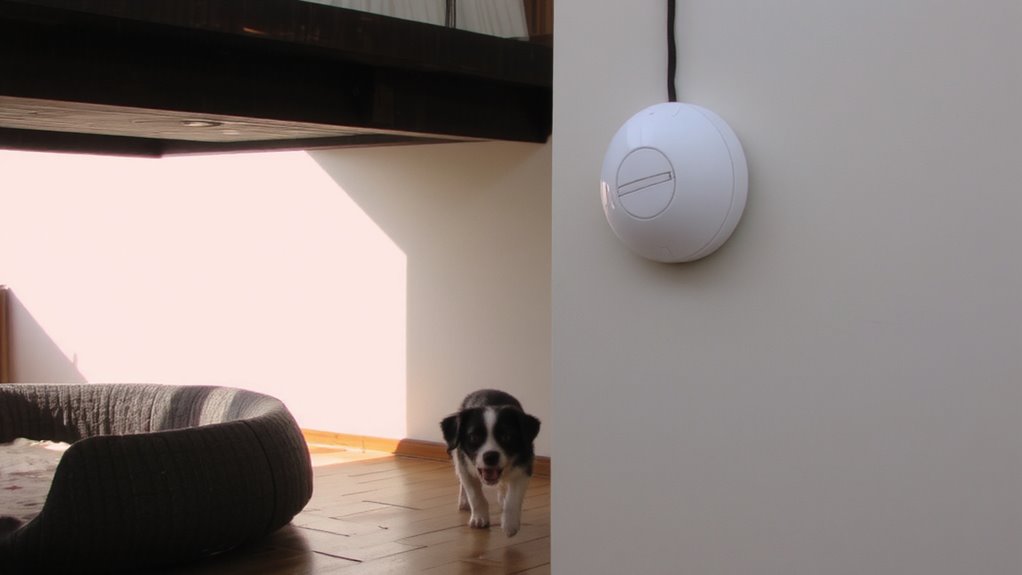
You’ve likely adjusted your sensor’s height and angle to match your pet’s size, but even the best placement won’t help if common installation errors are letting pets trigger false alarms. Wiring errors can disrupt signal flow, causing the detector to malfunction or ignore pet-immune programming. Always double-check connections according to the manufacturer’s diagram. Mounting instability is another key issue-vibrations or loose screws may shift the sensor over time, altering its detection field. Secure the unit firmly to a stable surface using the provided hardware. Avoid installing near HVAC vents or windows where temperature shifts and movement affect performance. Test the sensor after setup by moving a small object across its range at pet height. If the alarm triggers, reevaluate positioning and stability. Proper installation guarantees pet immunity works as designed.
Adjust Sensitivity to Ignore Small Pets
Most pet-immune motion detectors let you fine-tune sensitivity settings to prevent false alarms from small animals, but getting it right requires a balance between security and practicality. You’ll need to adjust the sensor calibration so it ignores pets under a certain weight, usually up to 40 or 80 pounds, depending on the model. Check your pet’s typical movement patterns-this pet behavior insight helps set the threshold accurately. If your cat likes to jump on furniture, for example, you may need to lower sensitivity or reposition the detector. Many systems offer dual-stage sensing or pulse counting, which reduces false triggers by requiring motion over time. Test the settings after changes, ensuring larger threats aren’t missed. While higher-end models offer more granular control, budget units may limit adjustment options. Take time to calibrate properly-it’s key to reliable performance.
Stop False Alarms Caused by Heat, Light, and Drafts
While environmental factors like heat, light, and air movement don’t trigger alarms on their own, they can interfere with infrared sensors that rely on temperature changes to detect motion. You should keep heat sources such as radiators, stoves, or heating vents out of the detector’s line of sight-they can mimic body heat and cause false readings. Avoid placing the device where sunlight exposure hits directly, especially during sunrise or sunset, since rapid temperature shifts confuse the sensor. Drafts from windows, doors, or ceiling fans may carry temperature fluctuations that also impact performance. Mount the detector on an inside wall away from airflow and angled slightly downward to limit interference. Use window coverings to reduce light exposure if needed. Proper placement matters just as much as settings-correcting environmental influences improves reliability without disabling pet immunity features. For optimal results, choose models with advanced pet-immune technology designed to distinguish between humans and animals.
Test Your Pet-Immune Detector in 3 Simple Steps
Now that you’ve taken steps to minimize environmental interference, it’s time to verify your pet-immune motion detector works as expected. First, power on the system and place a small object like a ball in areas your pet frequently visits-observe how the detector responds to typical pet behavior. Second, simulate movement by walking through detection zones at various heights and speeds to guarantee it ignores pets under the specified weight. Third, introduce minor environmental changes, like opening a nearby door or adjusting a curtain, to confirm stability. Check the system logs or indicator lights to verify no false triggers occurred. This test sequence helps confirm reliable performance. Regular retesting after home changes or shifts in pet behavior guarantees continued accuracy. Always consult your model’s manual for specific pet size limits and testing recommendations.
On a final note
You can reduce false alarms by placing sensors at the right height and away from heat sources, drafts, or sunlight. Most pet-immune detectors ignore animals under 40–80 lbs, but improper installation or sensitivity settings may bypass this. Test monthly using the walk-test mode, and adjust angles to avoid reflective surfaces. While higher-end models offer better filtering, even budget options work well when correctly installed. Always follow the manufacturer’s guidelines for ideal performance.