How to Link Smart Locks With Alarm Systems for Immediate Intrusion Response
Choose a smart lock and alarm system that are compatible-ideally from the same ecosystem like Ring and August or Yale with Nest-to guarantee seamless communication. Connect them via a security hub using Z-Wave or Zigbee to reduce interference, enable encrypted pairing, and support real-time alerts. Set up instant notifications for all lock events and pair with door sensors to detect forced entry. Test the system monthly and keep firmware updated. You’ll find deeper setup tips and automation options next.
Notable Insights
- Choose smart locks and alarm systems that are compatible in brand and communication protocol to ensure seamless integration.
- Use a central security hub with Z-Wave or Zigbee support to link devices and reduce signal interference.
- Enable direct integration for real-time alerts on lock activity, synced with the alarm system for instant notifications.
- Pair smart locks with door sensors to detect forced entry and trigger immediate alerts even if the lock isn’t breached.
- Regularly test system response by simulating intrusion to verify alert speed, integration, and firmware reliability.
Choose Compatible Smart Lock and Alarm Systems
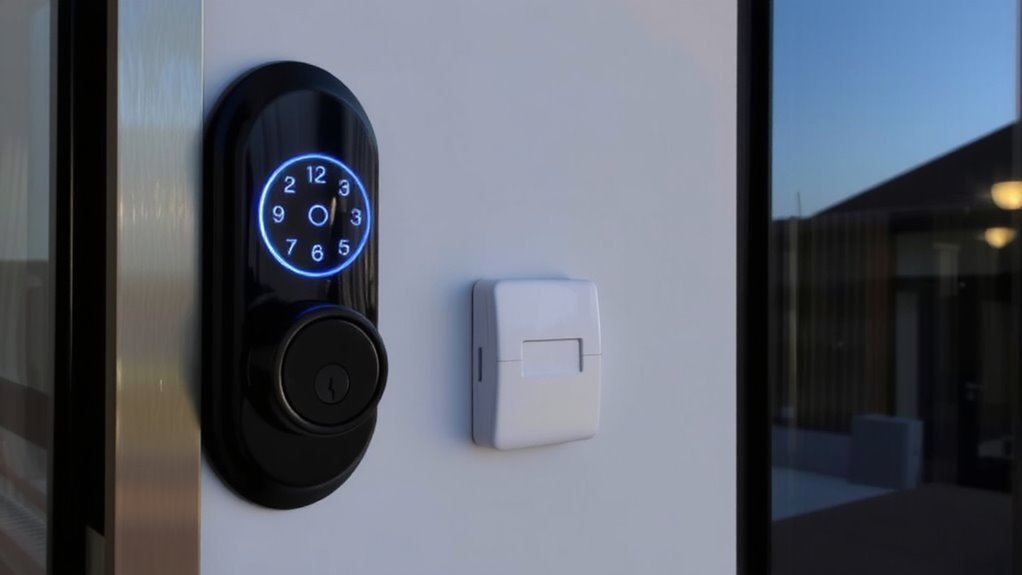
While selecting smart locks and alarm systems, making sure they’re compatible should be your top priority to avoid connectivity issues down the line. Brand compatibility matters-some systems only work within the same ecosystem, like Ring and August, or Yale with Google Nest. Check manufacturer specs before buying, as mismatched brands often fail to sync. Installation requirements vary: some locks need existing smart hubs, while others connect directly via Wi-Fi or Z-Wave. Measure your door’s backset and thickness to confirm fit, and verify whether hardwiring or professional installation is needed. Battery-powered models offer easier setup but require regular maintenance. Systems with clear setup guides and app-based diagnostics reduce errors. Investing time in compatibility checks now prevents costly replacements or security gaps later. Always prioritize devices with strong customer support and firmware updates. For Z-Wave integration, consider models like the Top Z-Wave Smart Locks that ensure reliable communication with compatible alarm systems.
Connect Your Smart Lock to a Security Hub
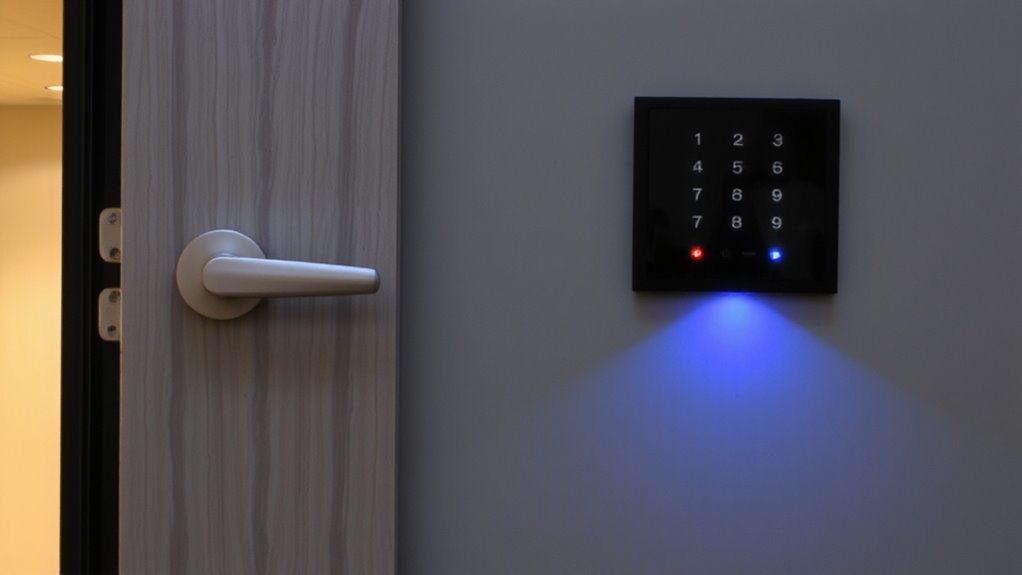
If your smart lock and alarm system don’t share a direct connection, linking them through a security hub is the most reliable way to guarantee seamless communication, as these hubs act as central controllers for multiple smart devices. Successful device pairing depends on compatible protocols like Z-Wave or Zigbee, which also reduce signal interference from other wireless devices. Choose a hub with strong encryption and regular firmware updates for safety. A thorough buying guide can help you choose the best smart lock that integrates smoothly with your selected hub. Here’s how top hubs compare:
| Hub Model | Max Devices | Range (ft) |
|---|---|---|
| Samsung SmartThings | 300 | 100 |
| Hubitat Elevation | 200 | 150 |
| Aeotec SmartHome Hub | 250 | 120 |
| Ring Alarm Base | 100 | 250 |
| SimpliSafe Base | 80 | 300 |
Place the hub centrally to minimize signal interference, and follow setup guides carefully during device pairing.
Integrate Smart Lock With Alarm for Instant Alerts
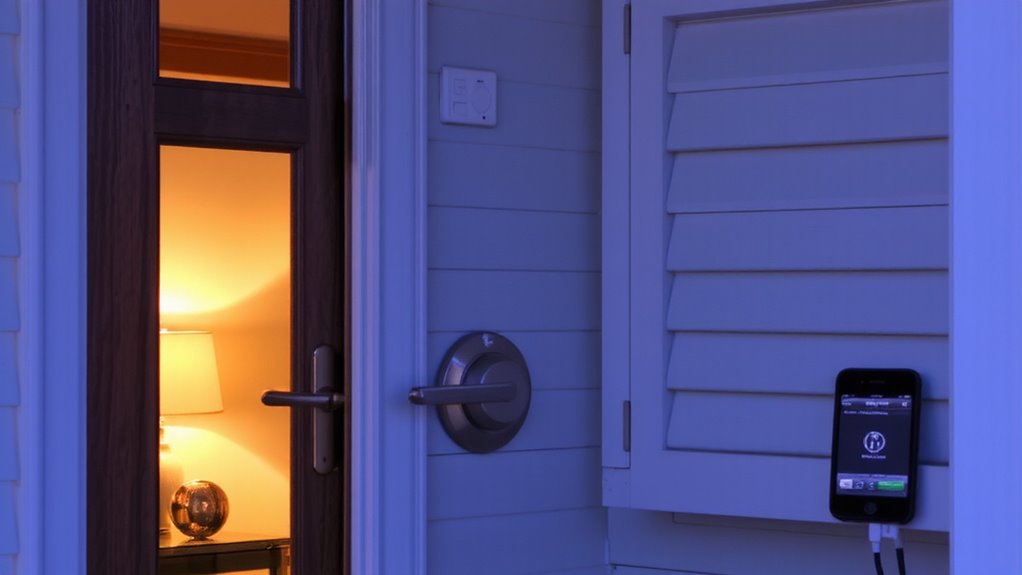
When your smart lock connects directly to your alarm system, you’ll get instant alerts whenever someone locks or opens the door, giving you real-time awareness of home access. This integration enhances security by syncing events-like unlock attempts-with your alarm’s monitoring. You can review access logs to see who entered and when, which helps track household activity or identify issues. Many systems support voice control, letting you lock doors or check status using simple commands through smart assistants. Look for models that offer encrypted communication to protect data. Compatibility with your existing hub matters-check specs before buying. While convenience is a plus, make certain your network is secure to prevent vulnerabilities. Setup is usually straightforward, but plan for Wi-Fi coverage near entry points. Expect to spend $100–$250 for a reliable smart lock with full alarm integration, voice control, and detailed access logs. For optimal performance, choose one of the best smart locks for Home Assistant that supports robust automation and secure Z-Wave or Zigbee connectivity.
Set Up Real-Time Alerts for Forced Entry
You’ve already set up your smart lock to sync with the alarm system for instant notifications on regular access, but detecting unauthorized or forced entry takes security a step further. To catch break-ins, pair your smart lock with door sensors that detect sudden movement or pressure on the door. These sensors trigger alerts when someone tries to force entry, even if the lock isn’t engaged. Most systems allow alert customization, so you can choose whether notifications go to your phone, email, or both-and set different alerts for normal access versus forced entry. Some platforms let you adjust sensitivity to reduce false alarms from strong winds or accidental bumps. Look for models with encryption and low latency for reliable performance. Systems with subscription plans often offer faster response and cloud logs. Test the setup monthly to verify sensors and alerts work together seamlessly.
Automate Responses to Unauthorized Access
Though alerts notify you of a potential break-in, automating responses adds an active layer of defense against unauthorized access. You can set your smart lock and alarm system to trigger lights, cameras, or loud sirens when an intrusion occurs, making it clear the home is protected. If someone tries to force entry, your system can lock down automatically, even revoking any active guest access to prevent misuse. With voice control, you can issue commands remotely to lock doors or sound alarms, especially useful if you’re away. Automation removes delays, acting faster than manual responses. Most platforms offer customizable rules, like locking all doors and notifying police after failed entry attempts. Look for compatibility between devices to guarantee smooth integration. While automation increases security, false triggers can happen, so adjust sensitivity carefully. Planning these responses in advance gives you stronger, more reliable protection.
Test Your Smart Lock and Alarm Integration
Since your smart lock and alarm system are only as reliable as their ability to work together during critical moments, testing the integration thoroughly is essential. You should trigger the connection manually by opening the door while the alarm is armed to confirm the response. Watch for system latency-delays between the action and alarm trigger could give intruders time to move undetected. Test multiple times at different times of day to rule out False alarms caused by Wi-Fi congestion or sensor interference. Include edge cases, like low battery mode or spotty network signals, to see how the system behaves. Use your phone’s notification log to verify response times, aiming for alerts within five seconds. If you notice consistent delays or unnecessary triggers, adjust sensitivity settings or reposition devices. Regular checks guarantee trust in your setup without overreacting to minor glitches.
Update Firmware for Long-Term Security
Keeping your smart lock and alarm system secure over time means regularly updating their firmware, as manufacturers release patches to fix vulnerabilities, improve performance, and support new features. You should enable automatic firmware updates if your devices support them, ensuring you receive the latest security patches without delay. These updates often address newly discovered flaws that, if left unpatched, could allow unauthorized access. Check your device manufacturer’s app or website monthly, even with auto-updates on, to confirm everything’s current. Skipping updates can leave your system exposed, especially as hackers evolve their methods. Most modern smart locks and alarms notify you when updates are available, making it easy to maintain protection. While updates take only a few minutes, they substantially extend your system’s reliability. Don’t overlook them-consistent firmware updates are a simple, effective way to strengthen your home’s long-term security.
On a final note
You’ve linked your smart lock and alarm system to respond instantly to threats. Make sure both devices are compatible and connected to a central hub for reliable communication. Test the setup regularly and keep firmware updated. This integration gives you real-time alerts and automated actions, like triggering alarms if someone forces entry. It’s a proven way to boost home security. Plan for upfront costs, but expect long-term benefits.