Implementing Role-Based Access Control for Shared Smart Security Systems
You can implement Role-Based Access Control (RBAC) by assigning users roles like admin, family, guest, or worker, then linking device access-like smart locks or cameras-to each role. This cuts errors, speeds setup, and limits who can make changes. Most systems start around $10/month and work with existing smart networks. Use strong authentication and audit logs to stay secure. Update roles automatically when needs change-you’ll see how to avoid common mistakes and fine-tune access next.
Notable Insights
- Define clear roles like administrator, user, and guest to align access with responsibilities in shared environments.
- Assign permissions based on least privilege, ensuring users only access necessary smart security functions.
- Use strong authentication methods such as biometrics or multi-factor verification to secure role-based logins.
- Integrate RBAC with existing smart home systems for centralized, scalable, and consistent access management.
- Regularly audit access logs and update role assignments to maintain security during user transitions.
What Is Role-Based Access Control in Smart Security?
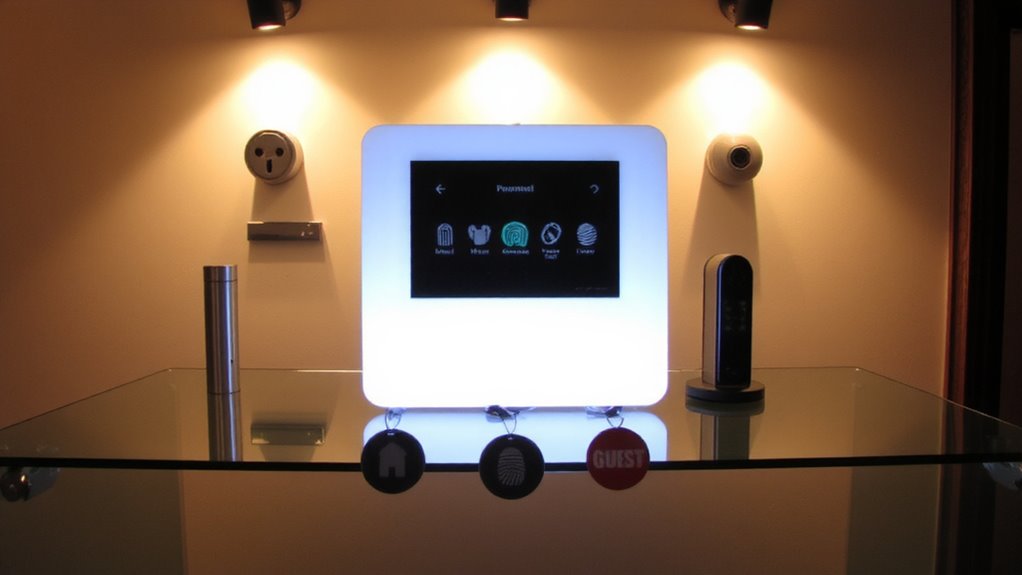
Role-based access control, or RBAC, simplifies how you manage who can enter different parts of your smart security system. You assign Access Levels based on roles, like family member, guest, or service worker, instead of setting permissions for each person individually. This means you don’t have to remember every detail-just match the role to the needed User Privileges. For example, a family member might have full access, while a guest can only enter certain rooms during specific times. RBAC works well across devices, from smart locks to surveillance cameras, making it easier to scale your system. It cuts setup time, reduces errors, and keeps access consistent. Most platforms offer RBAC in mid-tier plans, starting around $10 per month. You’ll want to review roles regularly, since outdated permissions can create weak spots. Think ahead about who needs what, so your system stays secure and efficient.
Why RBAC Reduces Risk in Shared Spaces
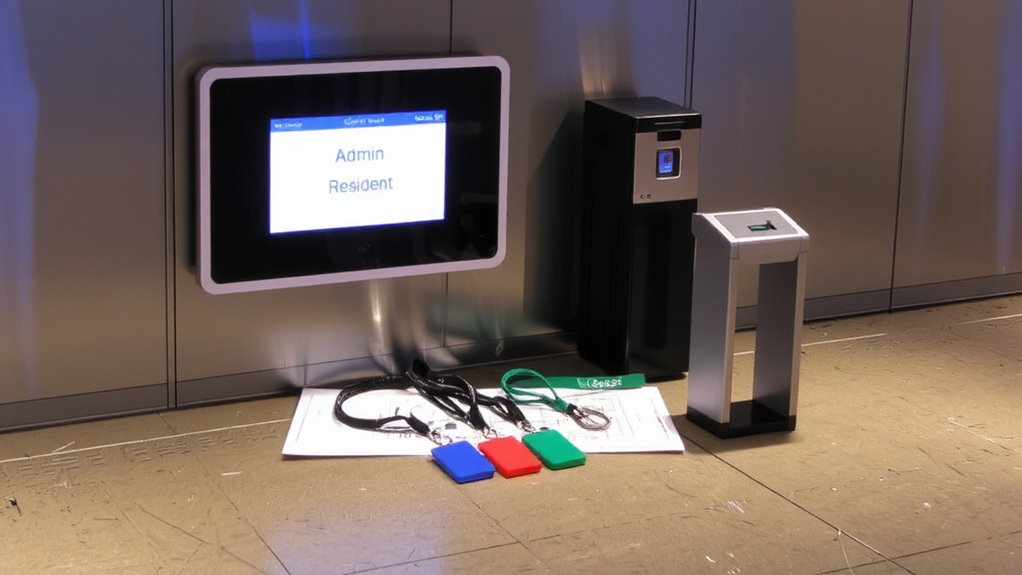
When you’re managing access in shared spaces like homes with roommates, vacation properties, or small offices, giving everyone the same level of control can lead to unnecessary risks. RBAC reduces those risks by limiting access based on roles, not just user trust. You don’t have to assume everyone needs full system control, which minimizes the chance of accidental or intentional misuse. With clear policy enforcement, each user gets only the permissions they need-like viewing cameras or arming the alarm-nothing more. That means a guest can’t disable sensors, and a part-time employee can’t change settings. Systems log actions by role, so accountability improves. You’ll see exactly who did what, making audits easier. RBAC also simplifies updates-when someone leaves the group, you remove the role, not every setting manually. It’s efficient, secure, and built for real-world sharing.
Define Key RBAC Roles for Homes and Businesses
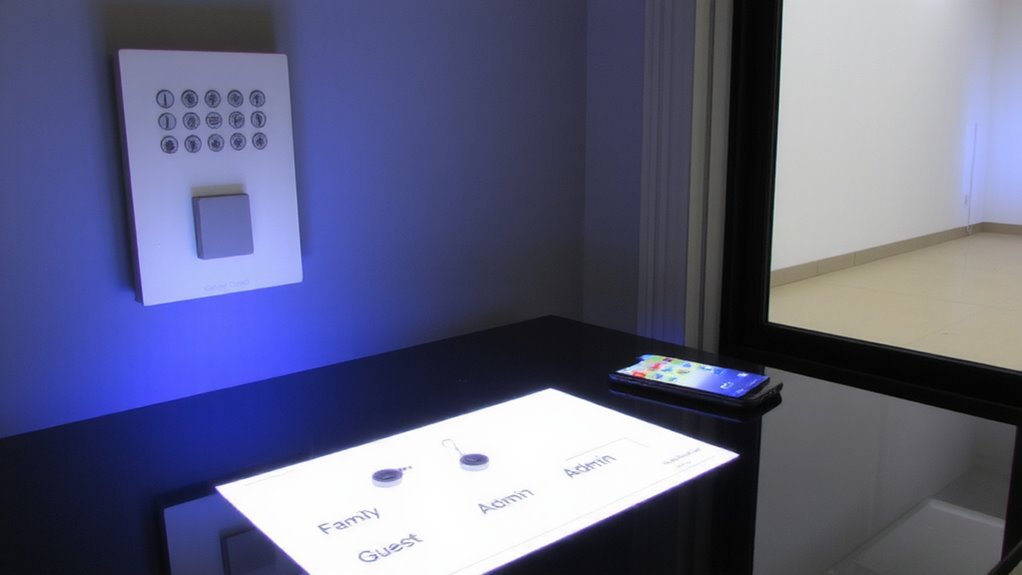
You’ve seen how limiting access by role keeps shared spaces safer, and now it’s time to define the specific roles that make RBAC work in real homes and businesses. Start with Administrator Privileges-this role manages the entire system, adding users, adjusting settings, and granting access. It should be limited to trusted individuals, like homeowners or IT managers, to prevent misuse. Next, create a Standard User role for family members or employees who need regular access but shouldn’t change configurations. Finally, use Guest Access for temporary entry, like cleaners or visitors; this is time-limited and restricted to certain doors or cameras. Guest Access reduces risk while maintaining convenience. Each role enforces boundaries without overcomplication. Define these early during setup to support long-term security. Proper role definition guarantees accountability, supports audit trails, and aligns with best practices for smart access control in shared environments.
Match Permissions to User Roles
Since every user’s needs differ based on their responsibilities, assigning precise permissions to each role guarantees the system remains secure and functional. You’ll start by linking permissions directly to roles, ensuring users only access features necessary for their tasks. Use user profiling to analyze behavior and responsibilities, helping define which cameras, locks, or alerts each role can control. For example, a family member may view live feeds while a guest can’t. Enable access auditing to log every entry and permission change-this helps detect misuse and supports system reviews. Auditing provides data that can improve role definitions over time. Avoid giving broad admin rights; instead, tailor access levels carefully. This method boosts safety without slowing down daily use. You’ll find it easier to manage teams or households when permissions align with actual needs. Always revisit roles as user responsibilities shift.
Choose an RBAC-Compatible Security System
While not all security systems support fine-grained access controls, choosing one designed for role-based access control (RBAC) guarantees you can assign precise permissions without compromising usability. You’ll want strong user authentication to guarantee only authorized individuals gain access, whether through passwords, biometrics, or mobile credentials. Look for systems that support easy system integration with your existing smart home or business network, allowing centralized management and consistent policies across devices. RBAC-compatible systems often come with intuitive dashboards, making it simple to assign roles and monitor access in real time. Though these systems may cost more upfront, their scalability and reduced administrative burden save time and resources. Confirm the system logs access attempts and supports multi-factor authentication. Prioritize vendors with strong update support and clear documentation to maintain security over time.
Update Access When Roles Change
A well-implemented RBAC system must adapt quickly when employees or household members change roles, because outdated permissions create unnecessary security risks. You should automate access updates during role shifts to guarantee users only have the access they currently need. When someone moves to a new role, their old permissions must be removed and new ones assigned immediately. Delayed updates can lead to privilege creep, increasing the chance of misuse or error. Regular access audits help verify that current permissions match intended roles. You should conduct these audits monthly or quarterly, depending on system size and sensitivity. Audit logs provide data to support improvements and show compliance if needed. While automation reduces errors, manual review during audits adds a layer of oversight. Budget for tools that support real-time updates and reporting, as they pay off in stronger security and lower admin workload over time.
Top RBAC Setup Mistakes and How to Avoid Them
Poor planning in your RBAC setup can lead to security gaps and user frustration, especially when roles aren’t clearly defined. You might assign too many permissions, causing user fatigue from constant access decisions or alerts. Over time, unchecked changes cause policy drift, where actual access no longer matches original security policies. This increases risk, especially in shared smart security systems with frequent role changes. To prevent this, map roles to real job functions and limit permissions to the minimum needed. Regular audits help catch policy drift early and guarantee compliance. Use automation tools to update access when roles change, reducing errors. Though upfront planning takes time, it saves effort later and improves system reliability. Avoid overcomplicating roles-simple, well-documented structures reduce confusion and keep your smart security system secure and efficient for everyone.
On a final note
You’ve seen how role-based access control lowers risks by giving users only the access they need. By clearly defining roles and permissions, updating them as needed, and choosing systems that support RBAC, you improve security without complexity. Avoid common setup mistakes by planning access carefully and reviewing it regularly. A well-configured RBAC system boosts safety, simplifies management, and scales easily for homes or businesses.