How Smart Door Sensors Can Trigger Lights When You Enter a Room
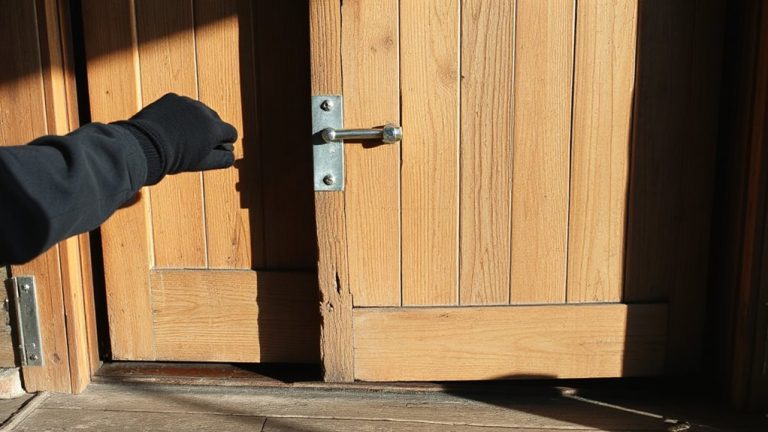
When you open a door, the motion and instantly trigger lights in the room. Most sensors use battery power and connect via Zigbee or Wi-Fi, working with smart hubs like SmartThings or Hubitat for reliable response. They fit wood, metal, or glass doors but need proper alignment. Automation rules let you control brightness and duration. For best results, pair with a strong signal and updated firmware-your next steps could reveal more uses.
Notable Insights
- Smart door sensors detect door movement and send a signal to activate connected lights automatically upon entry.
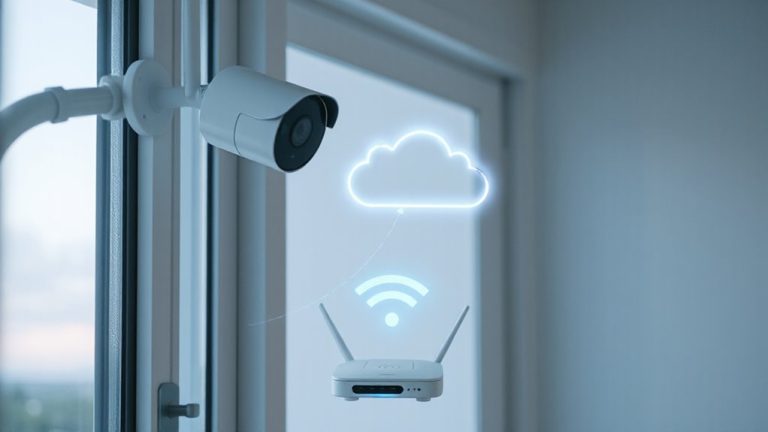
- Sensors use protocols like Zigbee or Wi-Fi to communicate with smart lighting systems through a central hub.
- Automation rules are set via an app to determine which lights turn on, their brightness, and duration.
- Battery-powered sensors offer easy installation, while hardwired options require professional setup but provide continuous power.
- Proper alignment, strong signal range, and up-to-date firmware ensure reliable light activation when entering a room.
How Door Sensors Automatically Turn On Lights
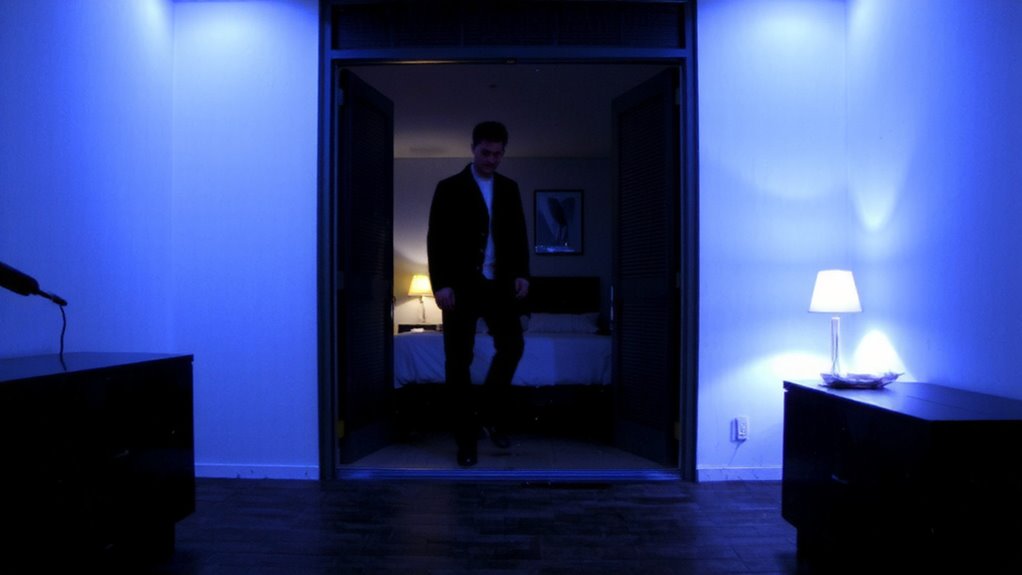
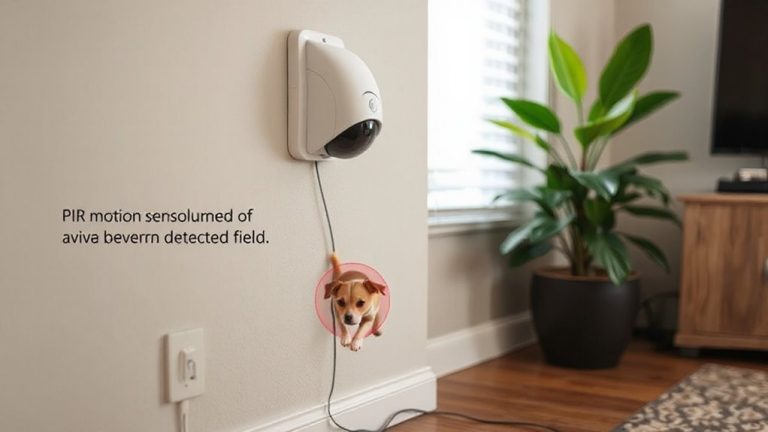
While you might think turning on lights automatically is just a convenience feature, door sensors play a key role in both security and energy efficiency by triggering lights only when needed. When you open the door, motion detection technology activates the connected lighting system, ensuring spaces are lit the moment you enter. This response relies on a reliable power source-either battery-operated or hardwired-so operation remains consistent over time. Battery-powered sensors offer easier installation but require periodic replacements, while hardwired models depend on a stable electrical supply. These systems reduce energy waste by limiting light usage to occupied periods, cutting electricity costs. For best performance, place sensors where motion is clearly detected without obstructions. Pair them with energy-efficient bulbs to maximize savings. Overall, automatic lighting improves safety in dark areas and enhances daily convenience without sacrificing control or efficiency. For seamless integration with your setup, consider using Best Motion Sensors for Home Assistant.
Choose A Door Sensor That Fits Your Smart Home
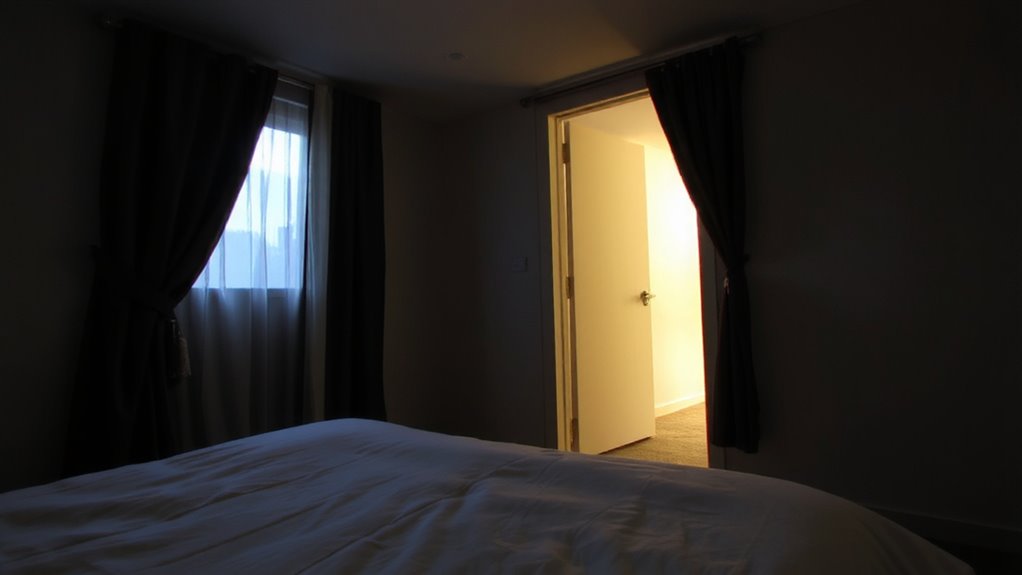
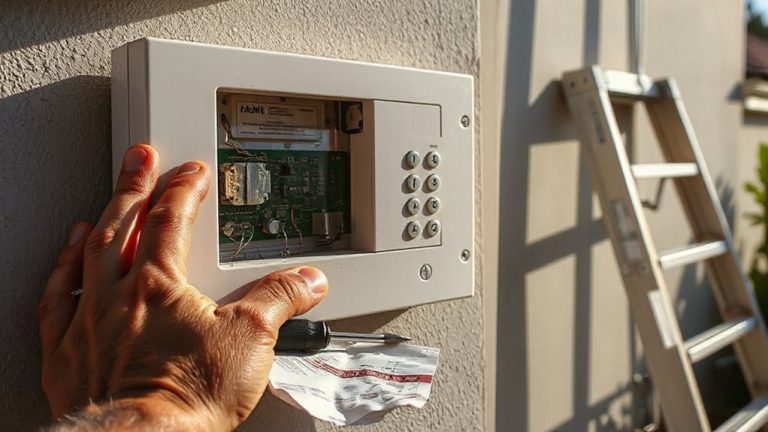
How do you find a door sensor that truly works with your smart home? You’ll need to check door compatibility and power options first. Some sensors fit only certain door types or frames, so measure your setup before buying. Most smart sensors work with wood, metal, or glass doors, but adhesion and alignment matter. Consider your smart ecosystem-look for sensors that support your hub, like Zigbee, Z-Wave, or Wi-Fi.
| Feature | Notes |
|---|---|
| Door Compatibility | Verify it works with your door type and thickness |
| Power Options | Battery-powered lasts 1–3 years; wired needs professional install |
Choose a sensor matching your system and power preferences. Battery models are easier to install but need replacements. Check user reviews for reliability and signal range to avoid gaps in automation performance. Top models often include features like garage door sensor recommendations for seamless smart home integration.
Set Up Light Automation in Minutes
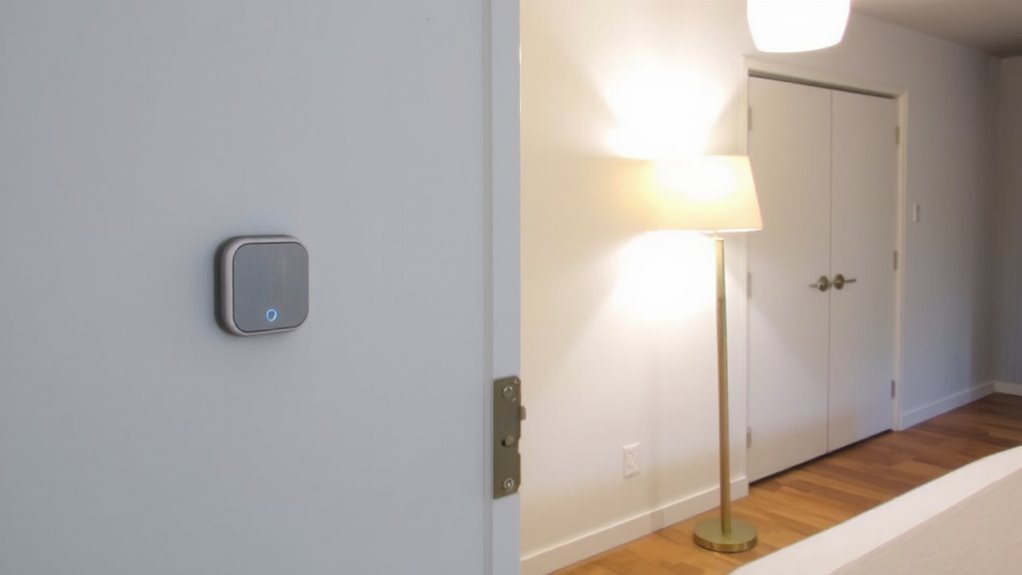
Once your door sensor is in place and working with your smart home system, you can build on that foundation by automating your lights to respond when doors open or close. Most smart lighting platforms offer quick installation, letting you set up rules in minutes through a mobile app. You’ll select the door sensor as a trigger and choose which lights turn on, how bright they get, and how long they stay on. This setup benefits from seamless integration between compatible devices, reducing delays and errors. For example, Zigbee or Z-Wave lights paired with the same hub as your sensor usually respond faster than Wi-Fi-only setups. Plan your automation around common paths, like a bedroom or hallway, to improve convenience and safety. While basic routines are simple, you can later refine timing or add motion sensors. No extra wiring is needed, and costs stay low with entry-level kits.
Best Hubs for Door Sensor Triggers
Why do some smart hubs respond faster and more reliably when a door opens? It comes down to Zigbee compatibility and hub reliability. If your hub supports Zigbee, it connects directly to most door sensors without Wi-Fi delays, reducing lag. The Samsung SmartThings Hub and the Hubitat Elevation are top picks-they both offer strong Zigbee compatibility and consistently high hub reliability. SmartThings works well with Alexa and Google, but relies on the cloud, which can slow responses during outages. Hubitat runs locally, so automations trigger faster and stay online even if your internet drops. Both cost around $70–$100. For renters or beginners, the Aqara Hub is smaller and affordable, though it locks you into Aqara’s ecosystem. Choose based on your need for speed, local control, and device flexibility. A product roundup provides detailed comparisons to help identify the best smart home hub for your needs.
Fix Lights That Won’t Turn On With the Door
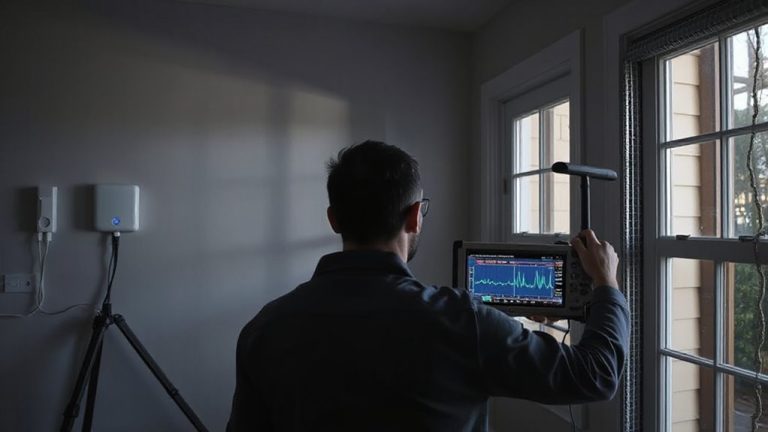
A solid automation setup can make your smart lights turn on reliably when a door opens, but if they’re not responding, the issue usually lies in one of three areas: sensor connectivity, automation rules, or hub processing delays. First, check if the door sensor is paired correctly and has a strong signal-weak connections often stem from distance or interference. Next, review your automation rules; a small error in timing or trigger conditions can prevent execution. Wiring issues in hardwired smart switches may also stop lights from activating, so verify all connections are secure. Power surges can disrupt smart bulbs or hubs, so consider using surge protectors. Rebooting the hub or re-pairing devices often resolves glitches. Test each component step by step to isolate the problem. Confirm firmware is up to date, as updates fix known bugs affecting responsiveness.
More Than Lights: Creative Door Sensor Automations
You’ve already made certain your lights turn on when the door opens, but that’s just the beginning of what door sensors can do. You can link them to thermostats to cut heating or cooling when a door stays open, boosting energy savings. If a door opens when it shouldn’t-say, during the night or while you’re away-you’ll get security alerts sent straight to your phone. Some systems even shut off your smart lock if a door isn’t fully closed after a set time. You can trigger fans, play music, or announce custom voice messages. Pair sensors with cameras for visual verification of alerts. Most setups cost $30–$70 per sensor, work with platforms like Alexa or Google Home, and need minimal wiring. Always test response times and adjust sensitivity to reduce false alarms. With smart planning, door sensors do far more than light your way-they make your home more efficient and secure.
On a final note
You can rely on smart door sensors to turn on lights automatically, improving convenience and security. Choose sensors compatible with your hub, like Z-Wave or Zigbee, for reliable performance. Set up automations quickly through your app, ensuring lights respond only when needed. If lights fail, check battery levels and signal strength. Beyond lighting, use sensors for alerts or climate control. Proper planning saves time and enhances home efficiency.