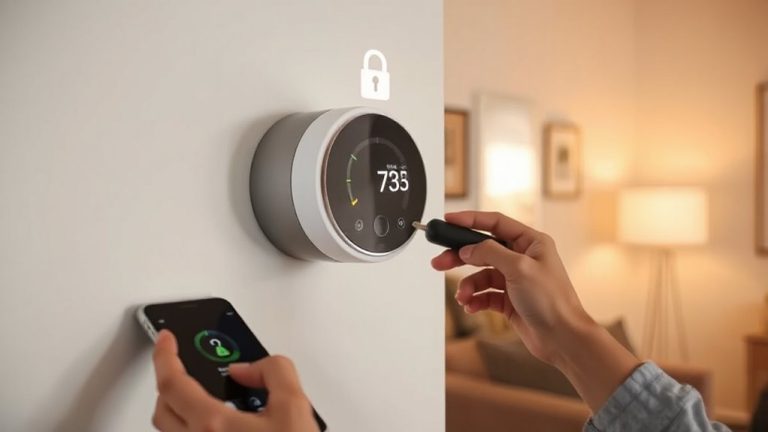
The Importance of Regularly Updating Your Home Security System’s Software
You need to update your home security software regularly because outdated firmware can let hackers exploit known weaknesses, risking camera access or disabled alarms. Updates fix security flaws, improve encryption, and block emerging threats like zero-day attacks. Check your system monthly through the app, enable automatic updates if available, and verify installation. Devices like cameras, smart locks, and routers need updates every 1–3 months. Test functionality afterward to confirm everything works. Staying current keeps your system effective-there’s more you can do to strengthen protection.
Notable Insights
- Outdated security software lacks protection against new threats, leaving systems vulnerable to exploits.
- Hackers target known weaknesses in old firmware to gain camera access or disable alarms.
- Regular updates patch security flaws and strengthen encryption to safeguard user data.
- Firmware updates block zero-day exploits and integrate latest threat intelligence automatically.
- Enabling automatic updates ensures routers, cameras, and smart locks stay protected continuously.
How Old Security Software Puts You at Risk
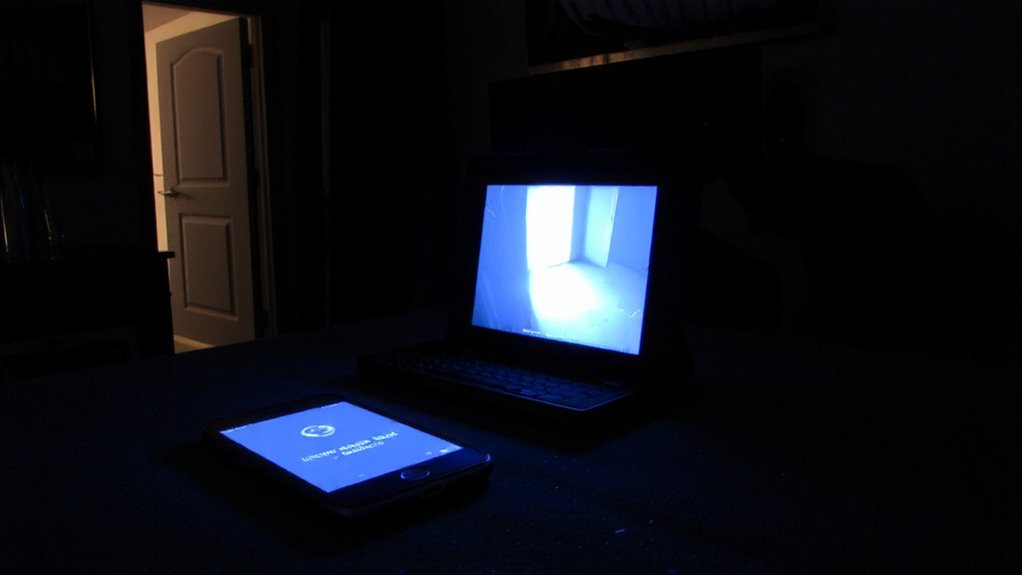
While older security software might seem like it still works fine, it often lacks critical updates that protect against newly discovered threats. You’re at greater risk when running outdated firmware because hackers actively search for known weaknesses in older versions. These vulnerability exploits can let intruders access your cameras, disable alarms, or steal personal data. Manufacturers regularly fix these flaws, but only if you install the latest updates. Ignoring update notifications means your system may appear secure while actually being exposed. Most modern systems notify you automatically, but you still need to confirm and apply them. Check your device settings monthly. Some models even support automatic updates-enable that feature if available. While it takes just a few minutes, it dramatically reduces the chance of a breach. Regular maintenance isn’t optional; it’s essential for reliable home protection.
How Updates Block the Latest Cyber Threats

Security updates don’t just patch old problems-they actively defend against new attacks you might not even know exist. Developers constantly monitor for zero day exploits, which hackers use before patches are available. When these threats are found, encryption patches and system fixes are rolled out fast to protect your devices. You’re not just installing new features-you’re closing digital doors hackers could walk through.
| Threat Type | How Updates Help |
|---|---|
| Zero day exploits | Block unknown attacks immediately |
| Weak encryption | Apply stronger encryption patches |
| Remote access flaws | Fix vulnerabilities in app and camera links |
| Outdated firmware | Update core software to current standards |
Staying current means your system uses the latest threat intelligence. Skipping updates leaves you exposed, even if everything seems to work fine.
Check for Security System Updates in 3 Steps
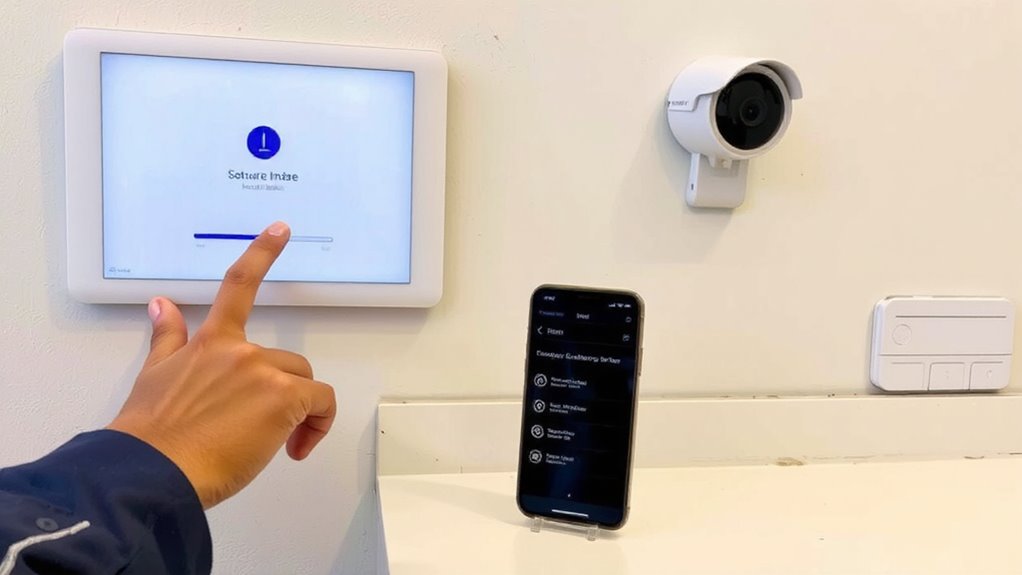
Keeping your home safe starts with a quick, routine check-like flipping a light switch, updating your security system takes little effort but delivers real protection. First, open your security app or log into your system’s dashboard weekly-this helps maintain proper update frequency. Check for any available updates under the settings or system status tab. Second, enable automatic updates if your device supports it-this simplifies patch management and makes sure fixes go live right away. Third, review update logs to confirm installations, and reboot devices if needed. Automatic alerts help, but manual checks guarantee nothing’s missed. While most systems update seamlessly, occasional delays or failed installs happen-knowing how to verify updates helps prevent gaps. Staying consistent with these three steps strengthens your system’s defenses without adding daily work to your routine.
Which Security Devices Need Firmware Updates?
Most smart home devices you rely on for protection need regular firmware updates to stay effective. Outdated firmware can cause device compatibility issues and leave security gaps. To guarantee protection, include update scheduling in your routine. Key devices requiring updates include security cameras, smart locks, and Wi-Fi routers-each plays a crucial role in your system. For example, the Ring Floodlight Cam often receives updates that enhance motion detection and improve video quality.
| Device | Why Updates Matter | Update Frequency |
|---|---|---|
| Security Cameras | Fixes video streaming bugs, patches hacking risks | Every 3 months |
| Smart Locks | Improves remote access, guarantees device compatibility | Every 2–3 months |
| Wi-Fi Routers | Strengthens network encryption | Every 1–2 months |
| Doorbell Cameras | Adds motion detection improvements | Every 3 months |
Enable automatic updates when available, and manually check if not.
Test Your System After a Security Update
Once you’ve installed the latest firmware on your cameras, locks, or router, don’t assume everything’s working as intended-testing right away helps catch issues before they become problems. Check system performance by confirming all devices reconnect properly and respond to commands without delays. Open your security app and verify live camera feeds, motion alerts, and remote lock functions are operating smoothly. This step guarantees update verification and confirms the patch applied correctly. If something’s off, reboot the device or reinstall the update. Note that some updates may temporarily slow response times, but persistent lag signals a deeper issue. Testing also reveals compatibility problems with other smart home devices. Make this check part of your routine-it takes just a few minutes. A quick, thorough test protects your home and maintains reliability. Document any issues for troubleshooting or support requests later.
On a final note
You reduce risks by updating your security system’s software regularly. Outdated firmware can let hackers bypass cameras or alarms. Updates fix bugs and patch vulnerabilities hackers exploit. Check for updates every few months, especially for smart locks, cameras, and hubs. Always test your system afterward to guarantee everything works. While updates take little time, they strengthen protection. Most systems notify you automatically-enable those alerts. Staying current is a simple, effective step to keep your home safer.