Maximizing Your Home’s Safety With Modern Access Control Solutions
You can maximize your home’s safety with modern access control by switching to smart locks that use encryption and eliminate key duplication. These locks offer remote access, biometric options like fingerprint scanning, and detailed entry logs. They support customized user access, work with security systems, and typically cost $150–$300. Avoid common pitfalls like battery failure or poor compatibility by choosing Z-Wave or Zigbee models and replacing batteries annually-there’s more to contemplate for long-term reliability.
Notable Insights
- Use smart locks with encryption and tamper alerts to prevent unauthorized access and receive real-time breach notifications.
- Enable remote locking and unlocking via smartphone for instant control, even when away from home.
- Assign customizable, time-limited access codes for guests, cleaners, or family members to enhance entry management.
- Integrate smart locks with home security systems to trigger alarms or alerts upon forced entry attempts.
- Choose models with Bluetooth, Z-Wave, or Zigbee connectivity and backup power options to avoid lockouts during outages.
Why Smart Locks Are More Secure Than Keys
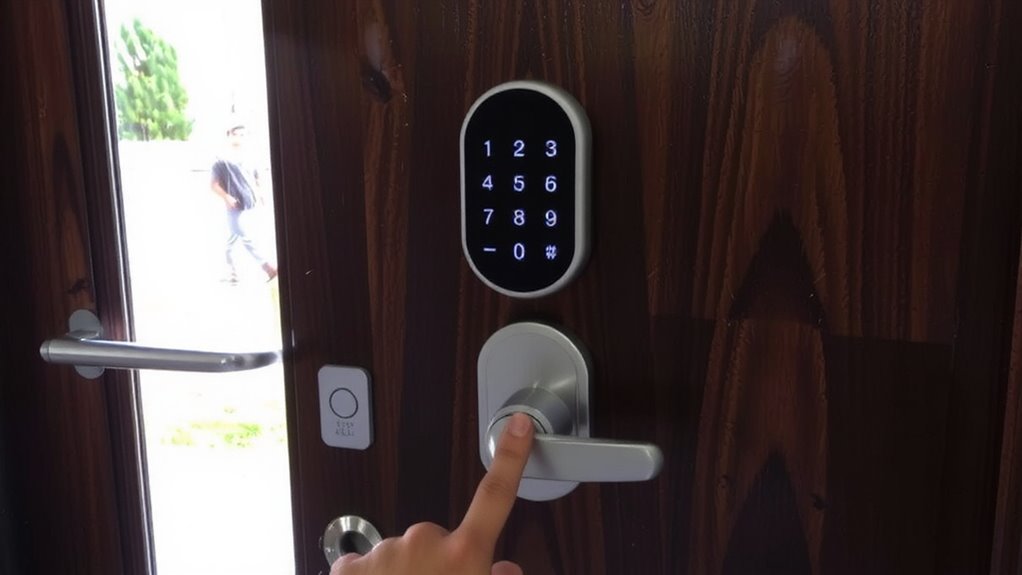
While traditional keys have long been the standard for home access, smart locks offer stronger security through features that reduce common risks like duplication and lock picking. You don’t have to worry about someone copying your key or a burglar picking the lock. Smart locks use advanced encryption standards to protect your access data, making unauthorized entry far more difficult. If someone tries to force the lock, tamper alerts notify you instantly via your phone. These systems are built to resist hacking and often undergo independent security testing. While smart locks require power and can be more expensive upfront-typically $150 to $300-they provide measurable improvements over keys. You also avoid the cost and hassle of rekeying after lost keys. With reliable encryption standards and real-time tamper alerts, you gain peace of mind and stronger protection for your home. Top models in our best smart locks roundup offer additional layers of security and smart home integration.
Must-Have Features: Remote Access, Biometrics, and Logs
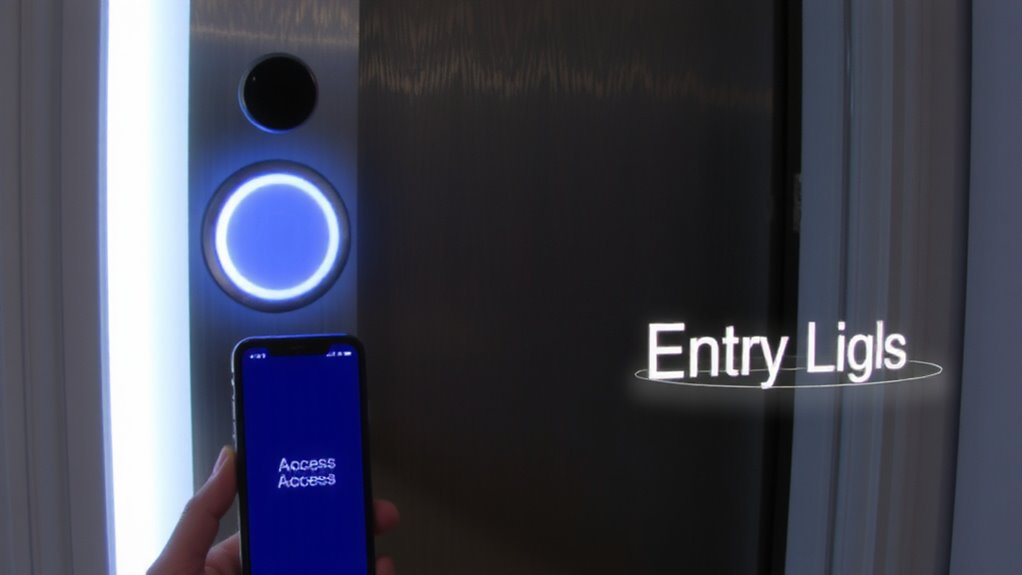
A strong home security system starts with features that give you control, convenience, and visibility. Remote access lets you lock or open doors from anywhere using a smartphone, which is useful when granting access to guests or service workers. Make sure your system uses strong encryption standards to protect data and prevent hacking. Biometrics, like fingerprint or voice recognition, add a personal layer of security-no keys to lose and no codes to share. Voice recognition works well but may struggle with accents or background noise. Logs track who enters and exits, including timestamps, helping you monitor activity. Always choose systems that store logs securely and allow easy review through an app. Look for models with multi-factor authentication for better protection. While advanced features cost more, they often reduce long-term risks. Plan your budget around reliability, ease of use, and compatibility with existing smart home devices. Top-rated models often include best smart locks for seamless integration and proven performance.
How Smart Locks Work for Homes and Families
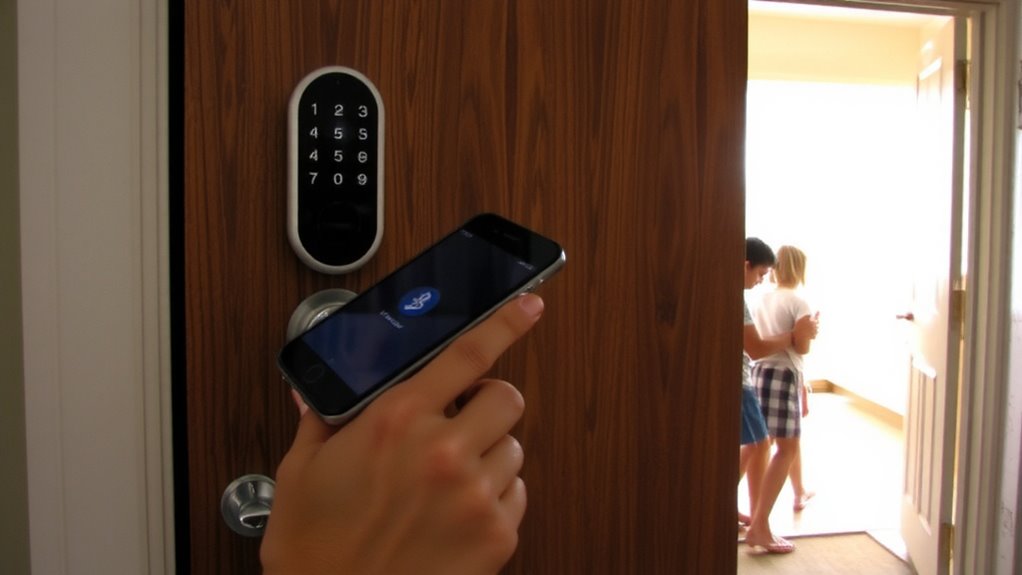
How do smart locks actually secure your home without a traditional key? They use encrypted digital signals to authenticate access, replacing metal keys with more reliable methods. Many models support voice recognition, letting you open the door hands-free using voice commands linked to your smart home assistant. Others use touch sensitivity to detect precise finger swipes or PIN entry, reducing false unlocks from accidental contact. These locks often run on long-life batteries and include fail-safes like backup key entry or emergency power ports. Most connect via Bluetooth or Wi-Fi, allowing integration with home security systems. While convenient, they require proper setup and regular updates to stay secure. Choose models with strong encryption and low latency for best performance. Initial costs range from $150 to $300 per lock, with minimal maintenance once installed. Top options include the best smart locks for Google Home, ensuring seamless voice control and reliable performance.
Setting Access for Family, Guests, and Helpers
Control is key when managing who enters your home, and smart locks make it easy to assign personalized access to family, guests, and helpers. You can set unique user permissions for each person, allowing you to limit or grant entry based on need. For family members, you might allow 24/7 access, while helpers like cleaners or dog walkers get scheduled entry. Temporary access is perfect for guests, expiring automatically after a set time. This reduces the need for physical keys and improves tracking. Most systems let you manage permissions via a smartphone app, giving you real-time control. Plans vary-basic features are often free, but advanced logs or multi-user management may require a subscription. Avoid sharing master codes; instead, use individual profiles. This approach enhances security without sacrificing convenience, ensuring everyone has the right access at the right time.
Connecting Smart Locks to Your Security System
You’ve already set up custom access for everyone from family to service helpers, but your smart lock can do more than stand alone. Connecting it to your security system boosts both convenience and protection. When integrated, your lock can trigger alarms, arm/disarm systems, or notify you when someone enters. But watch for integration challenges-some locks don’t communicate well with certain hubs. Check for compatibility issues before buying; not all smart locks work with every system. Look for ones using established protocols like Z-Wave or Zigbee. Wi-Fi models often connect easily but may slow your network. Test the setup before fully relying on it. A well-linked lock adds automation and alerts, but only if it truly syncs with your system. Prioritize compatibility to avoid frustration later.
5 Smart Lock Mistakes (And How to Avoid Them)
While smart locks offer convenience and enhanced security, skipping proper research can lead to frustrating issues down the line. You might overlook battery failure, a common problem that leaves you locked out if backups aren’t in place. Always choose models with low-battery alerts and emergency power options, like a 9-volt terminal. Wi-Fi dependency is another pitfall-relying solely on Wi-Fi can disrupt access during outages. Opt for locks with multiple connectivity options, such as Bluetooth or a physical key backup. Test the lock regularly and replace batteries annually, or sooner if alerts occur. Consider your home’s layout and internet strength when installing. Higher-priced models often include better reliability and support. Planning helps avoid costly mistakes. Smart locks work best when chosen wisely, installed correctly, and maintained consistently.
On a final note
You can improve your home’s safety with modern access control by choosing smart locks that offer remote access, biometrics, and activity logs. These features provide convenience and real-time monitoring. Connect your lock to a security system for better protection. Avoid common mistakes like weak passwords or neglecting updates. Plan for power needs and costs, and always follow installation guidelines to guarantee reliable, long-term performance.