Optimizing Door Lock Systems With Biometric Authentication Features for Enhanced Home Security Measures
You’re upgrading your home security by replacing keys and codes with biometric locks that use your fingerprint or palm print-unique traits that can’t be lost or easily copied. These systems cost $200–$400, install in under an hour, and offer real-time access logs, phone alerts, and temporary guest access. While fingerprint scanners are more reliable and affordable, face recognition allows touchless entry but struggles in low light. Choose models with liveness detection, AES encryption, and firmware updates to guard against spoofing and data theft. You’ll get stronger, smarter protection with features that adapt to your household’s needs and habits. There’s more to evaluate when matching the right model to your door and security goals.
Notable Insights
- Use biometric locks with liveness detection to prevent spoofing from fake fingerprints or photos.
- Enable real-time access logs and phone alerts to monitor entry attempts and detect suspicious activity.
- Choose models with AES encryption and regular firmware updates to protect against data theft and breaches.
- Install locks that support temporary guest access with time-limited permissions for added convenience and control.
- Combine fingerprint or palm recognition with backup entry methods to ensure reliability and ease of use.
Why Biometric Door Locks Beat Keys and Keypads
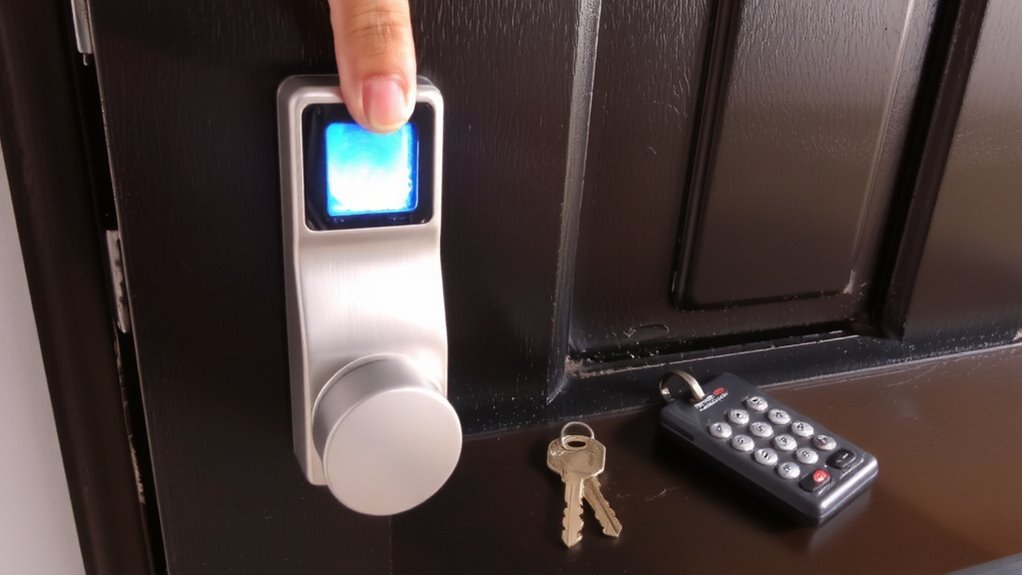
What if you never had to fumble for keys or remember a code again? With biometric door locks, you gain a clear convenience advantage. Your fingerprint or palm print becomes your key, always with you and impossible to lose. Unlike traditional locks, there’s no need to replace locks after a break-in attempt-just reprogram the system. Biometric systems also offer strong theft prevention, since duplicates of your fingerprint aren’t easy to create, unlike copied keys or guessed codes. Keypads are vulnerable to worn buttons revealing frequently used digits, and keys can be stolen or shared without consent. Most biometric models cost between $200 and $400, with installation taking under an hour. Look for models with backup entry methods and encryption. You’ll get both security and ease, making biometric locks a practical upgrade for modern homes. For firearm safety, consider how best biometric trigger locks provide similar fast, personalized access.
Fingerprint vs Face Recognition: Best Type for Homes?
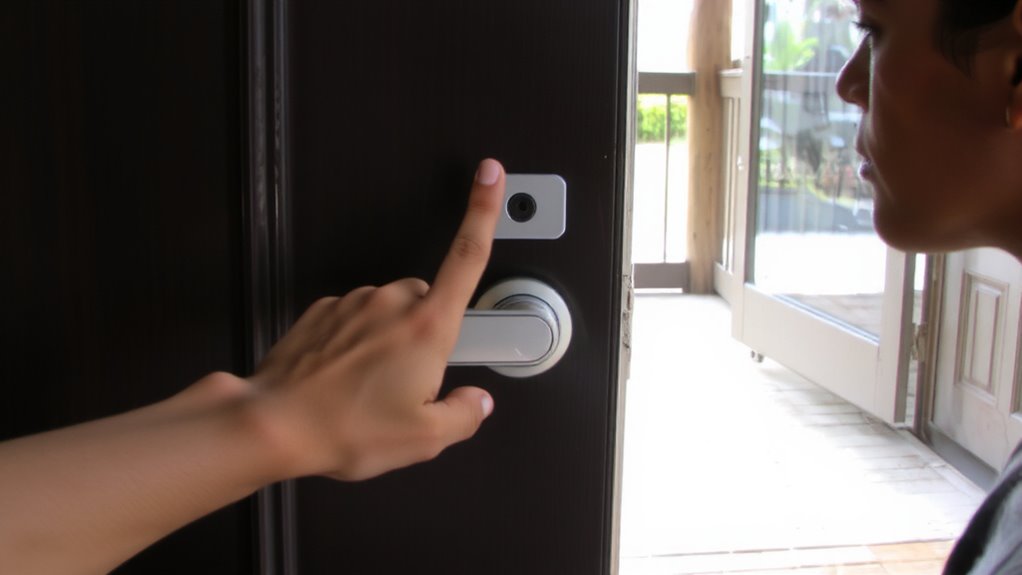
Biometric door locks eliminate the hassle of keys and codes, but choosing the right type matters for home use. Fingerprint scanners are usually more affordable and have lower false rejection rates, especially in consistent lighting and clean conditions. They require direct contact, which some may find less hygienic or convenient. Face recognition offers touchless access, great for busy households, but it can struggle in low light or if you wear hats and glasses regularly. It also raises more privacy concerns, as facial data is more exposed in public. Most modern systems encrypt biometric data, reducing risks. Fingerprint systems typically cost less and integrate well with existing smart home setups. For most homes, fingerprint recognition offers a reliable balance of accuracy, cost, and security. Choose face recognition if touchless access is a priority, but make certain your system minimizes false rejection rates and addresses privacy concerns effectively. A top smart lock option can enhance both convenience and security in your biometric access setup.
Must-Have Biometric Lock Features (Access Logs, Alerts, More)
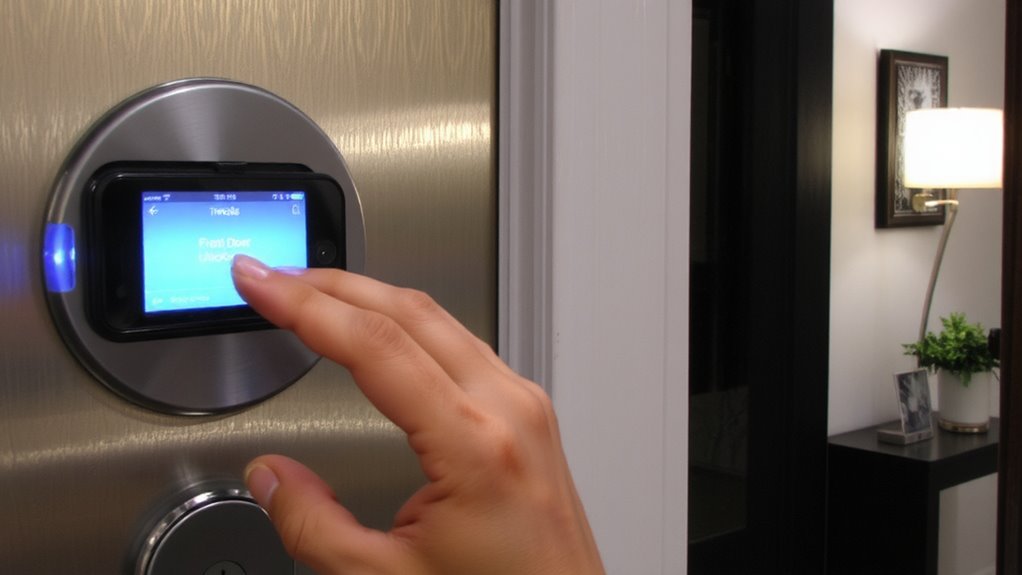
Security begins with visibility, and a reliable biometric lock should let you know exactly who’s coming and going. You’ll want real-time access logs that record each entry, so you can review activity daily or weekly. These logs help spot unusual behavior, like late-night entries, and give peace of mind when family members come home. Alerts sent to your phone notify you instantly when someone enters, whether it’s your teen arriving from school or an unknown attempt. For convenience and security, look for systems that support guest access with temporary codes. These codes expire after a set time, perfect for visitors or service workers. Unlike permanent keys, you don’t need to worry about them being copied or left behind. Make sure the lock stores at least 50 log entries and integrates with your home network for consistent monitoring. Prioritize models that offer both reliability and flexibility in access control. Top-rated smart lock models provide advanced biometric integration alongside robust logging and alert systems.
How to Install a Biometric Door Lock (Step by Step)
You’ve chosen a lock with solid access logs, alerts, and temporary guest codes-features that keep you informed and in control. Installing it yourself is doable with the right installation tools: a screwdriver, drill, measuring tape, and pencil. Start by removing your old deadbolt and latch, then check door thickness compatibility. Use the template from the manual to mark bore and edge bore holes accurately. Most kits include all necessary mounting hardware, like screws and strike plates, so verify each piece fits. Insert the exterior assembly first, align with the interior side, then secure it with mounting hardware. Connect wires if your model has an electronic keypad or Wi-Fi. Test the lock several times before final tightening. Always follow the manufacturer’s guide-it guarantees proper alignment and function. Proper installation extends lifespan and reliability.
Can Someone Hack Your Biometric Lock? Answers Here
What if your fingerprint isn’t as private as you think? Biometric locks are secure, but they’re not immune to threats like biometric spoofing risks. Clever hackers may try fake fingerprints or digital tricks to fool sensors. However, modern systems use strong data encryption methods to protect your info. To help you weigh the risks, here’s a quick comparison:
| Threat Type | Protection Level |
|---|---|
| Fake fingerprint | High (liveness detection) |
| Data theft | Very High (encryption) |
| Sensor tampering | Moderate (hardware shields) |
| Spoof attack | Medium to High (varies by model) |
| Software breach | High (secure firmware) |
You can reduce risks by choosing locks with advanced encryption and anti-spoofing tech. Look for features like live tissue detection and regular firmware updates. While no system is perfect, quality biometric locks offer solid protection when paired with smart security habits.
How Biometric Door Locks Actually Work
Biometric door locks use your unique physical traits to verify identity, starting with how they capture and process your fingerprint. When you place your finger on the scanner, the sensor reads the ridge patterns and converts them into digital data. High sensor accuracy guarantees only authorized prints open the door, reducing false accepts or rejections. The system then checks this data against stored templates in its memory. For security, all biometric data is protected with strong data encryption, making it hard for hackers to access or copy. Most models use AES encryption, a trusted standard. Power comes from batteries, so you’ll need to plan for occasional replacements. These locks offer convenience and security but may struggle in extreme weather. Consider models with backup keys or codes. At $150–$300, they’re a solid investment if you value quick, keyless entry and reliable performance.
On a final note
You now know biometric door locks offer stronger security than keys or keypads, using unique traits like fingerprints or facial patterns. They cut lock-picking risks and track access, but cost more and need power. Choose models with logs, alerts, and encryption. Installation is DIY-friendly, yet reliability depends on quality. While no system is unhackable, strong biometrics reduce most common break-in methods. Always pair them with other security steps.