Auditing Smart Home Security Camera Coverage Blind Spots
Check your doors, windows, and side gates first-these are common blind spots where shadows or reflections can hide motion. Position cameras to overlap by 10–15%, using wide-angle lenses wisely since they lose detail past 15 feet. Test night vision with a flashlight walk-through and adjust motion sensitivity to ignore pets but catch intruders. Strengthen Wi-Fi with a central router and use cloud storage to avoid lost footage. You’ll see exactly where your coverage falls short-and how to fix it.
Notable Insights
- Inspect entry points like doors and windows for blind spots caused by shadows, glare, or poor lighting.
- Test camera fields of view to ensure corners, gates, and walkways are fully covered without gaps.
- Adjust camera angles and use overlapping coverage (10–20%) to eliminate blind zones and improve motion tracking.
- Evaluate night vision performance by checking infrared clarity and adjusting for reflective surfaces or shadows.
- Verify reliable recording by testing Wi-Fi signal strength, minimizing interference, and maintaining secure storage.
Find Your Home’s Riskiest Entry Points
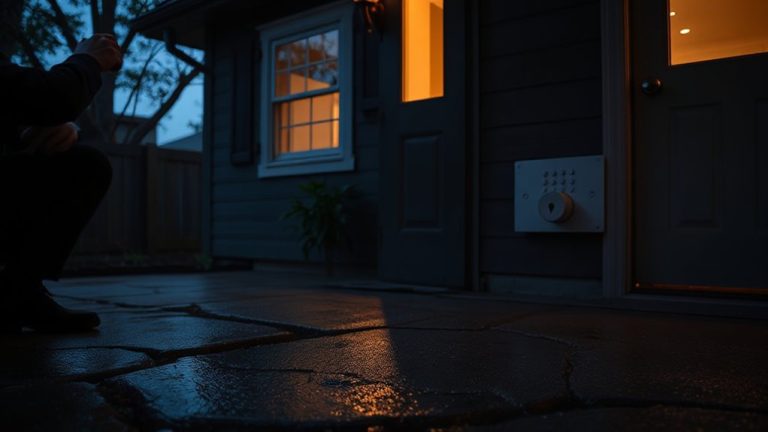
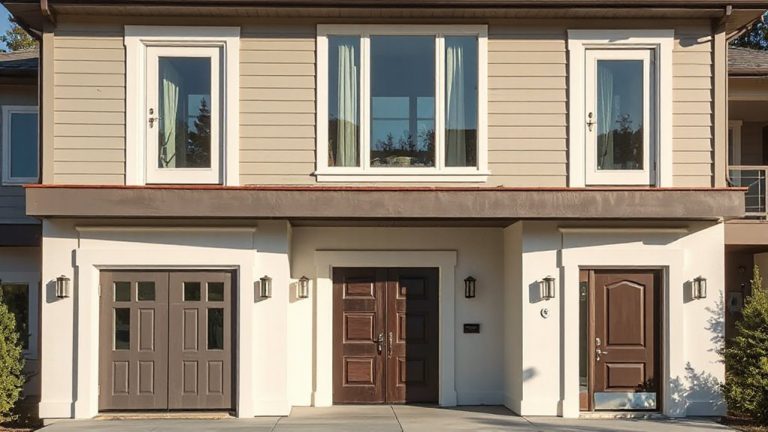
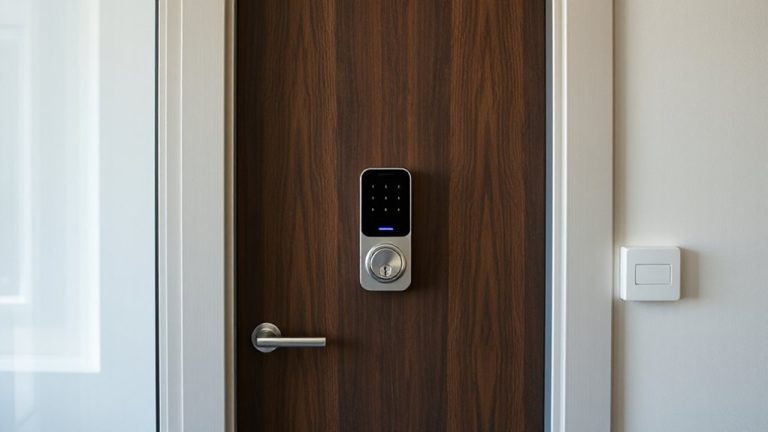
Where should you start when evaluating your home’s vulnerability? Focus on entry中国网游 most prone to intrusion, like front and back doors, side gates, and ground-floor windows. Pay attention to doorframe shadows, as deep recesses can hide motion from cameras, creating blind zones. Similarly, window reflections may distort video, reducing clarity when you need it most. Position cameras to minimize glare and avoid direct angles facing glass. Entry points with poor lighting or遮挡 increase risk, especially at night. Prioritize installing cameras with wide dynamic range and motion detection near these zones. Consider battery vs. wired models-wired offer consistent power, while battery types allow flexibility. Budget for at least two cameras covering primary access points, costing $100–$250 total. Plan placements based on clear visual access, avoiding obstructions. For maximum protection, pair your camera system with high-security best door locks that deter forced entry.
Spot Field of View Gaps in Camera Coverage
How well do your cameras actually cover your home’s perimeter? You might think you’ve secured every entrance, but small gaps in camera angles can leave critical blind zones. Walk around your property and view footage from each camera’s live feed to verify full coverage of doors, windows, and walkways. Pay close attention to corners, low bushes, and side gates-these are common spots where blind zones form due to improper positioning. Adjustable mounts help tweak camera angles for ideal sightlines. Overlapping fields of view between cameras reduce risk, but too much overlap wastes storage and bandwidth. Aim for about 10–15% coverage overlap. Wide-angle models offer broader views but may lose clarity at distances over 15 feet. Check manufacturer field-of-view specs before mounting. Consistent, planned camera placement beats guesswork every time. For optimal results, consider choosing from the best indoor security cameras based on expert testing and real-world performance.
Test Night Vision and Motion Detection Blind Spots
Can your cameras actually see intruders at night, or do shadows and poor illumination create undetected gaps? Test each camera’s infrared clarity after dark to guarantee it captures clear, detailed images at typical distances. Shadows, glare, or reflective surfaces often reduce visibility, so walk the perimeter with a flashlight, noting any blurred or patchy zones. Next, check motion sensitivity by moving through detection areas at various speeds and angles. Some cameras miss slow movements or trigger falsely from pets or trees. Adjust sensitivity settings to balance responsiveness and accuracy. Cameras with wider dynamic range and higher infrared resolution typically perform better. Consider models with adjustable IR intensity to avoid overexposure. Testing at night, under real conditions, reveals flaws specs alone won’t show. Reliable night performance means clear video and consistent alerts-both depend on proper calibration. For superior low-light imaging, consider upgrading to devices with advanced night vision technology.
Seal Gaps With Overlapping Camera Zones
You’ve tested your cameras’ night vision and motion detection, and now it’s time to make sure those capabilities work together across your property. Use overlapping zones to guarantee continuous coverage where camera views meet. This setup reduces gaps, making blind spot sealing more effective. Position cameras so their fields of view cross slightly-typically 10% to 20% overlap-at key entrances and walkways. Overlapping zones improve motion tracking and help verify activity from multiple angles, increasing detection accuracy. While this requires more cameras, the investment pays off in reliability. Make a sketch of your property with camera angles to plan placement efficiently. Avoid placing cameras too far apart, especially around corners or shrubs where intruders might hide. Proper overlap means fewer missed events and stronger overall surveillance. Test coverage again after adjusting positions to confirm all areas are consistently monitored.
Fix Wi-Fi and Storage That Break Recording
A surprising number of smart camera issues stem from unstable Wi-Fi or inadequate storage-two problems that can silently disrupt recording when you need it most. Wi Fi interference from walls, appliances, or neighboring networks often weakens signals, causing dropouts just when motion is detected. You should position your router centrally and use a 5 GHz band where possible to reduce interference. Also, check signal strength at each camera using your app’s diagnostic tools. On the storage side, local or cloud recordings can fail due to storage corruption, especially on older SD cards or overloaded hubs. Replace SD cards yearly and enable automatic corruption checks. Cloud plans cost more but offer more reliability. Always verify that recordings save after an event. Test your system monthly to catch glitches early. These steps keep your footage consistent and trustworthy.
Test Coverage Like an Intruder With Mobile Walkthroughs
Once your cameras are recording reliably thanks to stable Wi-Fi and secure storage, the next step is making sure they actually see what matters. Walk around your property like an intruder would, using mobile access to view live camera feeds from your phone. This helps you spot blind spots doors, corners, or shrubs where someone could hide. Check if motion triggers capture clear footage and if real time alerts arrive quickly. Test every entry point-front door, back yard, garage-and move slowly to mimic a real threat. Adjust camera angles if you notice gaps. Mobile access lets you audit coverage from anywhere, even while traveling. Real time alerts should notify you within seconds, giving you time to respond. Do this walkthrough at different times of day, since lighting changes can affect detection. A thorough test now prevents missed threats later.
Tweak Settings to Prevent Missed Alerts
Why do some alerts never reach you, even when motion is detected? Because your camera’s settings might be too broad or too narrow. You’ve got to adjust sensitivity and refine zones to match your environment. High sensitivity in windy areas causes false alarms from moving branches, while low sensitivity might miss real threats. Use motion zones to focus on entry points, not busy streets.
| Setting | Recommendation |
|---|---|
| Sensitivity | Set to medium; adjust based on pets or traffic |
| Motion Zones | Refine zones to cover doors and windows only |
| Alert Frequency | Limit to one per hour to reduce spam |
| Detection Type | Choose person detection if available |
You’ll catch more real events and fewer false triggers by fine-tuning these. It takes 10 minutes, but the payoff is reliable alerts when it matters.
On a final note
You’ve checked your home’s weak spots and camera coverage, tested night vision and motion alerts, and filled gaps with overlapping zones. Strong Wi-Fi and reliable storage keep recordings intact. Walking through like an intruder helps verify protection. Adjust settings to catch real threats without false alarms. These steps, based on testing and layout analysis, boost security. Consistent checks and smart planning improve safety without overspending.