Balancing Convenience and Security in Smart Home Automation
You’re trading convenience for privacy when smart devices collect your routines and conversations. Choose models with encryption, automatic updates, and strong authentication to reduce risks. Set up a separate Wi-Fi network using WPA3 and enable guest access to isolate devices. Limit voice assistant listening and camera recording times, prefer local storage, and review settings regularly-small steps that markedly boost security without sacrificing ease of use, especially as updates can reset defaults. There’s more to optimizing your setup efficiently.
Notable Insights
- Choose smart devices with built-in encryption, strong authentication, and regular automatic firmware updates to ensure long-term security.
- Set up a dedicated, segmented Wi-Fi network for smart devices using WPA3 encryption and a strong, unique password.
- Enable automatic updates and guest network access to maintain security without sacrificing ease of use.
- Limit always-on audio and video surveillance by scheduling recordings and using motion triggers to reduce privacy risks.
- Prefer local data storage and reputable brands with clear privacy policies to minimize exposure of personal information.
Know the Security Risks Behind Smart Home Convenience
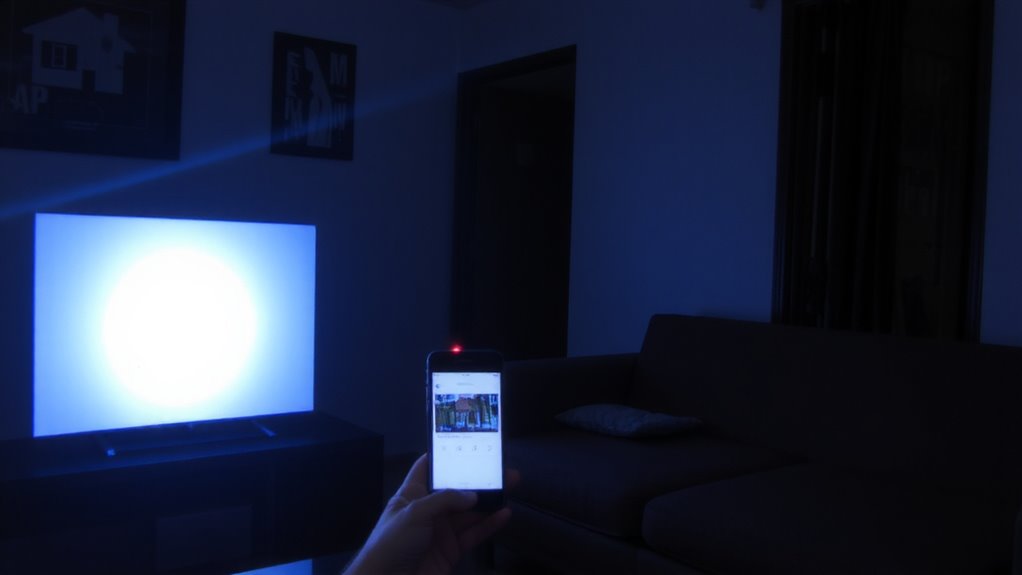
While smart home devices make life easier, you should be aware of the security risks that come with that convenience. These gadgets often involve privacy trade offs, since many collect personal data to function. Manufacturers may engage in data harvesting, storing or even selling information about your habits, like when you’re home or what you watch. This data can be exposed if a device lacks protection or gets hacked. You might not realize how much you’re sharing, especially with voice assistants and cameras constantly listening or watching. Though useful, these tools create digital footprints that could be misused. Understanding these risks helps you make informed choices. Consider what information you’re comfortable sharing and review privacy settings regularly. Being aware of privacy trade offs and data harvesting guarantees you benefit from automation without unknowingly sacrificing security.
Pick Smart Devices With Built-In Encryption and Regular Updates
You can reduce many of the privacy and security risks linked to smart home devices by choosing products designed with strong protection features from the start. Look for built-in encryption to keep your data private during transmission. Devices with strong device authentication guarantee only authorized gadgets connect to your system. Check for regular, automatic firmware updates from the manufacturer-they’re key to maintaining firmware integrity over time. Without updates, even secure devices become vulnerable. Read reviews and check for known security certifications. Some brands cost more, but the higher upfront price can save money in long-term risks. Avoid no-name brands with no update history. Prioritize models that notify you when updates are available and support long-term patches. These features aren’t perfect, but they’re proven to lower breach risks markedly.
Set Up a Secure Smart Home Network in Minutes
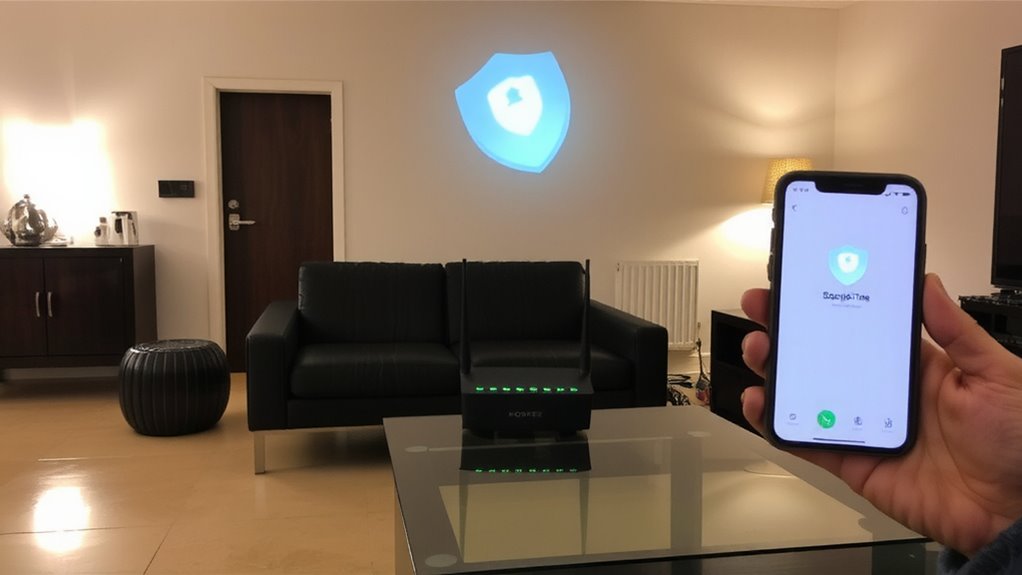
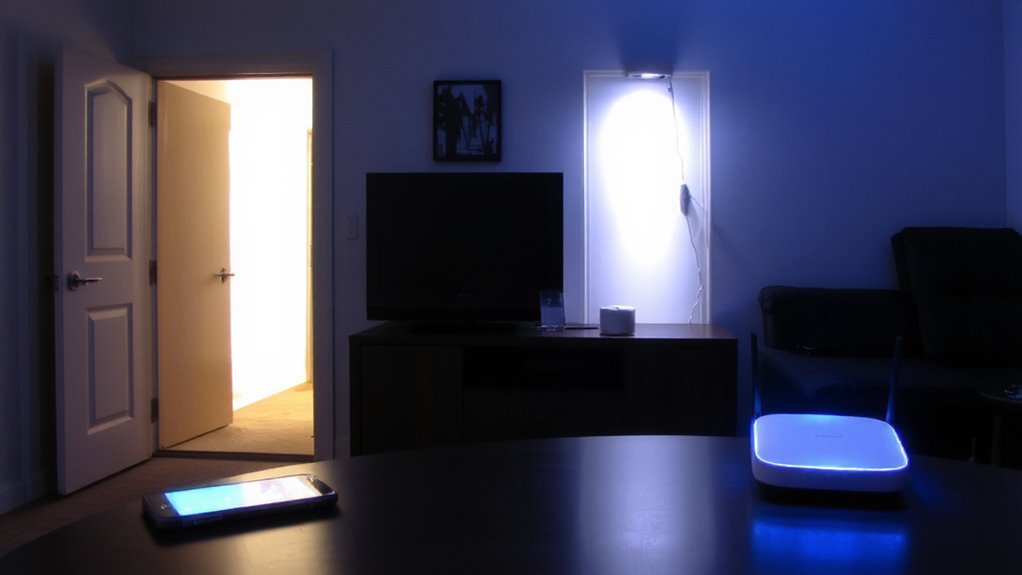
Since your smart home devices are only as secure as the network they connect to, setting up a dedicated and well-protected Wi-Fi network is a fast, effective way to minimize risks. Start by enabling network segmentation, which separates smart devices from your main network, reducing exposure if one device is compromised. Most modern routers support guest networks or VLANs-use them to isolate devices like cameras and smart speakers. During device pairing, always use WPA3 encryption if available, or WPA2 as a minimum, and avoid open or default passwords. Choose a strong, unique password for your smart network, and label it clearly to avoid confusion. This setup takes under ten minutes but substantially improves security. While segmenting networks may slightly complicate control apps, the protection far outweighs the minor inconvenience. Prioritize router models with easy segmentation tools to streamline device pairing and management.
Turn On Automatic Updates and Guest Access by Default
A secure network sets the foundation, but keeping devices up to date and managing access wisely guarantees that protection stays strong over time. You should turn on automatic updates by default-this assures you get critical security patches without delay. Many breaches happen because outdated firmware leaves devices vulnerable. Enabling guest access by default also helps, giving visitors internet without exposing your main network. While default settings can boost convenience, don’t lose sight of user control. You can adjust permissions later, but starting secure saves effort. Balance ease and safety with smart defaults.
| Feature | Pro | Con |
|---|---|---|
| Automatic Updates | Patches security flaws fast | Rarely may disrupt function |
| Guest Access (Default) | Isolates main network | Requires setup time |
| Default Settings | Quick setup, baseline security | May need user control tweaks |
Limit Voice Assistant Listening and Camera Surveillance Times
How much of your private life should devices record by default? You should limit voice assistant listening and camera surveillance times to protect your privacy boundaries. Most smart devices constantly collect data, increasing unintended data retention. By adjusting settings, you can set voice assistants to stop listening when not in use and schedule cameras to record only during specific hours. This reduces the chance of capturing sensitive moments. Some systems offer local storage, which improves security over cloud options. Others include motion-triggered recording, minimizing unnecessary footage. Check device settings regularly, as updates can reset preferences. While convenience matters, consistent monitoring increases risk. Shortening active surveillance times balances functionality and safety. Look for models with clear privacy controls and transparent data policies. You’ll maintain automation benefits without compromising personal security. Top-rated models often feature best home security cameras with apps that allow granular control over recording schedules and data access.
On a final note
You can enjoy smart home convenience without risking security. Choose devices with encryption and automatic updates, and connect them to a secure network. Limit camera use and voice assistant access to only what you need. These steps reduce vulnerabilities while maintaining functionality. While no system is perfect, balancing features, cost, and precautions gives you control, protection, and peace of mind-all without complicated setups or high expenses.