Blocking Unauthorized Firmware Updates That Could Compromise Smart Lock Encryption Standards
You can block unauthorized firmware updates by choosing smart locks with Secure Boot, which only allows manufacturer-signed firmware to run. This prevents attackers from downgrading encryption or installing malicious code. Always download updates directly from the manufacturer over a secure network, verify digital signatures, and avoid suspicious update alerts. Look for models with automatic, encrypted updates and strong authentication. A trusted lock won’t accept hidden or unsigned changes-keeping your encryption standards intact. The right model gives you long-term confidence in your home’s security.
Notable Insights
- Enable Secure Boot to ensure only manufacturer-signed firmware can run on the smart lock.
- Verify firmware updates are cryptographically signed to prevent installation of unauthorized code.
- Only download updates from official manufacturer channels using encrypted, authenticated connections.
- Monitor for red flags like unsigned files, vague changelogs, or unexpected battery drain post-update.
- Choose smart locks with automatic, encrypted updates and a strong vendor security track record.
How Bad Firmware Breaks Your Smart Lock
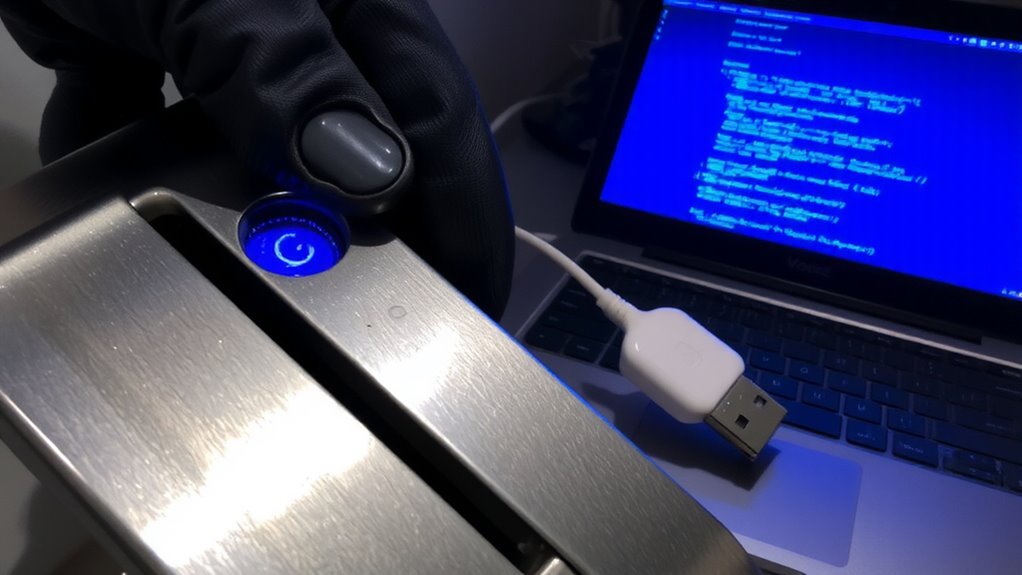
While smart locks offer convenience and advanced security, installing unauthorized or compromised firmware can leave your system vulnerable to serious malfunctions. You might not realize it, but firmware tampering opens the door to attackers who can hijack your lock’s functionality. Malicious actors often exploit weak update processes to force an encryption downgrade, weakening the protection between your device and the network. This means your lock could revert to outdated, insecure protocols, making it easier to intercept codes or gain unauthorized access. Once compromised, you lose control-locks may fail to respond, open unexpectedly, or stop working altogether. These risks aren’t theoretical; security audits have confirmed such failures in widely used models. To protect yourself, only install updates from verified sources and check if your device alerts you to firmware changes. Avoid sideloading software, and choose locks that support secure, automatic update verification-your home’s safety depends on it.
How Secure Boot Protects Your Smart Lock
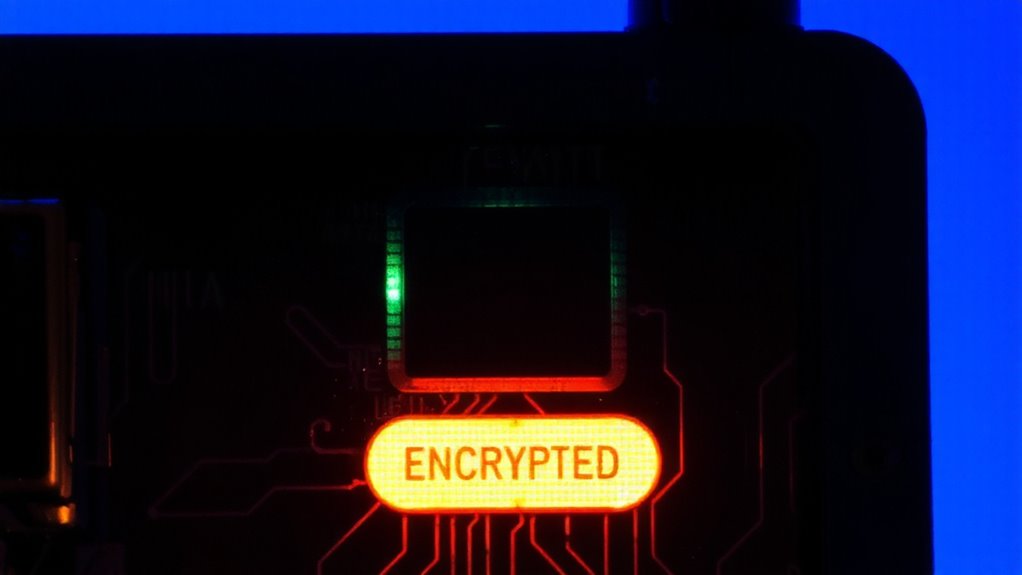
Because your smart lock is only as secure as the software running on it, having a way to verify that firmware hasn’t been tampered with is essential-and that’s where Secure Boot comes in. It guarantees only trusted, manufacturer-signed firmware can run by using secure authentication during startup. If unauthorized changes are detected, the system halts the boot process, preventing compromised software from taking control. This built-in tamper detection adds a critical layer of protection against hackers trying to install malicious updates. Secure Boot relies on cryptographic checks, comparing the firmware’s digital signature to trusted keys stored in hardware. If they don’t match, the lock won’t operate. While it can’t protect against physical attacks or weak passwords, it stops remote firmware exploits effectively. Look for smart locks with Secure Boot enabled by default, as it’s a baseline security requirement. It’s especially important for devices receiving frequent updates. For added confidence in long-term protection, consider models highlighted in expert-recommended lists such as top picks that emphasize both security and reliability.
Spot Red Flags in Smart Lock Updates
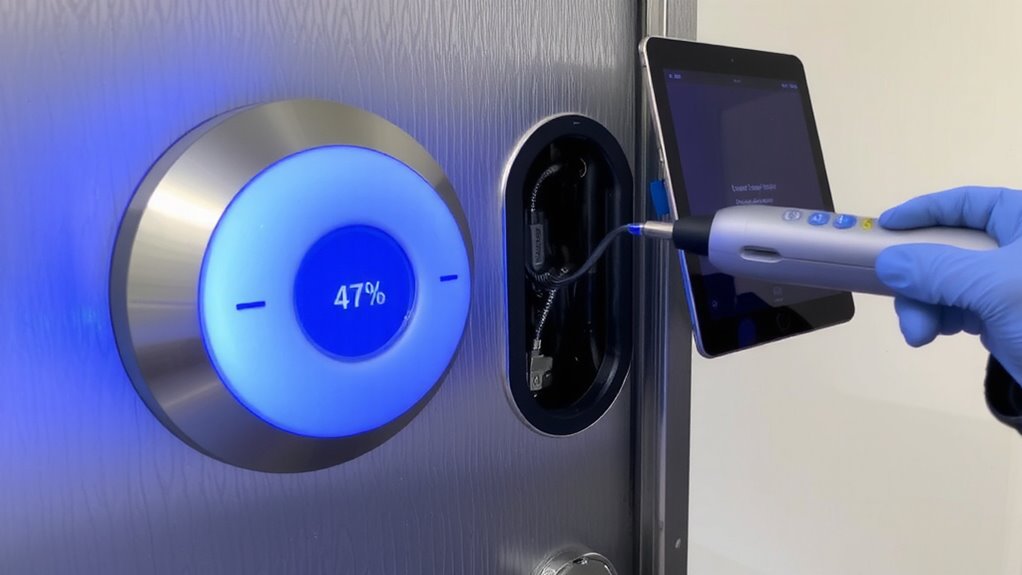
You’ve seen how Secure Boot stops unauthorized firmware from loading, but staying protected also means knowing when an update itself might be suspicious. Watch for warning signs like unexpected update delays or vague changelogs. Some updates may include hidden permissions that give the app more access than needed. Always verify the source and check your manufacturer’s official site before proceeding.
| Red Flag | What It Means |
|---|---|
| Sudden update delays | Could signal development issues or malicious interference |
| Hidden permissions | May allow data collection or remote control you didn’t approve |
| Unsigned update files | Not verified by the manufacturer; higher risk |
| Unusual battery drain after update | Possible sign of background malware activity |
When in doubt, pause and investigate. Trust only updates with clear documentation and digital signatures from your lock’s maker.
Update Your Smart Lock Safely
If you’re preparing to update your smart lock, start by confirming the update is delivered directly from the manufacturer through a verified channel, since third-party sources can introduce security risks. Always enable user authentication before starting, so only authorized people can approve changes. Use strong, unique passwords or biometrics to protect access. Schedule updates during safe times-like daytime hours-using built-in update scheduling to avoid disruptions. Avoid public Wi-Fi when installing firmware; use your home network for better control. Make sure your lock has power or strong battery levels to prevent failed updates. Most modern systems notify you when an update is official, but double-check via the manufacturer’s website. Never skip verifying digital signatures or update logs. These steps reduce the chance of tampering and help keep encryption standards intact.
Pick a Smart Lock With Secure Updates
When choosing a smart lock, one of the most important features to check is secure firmware update support, since regular updates protect against emerging threats and patch known vulnerabilities. You want a lock that uses encrypted, signed updates to block unauthorized changes. Look for models that enable remote access only after strong user authentication, like two-factor verification. This reduces the risk of hackers taking control. Reliable brands often provide automatic updates, minimizing user error. Check if the manufacturer has a clear security track record and how long they commit to issuing patches. Some locks cost more upfront but save money long-term by avoiding breaches. Make sure the app logs access attempts and allows you to disable remote features if not needed. A well-designed update system keeps you protected without sacrificing convenience, balancing automation with security checks you can trust. Consider models highlighted in expert reviews, such as those in the Best Smart Locks roundup, to ensure you’re choosing a device with strong security standards.
On a final note
You should always check if your smart lock uses secure boot, as it blocks unapproved firmware that might weaken encryption. Look for updates only from trusted sources, and avoid third-party patches. Choose models with automatic, signed updates and clear patch histories. These features help protect against tampering. Though secure models may cost more, the long-term safety they offer justifies the price.