Understanding the Impact of Network Latency on Remote Monitoring Capabilities in Home Security Systems
You feel network latency when your security camera lags or alerts arrive late, putting your response at risk. Delays over two seconds can hinder emergency actions, especially if bandwidth is low or your Wi-Fi signal is weak. Systems using older routers or high-definition video without edge processing often struggle more. Poor placement and network congestion add to delays, increasing false alerts and reducing trust. Prioritizing security devices with QoS or switching to wired connections helps. You’ll find better ways to improve response just ahead.
Notable Insights
- Network latency delays alert transmission, reducing response time during security incidents.
- High latency causes live feed lag, impairing real-time remote monitoring of camera footage.
- Delayed data can trigger false alerts, increasing alert fatigue and desensitizing users.
- Bandwidth limitations and poor Wi-Fi signal strength significantly contribute to increased latency.
- Using wired connections, QoS settings, and modern routers helps minimize latency for reliable monitoring.
What Is Network Latency in Home Security?
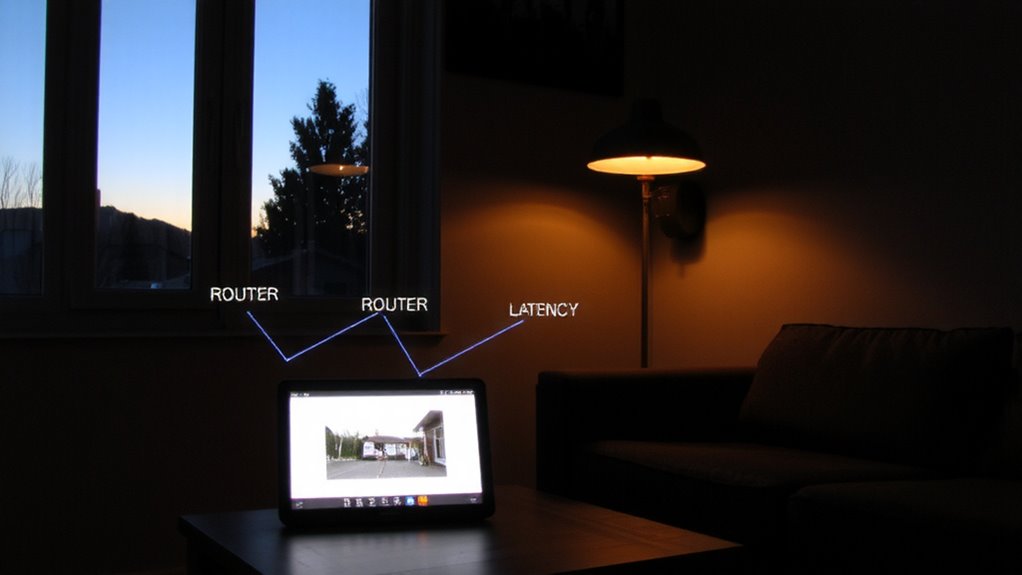
Latency, in simple terms, is the delay between when a device sends a signal and when it’s received. In your home security system, this lag can affect how quickly alerts reach you or monitoring services. It’s influenced by network protocols, which govern how data moves across your network, and device synchronization, guaranteeing all components operate in unison. High latency may cause video feeds to lag or alarms to trigger late. Most modern systems aim for under 100 milliseconds of latency, but Wi-Fi congestion or outdated routers can increase delays. To minimize latency, use wired connections where possible, upgrade to a quality router, and guarantee all devices support current protocols like TCP/IP or MQTT. While lower latency improves responsiveness, balancing performance with cost is key-enterprise-grade gear offers improvements but may not be necessary for typical homes. Test your setup regularly to maintain reliable device synchronization.
Why Latency Delays Critical Security Alerts
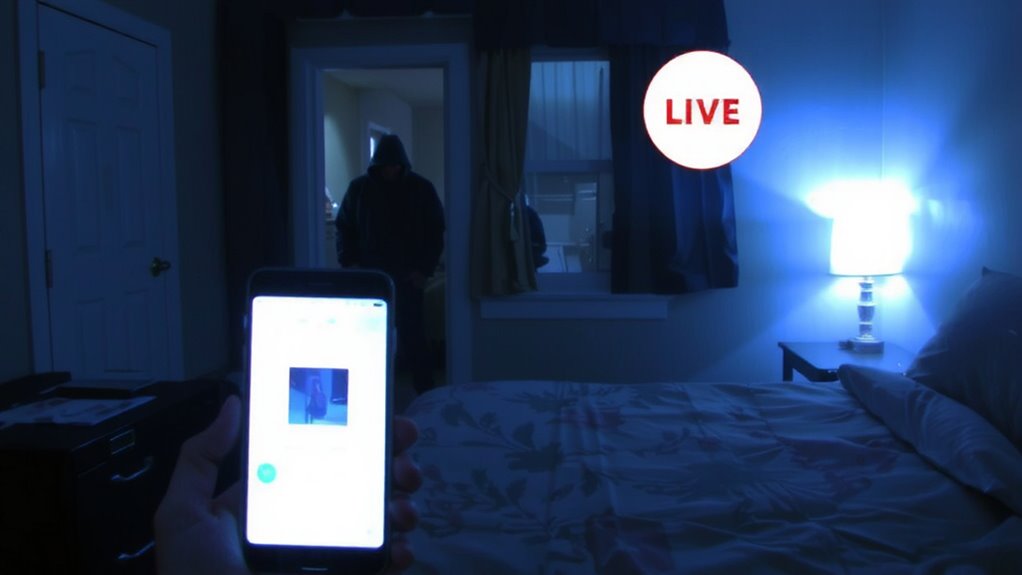
When every second counts during a break-in or emergency, even a small delay in your security system’s response can make a big difference, and that’s where network latency becomes a real concern. If your system takes too long to send an alert, you might not respond in time, letting minor intrusions turn into major thefts. High latency can also trigger false positives-alerts for non-threats-because delayed data confuses motion detection algorithms. When alerts come slowly or inaccurately, you’re more likely to experience alert fatigue, ignoring warnings or disabling features altogether. Studies show users with frequent false positives are 40% more likely to miss real threats. To reduce risk, choose systems with low-latency networks and edge processing, which analyze data locally and cut transmission delays. While these models may cost more upfront, their reliability improves response times and reduces fatigue, giving you faster, more trustworthy protection when it matters most.
Why Your Security Camera’s Live Feed Lags
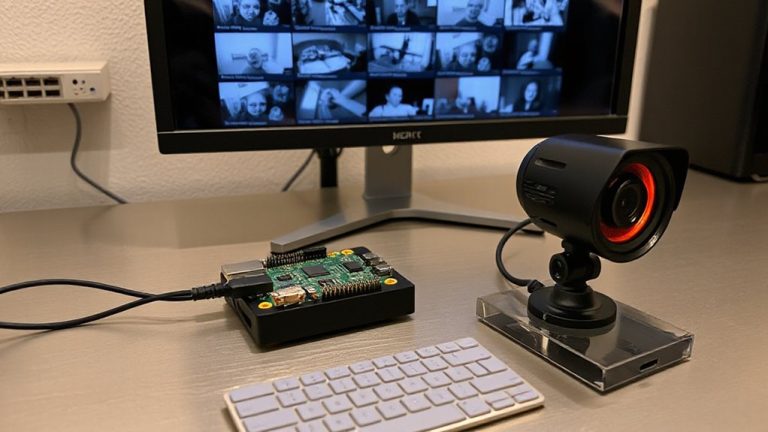
You’ve probably noticed it while checking in on your home: the live feed from your security camera doesn’t match real time-it’s a few seconds behind. This lag often stems from how your network handles data, particularly due to limited bandwidth allocation. When multiple devices use your internet, your camera may not get enough data throughput, delaying the video stream. Poor camera placement can make it worse-placing a camera far from your router weakens the signal, increasing transmission time. Walls, interference, and distance all degrade Wi-Fi performance, forcing the camera to retransmit data, which adds latency. You can reduce lag by prioritizing your camera in your router’s bandwidth allocation settings or using wired connections. Also, consider central camera placement near the router for stronger, more consistent signals. These steps improve feed responsiveness without costly upgrades.
Why Home Security Systems Suffer From High Latency
Though your home security system promises real-time alerts and instant access to camera feeds, delays in response times are common-and often tied directly to your network’s ability to process and transmit data efficiently. You might experience lag because of bandwidth throttling, especially if your internet service provider limits data during peak hours or if other devices hog your connection. Streaming high-definition video uses a lot of bandwidth, and when your network can’t keep up, latency spikes. Hardware limitations also play a big role; older routers or low-powered security hubs can’t handle data as quickly as modern systems require. Even camera placement and Wi-Fi signal strength affect performance. Upgrading your router, using wired connections, or choosing systems with local storage and edge processing can reduce delays. Investing in quality hardware and monitoring your network usage helps guarantee reliable, low-latency security monitoring.
Test Your Security System’s Latency
How quickly does your security system respond when motion is detected? Testing your system’s latency helps you find out. Start with a simple latency measurement: trigger motion near a camera and note how long it takes for the alert to reach your phone. Repeat this at different times of day to account for network fluctuations. Accurate results require consistent testing conditions and tools like a stopwatch app or video recording. Proper system calibration guarantees sensors, cameras, and your network are synchronized, reducing delays caused by misconfigured devices. A latency under two seconds is ideal for reliable monitoring. If delays exceed five seconds, consider testing bandwidth or router placement. Regular checks help maintain performance, especially after software updates or new smart home integrations. Stay proactive-low latency means faster alerts and better peace of mind.
Fix Latency in Real-Time Monitoring
A few seconds of delay might not seem like much, but in real-time home security monitoring, even small lags can affect your response time during a potential incident. You can reduce latency by optimizing bandwidth allocation and ensuring precise device synchronization across your system. Prioritize security cameras on your network to prevent buffering, and use Quality of Service (QoS) settings on your router. Adding a WiFi extender for Ring can significantly improve signal strength and reduce latency, especially in larger homes where the camera is far from the router. Below are key factors influencing latency:
| Factor | High Impact | Low Impact |
|---|---|---|
| Bandwidth allocation | 4K streaming | Motion alerts only |
| Device synchronization | Multiple synced cams | Single camera use |
| Network type | 5 GHz Wi-Fi or Ethernet | Standard 2.4 GHz Wi-Fi |
Upgrade hardware if needed, but test changes first. Consistent device sync and smart bandwidth use improve response reliability without costly investments.
On a final note
You can reduce network latency by upgrading your internet plan, using wired connections, or choosing cameras with edge processing. High latency delays alerts and disrupts live feeds, so prioritize systems with low ping times and local storage. Test your setup monthly. While mesh networks help, they may add cost. Consider latency when comparing models-it affects reliability more than specs suggest. Plan for future bandwidth needs.