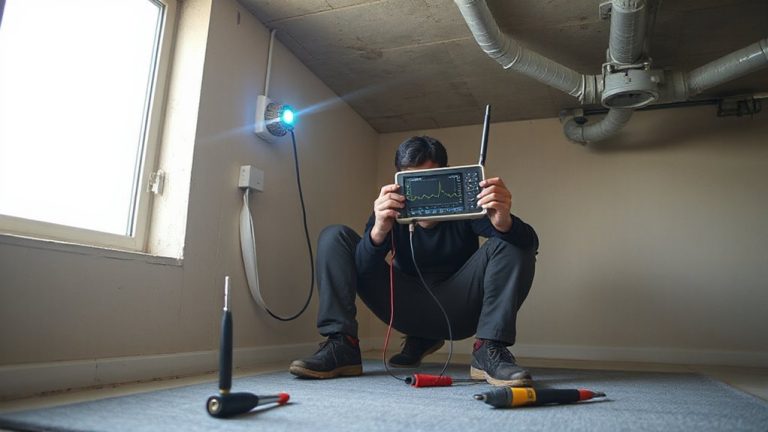
Can Power Outages Disable Your Home Alarm? Solutions That Keep You Protected
Power outages won’t disable your alarm if it has a working backup battery and cellular connectivity. Most systems stay active for 4–12 hours on battery power, and cellular signals keep monitoring live if the internet fails. Check your battery monthly, replace it every 3–5 years, and confirm cellular service is enabled. Systems with dual-path communication and UL certification offer the best reliability. You’ll want to know how to test and maintain each component for full protection.
Notable Insights
- Most home alarm systems stay active during power outages thanks to built-in battery backup.
- Backup batteries typically last 4–12 hours and should be replaced every 3–5 years.
- Older or poorly maintained systems may fail during outages due to weak or dead batteries.
- Cellular connectivity ensures alarms can signal monitoring centers even when internet is down.
- Regular testing, surge protection, and backup power solutions enhance outage readiness.
What Happens to Your Alarm When Power Goes Out
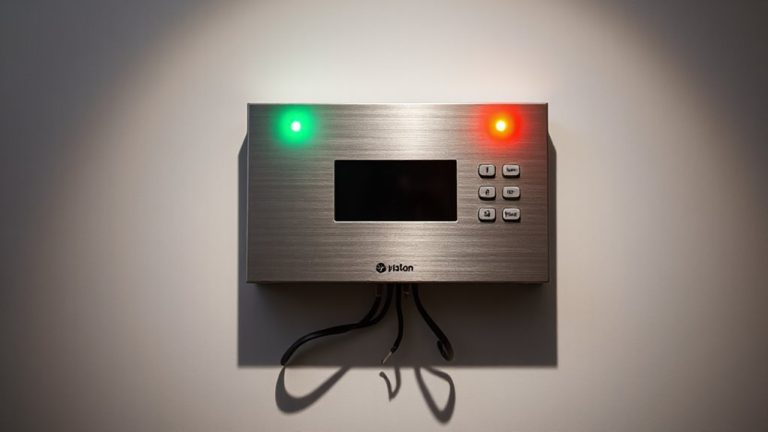
Even if the power goes out, your home alarm system usually keeps running because most models come with a backup battery designed to take over during outages. Your alarm behavior remains consistent in these moments, triggering as normal if sensors detect intrusion. Most systems monitor their own power dependency, sending alerts if the main supply fails or the backup battery runs low. These batteries typically last 4–12 hours, depending on the model and usage. While this gives you short-term protection, prolonged outages can drain the backup. To stay secure, test your alarm monthly and replace backup batteries every 3–5 years. Wired systems rely more on external power, increasing power dependency, but still function briefly during outages. For uninterrupted coverage, consider systems with cellular backup and battery redundancy. Knowing your alarm’s behavior guarantees you’re protected when the grid fails. Top-rated systems often include battery redundancy to extend protection during extended outages.
Which Alarms Work During a Blackout?
Most home alarm systems are designed to stay active during a blackout, but not all perform equally well. Wired systems with battery backups typically keep running, while older or poorly maintained units may suffer sensor failures. Modern wireless alarms often rely on long-lasting batteries and cellular connectivity, reducing the risk of false alarms during outages. Look for models with UL certification and low-voltage battery indicators to guarantee reliability. Systems using landline connections are more prone to disruption, increasing chances of missed alerts or false alarms. Opt for ones with dual-path monitoring-cellular and internet-to maintain communication. Avoid DIY systems with known firmware bugs that can trigger sensor failures. Higher-end options cost more upfront but reduce long-term risks. Check warranty terms and test monthly. Choose a system built for consistency when the power fails. A reliable choice includes systems with best home alarm systems that are specifically engineered for uninterrupted performance during emergencies.
How Battery Backup Keeps Your System Running
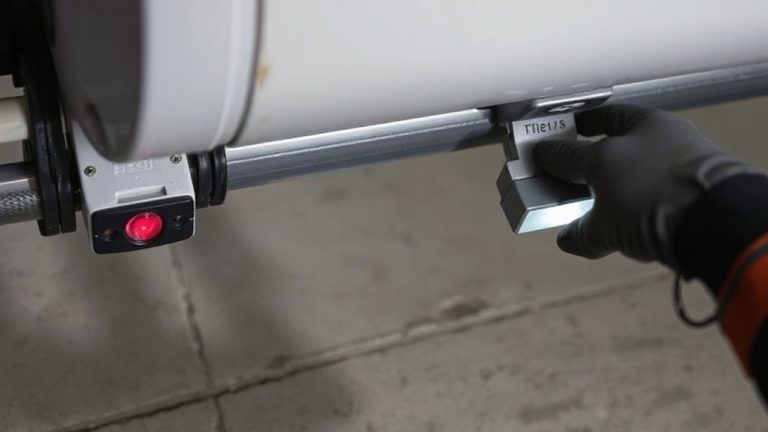
When the power goes out, your alarm system won’t fail you as long as it has a working battery backup, which typically kicks in automatically within seconds. These batteries are designed to support your system for several hours, guaranteeing continuous monitoring and power resilience. Most systems use sealed lead-acid or lithium-ion batteries that last 3–5 years with proper battery maintenance. To maintain reliability, test the backup monthly and replace it before it degrades. While some alarms have built-in alerts for low battery, others require manual checks. Battery backup doesn’t restore power to your home, but it keeps sensors, control panels, and internal sirens active. Investing in regular battery maintenance extends system life and guarantees operation during extended outages. Though no battery lasts forever, a well-maintained one greatly strengthens your home’s security infrastructure when the grid fails.
How Cellular Connectivity Prevents Signal Loss
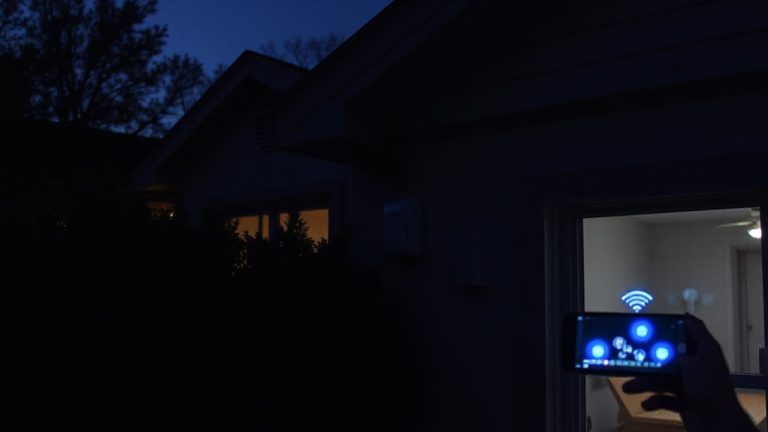
If the power goes out and your home loses internet, a cellular connection keeps your alarm system online by sending signals through a wireless network instead of a landline or broadband. You’ll still get alerts and monitoring even during outages, thanks to cellular redundancy, which acts as a backup communication path. This means if one network fails, another can take over, ensuring continuous protection. Plus, modern systems use signal encryption to keep your data secure as it travels between your home and the monitoring center. Hackers can’t easily intercept or tamper with encrypted signals, so your privacy stays intact. Most professional alarm systems now include cellular capability as a standard or optional feature, often with a small monthly fee. While not free, it’s a reliable upgrade worth considering for uninterrupted security coverage when traditional lines fail.
5 Steps to Prepare Your Alarm for an Outage
You’ve likely set up cellular backup to keep your alarm running during internet or power failures, but that’s only part of the preparation. Make sure your system has a fully charged battery backup, and check it monthly-most alarms signal low power automatically. Perform regular alarm testing at least once a month to confirm all sensors, the control panel, and alerts respond properly. Use these tests to verify that emergency contacts receive notifications. Schedule quarterly emergency drills with your household so everyone knows evacuation routes and how to respond when the alarm sounds. Keep contact info for your alarm provider and electrician easily accessible. Consider a surge protector for main components. Battery backups typically last 4–8 hours; if outages in your area last longer, invest in a generator for continuous protection. Planning increases reliability when it matters most. A reliable top security system will include both cellular backup and robust battery performance to stay operational during extended outages.
On a final note
Yes, power outages can disable some home alarms, but systems with battery backup and cellular connectivity keep working. Battery backup typically lasts 4–24 hours, depending on the model. Cellular monitoring avoids landline or internet outages. Choose systems with both features for reliability. Test monthly and replace backup batteries every 3–5 years. Investing $200–$500 upfront boosts long-term security. Always check local alarm codes and monitor compatibility.