How to Configure Remote Monitoring for Homes in High-Crime Neighborhoods
Choose a remote monitoring system with 1080p video, encrypted signals, and motion sensors to deter intruders. Focus on securing basement windows and garage doors-common break-in points-using contact sensors and reinforcement. Place cameras at entry points, angled to capture faces and license plates, and avoid glare from lights. Enable real-time alerts with adjustable sensitivity to reduce false alarms. Keep your system secure by using strong passwords, separate networks, and regular updates. You’ll soon see how small adjustments improve protection.
Notable Insights
- Install smart sensors on doors, windows, and garage entries to detect unauthorized access promptly.
- Use 1080p cameras with infrared support and position them at entry points to capture clear footage day and night.
- Enable real-time motion alerts with customizable sensitivity to reduce false alarms and ensure immediate notification.
- Secure video data with end-to-end encryption and isolate cameras on a dedicated network to prevent cyber intrusions.
- Reinforce basement windows and garage doors with sensors and brackets, as these are common break-in points in high-crime areas.
Pick the Right Remote Monitoring System
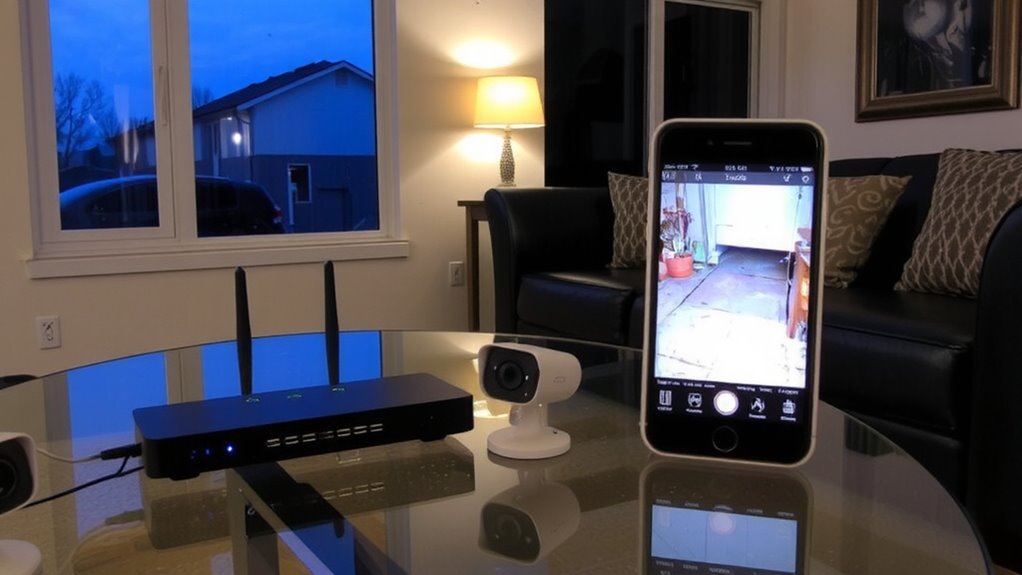
A good remote monitoring system starts with choosing one that fits your home’s layout, security needs, and budget. You’ll want systems with reliable smart sensors that detect entry points like doors and windows. These sensors sync instantly to your app, so you’re alerted the moment something’s triggered. Look for motion detection with adjustable sensitivity-this helps cut down on false alarms from pets or curtains moving. Models with 1080p video verification support better identification of threats. Systems using encrypted signals protect your data. Battery-powered options install easily, but wired setups often offer more stability. Expect to pay $200–$500 upfront, with monitoring plans from $15–$40 monthly. Choose DIY kits if you prefer control, or professional installation for complex homes. Prioritize compatibility with your Wi-Fi and other smart devices. A solid system balances performance, ease of use, and long-term cost. Top systems offer 24/7 professional monitoring for immediate emergency response.
Find Common Break-In Points to Watch
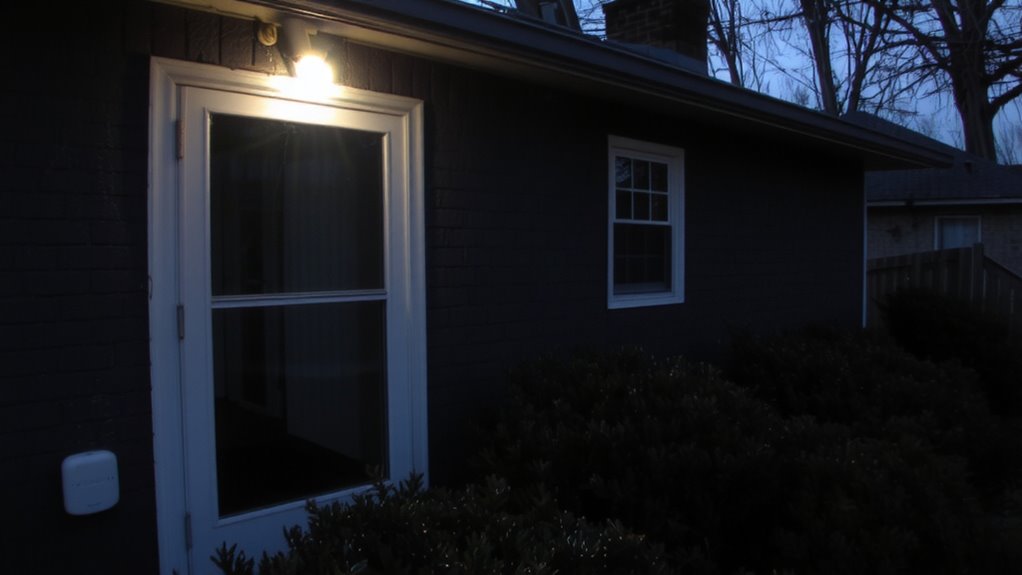
When securing your home, you’ll want to start by focusing on the spots burglars are most likely to target, since knowing these weak points helps you place sensors and cameras more effectively. Common entry points include basement windows and garage doors, both of which are easy to overlook but frequently exploited. Basement windows are often small and poorly lit, making them ideal for stealthy access if left unsecured. Garage doors, especially those with weak locks or manual overrides, offer quick entry into your home’s interior. Studies show over 20% of break-ins occur through these less-monitored areas. You should inspect all basement windows for sturdy frames and functioning locks, then consider adding contact sensors. For garage doors, install reinforcement brackets and sensors that alert you if opened unexpectedly. Prioritizing these zones strengthens your overall monitoring strategy and reduces vulnerability in high-risk areas. Top-rated security systems often include advanced garage door sensors for real-time monitoring and alerts.
Place Cameras Where They’re Most Effective
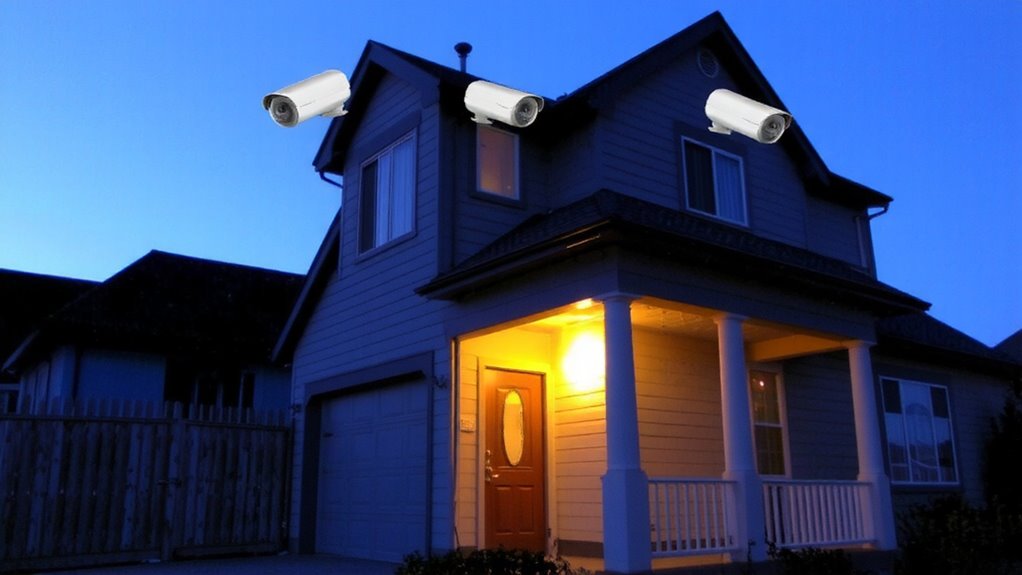
The best camera placement balances visibility, coverage, and deterrence while minimizing blind spots and false alerts. You should mount cameras at entry points like doors and ground-floor windows, where intruders are most likely to approach. Use camera angles that capture faces and license plates, not just the tops of heads. Position them high enough to avoid tampering but not so high that angles distort images. Pay close attention to lighting conditions-avoid aiming cameras directly into bright lights or sunlight, which can cause glare and reduce image clarity. For nighttime coverage, choose cameras with infrared or low-light capabilities. Place them where ambient lighting, like porch lights, supports clearer video. Avoid dense shadows or reflective surfaces that interfere with detection. Test views during day and night to adjust camera angles and settings. Proper placement improves accuracy and helps guarantee usable footage. Wireless backup cameras can be repurposed for home surveillance, offering easy installation and flexible positioning options for best wireless backup cameras.
Turn On Alerts for Immediate Threats
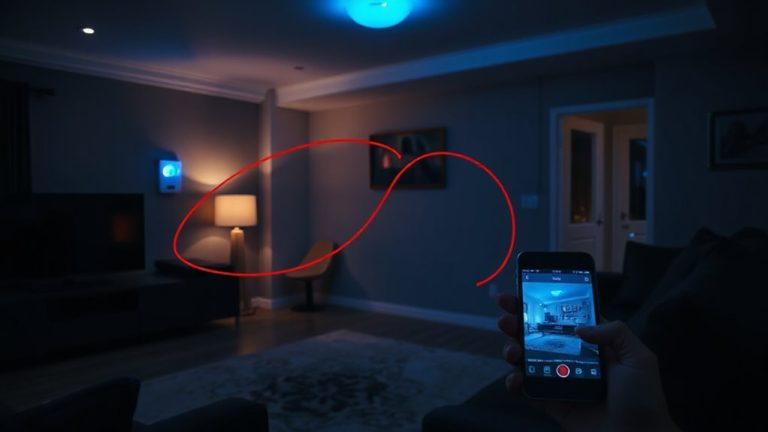
Once your cameras are placed to cover key areas like doors and windows with clear sightlines, the next step is setting up alerts that notify you of possible intrusions. Enable motion detection so your system can identify movement in monitored zones. This feature reduces false alarms by ignoring small animals or passing cars when calibrated correctly. You’ll want real time notifications sent directly to your smartphone or tablet, ensuring you’re alerted the moment something happens. Most systems allow you to customize sensitivity levels and schedule alert times, which helps avoid disturbances at night or during regular household activity. Real time notifications mean you can respond quickly, contacting authorities if needed. While some services require a subscription for advanced alert features, many basic plans include core functionality at no extra cost. Test your alert settings regularly to confirm they’re working as expected.
Keep Your Video Feed Safe From Hackers
Though securing your cameras’ placement and alerts is essential, protecting your video feed from hackers matters just as much-because even the best system can be compromised if not properly guarded. You must use strong encryption protocols to scramble video data, making it unreadable to unauthorized users. Always choose systems that support end-to-end encryption. Enable firewall protection on your home network to block suspicious incoming traffic. Avoid using default passwords; instead, set unique, complex ones for your cameras and router. Connect devices to a separate network, if possible, to limit access to your main home systems. Regular firmware updates often patch security flaws, so make certain they’re enabled. While no system is 100% immune, combining encryption protocols with solid firewall protection greatly reduces risk. These steps are affordable and straightforward, offering strong defense against common hacking attempts.
Test Your Setup and Update It Monthly
Regularly testing your system guarantees it works as intended, so make it a habit to check all cameras, sensors, and alerts at least once a month. This monthly review assures system accuracy and helps catch issues like dead batteries, blocked views, or outdated firmware early. Set a consistent update frequency-once a month is ideal-to maintain performance and security. During your check, confirm that recordings save properly, motion triggers respond correctly, and mobile notifications arrive promptly. Use this time to verify Wi-Fi strength near each device, as weak signals can disrupt monitoring. Testing monthly improves reliability, especially in high-crime areas where timely alerts matter. Consider keeping a simple log to track each inspection and note repairs or upgrades. A small time investment monthly pays off by assuring your system operates at peak efficiency, giving you trustworthy, round-the-clock protection without costly gaps in coverage.
On a final note
You’ve secured your home by choosing a reliable remote monitoring system and placing cameras at key entry points. With alerts active and footage protected from hackers, you stay informed and in control. Monthly testing guarantees everything works as expected. While no system is foolproof, these steps greatly reduce risk. Invest in quality equipment, plan your setup carefully, and maintain it consistently for long-term protection.