Choosing the Right Biometric Fingerprint Scanner for High-Security Residential Entry Points
You’ll want a capacitive sensor with at least 500 dpi for reliable recognition, even with wet or dry fingers. Look for liveness detection to block fake fingerprints and choose a model rated IP54 or higher if exposed to weather. Guarantee it matches your smart lock’s protocol-like Z-Wave or Bluetooth-and confirm compatibility before buying. For homes with multiple users, pick one that stores 50+ prints. Higher-end models with FBI PIV certification offer stronger anti-spoofing protection, worth considering for long-term security. You’ll find setup easier and more effective with the right fit.
Notable Insights
- Choose capacitive sensors with at least 500 dpi resolution for higher accuracy and durability in home entry environments.
- Prioritize models with liveness detection and anti-spoofing to prevent unauthorized access using fake fingerprints.
- Ensure the scanner has IP54 or higher rating for weather resistance in outdoor or exposed entry locations.
- Verify compatibility with your smart lock’s communication protocol, such as Z-Wave, Wi-Fi, or Matter-supported standards.
- Opt for scanners certified to FBI PIV or ISO/IEC 19794 standards to guarantee robust security and tamper resistance.
Assess Your Home’s Entry Security Needs
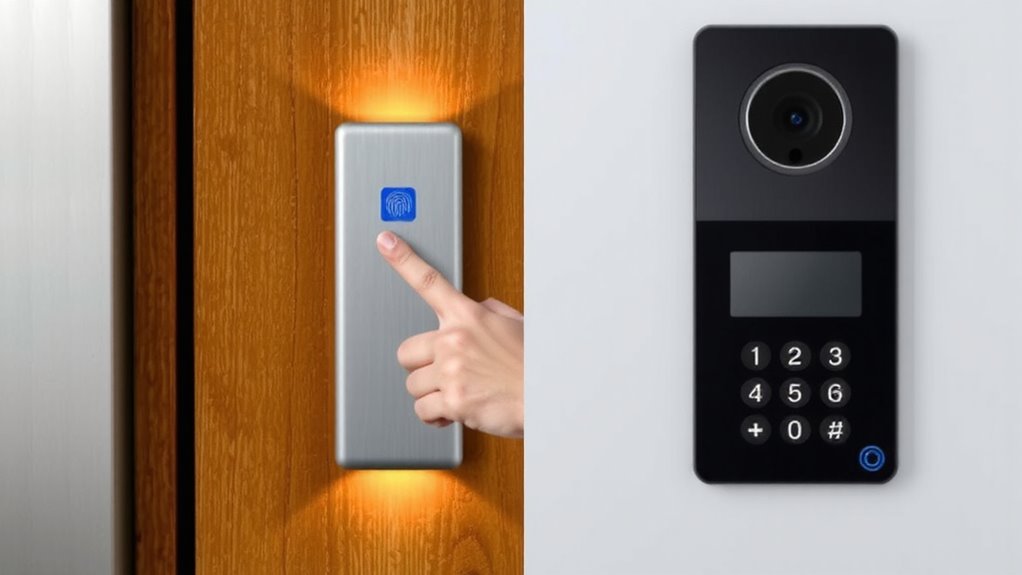
What kind of protection does your home actually need? It depends on your entry design and daily user habits. Homes with multiple exterior doors or sliding glass entries need broader coverage, often requiring more than one access control point. If you frequently carry groceries or wear gloves, a system that allows quick, touchless entry may suit you better. Entry design affects scanner placement-tight spaces limit installation options, while well-lit, sheltered areas improve sensor reliability. Consider how many people access the home; large households benefit from scanners storing 50+ fingerprints. Entry points exposed to rain or direct sun need weather-resistant models, typically rated IP54 or higher. Budget for at least $150–$250 per unit, including professional installation if wiring is involved. Security isn’t one-size-fits-all-your habits and structure should guide choices to guarantee practical, long-term protection. Top models often feature best smart locks integration for enhanced access control and remote monitoring.
Choose the Right Biometric Fingerprint Scanner Sensor
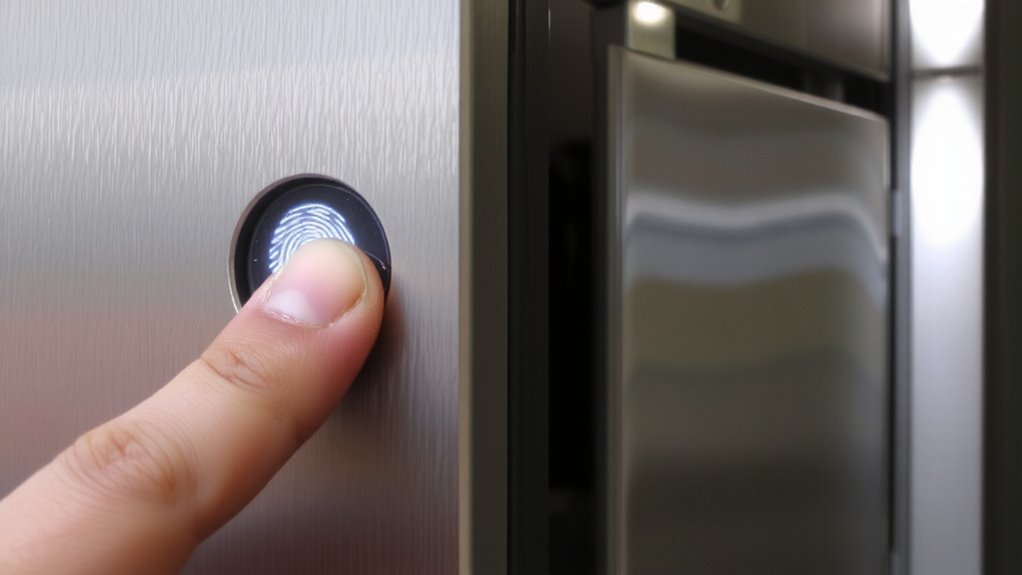
While not all fingerprint scanners work the same, choosing the right sensor type comes down to accuracy, durability, and how well it fits your daily routine. You’ll want high fingerprint accuracy to minimize false rejections-especially when hands are slightly wet or dry. Optical sensors are common and cost-effective, but they offer lower sensor resolution and can be tricked more easily. Capacitive sensors, found in most modern smartphones, provide better accuracy and higher sensor resolution, making them more reliable for home use. They’re also more resistant to wear and surface damage. For critical entry points, consider a scanner with at least 500 dpi sensor resolution-it’s a standard that guarantees solid performance. While pricier, the improved reliability over time makes capacitive models worth the investment for high-traffic or high-security areas.
Look for Anti-Spoofing and Liveness Detection
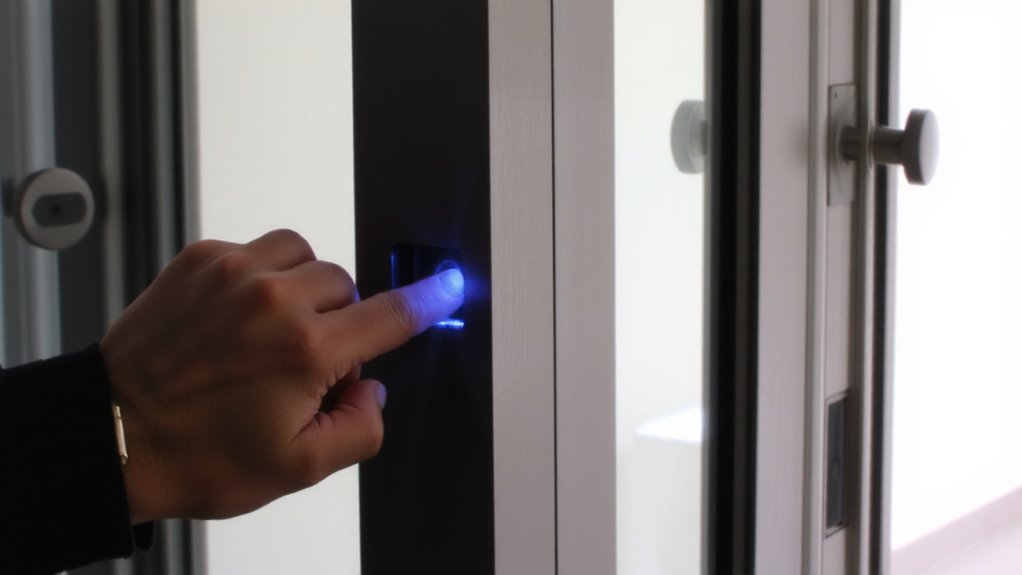
If you’re securing your home with a biometric scanner, don’t overlook anti-spoofing and liveness detection-features that help prevent fake fingerprints from gaining access. Fingerprint spoofing, where someone uses a fake print made of gelatin or silicone, is a real risk. Without liveness verification, basic scanners can’t tell the difference between a real finger and a replica. Look for models that use multi-layer detection, analyzing blood flow, heat, or electrical conductivity to confirm a live finger. These systems reduce false acceptance rates markedly. While anti-spoofing adds to the cost, it’s worth it for high-security areas. Entry-level scanners may lack strong liveness verification, so check specs carefully. Prioritize devices with certifications like FBI PIV or ISO/IEC 19794, which include anti-spoofing standards. You’ll get better protection against tampering, ensuring only authorized users enter.
Verify Compatibility With Your Smart Lock System
You’ve taken steps to guarantee your biometric scanner can detect fake fingerprints, but that protection means little if the device doesn’t work with your existing smart lock system. You need to verify integration standards and communication protocols before buying. Most smart locks use Bluetooth, Wi-Fi, or Z-Wave, so your scanner must support the same. Check if the scanner is built for your lock’s brand-some only work with specific models. Open integration standards like Matter help guarantee smoother compatibility across devices. Without matching communication protocols, the scanner won’t send open signals reliably. Always review the manufacturer’s specs for supported systems and required hubs. A mismatch could mean extra costs or delayed installation. Planning ahead saves time and keeps your security upgrade on track without unexpected replacements. Consider models that support Z-Wave Smart Locks for reliable, low-latency communication within your smart home ecosystem.
Test Outdoor Durability for Entryway Scanners
Since your entryway scanner will be exposed to rain, snow, and direct sunlight, it’s essential to check its outdoor durability before making a purchase. Look for models with strong weather resistance, such as an IP65 or higher rating, which guarantees protection against dust and water jets. Temperature tolerance matters too-reliable scanners operate between -20°F and 140°F, so they work year-round in extreme climates. Test reports and manufacturer data show these specs prevent malfunctions during seasonal shifts. Scanners with UV-resistant casings last longer under constant sun exposure, reducing fading and material breakdown. While some budget models skimp on durability, investing in a rugged build now cuts long-term replacement costs. Always verify lab-tested claims instead of relying on marketing alone. A durable scanner guarantees consistent access and maintains security, even in harsh outdoor environments.
Pick Easy Installation and Simple Access Setup
How much time and effort should you really spend installing a fingerprint scanner at your front door? Not much-look for models designed for easy installation and simple access setup. These systems often take under 30 minutes to mount and configure, thanks to clear instructions and standard screw placements. High setup speed means you’re securing your home faster, without needing a technician. Prioritize user convenience: choose scanners with intuitive menus, mobile app pairing, and on-screen guidance. Some models sync with home networks in minutes, supporting quick user registration. Avoid overly complex wiring or proprietary tools. Check if the manufacturer provides setup support and firmware updates. Units with plug-and-play installation reduce errors and save money on labor. Easy setup doesn’t sacrifice security-many top models offer strong encryption alongside fast deployment. Balance convenience and protection by selecting a scanner that installs simply but still meets your access control needs.
On a final note
You’ve weighed security needs, sensor types, and anti-spoofing features, ensuring your fingerprint scanner resists tampering. You confirmed smart lock compatibility and tested outdoor durability if needed. Installation was straightforward, and access setup simple. Choose models with liveness detection and weather resistance, balance cost with reliability, and prioritize verified performance over marketing claims. This approach gives you a secure, lasting entry solution backed by data and real-world testing.