Integrating Voice Assistants Into Your Existing Home Security Infrastructure
You can integrate voice assistants like Alexa, Google Assistant, or Siri into your security system, but first check device compatibility-look for “Works with Alexa” or similar labels. Alexa supports the most devices, while Google offers better voice accuracy and Siri prioritizes security. Connect cameras, locks, and alarms through a stable Wi-Fi network, possibly using a hub that adds $50–$150. Enable end-to-end encryption and two-factor authentication to prevent hacking, and review access logs weekly. For best performance, speak clearly within three to five feet of the device, update firmware regularly, and use voice training to improve recognition. Most systems achieve over 95% command accuracy in ideal conditions, though background noise or accents may reduce reliability. Arm and monitor your system hands-free, but test response times-delays over two seconds could matter in emergencies. Reboot devices if commands fail, and confirm all components are on the same platform to avoid gaps. With proper setup, voice control adds convenience without sacrificing security, and there’s more to contemplate for long-term reliability and optimization.
Notable Insights
- Verify compatibility between your security devices and voice assistants like Alexa, Google, or Siri before integration.
- Connect devices via apps and ensure they display certifications such as “Works with Alexa” for seamless voice control.
- Use a stable Wi-Fi network and consider a hub to bridge devices, improving communication and reliability.
- Arm and monitor your system using voice commands, ensuring voice recognition accuracy and minimizing false alarms.
- Enhance security with encryption, two-factor authentication, and regular access log reviews to prevent unauthorized access.
Pick Your Voice Assistant for Home Security
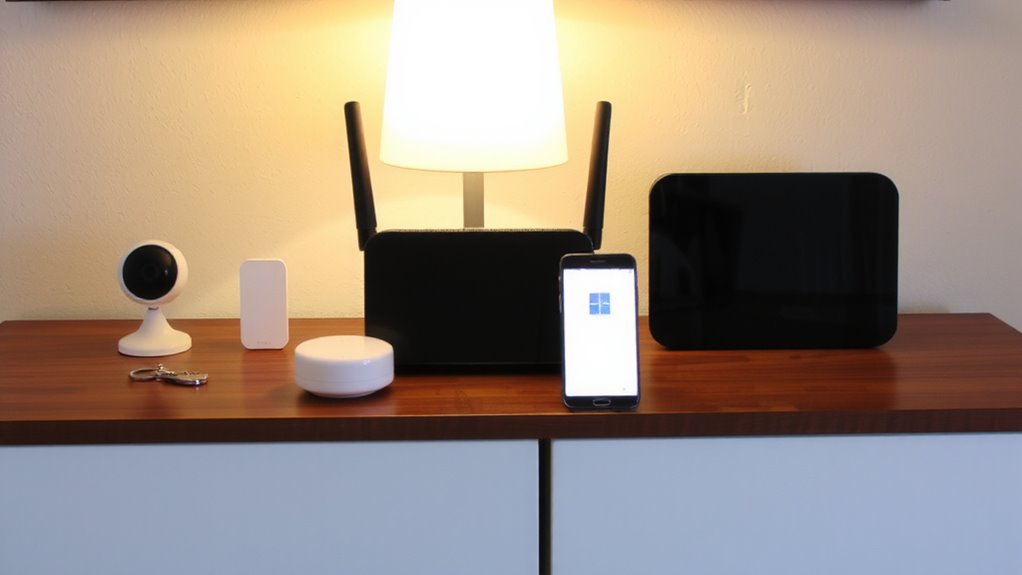
What if your voice could arm the alarm or check the locks? Choosing the right voice assistant starts with evaluating Voice compatibility across your current security devices. Not all systems work with every assistant, so confirm which platforms-like Alexa, Google Assistant, or Siri-support your cameras, locks, and alarms. Voice compatibility ensures seamless commands without delays or errors. Assistant reliability matters just as much; you need consistent performance, especially during emergencies. Look for assistants with strong uptime records and fast response times. Some offer local processing, which boosts speed and privacy. While Alexa supports the widest range of devices, Google excels in accurate voice recognition. Apple’s Siri is more limited but highly secure within its ecosystem. Consider setup complexity, subscription needs, and long-term support. Choose based on proven compatibility and dependable operation, not brand popularity. For example, when using Alexa, you can enhance your setup with top-rated Alexa-compatible security cameras.
Link Cameras, Locks, and Alarms to Voice Control
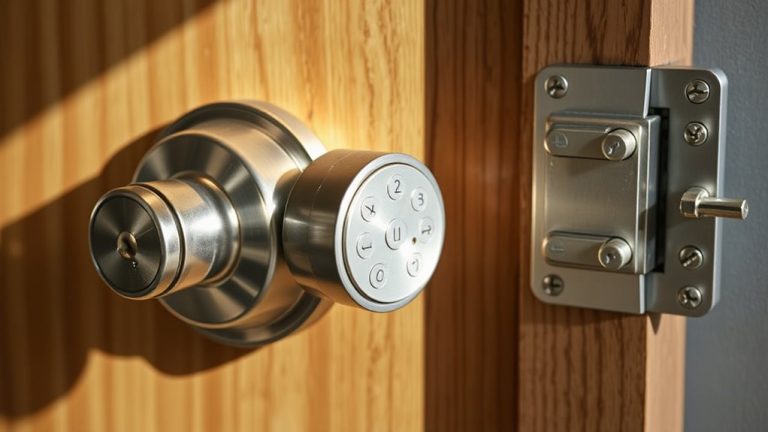
Once you’ve chosen a compatible voice assistant, the next step is connecting your cameras, smart locks, and alarm system to work seamlessly with voice commands. Start by ensuring each device supports your chosen platform-look for labels like “Works with Alexa” or “Google Assistant.” Use the device’s app to link it to your voice assistant, enabling voice recognition for access. A successful setup allows you to check camera feeds, lock doors, or disarm alarms using only your voice. Seamless integration reduces delays and improves reliability across devices. Make sure all equipment runs on a stable Wi-Fi network to prevent dropouts. Some systems may require a hub, adding slight setup complexity and around $50–$150 to initial costs. Prioritize devices with strong security protocols to protect your data. For smart locks, consider models featured in the best smart locks roundup to ensure optimal performance and compatibility.
Arm and Monitor Security by Voice Command
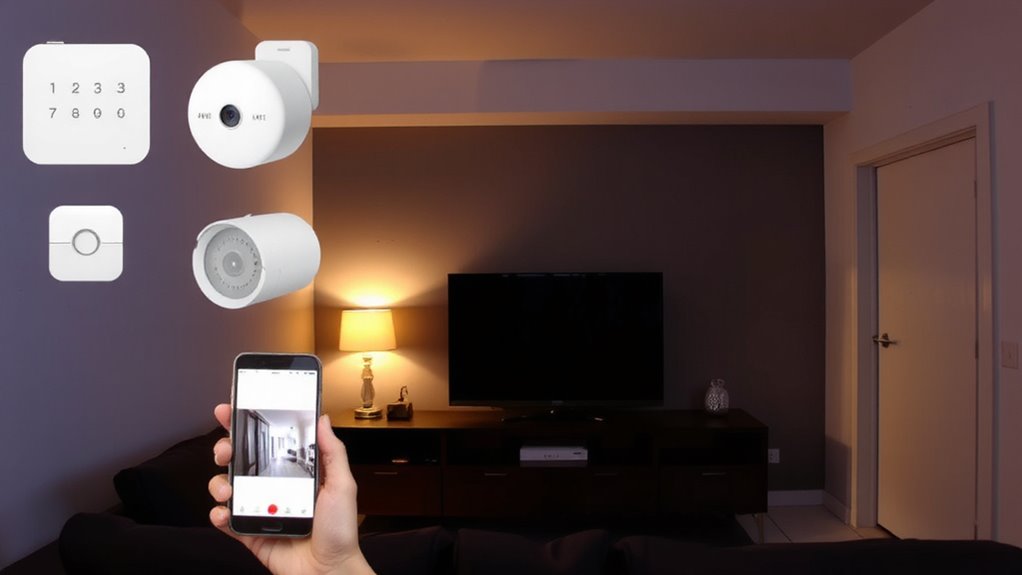
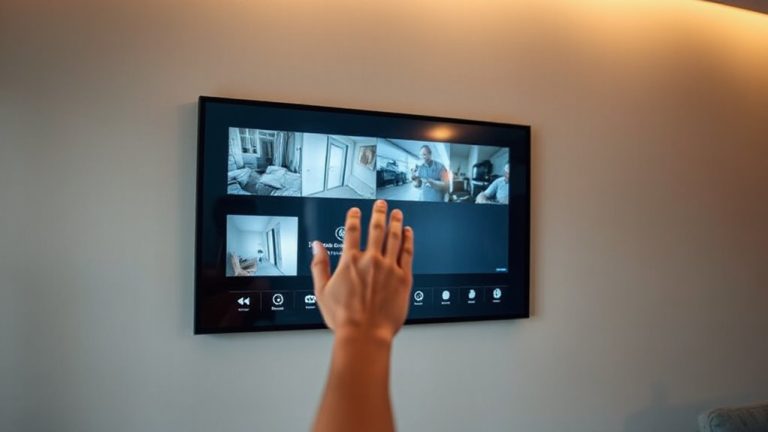
How convenient would it be to secure your entire home without lifting a finger? With voice command integration, you can arm your security system using simple verbal instructions. Systems rely on voice recognition to authenticate users, so only authorized commands trigger actions. Command accuracy is critical-poor performance can lead to failed arming or false alarms. Most major platforms achieve over 95% accuracy in ideal conditions, but background noise or accents may reduce reliability. For best results, speak clearly and use consistent phrases. Monitor system status by asking your assistant for updates-no app needed. While convenient, always confirm the system responded correctly. Consider models with multi-factor verification for added security. Setup typically takes under 30 minutes and costs nothing extra if using existing smart devices. This feature works best when paired with reliable Wi-Fi and updated firmware.
Stop Hackers From Accessing Your Voice Assistant
Could your voice assistant be a weak link in your home security? It’s possible if you’re not using voice encryption and monitoring access logs. These tools help keep hackers out. Voice encryption protects your commands by scrambling them so only your device can decode them. Without it, intercepted data could expose your routines. Check if your assistant offers end-to-end encryption-some platforms include it, others don’t. Access logs let you see when and how your device was used. Review them weekly. Spotting odd activity early helps prevent breaches. Enable two-factor authentication too; it adds a needed layer. Some systems charge more for advanced logs or encryption features. Weigh the cost against your security needs. A small investment now could prevent bigger losses later. Stay proactive-your home’s safety depends on it.
Fix Voice Control Problems Fast
Why does your voice assistant sometimes ignore commands or respond incorrectly? Poor command accuracy often stems from background noise, distance from the device, or outdated software. To fix this fast, first make certain your microphone is unobstructed and you’re speaking clearly within three to five feet of the unit. Check your Wi-Fi signal-weak connectivity increases voice latency and disrupts processing. Rebooting the device and hub can resolve temporary glitches. Update firmware regularly to benefit from accuracy improvements. Position devices away from reflective surfaces to reduce echo interference. Consider using a mesh network if latency persists across large homes. Most modern assistants support voice training features-spend five minutes calibrating yours to boost recognition. These steps enhance reliability without costly upgrades and keep your security commands functioning as intended.
Test and Optimize Your Voice Security Setup
After setting up your voice-controlled security system, it’s essential to test its performance under real-world conditions so you can identify weak spots and fine-tune responses. Start by giving varied commands from different rooms to assess voice accuracy and guarantee the assistant hears you clearly. Check response latency by timing how quickly lights turn on, cameras stream, or locks engage after a command. Delays over two seconds may hinder usability, especially in urgent situations. Adjust mic sensitivity or add hubs to improve signal strength and reduce lag. Test during low and high Wi-Fi usage to see how network load affects performance. Re-evaluate voice accuracy weekly as ambient noise or device placement changes. Record results, compare them across devices, and update settings accordingly. Consistent testing helps maintain reliability, keeps your system responsive, and guarantees commands are interpreted correctly every time.
On a final note
You’ve now linked your security devices to a voice assistant, enabling hands-free control and real-time monitoring. Always enable two-factor authentication and update firmware regularly to reduce hacking risks. Test commands monthly and troubleshoot connectivity issues early. While voice integration adds convenience, it works best when combined with strong passwords and encrypted networks. Plan for compatibility and ongoing costs. This setup improves response times, but stays vigilant-security depends on both technology and smart habits.