Controlling Door Locks and Alarms Remotely After Receiving a Suspicious Motion Alert
You get an alert when motion is detected, and within seconds you can check live video, lock unlocked doors, or trigger your alarm from your phone. Motion sensors with infrared tech reduce false alarms by distinguishing people from pets. Smart locks cost $100–$300 and work via Wi-Fi or Bluetooth, while most full-featured systems require subscriptions. Use two-factor authentication and firmware updates to stay protected. There’s more to explore when setting up your system effectively.
Notable Insights
- Receive instant motion alerts on your device and verify activity via live camera feeds.
- Use two-way audio to identify individuals at doors before taking action.
- Remotely lock unlocked doors using your smartphone or tablet immediately.
- Activate the alarm system remotely to deter potential intruders with sound and lights.
- Notify authorities or neighbors if threats are confirmed, and log the event in the app.
How Remote Access Keeps Your Home Safe
While you’re away from home, having the ability to check and control your door locks and alarms remotely gives you real-time oversight that can prevent break-ins before they happen. Real time monitoring lets you verify if doors are locked or if the alarm is armed, even from hundreds of miles away. Using secure communication protocols, these systems encrypt data between your device and your home, making unauthorized access highly unlikely. You can lock unlocked doors, arm or disarm the alarm, or grant temporary access to guests. Most platforms offer two-factor authentication and regular firmware updates to maintain protection. While setup costs range from $150 to $400, monthly service plans may add $10–$30. Choose systems with strong encryption and no history of data breaches. This proactive control greatly reduces risk when used consistently. Top-rated systems often include best smart locks for seamless integration and reliable performance.
Get Instant Alerts When Motion Is Detected
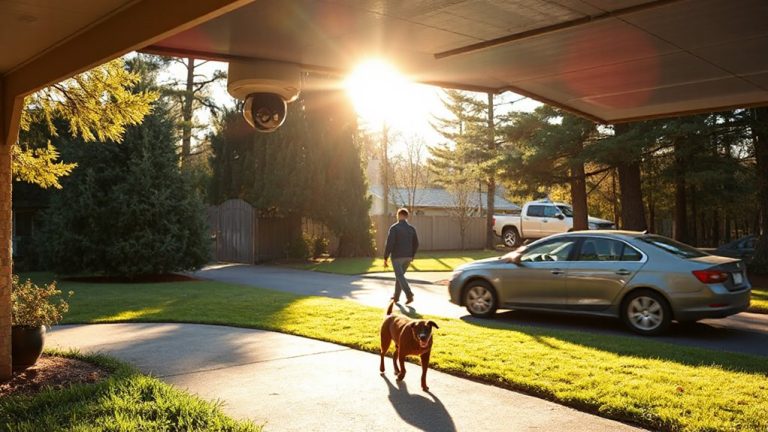
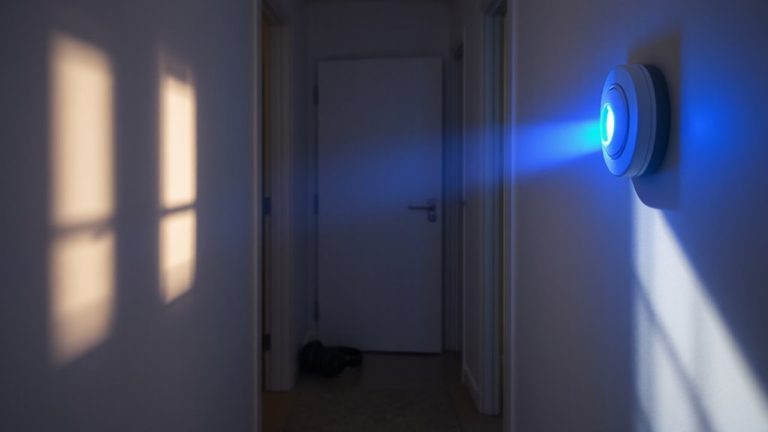
What if you could know the moment someone steps onto your porch or enters your home, even while you’re asleep or miles away? With motion sensors installed in key areas, you can. These devices detect movement and instantly send real time notifications to your smartphone or tablet. Whether it’s a delivery person at the door or an unexpected visitor, you’ll be informed immediately. Most systems use infrared technology to distinguish between people and pets, reducing false alerts. For best results, place sensors near entry points like doors and windows. Look for models with adjustable sensitivity and wide detection ranges. Expect to pay between $20 and $60 per sensor, with professional installation adding to the cost. Real time notifications mean faster response times, helping you act while it matters. Pairing alerts with smart alerts improves awareness without compromising privacy or reliability. Top-rated systems often feature best motion detectors for reliable performance across various home layouts.
Choose a Lock You Can Control From Anywhere
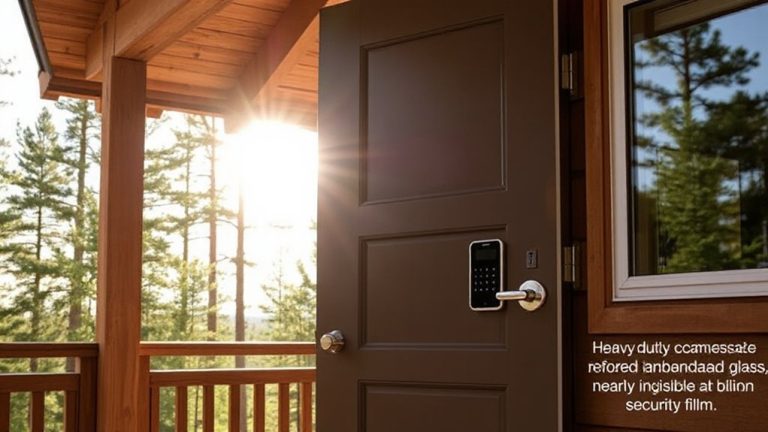
A growing number of homeowners, over 40% according to recent surveys, now use smart locks that let them control access to their home from anywhere using a smartphone. You can use a smart key feature to open or lock your door remotely, which is helpful if you forget to secure it or need to let in a guest. These locks support digital entry, eliminating the need for physical keys. Most models work with Wi-Fi or Bluetooth, so you’ll want to pick one with strong encryption and two-factor authentication for security. Look for brands offering firmware updates and compatibility with voice assistants. Some systems cost between $100 and $300, depending on features. While convenient, they can fail during power outages, so choose one with backup options like a keypad or physical key override. Always install updates to protect against digital threats. For reliable performance, consider checking out the top smart lock picks based on expert testing and user reviews.
Turn On Alarms Remotely in Seconds
If you’re away from home and get a notification that a door is unsecured or a window has been opened, you’ll want to activate your alarm system right away-and modern smart security setups let you do just that with a few taps on your phone. Remote alarm activation works instantly, often syncing with sound activation to trigger loud alerts inside and outside your home. Many systems also support light synchronization, flashing indoor or outdoor lights to deter intruders and draw attention. These features are standard in most subscription-based platforms, though some require a monthly fee for full functionality. Look for systems with military-grade encryption to guarantee your commands can’t be intercepted. Response time is typically under five seconds, based on third-party testing. For best results, choose a system that integrates with your existing locks, cameras, and home network. Setup usually takes under 30 minutes, and most brands offer free apps for iOS and Android.
What to Do When You Get a Suspicious Alert?
Receiving a suspicious alert from your smart security system can happen at any time, even when you’re miles away from home. Stay calm and act quickly. First, use your security app to verify identity by checking live camera feeds for familiar faces or unexpected visitors. If someone is at the door, use two-way audio to ask who they are. Then, assess surroundings by reviewing motion detection zones and video history to confirm whether movement was caused by a person, animal, or false trigger like a tree branch. If the situation seems unsafe, do not confront-instead, lock doors remotely and activate the alarm. Consider notifying a neighbor or contacting authorities if needed. Always document the event within the app for future reference. A quick, methodical response helps protect your home without panic or overreaction.
Keep Your Remote Access Safe From Hacks
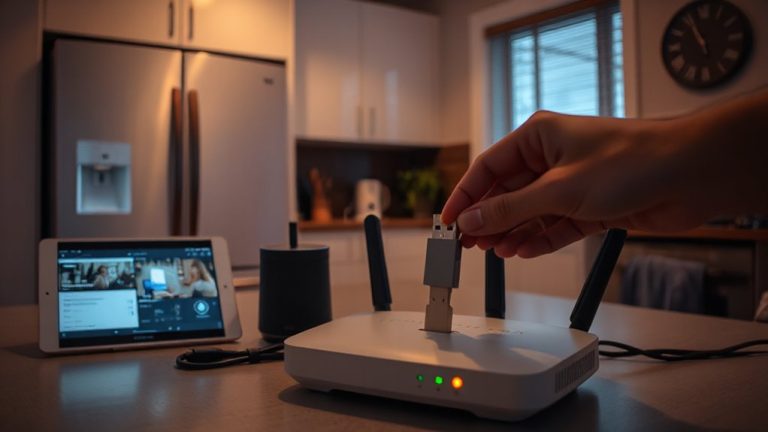
How secure is your remote access really, when you’re checking cameras or locking doors from afar? If your system lacks strong encryption protocols, hackers could intercept data or gain control. Always choose platforms using end-to-end encryption so only you can view feeds or send commands. Device authentication is just as critical-enable two-factor authentication (2FA) to guarantee only authorized users access your system. Avoid default passwords; use unique, complex ones for each device. Check that your smart lock and alarm system regularly receive security updates. Opt for brands that openly share their security standards and undergo third-party audits. While higher-end models cost more, they often include stronger encryption protocols and reliable device authentication. A small upfront cost beats a costly breach. Review settings monthly to confirm protections are active and functioning as intended. Stay proactive-security isn’t a one-time setup.
On a final note
You can protect your home by responding quickly to motion alerts with remote locks and alarms. Check alerts right away, then lock doors or sound alarms from your phone. Pick systems with strong encryption and two-factor authentication to prevent hacks. These tools work best when part of a plan that includes cameras and lighting. They cost more upfront, but the added security is worth it for many families.