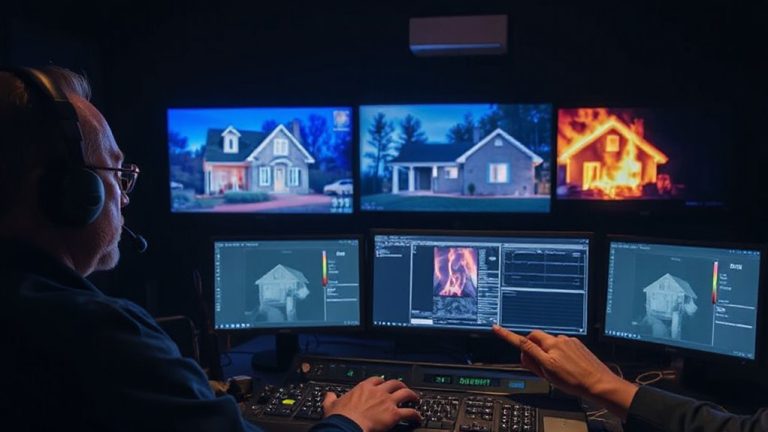
Securing Your Smart Home Network Against Hacking and Unauthorized Access
Change your router’s default admin username and password right away-they’re easy for hackers to find. Use strong, unique passwords for each smart device, and consider a password manager to keep track, costing $30–$60 per year. Enable WPA3 encryption for better protection, or WPA2 if needed, and set up a guest network to isolate visitors. Update all device firmware regularly, ideally automatically, to fix security flaws. Create a separate network for smart devices to limit access between systems. Check logs and security alerts to spot suspicious activity early-there’s more to optimizing your setup effectively.
Notable Insights
- Change default router credentials immediately to prevent unauthorized access using common factory login details.
- Enable WPA3 encryption on your Wi-Fi network to protect against brute-force attacks and secure data transmission.
- Regularly update firmware on all smart devices to patch security vulnerabilities and ensure device authentication remains effective.
- Segment your network to isolate smart devices, limiting lateral movement in case of a security breach.
- Use strong, unique passwords for each device and consider a password manager to securely store and generate credentials.
Replace Default Router Settings Immediately
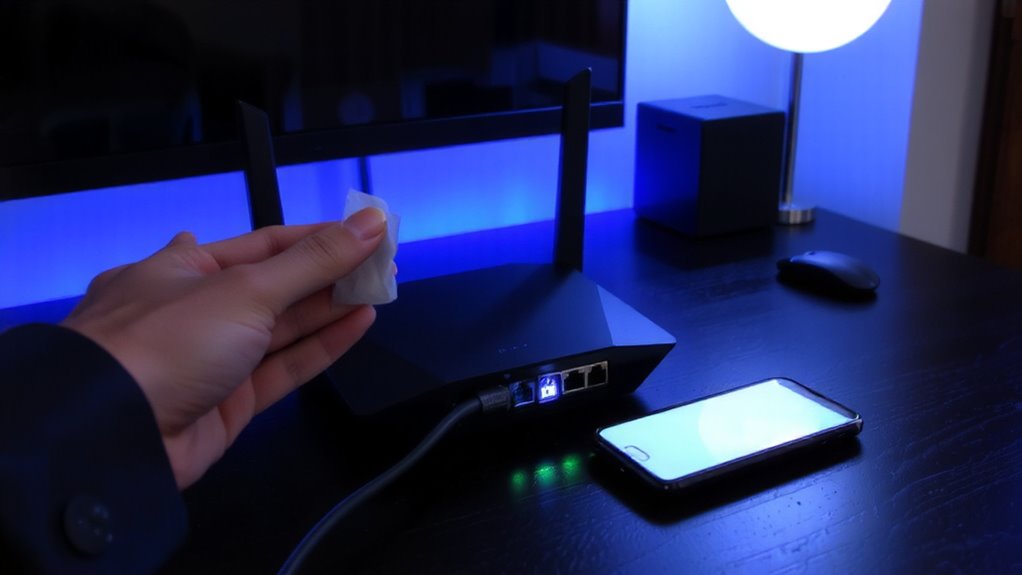
Many new routers come with default settings that leave your smart home vulnerable, so you’ll want to change them right away. You can find the initial login details on the router labels-these include the default admin credentials needed to access your router’s settings. Once connected, you should change those admin credentials immediately; leaving them unchanged makes it easy for attackers to gain control. Choose a strong username and password, but don’t confuse this with device-specific passwords-this step is just for the network hub. Most routers use common defaults like “admin” and “password,” which are widely known and frequently exploited. Using your router’s web interface, disable remote administration and update the firmware to patch security flaws. This takes less than 10 minutes and greatly reduces your risk. Treat this setup as essential, not optional, for any secure smart home.
Use Strong, Unique Passwords for Every Device
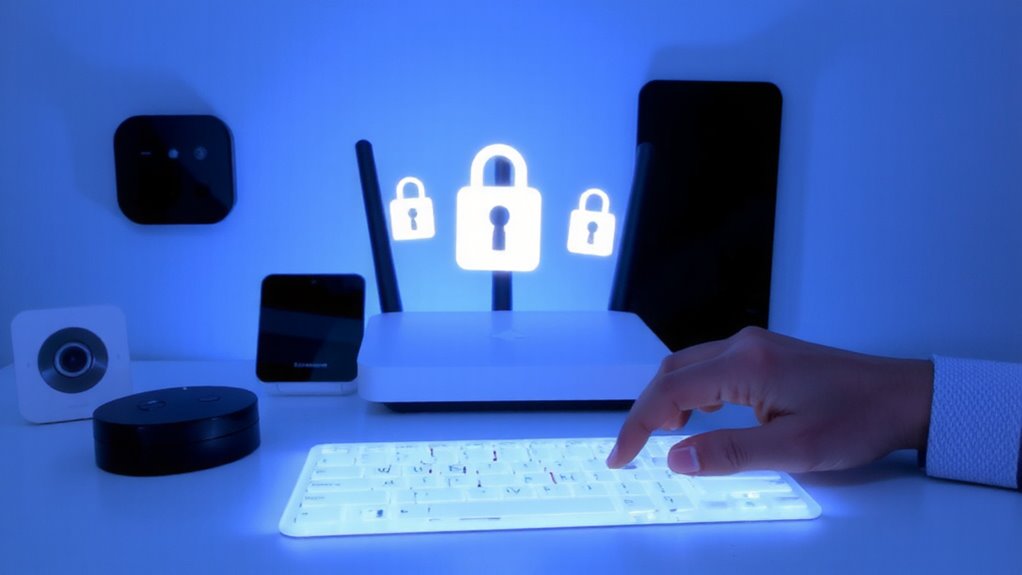
A solid defense starts at the device level, and your smart home is only as secure as the weakest password protecting it. You can’t rely on simple or repeated passwords-they’re low-hanging fruit for attackers. Use strong, unique passwords for each device, combining letters, numbers, and symbols. Reusing passwords increases risk, especially if one device gets compromised. Strong credentials support effective device segregation, limiting access between systems so one breach doesn’t expose everything. If a smart bulb fails, your camera shouldn’t follow. Unique logins also improve intrusion detection by generating clearer alerts when suspicious activity occurs. Consider a password manager to store and generate credentials securely-it’s efficient and reduces human error. While premium managers cost $30–$60 yearly, the investment is minor compared to potential breaches. Manual tracking is error-prone and less reliable. Secure passwords are foundational, scalable, and essential for long-term smart home safety.
Enable WPA3 Encryption and a Guest Network
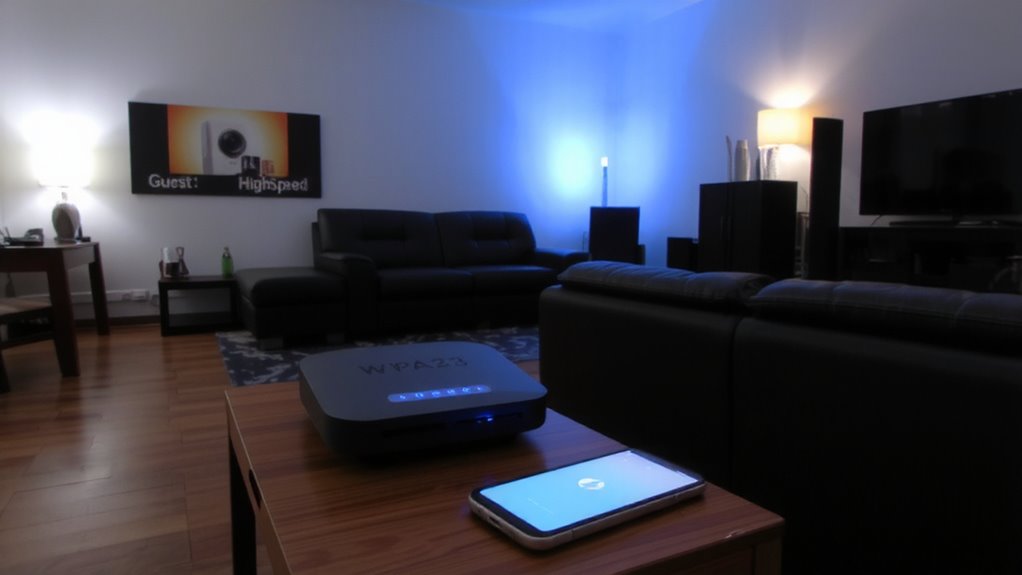
You’ve already taken steps to protect your devices with strong, unique passwords, and now it’s time to secure the network they all connect to. Upgrading to WPA3 encryption offers clear WPA3 advantages, including stronger protection against brute-force attacks and better data encryption, even if someone guesses your password. Most modern routers support WPA3, and enabling it guarantees your smart home traffic stays private. You’ll need all your devices to be WPA3-compatible, though some older models might only work with WPA2. To further reduce risk, set up a guest network. Guest network isolation keeps visitors’ devices separate from your main smart home system, so a compromised phone or laptop won’t give hackers access to your cameras or locks. It’s easy to enable and lets you share internet access without sacrificing security.
Regularly Update Firmware on All Devices
Frequently, overlooked but critically important, updating the firmware on all your smart home devices helps protect against known security flaws. You should check for updates every few months, or enable automatic updates if available. Outdated firmware can leave systems vulnerable to hacking, even with strong passwords and encryption. Many modern devices use firmware verification to guarantee only signed, trusted updates are installed, reducing the risk of malware. Device authentication also relies on current firmware to confirm each gadget on your network is legitimate. Without it, impostor devices may gain access. Some brands release updates quarterly, while others do so less frequently-check manufacturer websites or apps. Though updates take time and may briefly disrupt service, they improve stability and security. Ignoring them increases your risk more than you might think, especially as hackers target outdated systems. Make this maintenance part of your routine.
Create a Dedicated Smart Device Network
While your main home network handles computers and smartphones, setting up a separate network just for smart devices can greatly reduce security risks. This strategy, known as network segmentation, limits access between your critical devices and less secure smart gadgets. It guarantees device isolation, so if a smart bulb or camera gets compromised, hackers can’t easily reach your laptop or phone. Most modern routers support guest networks or multiple SSIDs, making this easy to set up.
| Feature | Benefit | Consideration |
|---|---|---|
| Network Segmentation | Reduces attack surface | May require router upgrade |
| Device Isolation | Prevents lateral movement | Slight setup effort |
| Guest Network Use | Simple implementation | Bandwidth limits possible |
Use this approach to enhance your smart home’s security with minimal cost or complexity.
Monitor Logs and Enable Security Alerts
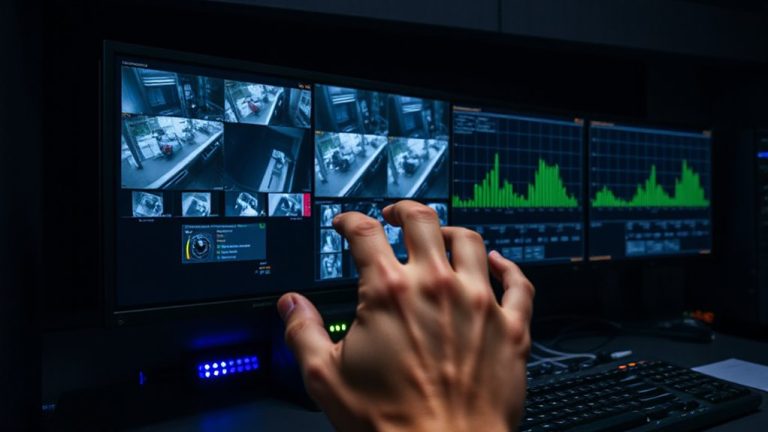
Keeping your smart home secure doesn’t stop at setup-it requires ongoing attention. You should regularly monitor system logs and enable security alerts to catch suspicious activity early. Most modern routers and smart hubs let you view access patterns, showing when devices connect or send data. Unusual spikes or off-hour access could signal trouble. Pair this with anomaly detection tools, which flag behavior that deviates from the norm, like a camera streaming at 3 a.m. Many security systems offer email or app alerts when risks are detected. Enabling these features helps you respond fast. While some platforms charge for advanced monitoring, basic alert functions are often free. Check your device settings to turn on logging and alerts. It doesn’t take long, and it adds a strong layer of protection. Consistent monitoring gives you data, not just warnings-making your security proactive, not reactive.
On a final note
You should act now to protect your smart home. Change default router settings, use strong, unique passwords, and enable WPA3 encryption. Keep firmware updated and monitor logs for suspicious activity. A dedicated network for smart devices reduces risk. While setting up takes time, the long-term security is worth it. These steps are low-cost, effective, and backed by cybersecurity experts. Stay proactive to stay safe.