How Off-Site Storage of Video Clips Supports Post-Breach Investigation Efforts
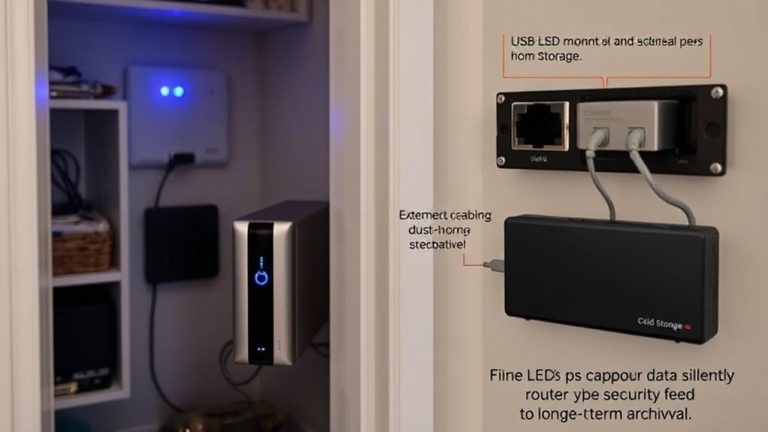
You protect your video evidence when you use off-site/getaway storage, because it automatically backs up encrypted footage to secure, remote servers. If a breach damages your on-site system, your recordings stay safe and accessible. Multiple server locations and strong encryption prevent tampering and maintain data integrity. You can quickly review clips from anywhere, speeding up incident analysis. This secure, reliable process supports investigations by preserving a clear chain of custody. There’s more to weigh when setting up continuous protection.
Notable Insights
- Off-site storage preserves video evidence even if on-site systems are damaged or destroyed during a breach.
- Encrypted cloud backups prevent tampering and ensure video integrity for forensic analysis.
- Redundant server storage protects against data loss from hardware failure or sabotage.
- Immediate remote access to footage accelerates incident review and law enforcement response.
- Automated syncing and secure chain of custody maintain reliable, admissible evidence for investigations.
Why On-Site Video Storage Fails During a Breach
While your security cameras may record every corner of your home, storing that footage locally puts it at serious risk during a breach. If an intruder gains physical access to your system, they can delete or alter recordings-enabling video tampering that erases critical details. Local damage from fires, floods, or sabotage can destroy your storage device entirely, leaving no evidence behind. Unlike cloud-based systems, local storage lacks redundancy, meaning one point of failure compromises everything. Hard drives and DVRs can fail without warning, and power surges during break-ins may permanently corrupt files. You might save money upfront with on-site storage, but the lack of backup increases long-term risk. Without off-site syncing, you’re relying solely on a single device that’s vulnerable to both human and environmental threats. That limited protection undermines your ability to investigate effectively.
How Off-Site Video Storage Preserves Critical Evidence
Even if an intruder disables your on-site cameras or damages your recording device, your footage stays safe when it’s automatically backed up to off-site storage. This remote backup prevents video degradation from physical wear and environmental damage. With storage redundancy, your data is copied across multiple secure servers, ensuring access during and after a breach. You don’t risk losing key evidence due to hardware failure or tampering. Choosing the right security camera software can significantly enhance the reliability and effectiveness of your off-site video storage system.
Security Features of Off-Site Video Storage
Your video footage is only as secure as the system storing it, so choosing an off-site storage solution with strong built-in protections makes all the difference. These systems use encryption to shield your files from unauthorized access, ensuring only you or authorized personnel can view them. Cloud redundancy means your clips are copied across multiple servers in different locations, reducing the risk of permanent data loss. This setup also supports data sovereignty, letting you choose where your footage is stored to comply with local laws. Most providers follow strict security standards and undergo regular audits. While subscription fees vary, the cost is often justified by the level of protection. Look for solutions offering end-to-end encryption, clear retention policies, and transparent data handling practices. These features strengthen trust and keep your evidence secure long-term.
Instant Access for Faster Investigations
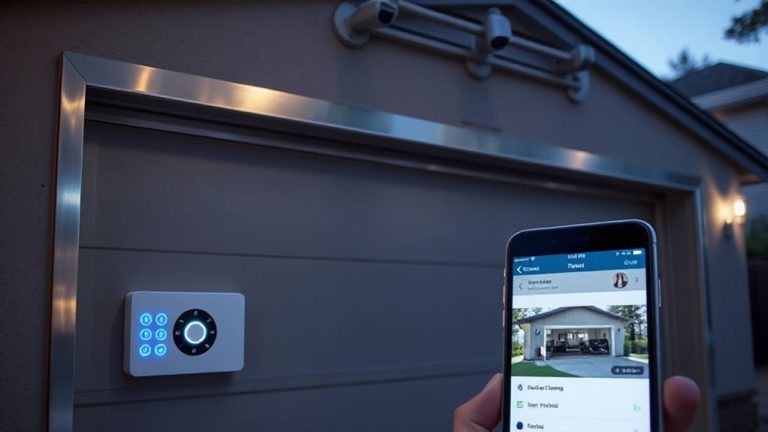
How quickly can you pull up footage after a break-in? With off-site video storage, you get instant access to clips, often within seconds. Real time monitoring guarantees that if something happens, you’re alerted right away, and the data is already stored securely in the cloud. That means no waiting to retrieve hard drives or rely on compromised on-site systems. You can use remote viewing from your phone or computer to check footage anytime, anywhere. This rapid access speeds up investigations, helping police identify suspects faster and improving the odds of recovery. Delayed access can mean lost evidence, but cloud-based systems lessen that risk markedly. Most services offer immediate playback with minimal lag, even on mobile networks. While subscription costs vary, the ability to review events the moment they occur makes off-site storage a smart, practical choice for home security.
Maintain Chain of Custody With Encryption
Security begins with trust, and encrypted off-site storage guarantees your video footage stays protected from tampering. You need video integrity and forensic authenticity when investigations demand reliable evidence. Encryption guarantees only authorized personnel access clips, preserving the chain of custody.
| Stage | What Happens | Why It Matters |
|---|---|---|
| Capture | Video is encrypted at the source | Prevents tampering before storage |
| Transfer | Data moves securely to off-site servers | Maintains video integrity |
| Storage | Encrypted clips reside in isolated cloud vaults | Supports forensic authenticity |
| Access | Authorized users decrypt with verified credentials | Secures chain of custody |
This process keeps your footage trustworthy. You can’t risk altered evidence, so choose systems with end-to-end encryption. It’s not just about storage-it’s about proving your video is genuine when it matters most.
How to Integrate Off-Site Video Storage Into Incident Response
Once video clips are securely encrypted and stored off-site, the next step is making that footage work for you during a real incident. You should integrate off-site storage into your response plan by ensuring immediate access when alarms trigger. Enable remote monitoring so you can view live and recorded footage from any location, helping verify threats in real time. Video redundancy means keeping multiple copies across separate systems, reducing the risk of data loss. This backup approach guarantees evidence stays intact, even if one system fails. When planning your setup, choose platforms that automatically sync clips to the cloud and notify you of breaches. Look for services offering at least 30 days of retention and strong access controls. While monthly fees vary from $5 to $15, the cost is justified by reliable evidence preservation and faster incident analysis. Top systems also support easy retrieval and playback through best home security cameras with apps.
On a final note
You protect evidence by storing video off-site, where it can’t be lost during a breach. Encrypted cloud storage keeps footage secure and maintains chain of custody. You get instant access from any device, speeding up investigations. While subscription fees apply, the ability to review reliable, tamper-proof clips makes off-site storage a practical choice for faster, data-backed responses and stronger home security planning.